The 60-second verdict
What WPForms is: A premium WordPress form plugin from Awesome Motive (the company behind OptinMonster, WPBeginner, MonsterInsights). $49.50 to $299.50 per year (year 1 intro pricing, renewals at full retail double these numbers), plus a limited free version called WPForms Lite. The most popular WordPress form plugin by install count (6 million+ active installs per the WordPress plugin repo).
What it gets right: Best onboarding UX among WordPress form plugins, extensive template library, native Stripe payments on Pro, and the deepest first-party marketing-tool integrations (MailChimp, ActiveCampaign, Salesforce, HubSpot, ConvertKit).
What it gets wrong: Aggressive upsells inside the plugin admin (constant nag notices for higher tiers and sister products), year-2 renewals cost roughly double the year-1 intro price, and Salesforce / HubSpot are Elite-tier only ($299.50+ year 1).
Bottom line: If your site is WordPress and you value onboarding polish over raw power, WPForms is a strong choice at the Pro tier ($199.50/year year 1 intro). If you want maximum feature depth on WordPress, Gravity Forms Elite ($259/year for unlimited sites) is the better technical pick. If you're not on WordPress or want a hosted SaaS with unlimited responses on free, use Formester.
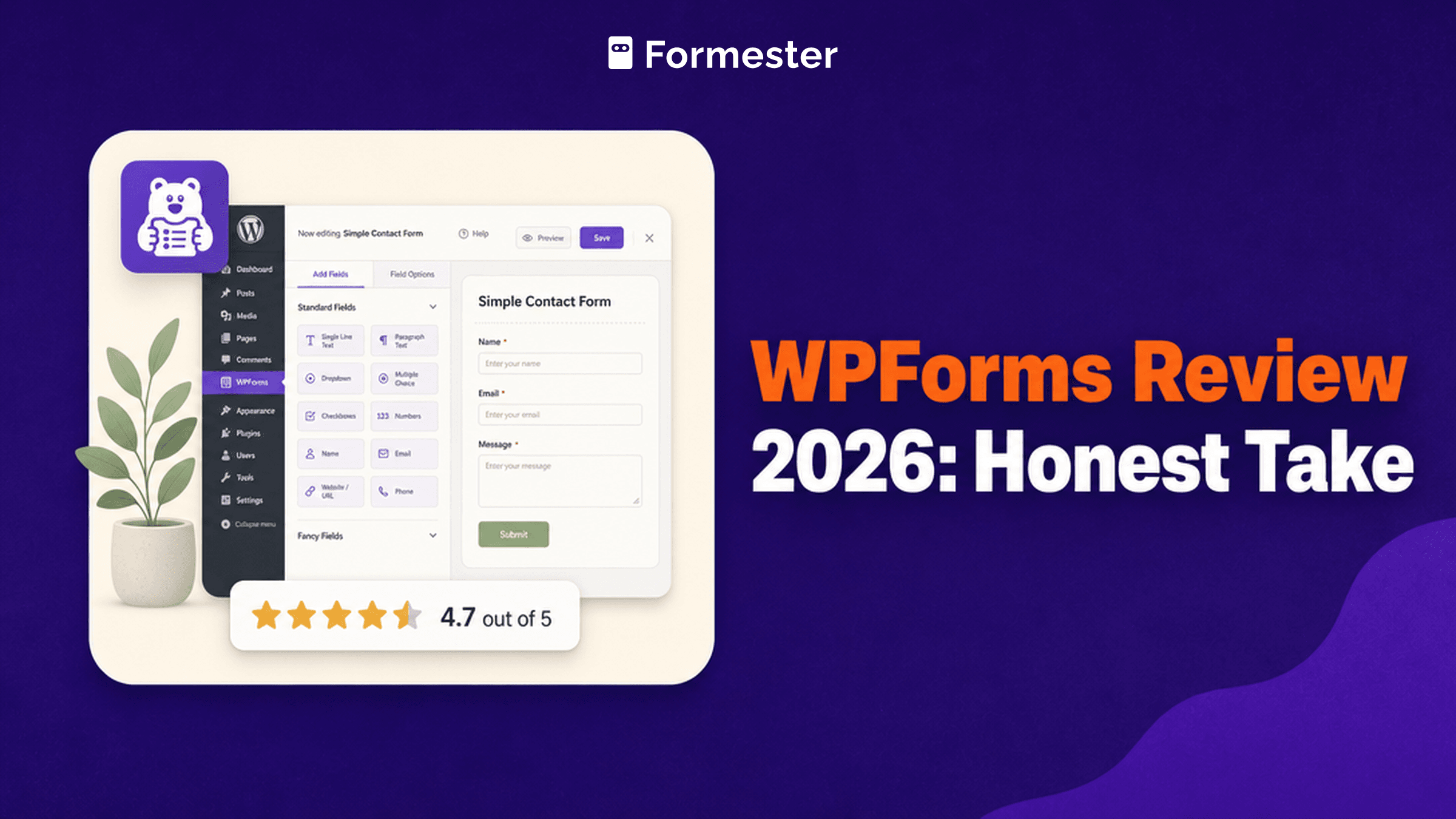
G2 rating: 4.7/5 (971 reviews)
What WPForms is (and isn't)
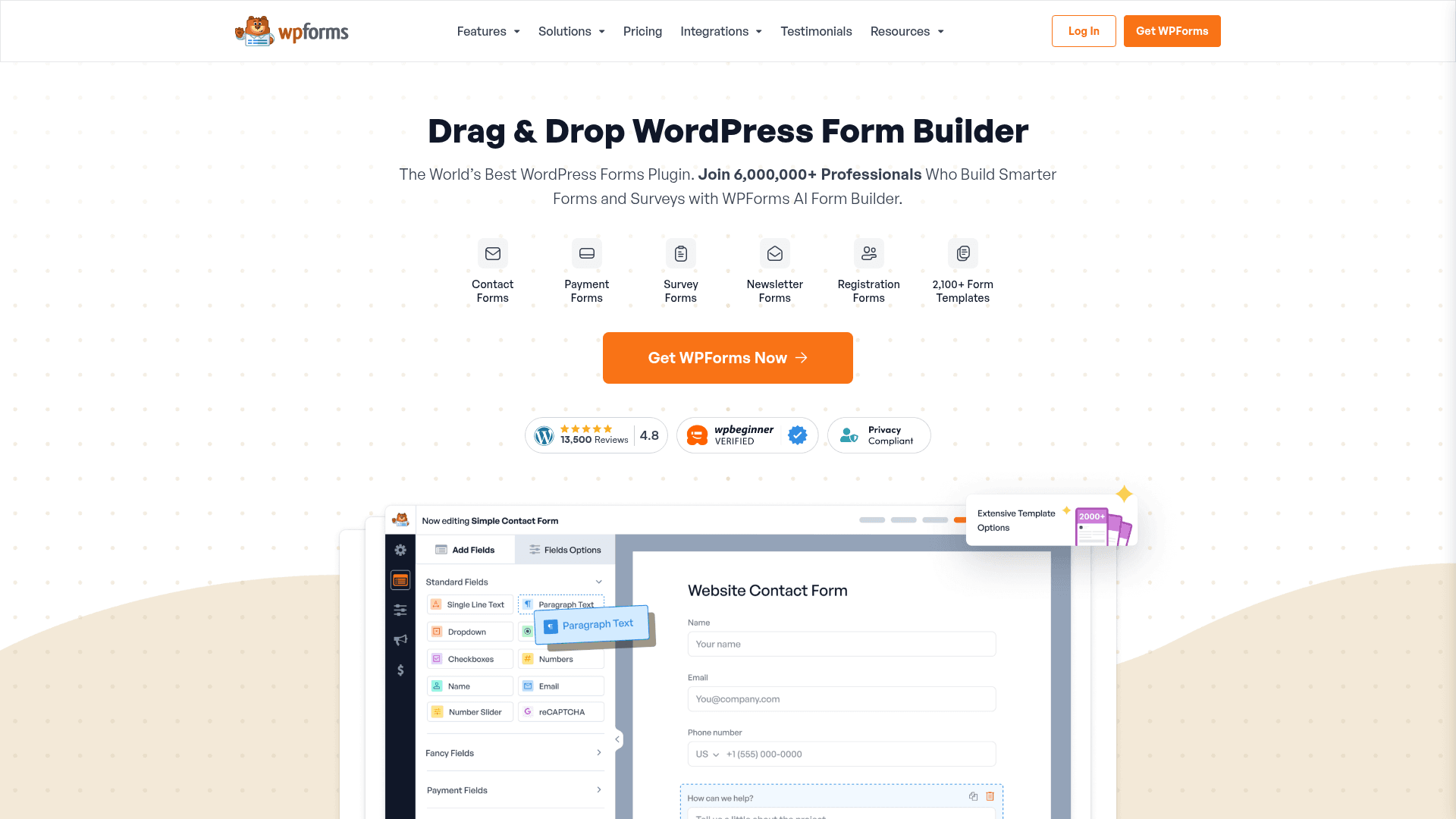
WPForms is a WordPress plugin. Not a SaaS, not a cloud service. You install it on your WordPress site, it lives in your WP admin, and every form submission lands in your WordPress database.
Distinctions:
- Not applicable if you're on Webflow, Framer, Squarespace, Shopify, or any non-WordPress CMS. WPForms will not install on those platforms.
- Not a headless form service. There's no API-first mode; the plugin assumes WordPress rendering.
- Not free-forever in any meaningful sense. WPForms Lite (free) has significant limits; the value tier is Pro ($199.50/year year 1 intro, $399/year at renewal).
If your site is WordPress, keep reading. If not, use Formester, Fillout, or a native form for your CMS.
Pricing: 4 tiers, all annual (with renewal-discount catches)
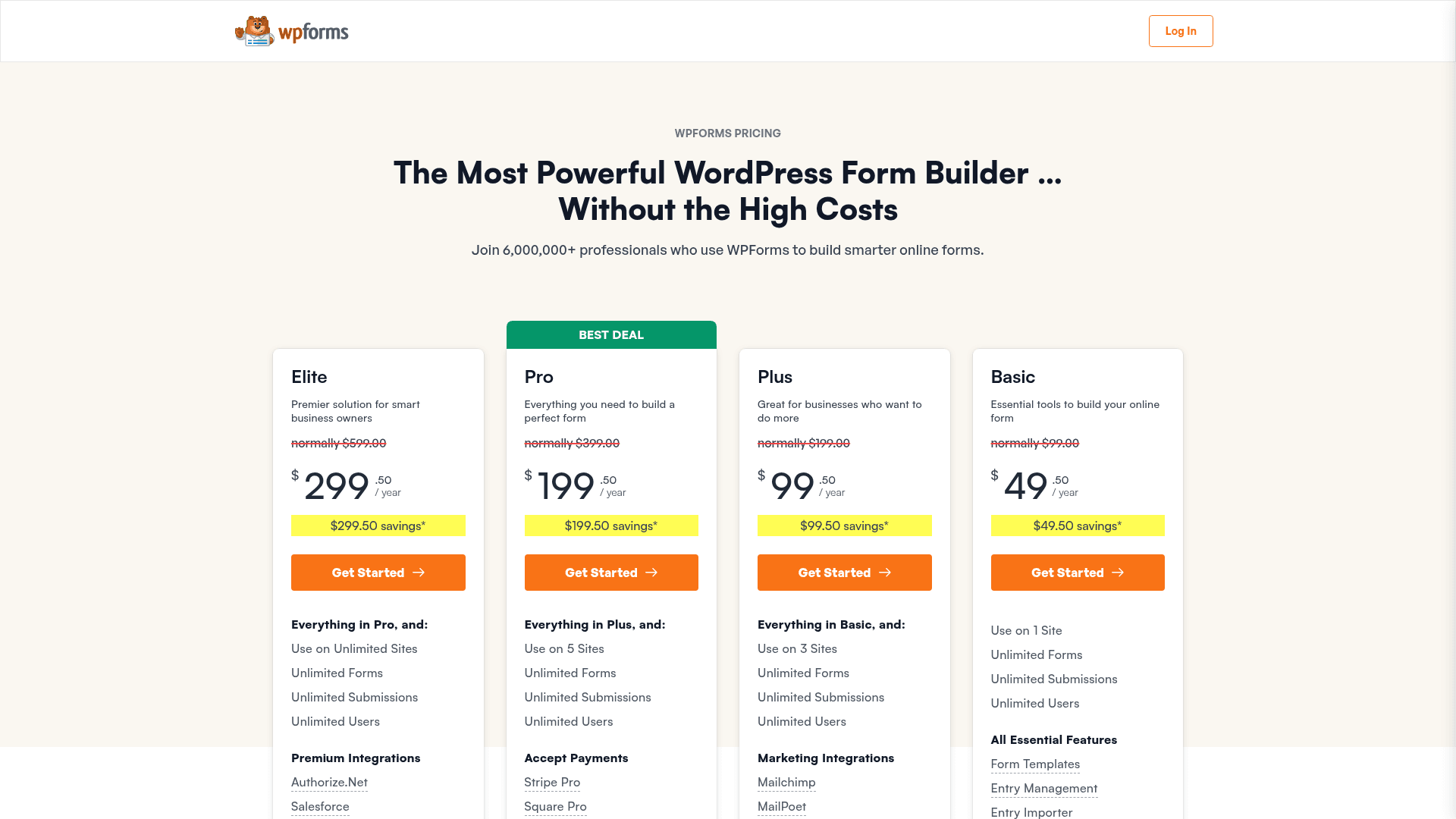
WPForms is priced per year. Renewals typically get a smaller discount than the first-year promotional price.
| Plan | Year 1 (intro 50% off) | Year 2 renewal (full price) | Sites | Highlights |
|---|---|---|---|---|
| Basic | $49.50/year | $99/year | 1 site | Unlimited forms, unlimited submissions, WPForms AI, standard support |
| Plus | $99.50/year | $199/year | 3 sites | Marketing integrations (Mailchimp, ConvertKit, Constant Contact, Klaviyo, Brevo, AWeber, GetResponse, MailerLite, MailPoet, Campaign Monitor, Drip, SendGrid), Form Automation |
| Pro (Best Deal) | $199.50/year | $399/year | 5 sites | Payments (Stripe Pro, Square Pro, PayPal), 2,100+ templates, Conversational Forms, Surveys & Polls, Digital Signatures, Zapier, PDF / Quiz / User Registration / Offline addons, Priority Support |
| Elite | $299.50/year | $599/year | Unlimited sites | Premium integrations (Salesforce, HubSpot, ActiveCampaign, Zoho CRM, Airtable, Pipedrive, Authorize.Net, Webhooks), Multisite Support, Premium Support |
Watch the renewal pricing. Year 1 prices are the 50% intro discount. Year 2 onward you pay the full retail rate, so the annual cost roughly doubles. Budget for the renewal, not the sticker.
The Pro tier is the real value pick for a single-site or small-agency workflow. Payments, Conversational Forms, and most add-ons at $199.50/year (year 1 intro) is cheaper than a $34/month Jotform Bronze plan when annualized ($408/year). Just budget $399/year from year 2 onward.
Elite is the tier you want if you run 5+ WordPress sites or need Salesforce / HubSpot / ActiveCampaign integration.
Editor and builder experience
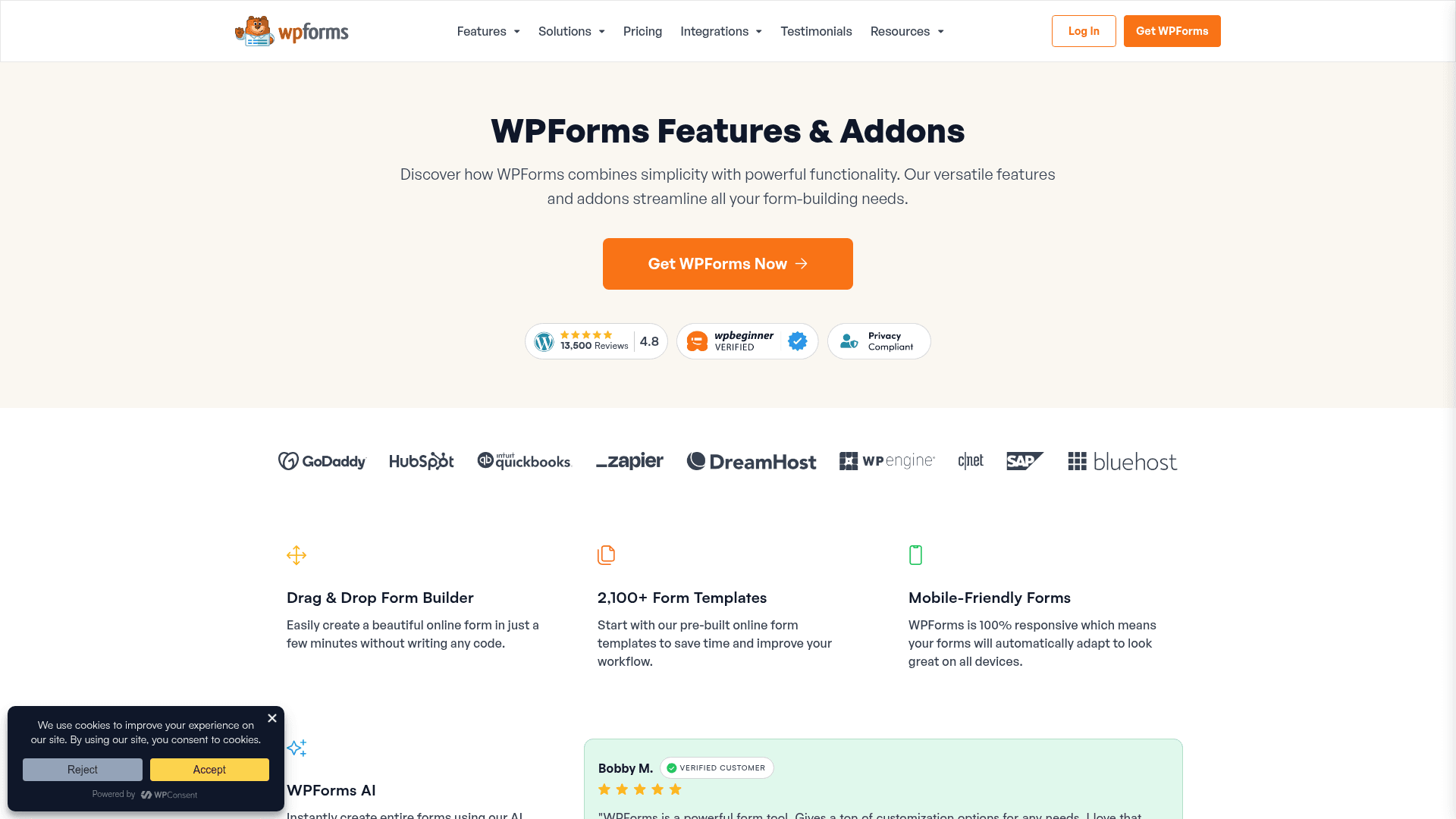
The WPForms form builder is a three-panel layout: field library on the left, form canvas in the middle, field settings on the right. Drag-and-drop between panels.
What it does well:
- Onboarding is genuinely nice for a WordPress plugin: setup wizard, templated forms, sensible defaults
- 500+ pre-built templates spanning contact, feedback, surveys, registrations, applications
- Native Stripe integration on Pro (add-on for payments, no third-party plugin needed)
- Multi-page forms with progress bar
- Anti-spam built in (honeypot, Google reCAPTCHA v2/v3, hCaptcha, Cloudflare Turnstile)
What feels aggressive:
- Constant upsell notices inside the plugin admin: "Upgrade to Pro for X", "Try MonsterInsights", "Try OptinMonster"
- Templates library filters templates you can't use on lower tiers, showing them as blurred-out cards
- Onboarding wizard nudges you toward Pro upgrade at every step
- Renewal reminders start 60 days out with dark-pattern language about "urgent" upgrades
What feels dated:
- UI polish is good for a WordPress plugin, but the interaction model still feels 2019
- Mobile preview is inside a modal, not live side-by-side
- Real-time form preview requires a manual "Preview" click
Add-ons: 30+ first-party integrations
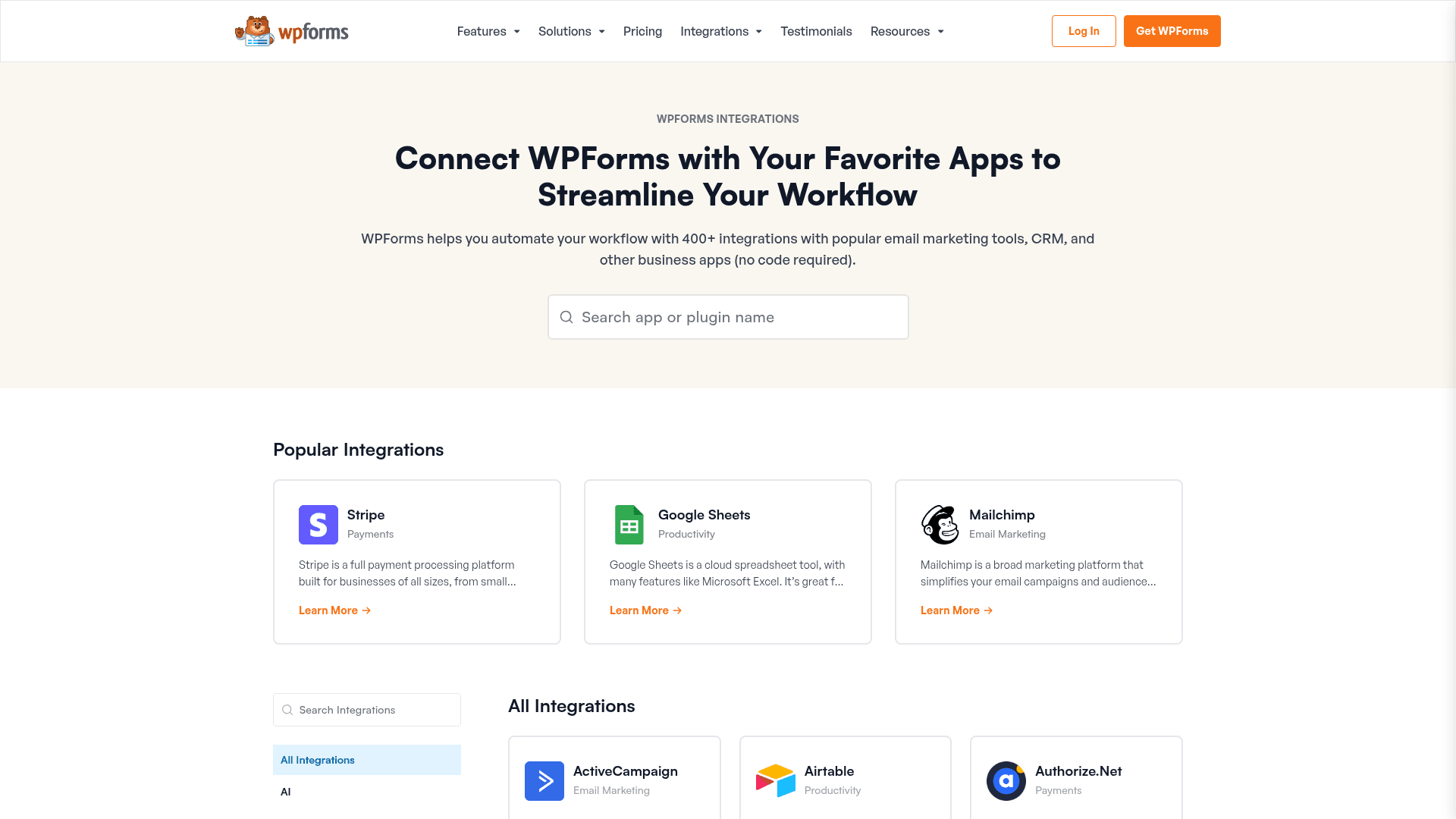
WPForms' add-ons library is deep, but most useful add-ons require Pro or Elite tier.
Payment gateways (Pro):
- Stripe (subscriptions + one-time)
- Square
- PayPal Commerce
- Authorize.Net (Elite)
Marketing + CRM (Plus and up):
- MailChimp (Plus)
- AWeber (Plus)
- GetResponse (Plus)
- Constant Contact (Plus)
- ConvertKit (Plus)
- MailerLite, Klaviyo, Brevo, Drip, SendGrid, Campaign Monitor, MailPoet (Plus)
- ActiveCampaign (Elite)
- Salesforce (Elite)
- HubSpot (Elite)
- Zoho CRM, Pipedrive, Airtable (Elite)
Utility (mostly Pro + Elite):
- User Registration (Pro): create a WP user from a form submission
- Post Submissions (Pro): create WP posts / CPTs from form submissions
- Webhooks (Elite): send POST payloads to any URL
- Zapier (Pro): connect to 5,000+ non-native tools
- Custom Captcha (Plus): math or question captcha
- Signature (Pro): draw-to-sign field
- File Upload (Basic + up): standard file uploads
- Surveys and Polls (Pro): NPS + Likert + rating scales
The catch: Zapier and payments require Pro at minimum ($199.50/year year 1). Salesforce, HubSpot, ActiveCampaign, and Webhooks require Elite ($299.50/year year 1).
Skip the WordPress plugin treadmill
Formester is hosted SaaS with unlimited responses on free. No plugin updates, no PHP compatibility, no security patch races. Embeds on any CMS, WordPress or not.
Free forever plan • No credit card • Setup in 2 minutes
Real-world use cases where WPForms wins
1. WordPress-based contact and lead-capture forms. Onboarding is the friendliest of any WordPress form plugin. Non-technical WP admins can ship a working contact form in 15 minutes.
2. WordPress user registration + Stripe subscription. User Registration add-on + Stripe subscription (Pro plan) is a clean self-hosted membership site foundation.
3. WPForms + MailChimp / ConvertKit / ActiveCampaign lead capture. First-party integrations mean the field mapping is tighter than Zapier-based alternatives on Gravity Forms Basic.
4. Multi-page application or feedback forms. Progress bar, conditional logic, save-and-continue-later add-on for a serious intake form.
5. Small e-commerce order flows. Product picker + Stripe / PayPal + confirmation email is faster to configure than WooCommerce for simple one-off product sales.
Where WPForms falls short
1. WordPress-only. Doesn't install anywhere else.
2. Aggressive upsells inside the plugin. Every admin page has nag notices. Fine for hobby sites, distracting on production sites.
3. Renewal pricing catches. First-year discount is 50%+ off. Year 2 costs 2x what year 1 did.
4. Salesforce + HubSpot require Elite. For teams on Pro tier who use enterprise CRMs, this is a workflow break.
5. WPForms AI is paid-tier only. WPForms AI ships on Basic and above ($49.50/year year 1). Formester ships AI generation on the free plan, so you can prototype without a credit card.
6. Response management is basic. Entries dashboard is a WordPress admin table. No card view, no drag-to-status Kanban.
7. No hosted / cloud version. Every submission lives in your WordPress database. If your WP site goes down, form submissions stop.
Pros and cons summary
Pros
- Best onboarding UX among WordPress form plugins
- 500+ templates
- Native Stripe payments on Pro
- Deep marketing-tool integrations (MailChimp, ActiveCampaign, ConvertKit)
- 4.7/5 on G2 with 971 reviews (strong sentiment)
- 6M+ active installs (most popular WP form plugin)
- Free WPForms Lite plugin for basic forms
- Anti-spam built in (honeypot, reCAPTCHA, hCaptcha, Turnstile)
Cons
- WordPress-only
- Aggressive upsells inside the plugin admin
- Renewal pricing 2x first-year cost
- Most useful add-ons (Zapier, Webhooks, Salesforce, HubSpot) require Pro or Elite
- WPForms AI requires a paid plan (not on free Lite)
- Response analytics are basic
- No cloud / hosted version
When Formester is the better pick
If your site isn't WordPress. Formester ships forms that embed on any CMS with a one-line snippet. WPForms cannot install anywhere except WordPress.
If you want unlimited responses on a free plan. Formester's free plan is unlimited forms + unlimited responses + AI generation. WPForms Lite is significantly restricted (basic field types only, no payments, no CRM).
If you want AI form generation on a free plan. Formester ships AI generation from prompt / PDF / question list on the free plan. WPForms AI is bundled with paid plans only, starting at Basic ($49.50/year year 1).
If you don't want to maintain a WordPress plugin. Formester is a hosted SaaS. No plugin updates, no PHP compatibility, no security patch races.
If you want offline mode. Formester ships native offline mode across every plan. WPForms requires the site to be online.
Full switching guide: Formester vs WPForms.
When WPForms is the better pick
Your site is WordPress and staying WordPress. WPForms is well-supported, actively maintained, and the onboarding is the friendliest in the WP form plugin space.
You're an agency running multiple WordPress client sites. Elite tier at $299.50/year (year 1 intro) for unlimited sites is genuinely cheap for a shop running 20+ WP sites. Renewal at $599/year is still competitive.
Non-technical admins are managing the forms. WPForms' onboarding is meaningfully better than Gravity Forms for non-developer admins.
Your marketing stack is MailChimp / ConvertKit / ActiveCampaign. First-party integrations are cleaner than Gravity Forms' Zapier-only path for some of these tools.
Verdict
Rating: 4.6/5 (slightly below G2's 4.7 to account for renewal pricing and upsell aggression)
WPForms is the most popular WordPress form plugin by install count for good reason: the onboarding is friendly, the template library is extensive, and the marketing-tool integrations are deep at Pro tier and above.
If your site is WordPress and staying WordPress, and you value onboarding polish over raw feature power, buy Pro. It's a solid pick.
If you want maximum feature depth on WordPress, Gravity Forms Elite is the technical upgrade.
If you're not on WordPress or want a hosted SaaS with unlimited responses on free, use Formester.