Create Conditional Logic Forms with AI in Minutes
Build smart conditional logic forms without coding. Use AI to create forms with conditional logic, automate workflows, and show the right questions based on user responses.
Create Conditional Logic Form for Free
Join 25,000+ happy users building smarter forms
Businesses and creators trust Formester to build conditional logic forms, automate workflows, and improve conversions with ease.
Why Use AI for Conditional Logic Forms?
Fast and Easy Setup
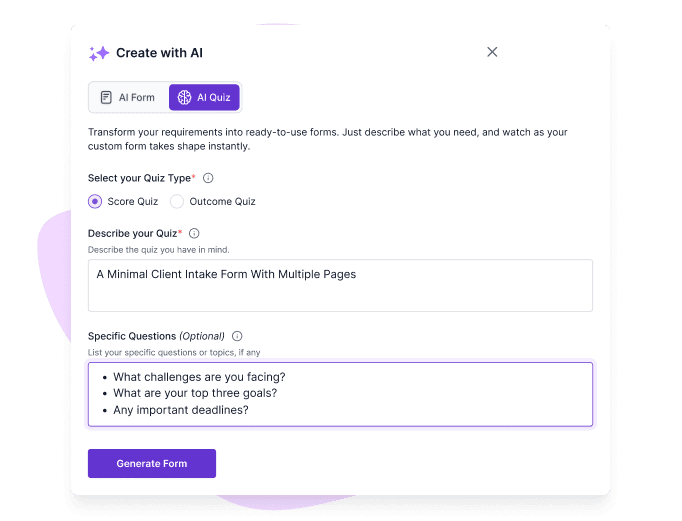
Create conditional logic forms using simple prompts. No need to manually set complex rules.
Dynamic Form Experience
Build forms with conditional logic that show or hide questions based on user answers. Keep forms relevant and engaging.
Smarter Data Collection
Gather only the most relevant information with branching questions. Say goodbye to irrelevant fields!
Better Accuracy
Reduce errors by displaying fields only when conditions are met. Improve data quality automatically.
Ready-to-Use Templates
Start with templates designed for different use cases and customize them using conditional logic.
Save Time with Automation
Let AI handle rule creation while you focus on growing your business. Build smart forms in minutes, not hours.
How to Create Conditional Logic Forms with AI
Create conditional logic forms in minutes with Formester. Use AI to set rules, automate workflows, and build forms that adapt based on user responses.
STEP 1
Create Your Form
Start with a blank canvas or a template to set up your form.

STEP 2
Customize It
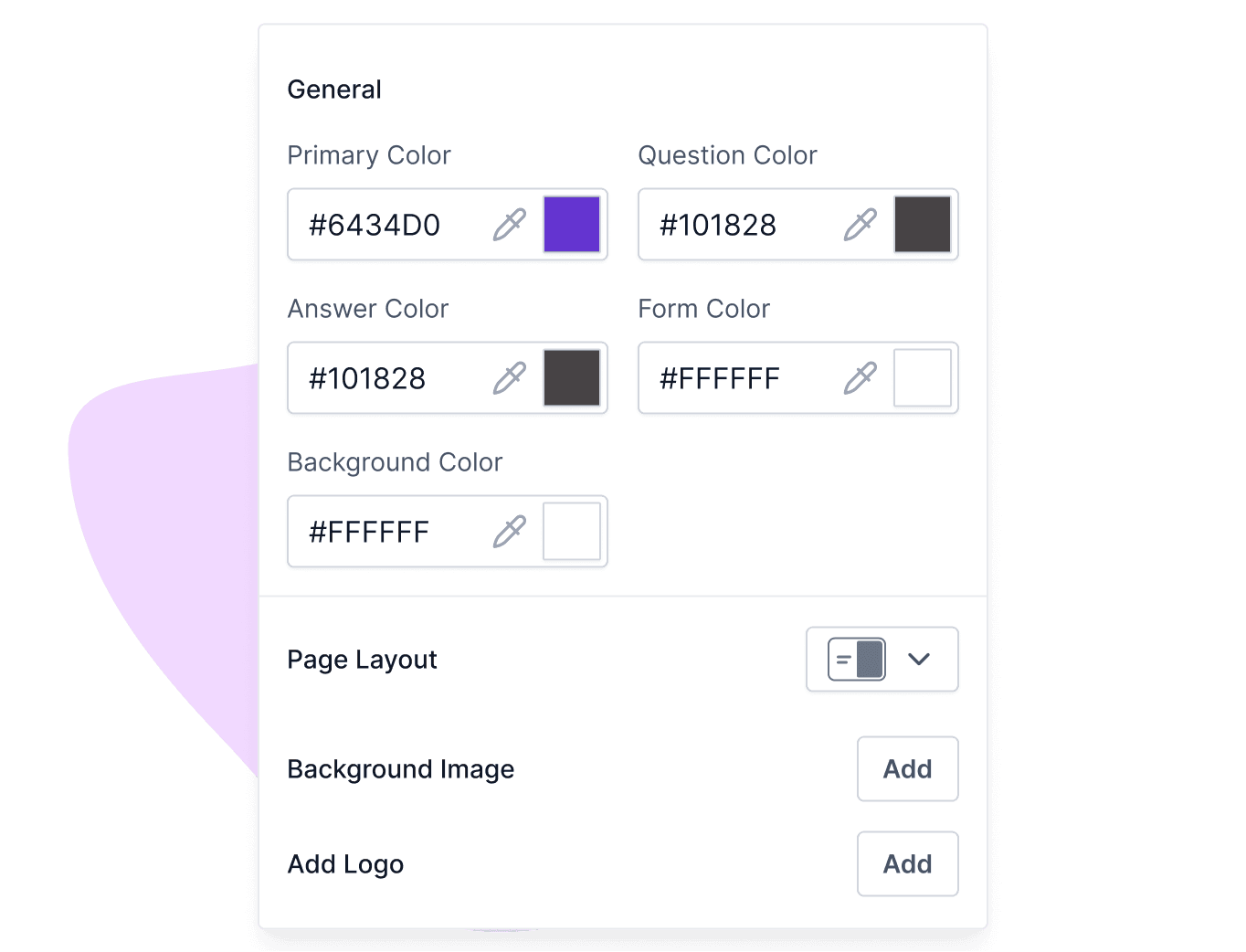
Add fields like text boxes, dropdowns, or checkboxes to fit your specific needs.

STEP 3
Generate Conditional Rules with AI
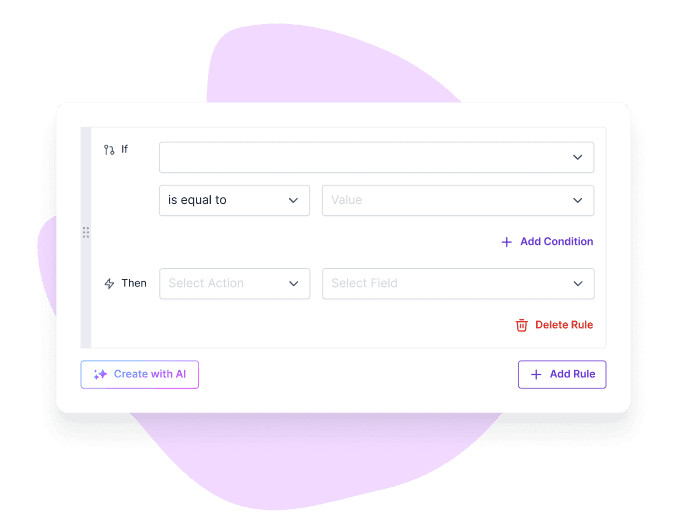
Use a simple prompt to let AI generate your conditional rules. Just tell it how you want your conditional fields to behave.
Example: If the T-shirt type equals "Men" or if it’s empty, then Hide the fields "women size" and "kid’s size".

STEP 4
Test & Publish
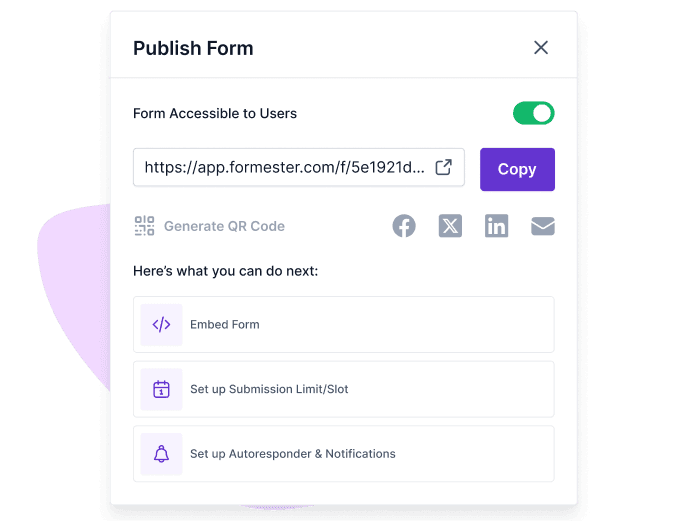
Preview your form, make adjustments, and publish it to start collecting responses!

Advanced Features for Conditional Logic Forms
Explore advanced features that help you build smarter conditional logic forms, improve user experience, and collect accurate responses with ease.
Multilingual Support
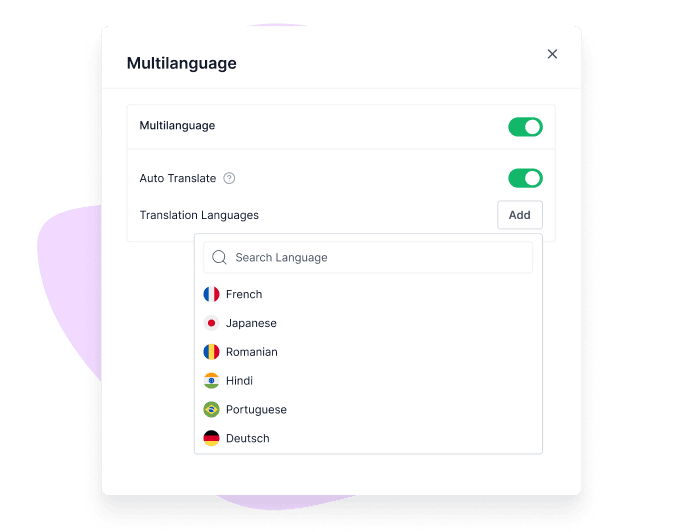
Build multilingual forms that cater to a global audience by translating the form into their native language. Perfect for surveys and applications!

Collaborative Tools
Collaborate with your team in real time. Share your forms, get feedback, and make changes on the go!

Analytics Dashboard
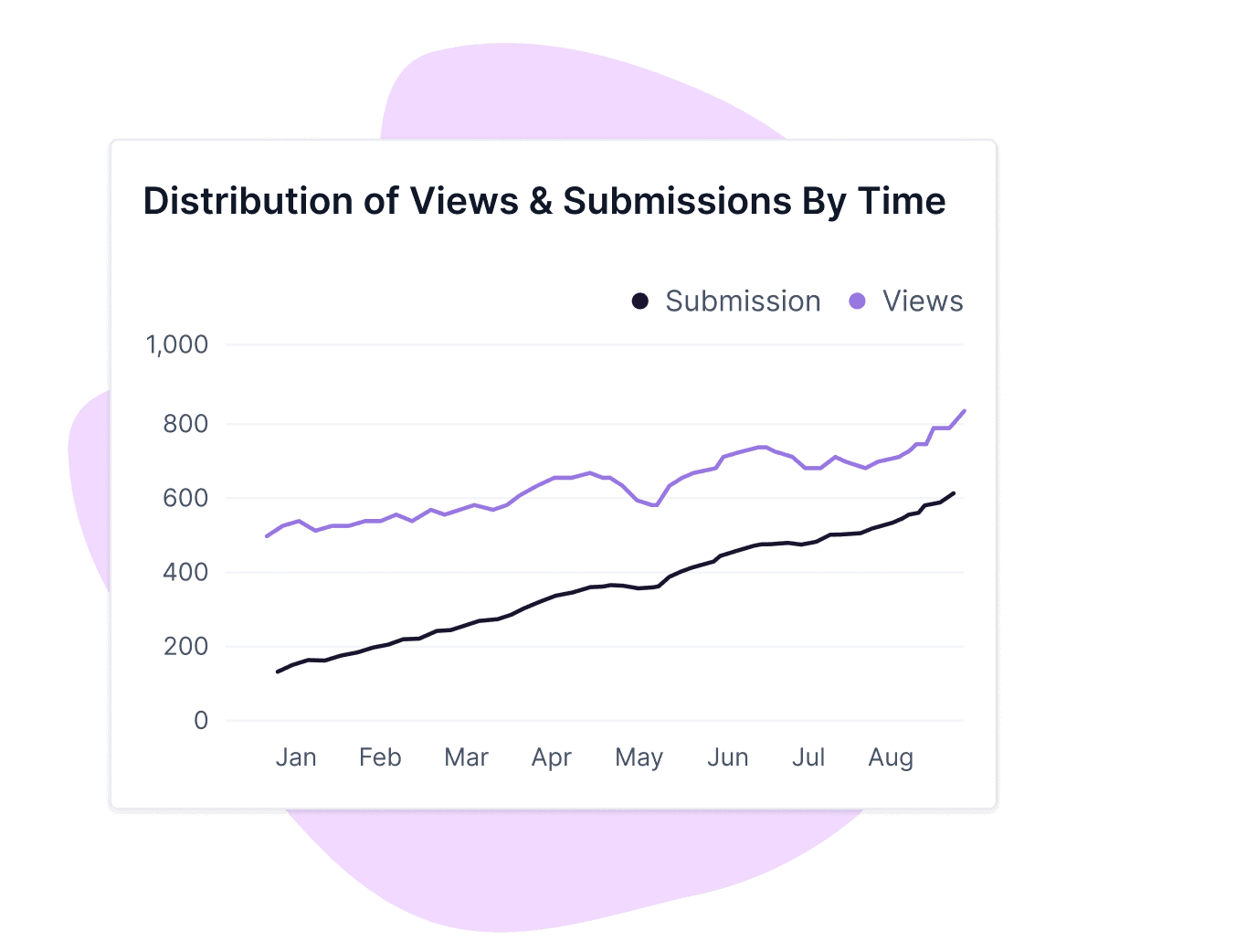
Use the form analytics to track responses and analyze data easily. Know which conditional questions are working and how users engage with your forms.

Popular Use Cases For Conditional Forms
Build flexible forms that adapt to user responses and simplify data collection. From orders to applications, create forms that guide users and improve completion rates.
Order Forms
Create customized order forms that adjust based on customer selections, ensuring a smooth purchase process.

Application Forms
Tailor your application forms to different roles by showing specific questions based on previous answers.

Adaptive Surveys
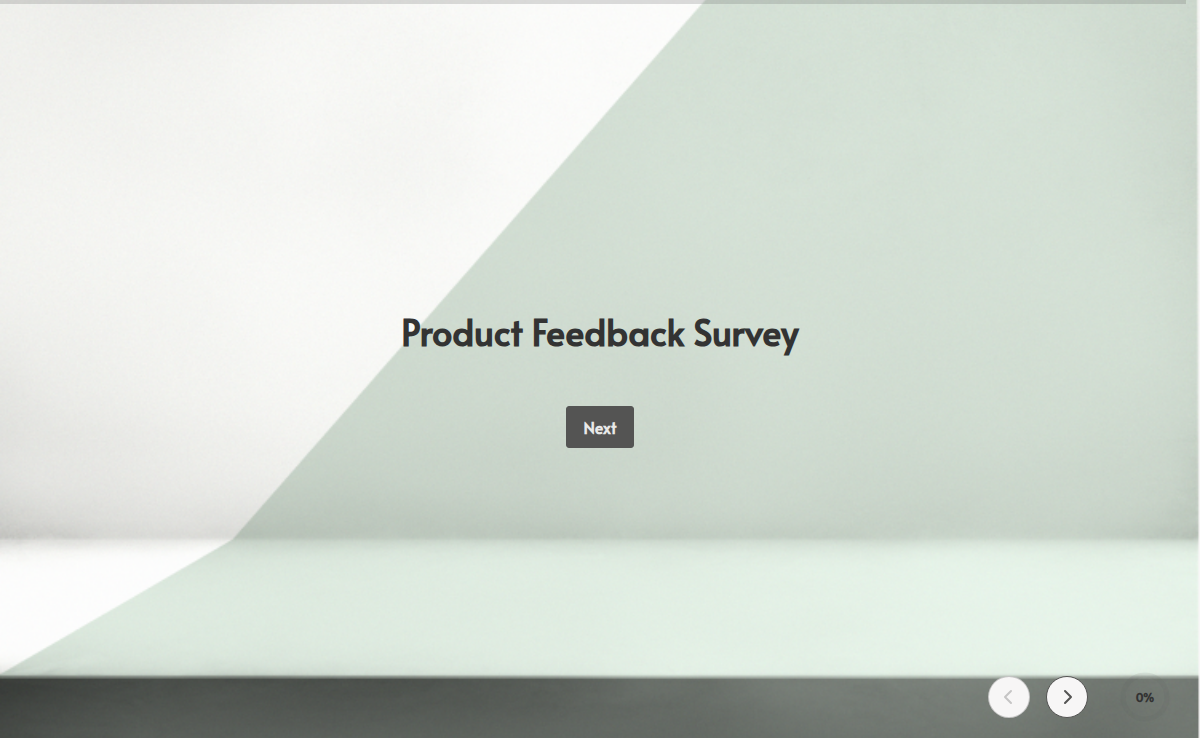
Create smart surveys that change questions based on people’s answers, so you get the most useful feedback.

Interactive Quizzes
Build interactive quizzes where the next question changes based on previous answers, enhancing user engagement.

Free Online Form Templates
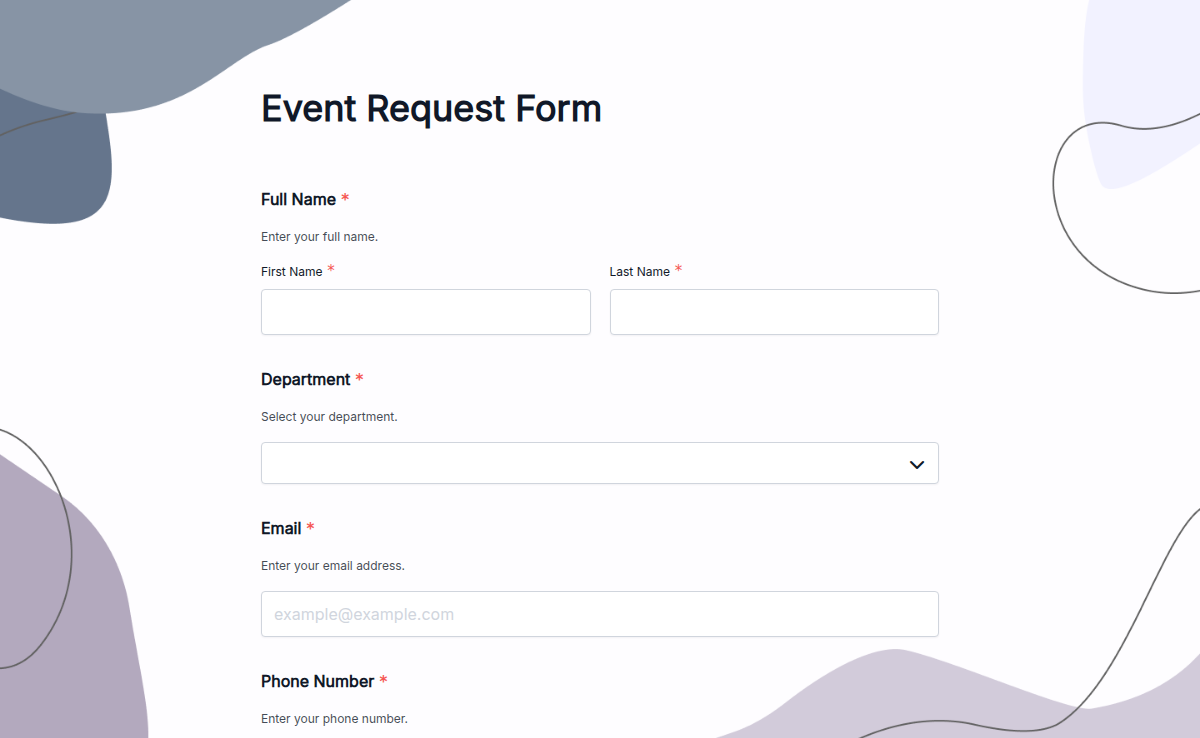
Get started quickly with ready-to-use form templates for different use cases. Customize each template to match your needs and create professional forms in minutes.
USER TESTIMONIALS
Testimonials
I really enjoy Formester. It’s clean and straight-forward and it does well, what it is supposed to do.

Formester is really easy to use and an exceptional alternative for Typeform. We use it for call for papers, lead registrations, feedback and surveys and it cannot be simpler.

Formester is simple enough for non-developers and sophisticated enough for developers. I'd say being able to choose between simplicity and complexity is one of this product's strengths. In addition, the founder is available to answer questions and doubts, which does not happen every day.

I was searching for a long time for a product I could use to send newsletters and surveys to my database. I tried so many different types of software and I found many of them difficult to use and slow to learn how to operate. But Formester was super easy to set up, and the usability is seamless! I highly recommend!

Ready to build your perfect form?
Get access to advanced AI, unlimited forms & more. See pricing for more details.
FAQs
Conditional logic is a feature that makes forms interactive by displaying questions based on previous answers. It ensures users only see relevant fields, making forms shorter and easier to complete.
Conditional logic in forms allows fields or questions to show, hide, or change based on user responses. It helps create dynamic forms that collect relevant information and improve user experience.
Create your form, choose fields, and set rules based on user responses. With Formester, you can use AI to automatically generate conditional logic and build smart forms quickly.
Yes, you can add branching questions that guide users through different paths based on their answers. This helps you collect accurate and structured responses.
Forms with conditional logic adapt in real time by showing or hiding fields based on user input. They help businesses collect better data and improve form completion rates.
Yes, Formester makes it simple to set up conditional fields using AI and an easy visual builder. No coding or technical skills are needed.
Yes, Formester provides ready-to-use templates for different use cases. You can customize them and add conditional logic to get started faster.