Open the template in the Formester editor
Click Use Template to open the form in the Formester editor. Every field is editable, every field is removable, and the default field set works out of the box on the free tier.
A free construction job application form template for general contractors, subcontractors, trade crews, and staffing firms. Collect trade specialty, OSHA certification, state license number, equipment experience, prior job sites, and references in one mobile-friendly form. Customize fields, embed on your site, and route submissions to your hiring team.
This template works for hiring laborers, carpenters, electricians, equipment operators, ironworkers, masons, plumbers, HVAC techs, and project managers. Drop it into your careers page, post it to a job board, or share a direct link to crews on site.
Built with Formester's drag-and-drop form builder, so you can rename fields, add trade-specific questions, or remove anything you don't need. Add file upload for resumes and license PDFs, electronic signature for at-will or background-check consent, and email verification to filter out junk applications. Autoresponder email sends a confirmation the moment an applicant submits, and form analytics shows which job posts are converting.
The form is mobile-first, so an applicant standing on a job site can fill it out from their phone in under three minutes.
From "Use Template" click to a live, branded application form most hiring teams finish in under 15 minutes.
Click Use Template to open the form in the Formester editor. Every field is editable, every field is removable, and the default field set works out of the box on the free tier.
Rename the form, add your company logo, and set brand colors. Applicants see the company they are applying to, not Formester, on every screen and in the confirmation email.
Swap "electrician" for "low-voltage tech," rename "operator" to "heavy equipment operator," or add custom fields for union local number, apprenticeship year, or specific equipment hours.
Turn on email verification and autoresponder email so every applicant gets a confirmation the moment they submit. Filters out junk applications before they hit the foreman's inbox.
Connect submissions to your ATS, Google Sheets, Slack, or email via integrations. The hiring lead sees every new applicant the same minute they submit, with the resume and OSHA card already attached.
Embed the form on your careers page or share the direct link on job boards. Form analytics shows which job post is converting so the recruiting budget goes to the board that actually fills crew.
Use this construction job application form when you are hiring on a real job site, not screening for a desk role. Six common construction hiring scenarios this template handles out of the box.
Hiring full-time crew, foremen, or site supervisors for commercial or residential projects. Capture trade specialty, OSHA card, state license, and equipment hours before the phone screen.
Electrical, plumbing, HVAC, framing, drywall, roofing, masonry, concrete, or ironwork sub. Trade-specific certs and years-in-trade drive whether the candidate gets a first interview or a fast no.
Skilled and unskilled construction placements across multiple client sites. Use the form to standardize intake, capture work authorization, and route candidates by trade and availability.
Screening for certified heavy equipment hours: forklift, scissor lift, boom lift, skid steer, excavator, backhoe, crane, telehandler. Multi-select drives a clean shortlist by machine.
Hiring carpenters, painters, finishers, or remodelers. Capture portfolio links, prior residential job sites, and willingness to travel between client homes in a single submission.
Collecting applications for the next intake. Add union local number and apprenticeship year as custom fields, and use form analytics to see which posting is driving signups.
Default fields you can keep, edit, or remove. Add custom fields for union local number, apprenticeship year, or specific equipment hours if needed.
Full name, phone, email, address Short text
Standard applicant contact block. Verified email plus a mobile so the hiring lead can text about a site visit or an interview window the same day.
Position applied for Dropdown
Laborer, carpenter, electrician, plumber, HVAC, mason, ironworker, operator, foreman, project manager, other. Drives which trade-specific fields appear next.
Trade specialty and years of experience Short text + number
The specific trade focus inside the role (commercial electrical, residential framing, structural welding) and how many years they have actually worked in it.
OSHA 10 or OSHA 30 certification Yes/no + file upload
Required for any role with site access. The yes branch reveals a file upload for the OSHA card so the office has it on file before day one.
State contractor or trade license Short text + dropdown
License number plus the state of issue. Critical for licensed trades (electrical, plumbing, HVAC) so non-licensed applicants are routed straight to the laborer track.
Equipment experience Multi-select
Forklift, scissor lift, boom lift, skid steer, excavator, backhoe, crane, telehandler. Lets the foreman filter the applicant list by machine before the first call.
Safety training and certifications Multi-select
First aid, CPR, fall protection, scaffold, confined space. Required for foreman and supervisor roles; nice-to-have for laborer roles.
Prior job sites and project types Long text + multi-select
Company name, project type, role, dates, and a supervisor contact for each prior job. Plus the project types they have worked: commercial, residential, industrial, civil.
Work authorization status Single select
Authorized to work in the US, will need sponsorship, or other. Filters out non-eligible applicants at intake instead of three weeks into the process.
Availability Date + dropdown
Start date, shift preference (day, swing, night, weekends), and willingness to travel between sites. Drives the urgency of the call-back queue.
Two professional references Repeater + phone + email
Name, company, relationship, phone, and email for two prior supervisors or foremen. Required before the offer; not before the first phone screen.
Resume upload File upload
PDF, DOCX, or photo of a paper resume. The file upload field accepts a phone photo so an applicant on a job site can submit without leaving the truck.
Consent to background check and drug screen E-signature
An electronic signature records the applicant's consent, with date and IP captured automatically. The signed PDF saves to the submission record for the file.
Hiring lead and foreman questions about required fields, OSHA certification, background-check consent, drug testing, and mobile submissions from a job site.
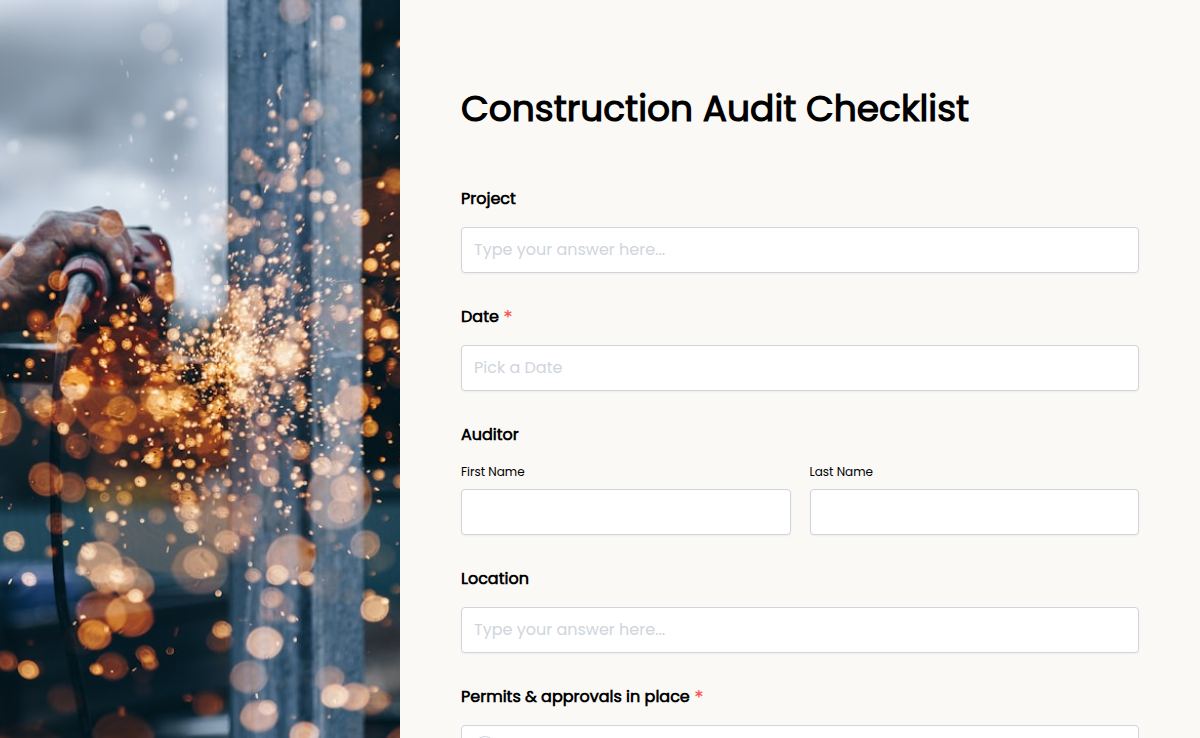
Construction projects involve multiple teams, safety regulations, and quality checks. The Construction Audit Checklist simplifies site inspections by ensuring every aspect of your project—safety, compliance, and efficiency—is thoroughly reviewed. With Formester’s Form Builder, you can customize this checklist to match your project needs. Use conditional logic to make audits smarter, collect electronic signatures for approvals, and analyze reports with form analytics. No more paper-based audits! Simply embed your form into your project management system, share it via email, or generate a QR code for mobile access. Conduct inspections from any device, track compliance in real time, and keep your site running smoothly. Upgrade your construction audit process with an efficient, digital solution today!
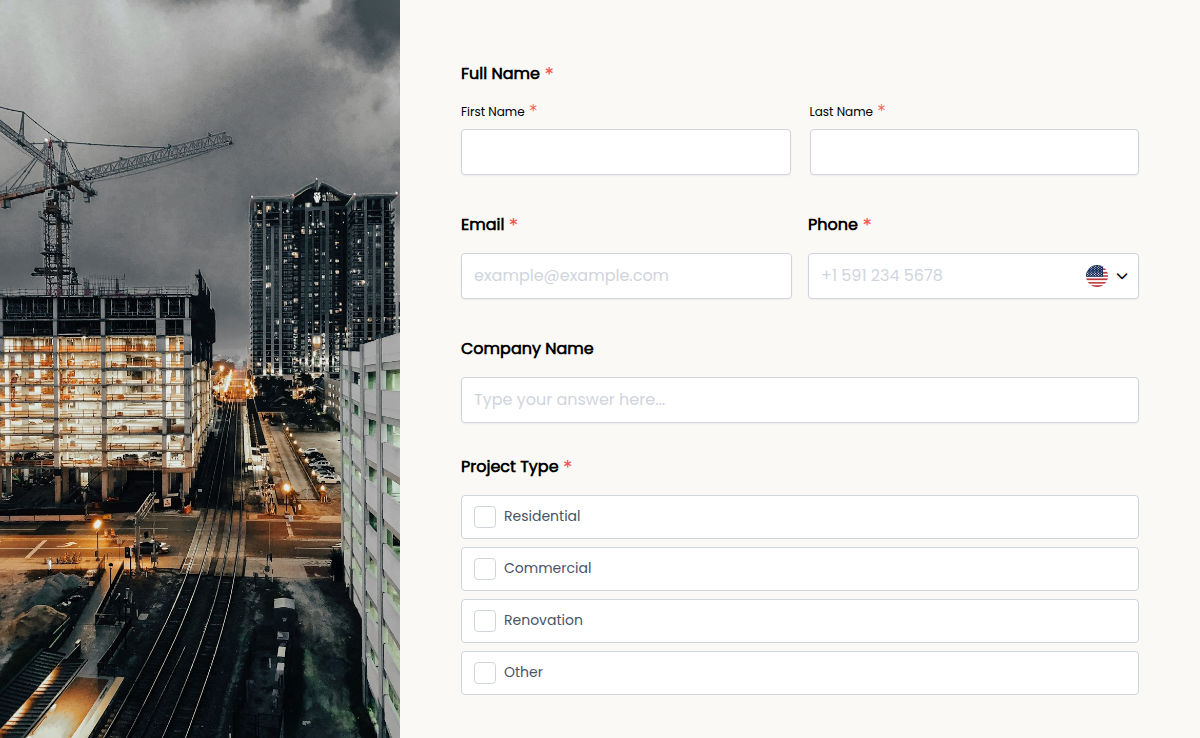
In the construction industry, fast and clear communication is key. Our Construction Contact Form helps contractors, suppliers, and clients connect effortlessly. Whether you're collecting project inquiries, service requests, or supplier bids, this form streamlines communication. With Formester’s Form Builder, you can customize fields to collect names, company details, project descriptions, and contact information. Need to organize leads? Enable autoresponder emails to send instant responses. Want to accept document uploads? Use file upload forms to collect blueprints or contracts. The form is fully embeddable on your website, making it easy for clients to reach out. Plus, with electronic signatures, you can collect approvals or agreements online. Make communication smoother and never miss an opportunity. Try this Free Form Template today!
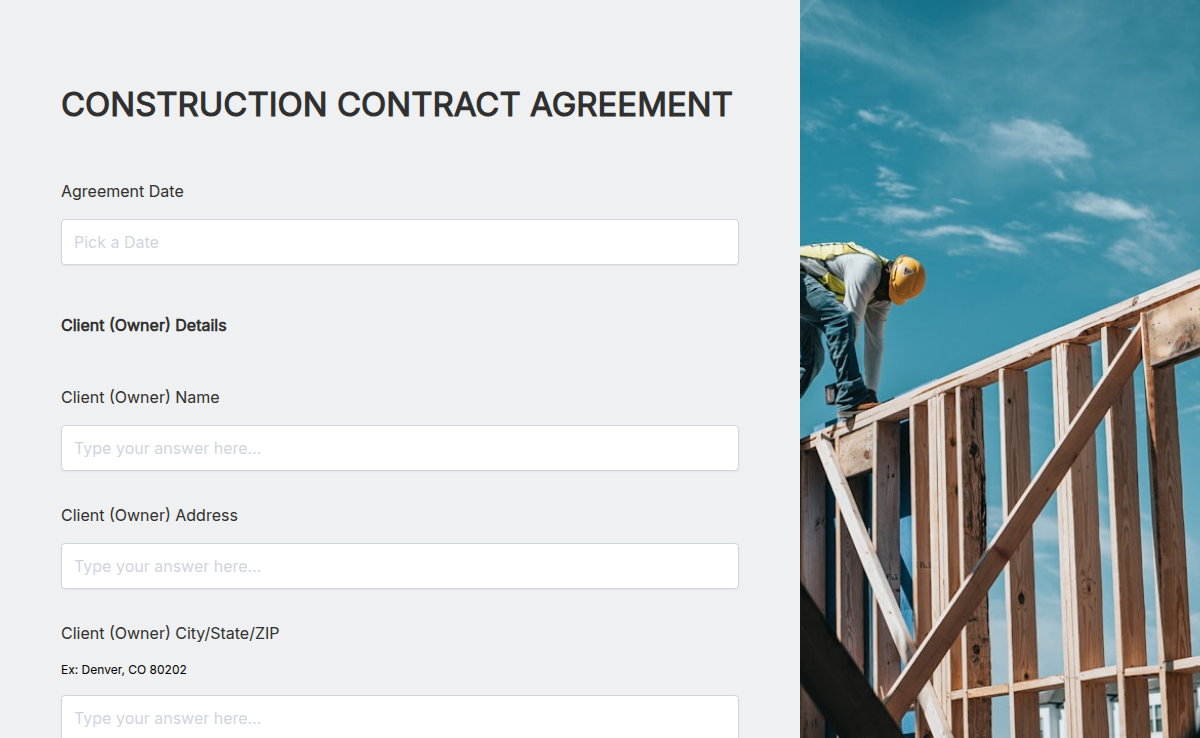
Working on a new build or renovation? Use this Construction Contract Agreement to outline project terms, timelines, and payments—so nothing gets missed.
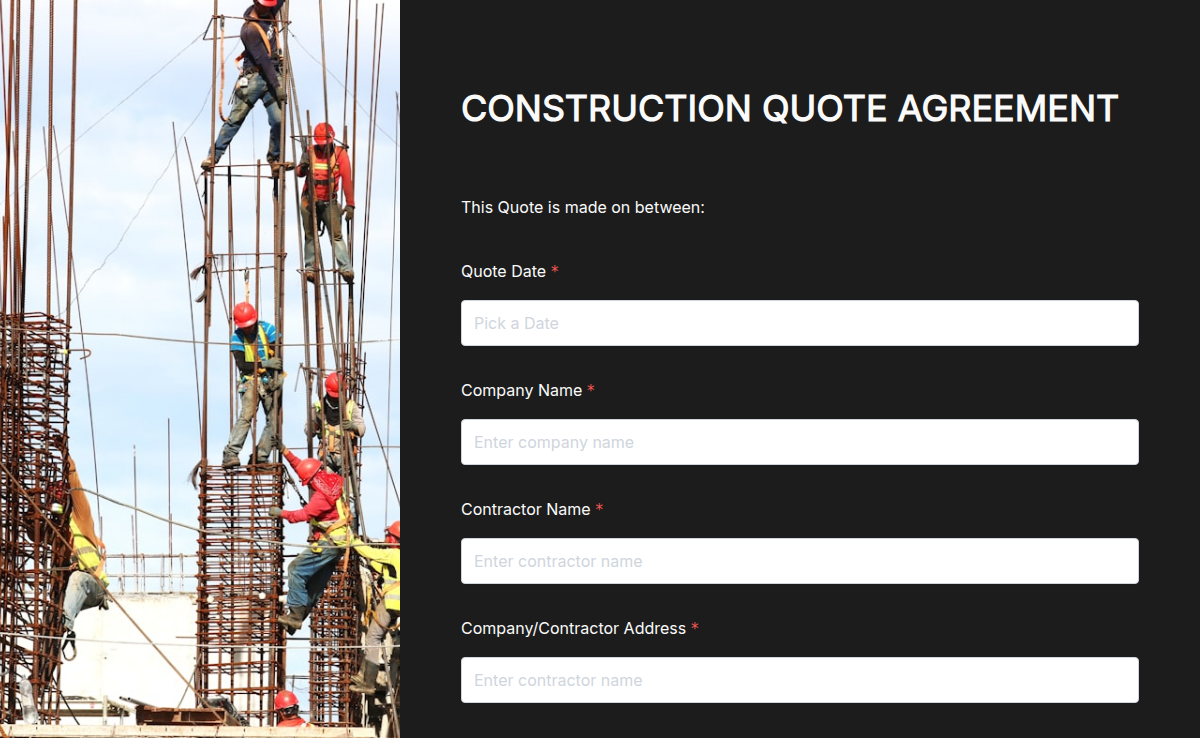
Build professional construction quotes in minutes. Outline scope, costs, and timelines in a clear, branded PDF your clients can trust.
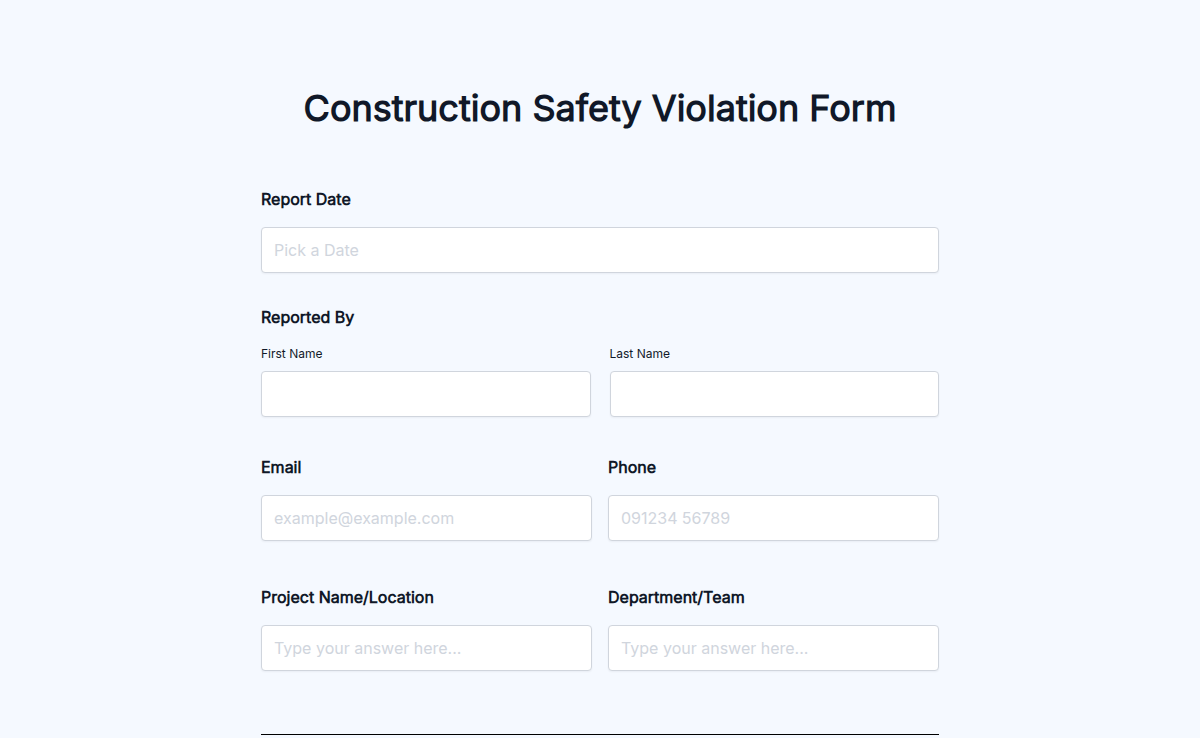
A free construction safety violation form for site supervisors, safety officers, and general contractors. Capture the violation, location, witnesses, severity, photos, and corrective action in one record, then route it to the right owner before the next shift. Built for jobsite documentation that holds up against OSHA recordkeeping and internal safety audits.
Hire the right cleaner without the inbox chaos. This free cleaning job application form template captures experience, availability, references, and a signed work-eligibility agreement in one submission. Share it as a link, embed it on your careers page, or download it as a PDF for in-person applications.
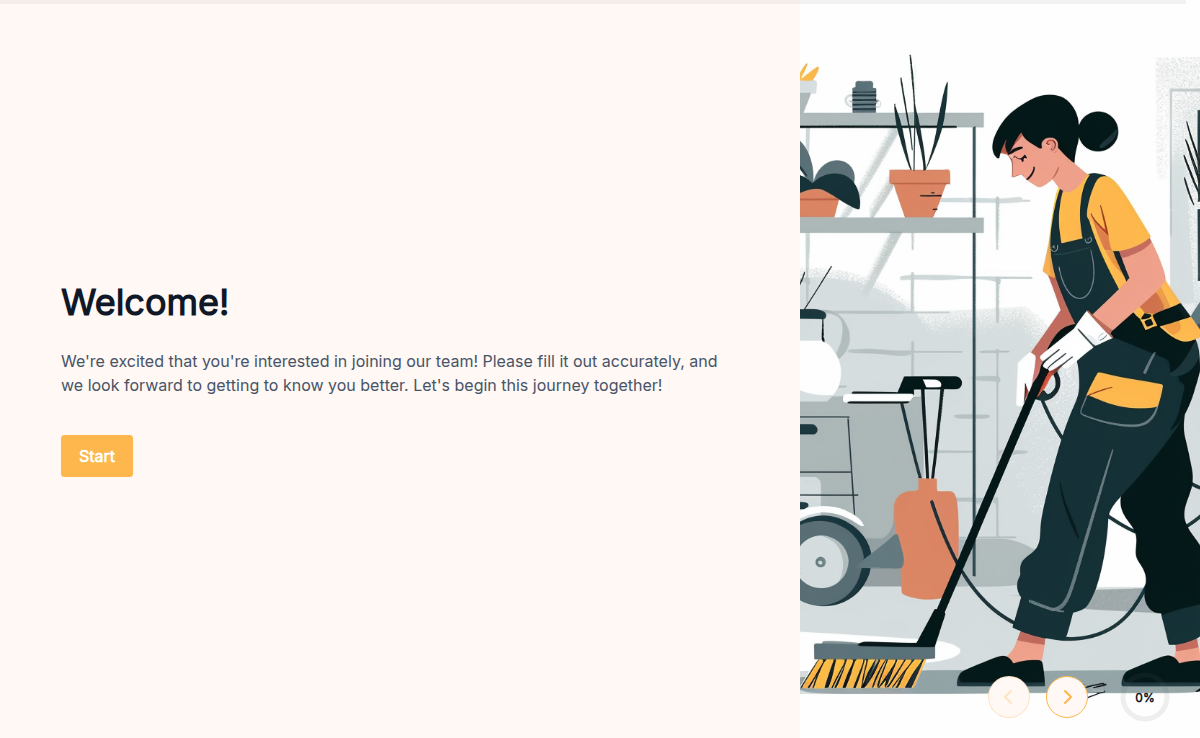
A cleaning services application helps you streamline the hiring process for your cleaning business. Use this form to gather essential information from potential employees efficiently. Create a customized application using a form builder like Formester, which makes the process simple and quick. Start with free templates available on Formester. These templates include everything you need for a thorough employee application form, saving you time and ensuring you don’t miss any crucial details. You can ask for information such as work experience, skills, and availability. Formester's platform supports over 7000+ integrations, allowing you to connect your forms with various tools and platforms. This integration capability helps you manage applications seamlessly, whether you are sorting them in a database, sharing them with your team, or following up with candidates. You can also customize your job application form pdf to meet your specific needs. Add sections for references, background checks, or certifications. If you prefer, you can even create a free printable employment application or a print out employment application for offline use. Leverage Formester’s powerful features to enhance your application form. Use features like conditional logic to tailor questions based on previous answers, set up automatic notifications to stay updated on new submissions, and add branding elements to maintain a professional look. Ready to streamline your hiring process? Sign up to Formester today and start using an efficient cleaning services application to find the best candidates for your business.
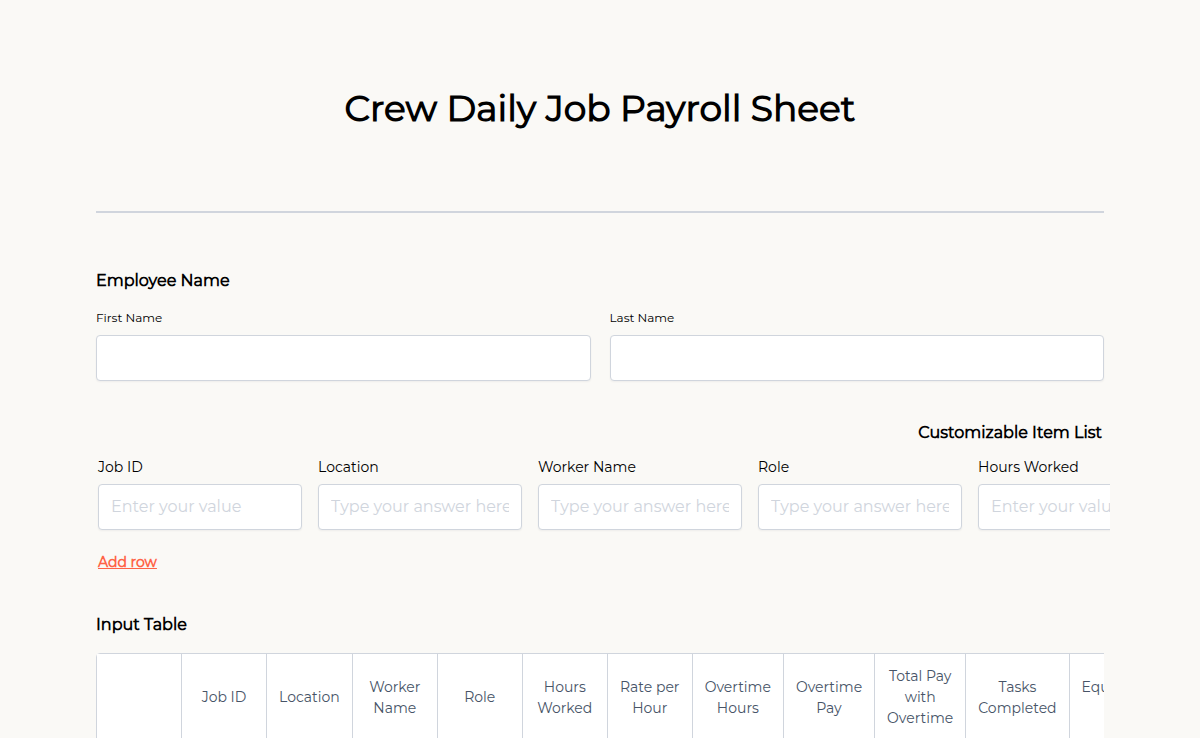
Tracking daily payroll for your crew doesn’t have to be complicated. Our Crew Daily Job Payroll Sheet helps businesses, contractors, and field supervisors record work hours, wages, and approvals in one organized form. Whether managing construction teams, event staff, or remote workers, this form ensures accurate payroll processing. With Formester’s Form Builder, you can customize fields, collect electronic signatures for approvals, and apply calculation fields to automate wage calculations. The form is mobile-friendly, allowing crews to submit reports from anywhere. Enable autoresponder emails to send automated pay summaries and keep records organized with PDF exports. With higher submission limits and team collaboration, managing payroll becomes effortless. Try this Free Form Template today!
The Cruise Job Application Form helps employers gather essential details from applicants seeking positions on cruise ships. This form is key to hiring qualified cruise staff for various roles. It includes fields like passport details, maritime certifications, previous cruise experience, and availability. Use Formester to collect and organize cruise job applications efficiently.