Load the template into your workspace
Click Use Template to load the form into your Formester workspace. The full field set, severity logic, and acknowledgement block come over preconfigured.
A free construction safety violation form for site supervisors, safety officers, and general contractors. Capture the violation, location, witnesses, severity, photos, and corrective action in one record, then route it to the right owner before the next shift. Built for jobsite documentation that holds up against OSHA recordkeeping and internal safety audits.
Most violation reports die in a paper folder or a buried email. This template fixes that. Capture the date, time, project, location, witnesses, violation type, severity, photos, immediate actions, and corrective measures in one record. Each submission lands in your Formester dashboard with the photos attached, a timestamp, and a signed acknowledgement from the involved party.
Built for site supervisors writing up a stop-work, safety officers tracking trends across projects, and general contractors who need a clean audit trail when an OSHA inspector arrives. The severity field (Low, Moderate, High) drives the response window; the corrective-action fields name an owner and a deadline so nothing slips.
Drop it into your project as is, or open it in the drag-and-drop builder to add your company logo, custom violation categories, or a conditional question that only appears for high-risk events. Photo evidence uploads through the file upload field, and the involved party signs off using the electronic signature field.
From "Use Template" click to a live, branded violation form most safety teams finish in under 15 minutes.
Click Use Template to load the form into your Formester workspace. The full field set, severity logic, and acknowledgement block come over preconfigured.
Open the form in the drag-and-drop builder. Replace the default logo with your company logo and rename the form to match the project, so the dashboard stays sorted when you run more than one site.
Add or remove violation categories in the "Type of violation" checkbox group. Common additions: scaffolding, crane operation, confined space, hot work, electrical. Drop the ones you do not ship.
Set conditional logic on the severity field so a "High" selection reveals extra fields like "stop-work issued" and "regulatory notification required". Need a faster build, describe the form to the AI form generator and let it draft the conditional logic.
Configure the email autoresponder to route the submission to the assigned owner, then publish the form, share the link with site staff, or embed it on the project intranet.
Eight jobsite scenarios this template captures cleanly, from a single missing hard hat to a full pre-OSHA-inspection log.
A worker is observed without required PPE on an active jobsite. Log the worker, the location, the missing gear, and the corrective coaching before the next shift.
An equipment operator is using machinery outside its rated capacity or without the required certification. Document the unit, the operator, and the corrective re-training.
Fall protection is missing on a working surface above six feet. High-severity log with photo evidence, stop-work flag, and immediate escalation to the site safety lead.
Hazardous materials are being handled, stored, or disposed of outside the project's HazCom plan. Capture the substance, the deviation, and the corrective handling protocol.
An emergency exit, fire lane, or eyewash station is blocked. Log the obstruction with a photo, name the responsible crew, and track the clearance to closeout.
A near-miss happens that did not cause injury but easily could have. Log the event so the trend shows up in your weekly safety meeting before it becomes a recordable.
A subcontractor crew is operating outside the site safety plan and needs a documented warning. Captured, signed, and on file before the GC has to escalate.
The site is preparing for an OSHA inspection and needs every open violation logged and tracked to closeout. Filter the dashboard by status and hand the inspector a clean trail.
Every field shipped with the template, grouped by section. Every one is editable in the drag-and-drop builder, add, remove, or rename to match your site safety plan.
Report date Date
When the report is filed. Auto-populates with the submission date so the supervisor does not retype it.
First name, last name Short text
Who filed the report. Owns the record and any follow-up question from EHS or the GC.
Email, phone Email + phone
Reporter contact, verified email so the submission confirmation lands and the corrective-action thread stays linked.
Project name and location Short text
Project identifier and site address. Lets you filter the dashboard by project for weekly rollups.
Department or team Short text
Which crew the reporter belongs to. Useful when the GC needs to route the submission to a specific sub.
Date of violation Date
When the violation actually occurred. Separate from report date so end-of-shift logs stay accurate.
Time of violation Time
Hour and minute. Pairs with the date for the timestamp OSHA expects in a 1904 record.
Location of violation Short text
Exact spot on the site (level 3 east scaffold, north loading dock). Specific enough that EHS can walk to it without asking.
Type of violation Checkbox group
PPE, unsafe equipment, hazmat handling, lack of fall protection, blocked emergency exits, improper tool or machinery use, other. Multi-select so one incident can flag every category that applies.
Description of the violation Long text
What happened, in the reporter's own words. The narrative that the corrective action is built around.
Photo upload for evidence File upload
Direct upload from the device camera through the file upload field. Each photo links to the timestamp, location, and witness names on the submission record.
Name(s) of person(s) involved Short text (repeatable)
Worker or workers directly involved in the violation. Repeatable so a multi-person incident is captured in one record.
Job title(s) Short text
Role and trade. Helps EHS spot patterns by job function across projects.
Witness name(s), email, phone Repeatable contact
Who saw the violation. Witness contact data lives on the submission so an inspector can verify the account without rebuilding the story.
Severity Single select
Low, Moderate, High. Drives the response window and the email-routing rule on submission.
Potential consequences Long text
What could have happened. Frames the severity selection and feeds the corrective-action scope.
Use the severity field to drive your internal SLA. Tie it to email routing so High-risk reports notify the EHS lead automatically.
Immediate actions taken Long text
What the supervisor did the moment the violation was spotted (stop-work, swap PPE, clear the area, re-tag the equipment).
Corrective measures required Long text
The longer-term fix (retraining, equipment replacement, sub-contractor warning letter, policy update).
Deadline for compliance Date
Close-by date. Drives the follow-up reminder and the dashboard "overdue" filter.
Assigned person(s) responsible Short text
Names the owner of the corrective action. The email autoresponder can route the submission to that person automatically.
Supervisor's name and comments Short + long text
Supervisor who reviewed the report plus any context on the fix or the conversation with the worker.
Employee signature with date E-signature
Involved worker signs the acknowledgement on a phone or tablet using the electronic signature field. Timestamp saves to the submission record.
Witness signature with date E-signature
Supervisor or witness countersigns. Both signatures save with their own timestamps for the audit trail.
Every field is editable in the drag-and-drop builder. Add, remove, or rename any field to match your site safety plan.
Supervisor and safety-officer questions about reporting flow, multi-category incidents, OSHA recordkeeping, photo evidence, corrective-action ownership, and mobile sign-off.
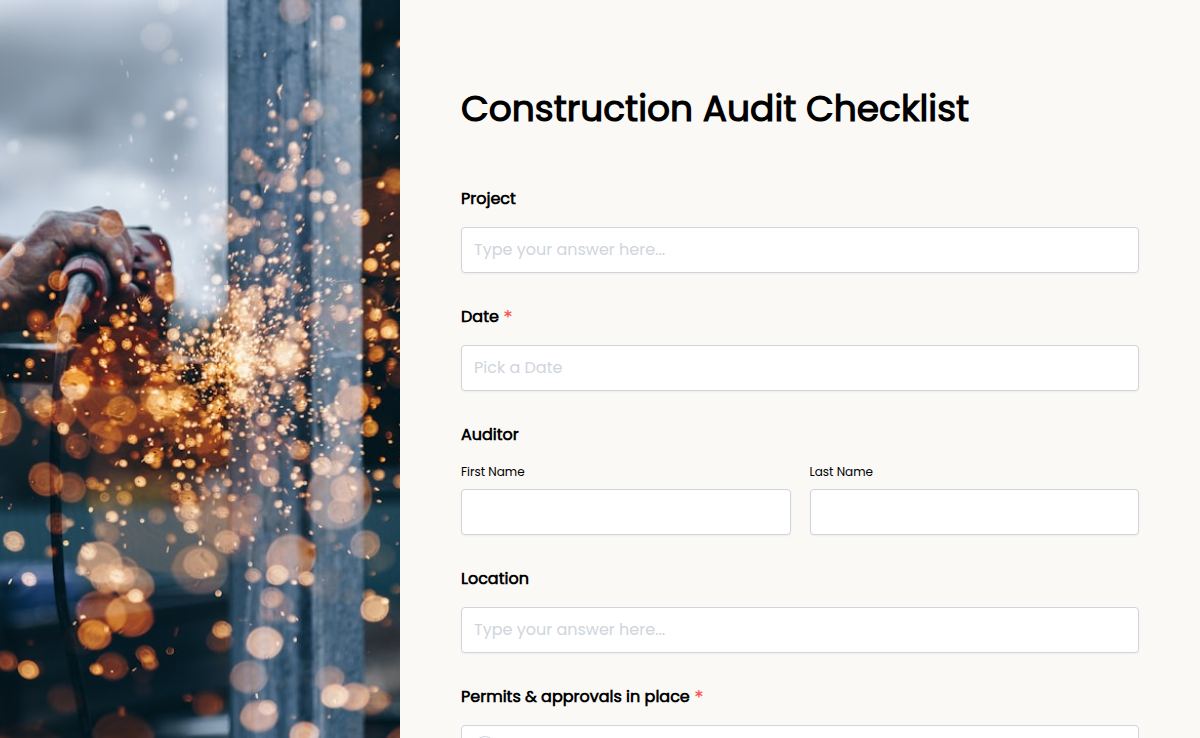
Construction projects involve multiple teams, safety regulations, and quality checks. The Construction Audit Checklist simplifies site inspections by ensuring every aspect of your project—safety, compliance, and efficiency—is thoroughly reviewed. With Formester’s Form Builder, you can customize this checklist to match your project needs. Use conditional logic to make audits smarter, collect electronic signatures for approvals, and analyze reports with form analytics. No more paper-based audits! Simply embed your form into your project management system, share it via email, or generate a QR code for mobile access. Conduct inspections from any device, track compliance in real time, and keep your site running smoothly. Upgrade your construction audit process with an efficient, digital solution today!
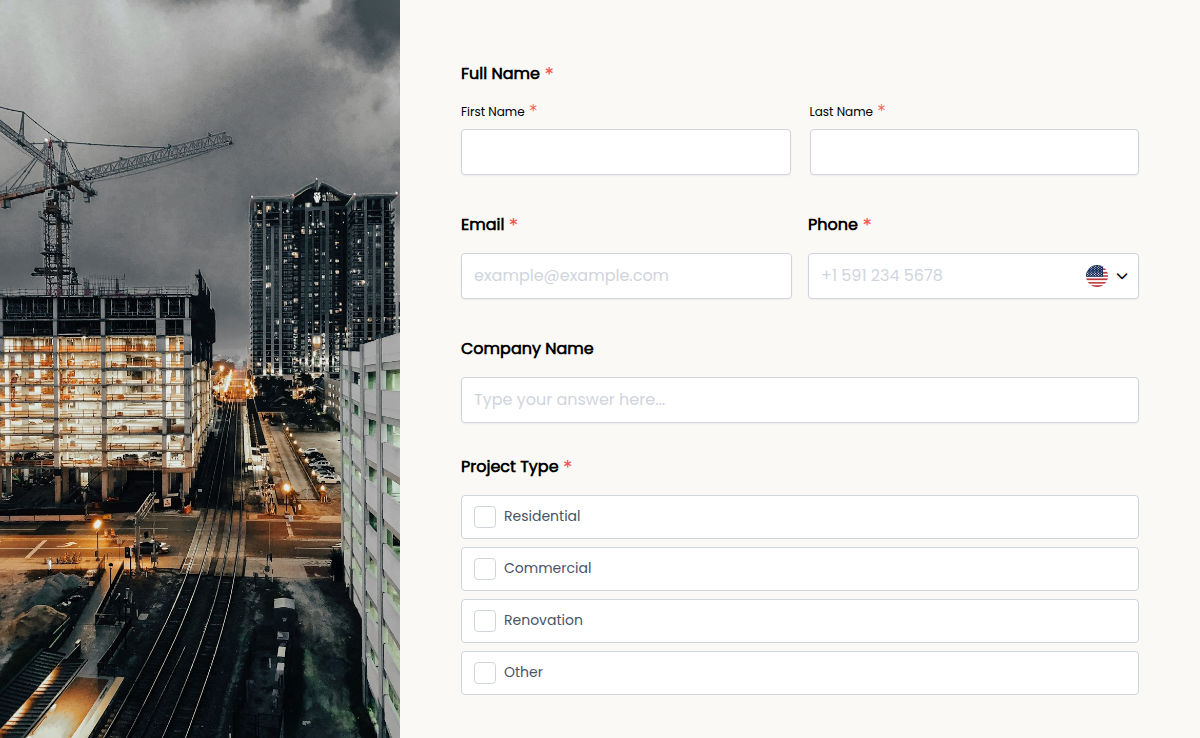
In the construction industry, fast and clear communication is key. Our Construction Contact Form helps contractors, suppliers, and clients connect effortlessly. Whether you're collecting project inquiries, service requests, or supplier bids, this form streamlines communication. With Formester’s Form Builder, you can customize fields to collect names, company details, project descriptions, and contact information. Need to organize leads? Enable autoresponder emails to send instant responses. Want to accept document uploads? Use file upload forms to collect blueprints or contracts. The form is fully embeddable on your website, making it easy for clients to reach out. Plus, with electronic signatures, you can collect approvals or agreements online. Make communication smoother and never miss an opportunity. Try this Free Form Template today!
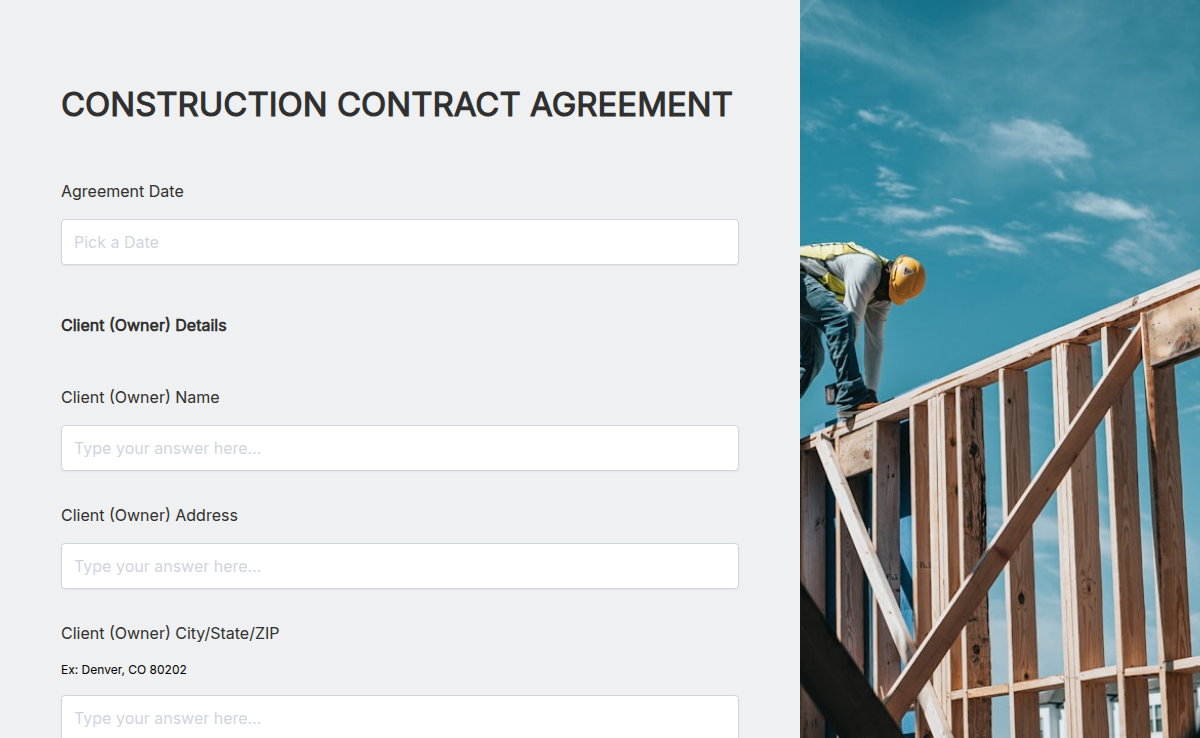
Working on a new build or renovation? Use this Construction Contract Agreement to outline project terms, timelines, and payments—so nothing gets missed.
A free construction job application form template for general contractors, subcontractors, trade crews, and staffing firms. Collect trade specialty, OSHA certification, state license number, equipment experience, prior job sites, and references in one mobile-friendly form. Customize fields, embed on your site, and route submissions to your hiring team.
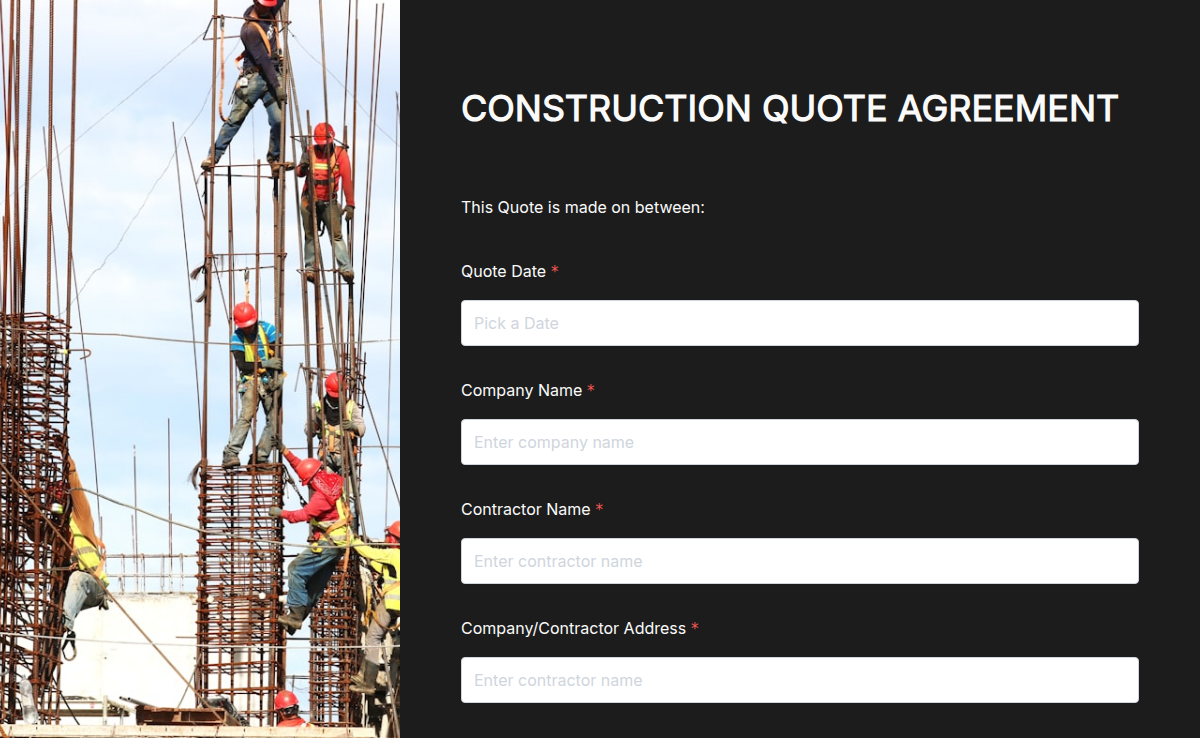
Build professional construction quotes in minutes. Outline scope, costs, and timelines in a clear, branded PDF your clients can trust.