Employee Of The Month Template
An employee of the month template runs the full recognition workflow in one form: collect nominations against named criteria, route nominations to a peer or manager vote, and announce the winner with a single export. Use this template for monthly recognition, quarterly awards, peer-to-peer shoutouts, or year-end employee-of-the-year voting. This template works for HR managers, people-ops teams, office managers, and team leads. Pair it with conditional logic (so nominators see different criteria depending on the role they're nominating), anonymous voting (so peers can vote honestly), and CSV export to your HRIS.
About this template
Recognize outstanding employees with the Employee of the Month Voting Form from Formester. This form allows you to collect nominations and votes from your team members to fairly choose the Employee of the Month. With our Form Builder, creating a customized voting form is quick and easy, without needing any technical skills.
The form is fully customizable, so you can ask specific questions, such as why a particular employee deserves to win. You can even use Conditional Logic to show different questions based on responses, making the process more personalized. To ensure the integrity of the voting process, Formester provides spam protection, so you don’t have to worry about fraudulent submissions.
To keep your team engaged, you can set up an Autoresponder Email to thank employees for their participation in the voting process. You can also track voting trends and gather feedback using Form Analytics, giving you valuable insights on employee engagement.
Embedding the form on your company’s intranet or sharing it with remote teams is a breeze with the Embed Forms feature. Plus, you can generate a QR Code for easy access, encouraging more team members to participate.
Start using the Employee of the Month Voting Form today to celebrate your team’s hard work and motivate everyone to continue giving their best!
When to use this employee of the month template
Five recognition workflows this template runs out of the box.
Monthly recognition
Open nominations every month, peer votes, single winner announced at month-end.
Quarterly recognition awards
Bigger awards every quarter with category-level voting (best teamwork, best customer support, etc.).
Peer-to-peer shoutouts
Anonymous peer recognition that accumulates over time, surfaces top contributors.
Manager-only nomination
Closed nominations from team leads only, no peer voting. Manager picks the winner.
Year-end employee of the year
Annual recognition that aggregates multi-month nominations into a single year-end vote.
Department spotlight
Per-department recognition cycle (Sales rep of the month, Support of the month, etc.).
What this nomination form captures
Every field, what it asks, and why. Adapt criteria to your team's values.
-
Voter's name and employee ID Short text
Identifies the voter and limits one vote per employee per cycle.
-
Voter's email Email
Used for one-vote-per-email validation and confirmation receipt.
-
Employee nominee's name Dropdown
Pre-fill the team roster so voters pick from the actual list (no typos in names).
-
Recognition category Dropdown
Best teamwork, best customer support, best initiative, best mentor. One winner per category.
-
Specific behavior or example Long text
The voter describes what the nominee did this month. Required field; quality matters.
-
Which company value does this demonstrate Multi-select
Tie the recognition to a named company value. Drives the announcement narrative.
-
Impact on the team or customer Long text
Quantifies what changed. Numbers if available; qualitative impact otherwise.
-
Should this nomination be anonymous Radio
Yes / No. Anonymous mode hides the voter name from the nominee and the team.
-
Recognition period Dropdown
Month / Quarter / Year. Drives which voting cycle the nomination lands in.
-
Submitter signature (optional) Signature
Optional. Some teams require a signature for the official recognition record.
Employee of the month template FAQ
Common questions from HR managers, people-ops teams, and office managers.
What is an employee of the month template?
How do I create a free employee of the month form?
What's the difference between a nomination form and a voting form?
What criteria should an employee of the month nomination use?
Can I make the voting anonymous?
Can I limit voting to one vote per employee?
Can I run a quarterly or yearly version of this template?
Can I add multiple recognition categories?
Can I export the employee of the month results to my HRIS?
Can I share the winner announcement automatically?
Is this employee of the month template free?
Can the manager-only version block peer voting?
Related Templates
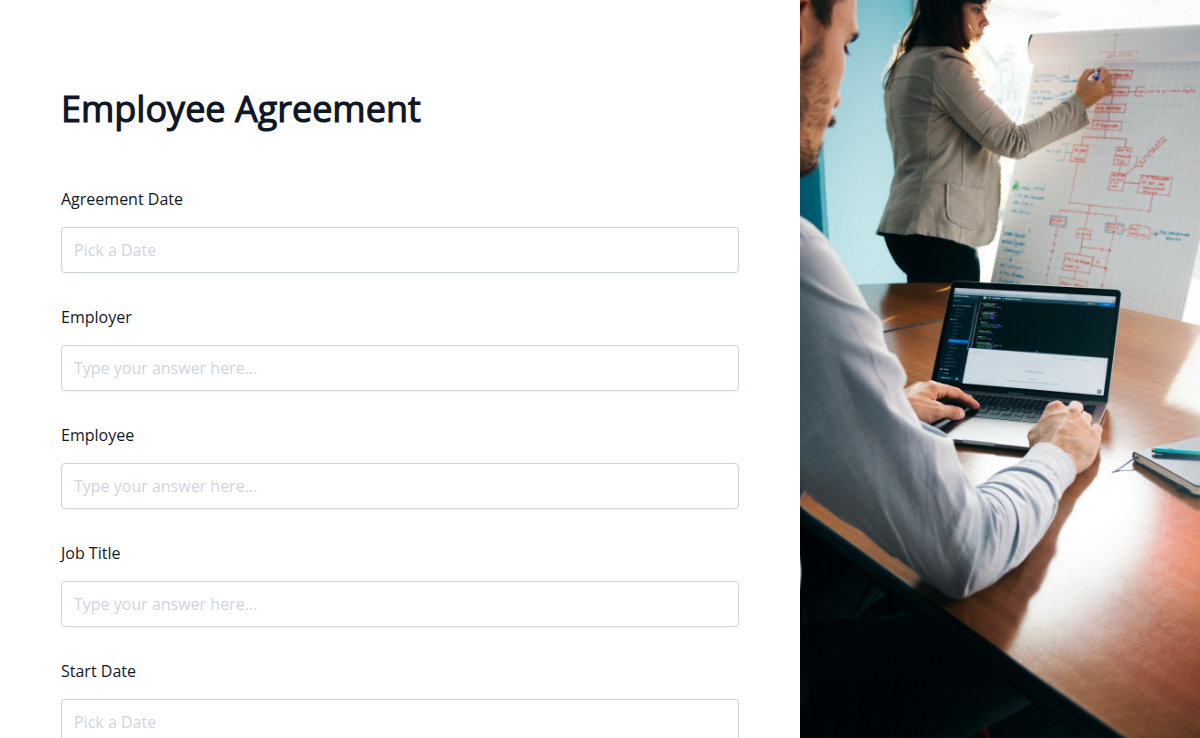
Employee Agreement PDF Form
Hiring someone new? Use this Employee Agreement to define job roles, responsibilities, and conditions before onboarding. Save time and stay legally covered.
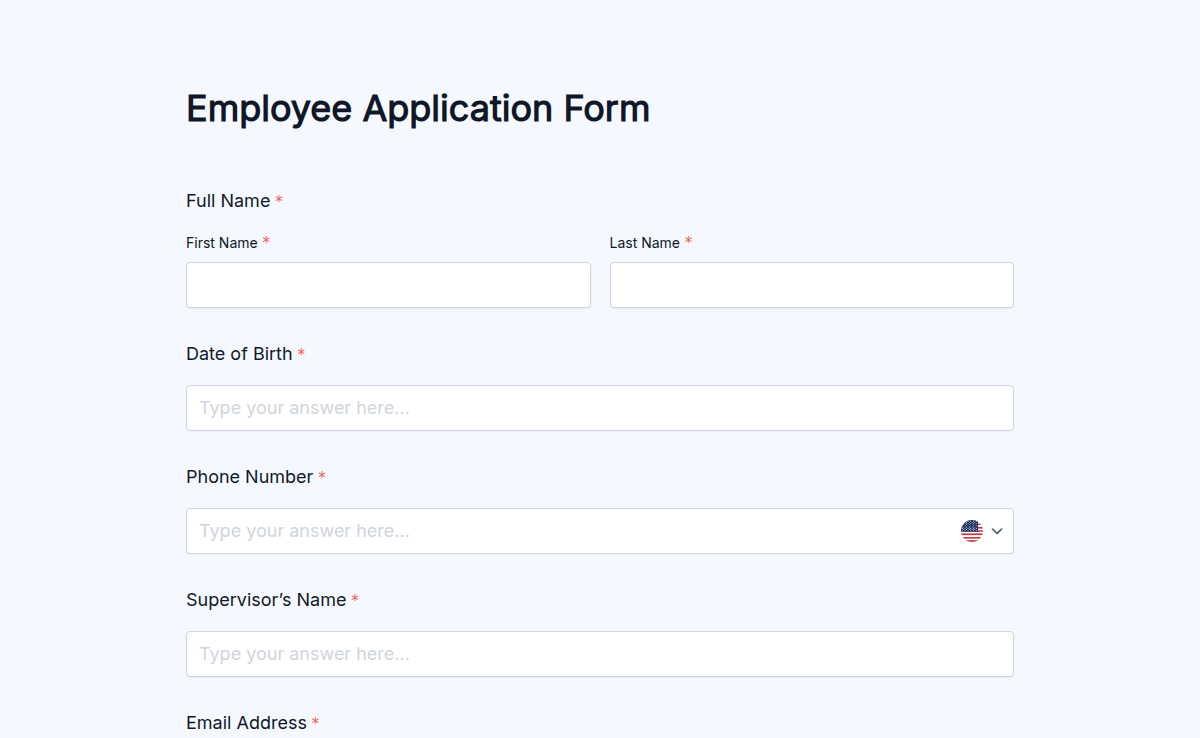
Employee Application Form
Hiring new talent doesn’t have to be a messy or time-consuming process. Our Employee Application Form helps you collect everything you need from job applicants in one clean, professional form. From contact info and work history to resumes and cover letters, you can customize the form to fit any role at your company. With Formester’s drag-and-drop builder, you can tweak every section, add your logo, and create a hiring experience that feels seamless. Use conditional logic to personalize questions for different job types, and enable file upload for resumes or portfolios. Embed the form on your careers page or send a direct link—either way, you’ll collect high-quality applications without all the email back-and-forth. Explore this and other free form templates to upgrade your hiring process today.
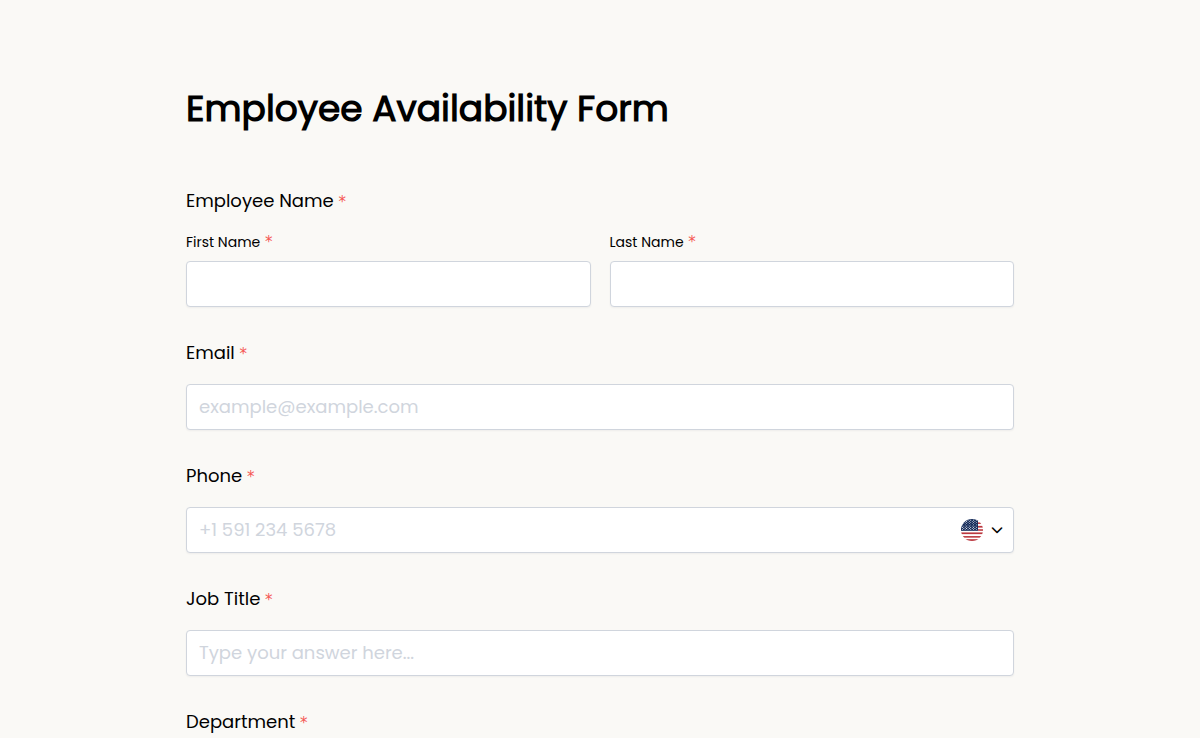
Employee Availability Form
Need to schedule shifts without the constant back-and-forth? The Employee Availability Form helps you collect each team member’s preferred working hours quickly and clearly. Whether you're managing part-timers, freelancers, or full-time staff, this form ensures everyone stays on the same page. Customize it easily with Formester’s drag-and-drop builder. Add days of the week, time slots, role-based availability, and even include conditional logic to show different fields based on job type or department. Want to gather e-signatures for confirmation? Done. You can embed the form into your HR portal or send it out via secure link. All submissions are neatly stored and can be exported as PDFs for scheduling use. Say goodbye to manual tracking and confusion. Use this free form template to build smarter, faster schedules with input from your team.
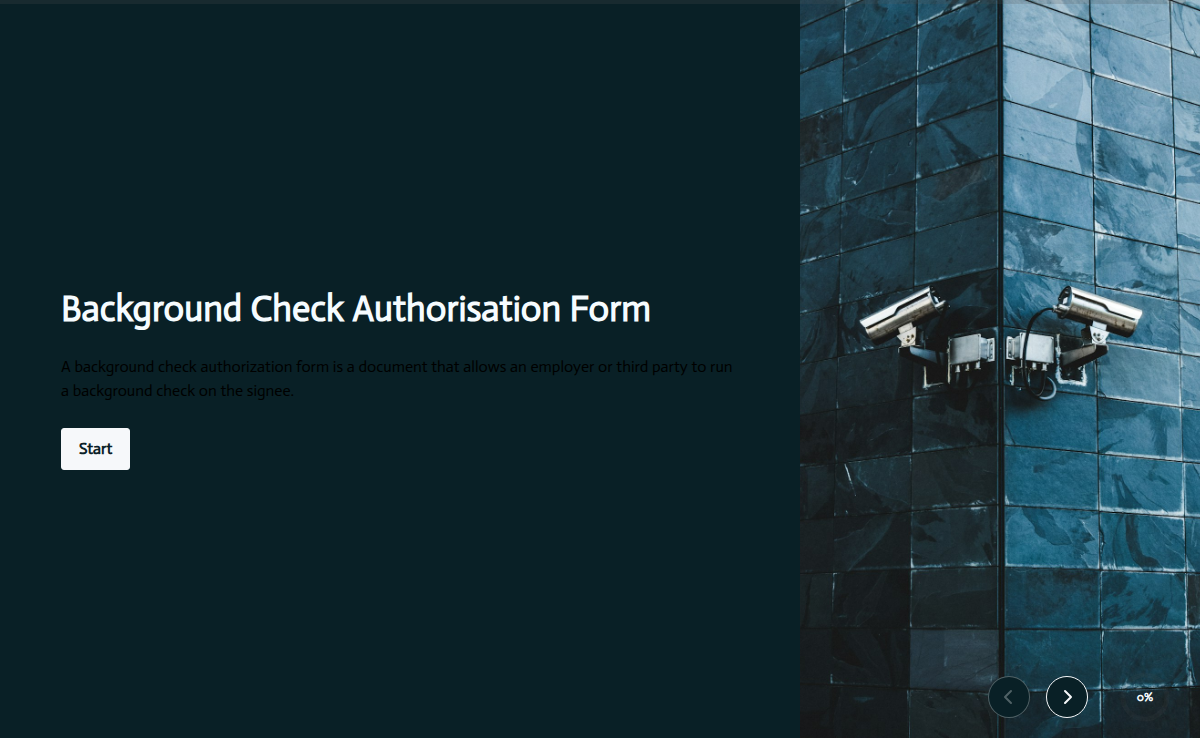
Employee Background Check Authorization Form
Streamline the hiring process with the Employee Background Check Authorisation Form from Formester. Specifically designed for businesses, this form simplifies the authorisation process for comprehensive background checks. Easily collect applicant details, consent information, and any specific requirements to ensure a secure and informed hiring decision. Embed the form on your website and make the authorisation process hassle-free for both employers and applicants with the Employee Background Check Authorisation Form.
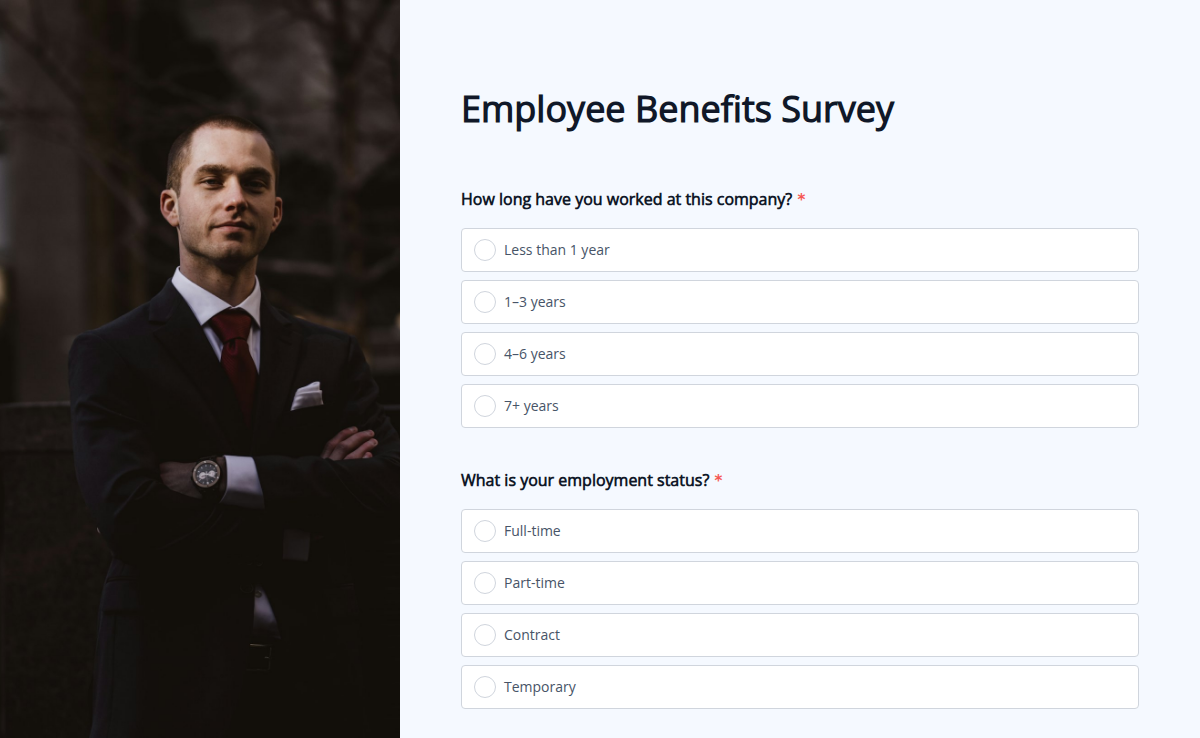
Employee Benefits Survey
Want to know if your employees are satisfied with their benefits package? Our Benefits Survey Template helps you gather feedback on health insurance, paid leave, retirement plans, and other perks to ensure your offerings align with employee needs. With Formester’s Form Builder, you can easily customize the survey, add Conditional Logic to display relevant questions, and even collect E-Signatures for employee acknowledgments. This template is mobile-friendly and can be embedded on your intranet or shared via email. Use Form Analytics to review responses and make data-driven decisions about your benefits program. Ensure your employees feel valued and supported by refining your benefits package with this free survey template today!
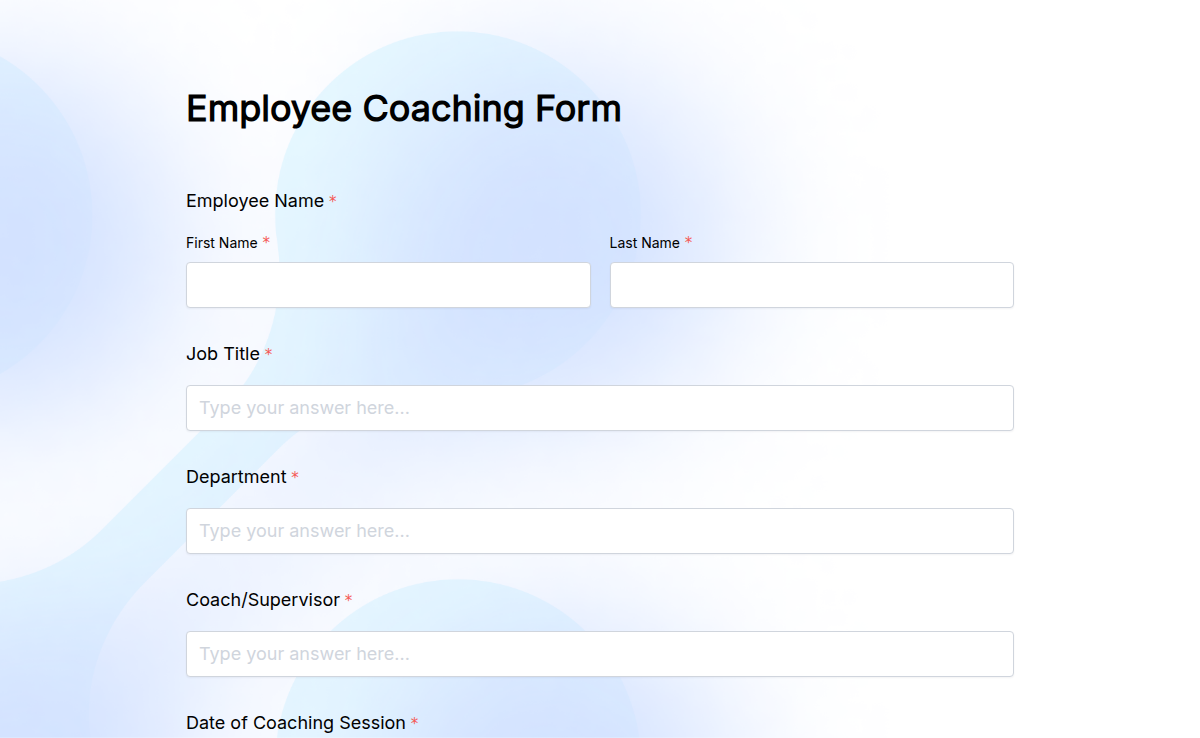
Employee Coaching Form
Want to help your team grow with structured feedback? The Employee Coaching Form lets managers and team leads guide employees with clear, actionable insights. Use this form to document coaching sessions, set goals, track progress, and boost performance across your organization. Formester makes it easy to customize your form using the drag-and-drop builder. Add goal-setting sections, behavior feedback, performance notes, and next steps. Use conditional logic to personalize questions based on roles or departments. You can also collect e-signatures from both coach and employee to confirm the session. Embed the form in your internal coaching toolkit and export the submissions as PDFs for HR files. This free form template makes coaching consistent, organized, and goal-driven—so your team gets better, together.
Employee Compensation Form
The Employee Compensation Form helps HR teams collect information about employees' salaries, bonuses, and benefits. It ensures accurate payment details for each employee, making payroll processing easier and faster. This form is perfect for organizations that want to track compensation and ensure all financial details are up-to-date. By using this form, you can make sure employees are paid correctly and on time, improving the efficiency of your payroll system.
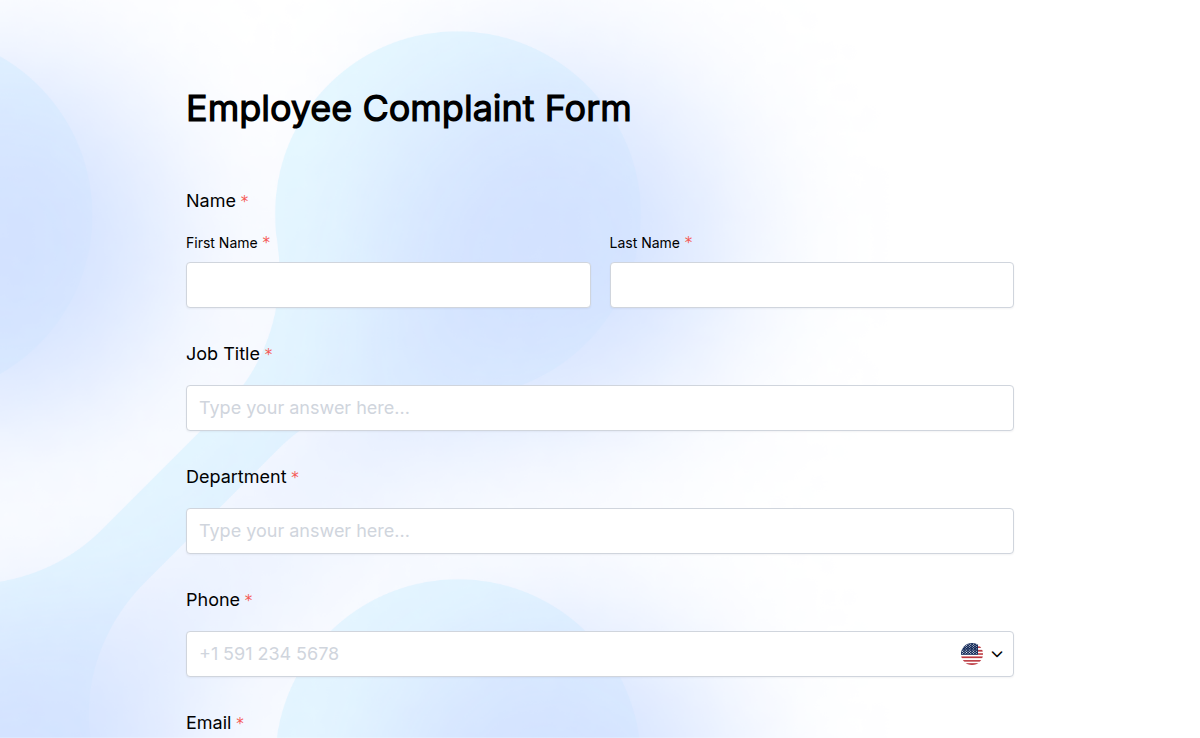
Employee Complaint Form
Workplace issues can’t be fixed if they’re not heard. The Employee Complaint Form makes it easy for your team to raise concerns safely, clearly, and professionally. Whether it’s harassment, conflict, discrimination, or unfair treatment, this form ensures complaints are properly documented and addressed. You can customize it in minutes with Formester’s drag-and-drop builder. Add fields for department, incident details, dates, and optional anonymity. Use conditional logic to display questions based on the complaint type. Keep everything secure, enable e-signatures, and embed the form into your HR portal. Responses are auto-stored and can be exported as PDFs for recordkeeping or legal use. Use this free form template to build a safe, respectful work environment—where employees feel heard, and you stay compliant.
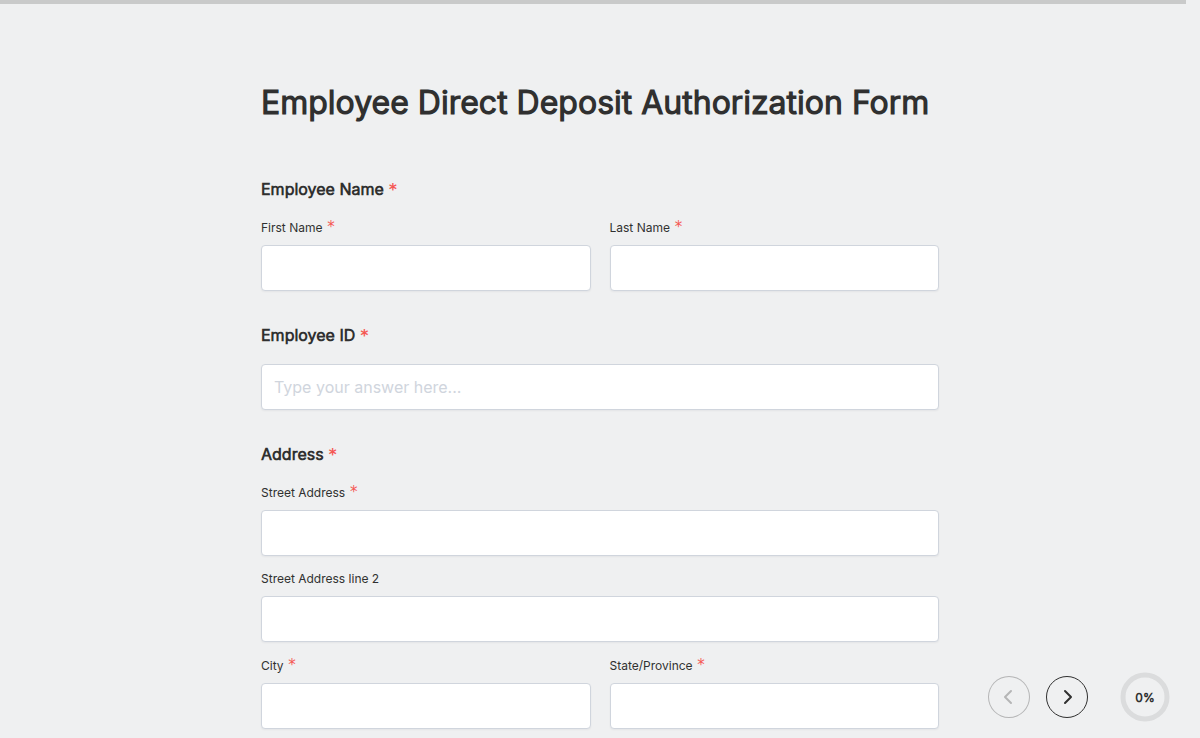
Employee Direct Deposit Authorization Form
Pay your employees hassle-free with our Employee Direct Deposit Authorization Form Template. This form lets employees securely provide their banking details for direct payroll deposits. Customize it to meet compliance needs, collect electronic signatures, and ensure data security. Simplify payroll processing with Formester’s Form Builder!
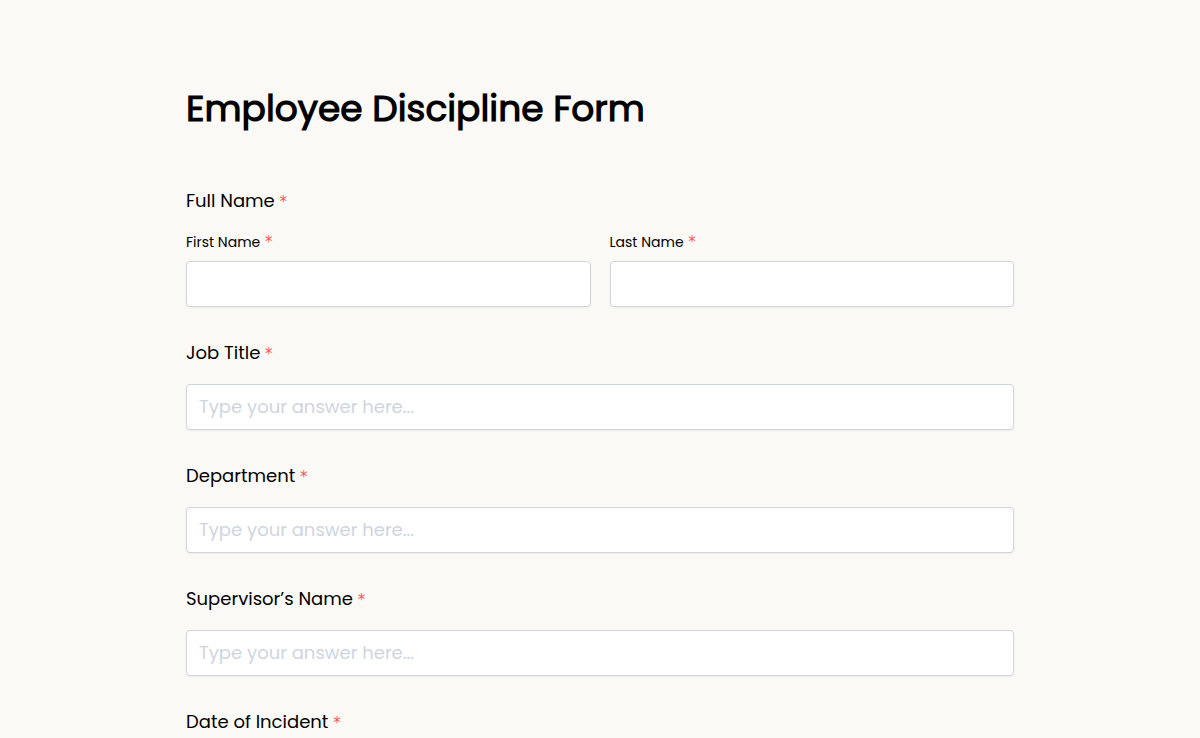
Employee Discipline Form
Addressing employee behavior or performance issues doesn’t have to be stressful. Our Employee Discipline Form helps you document problems clearly and take appropriate action—all in one simple, digital form. Whether it’s a first warning, repeated misconduct, or a performance issue, this template keeps everything organized and professional. Customize it using Formester’s drag-and-drop builder. Add fields, include electronic signatures, and apply conditional logic to guide managers through the right process based on the issue. You can even embed the form into your internal HR portal for quick access. Use this form to ensure fair, consistent communication and improve accountability across teams. Everything is stored safely and can be exported as a PDF for HR records. Simplify how your team handles discipline—and maintain a professional, documented trail—with this ready-to-use form template.
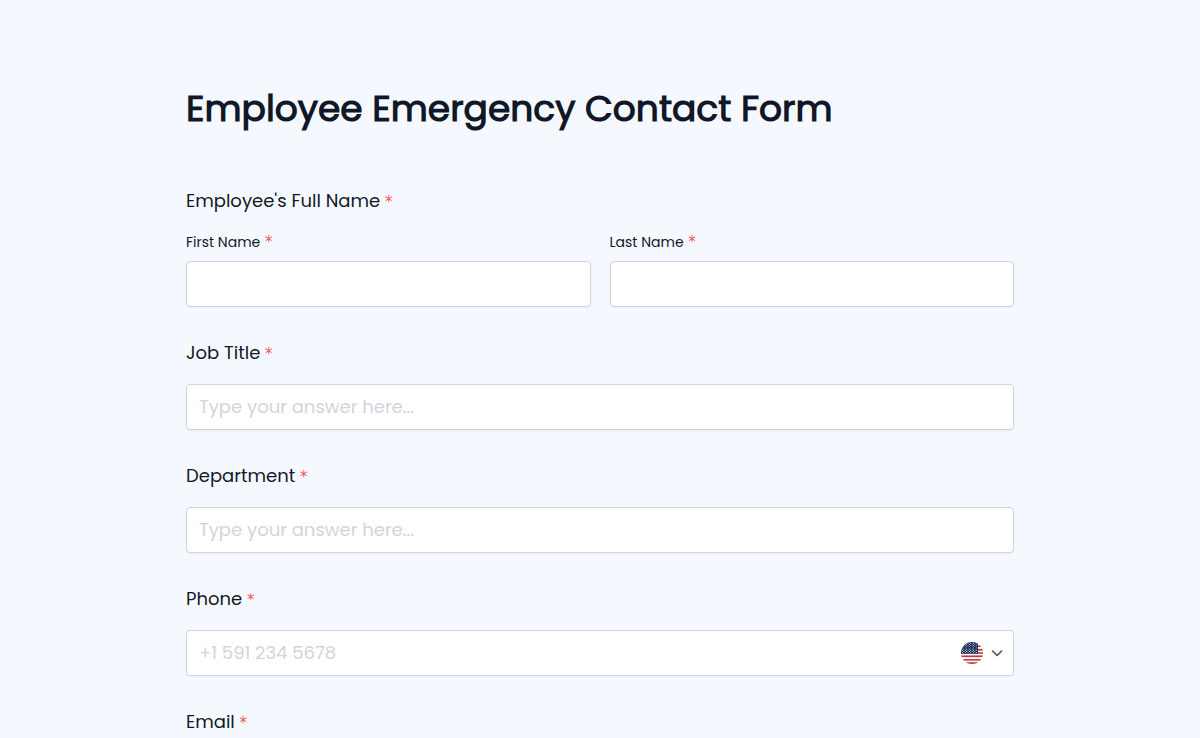
Employee Emergency Contact Form
Emergencies happen—and when they do, you need the right information fast. Our Employee Emergency Contact Form lets you collect, update, and store emergency contact details securely and efficiently. It’s a must-have for every HR department to ensure safety in the workplace. Customize this form with Formester’s drag-and-drop builder to capture essential information like contact names, phone numbers, relationship to the employee, and medical alerts. Use conditional logic to collect extra info only when needed and enable email verification to keep data accurate. You can easily embed it into your onboarding workflow or internal HR system. All submissions are safely stored and can be exported as PDFs for quick access when it matters most. Protect your team and act faster during emergencies with this essential free form template.
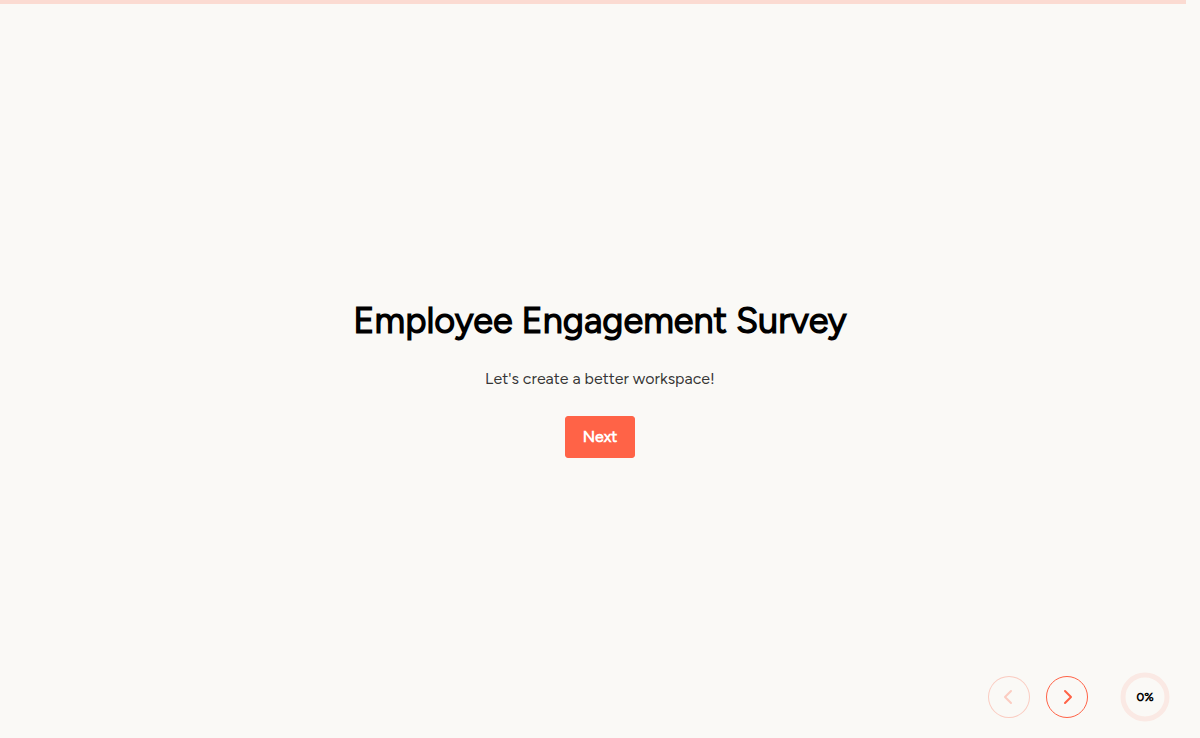
Employee Engagement Survey
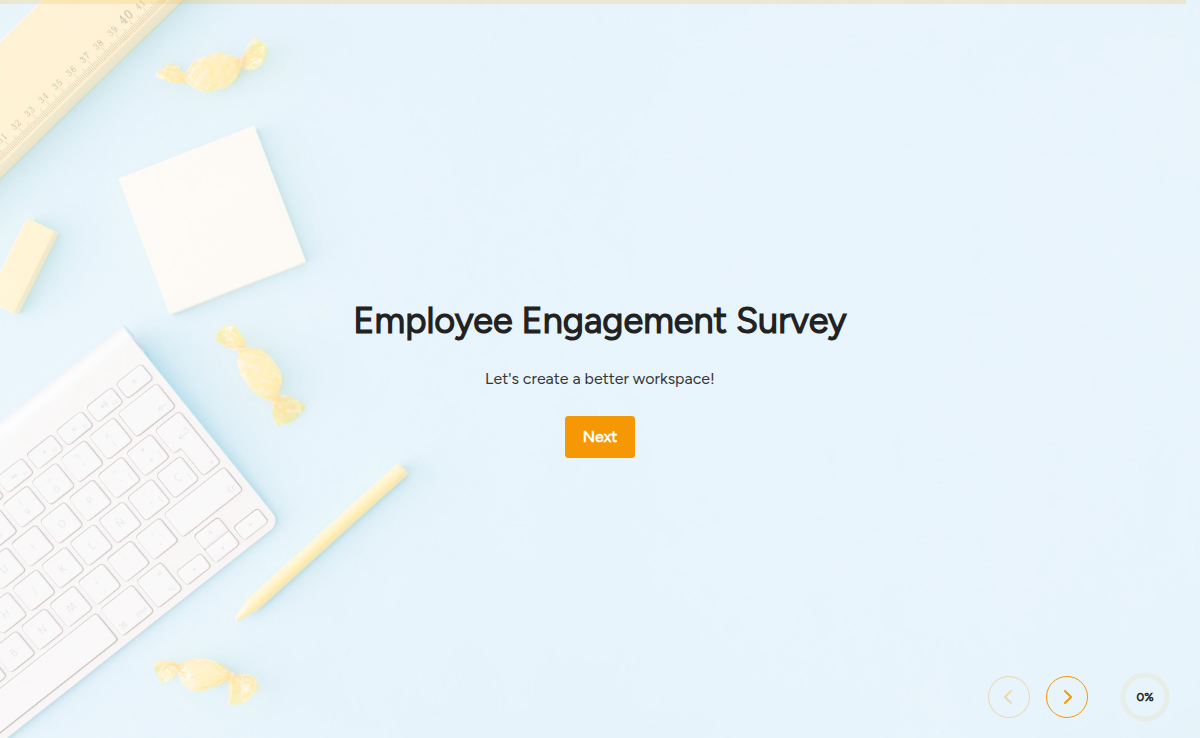
Employee Engagement Survey Template
This Employee Engagement Survey is designed to help you analyze your employees' satisfaction and commitment to your organization. It will help you gather insights into critical aspects like employee dedication, sincerity, work preferences and more; In turn, enabling you to improve your employee retention, satisfaction and workplace strategies.
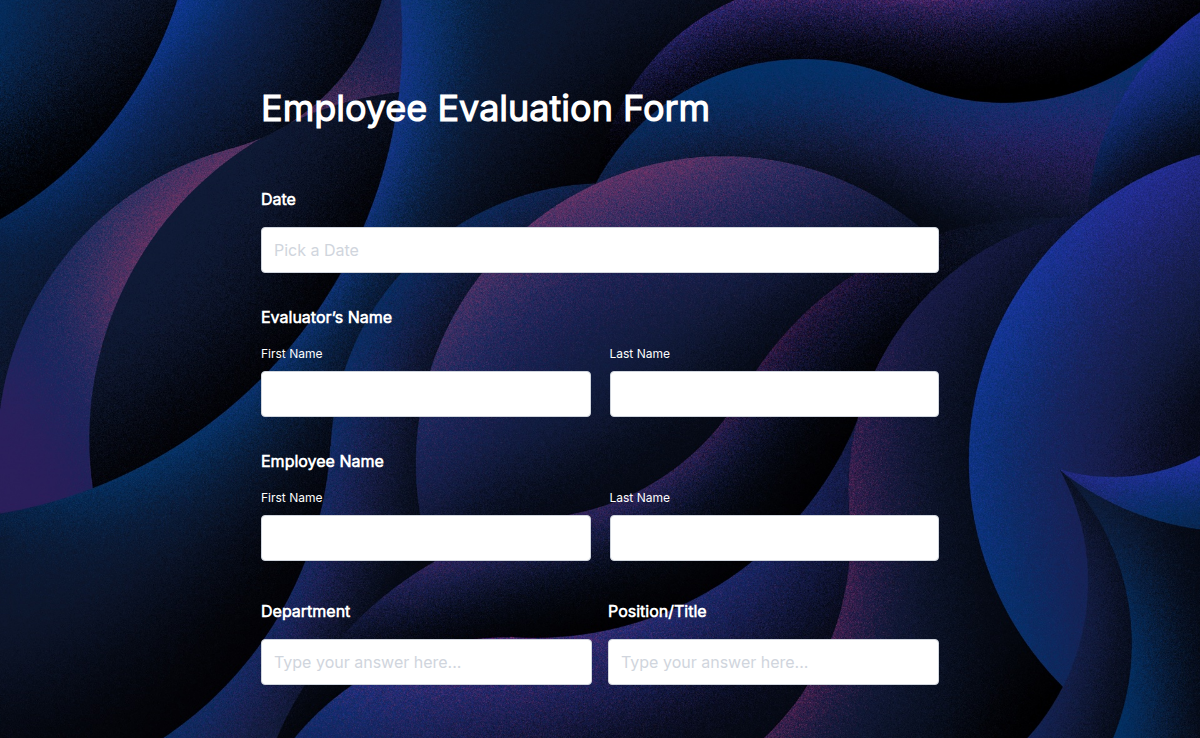
Employee Evaluation Form
Use the Employee Evaluation Form to assess your team’s performance and provide constructive feedback. This form helps managers gather insights on employee strengths, areas for improvement, and overall job performance. With Formester’s Form Builder, you can easily customize the form to fit your organization’s needs, adding specific performance metrics and skills. Conditional logic allows you to ask tailored follow-up questions based on ratings, providing more detailed feedback. You can also collect e-signatures for verification and embed the form directly into your internal systems. Once completed, the data can be exported into reports, helping you make informed decisions about promotions or training. Start improving employee performance with Free Form Templates today!
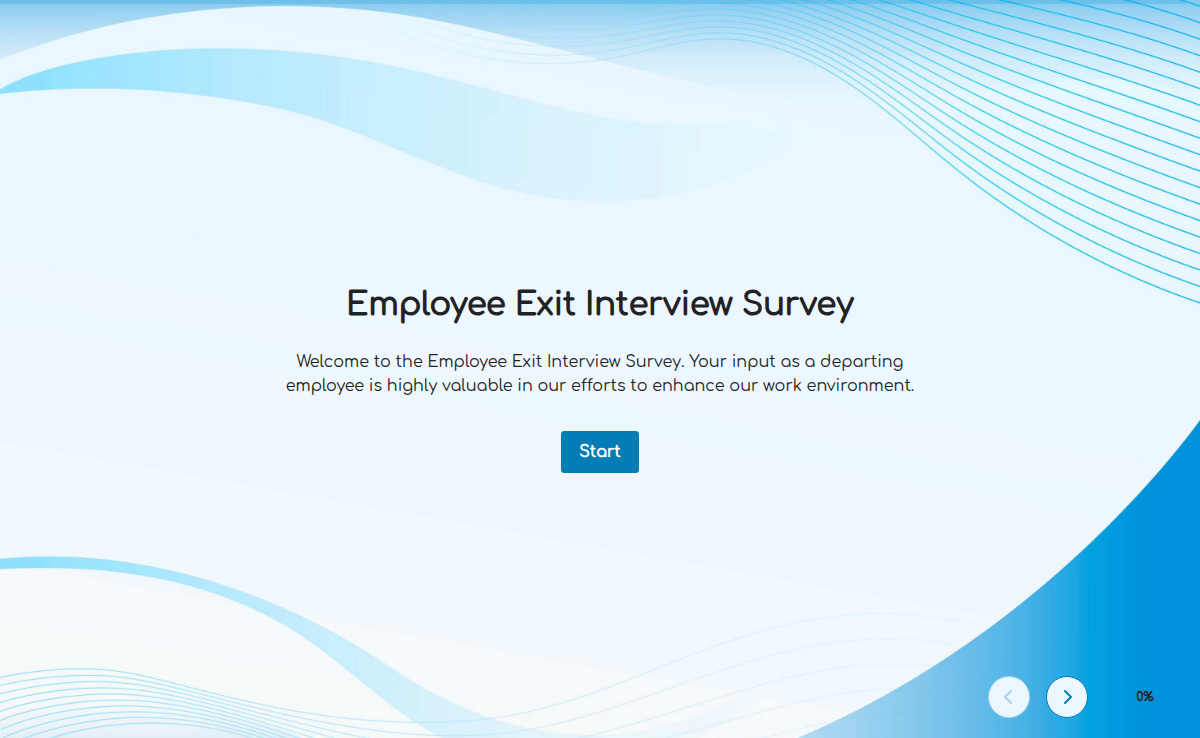
Employee Exit Interview Survey
The employee exit interview survey helps you understand why team members leave and what you can improve. Use this form to collect honest feedback in a structured and respectful way.
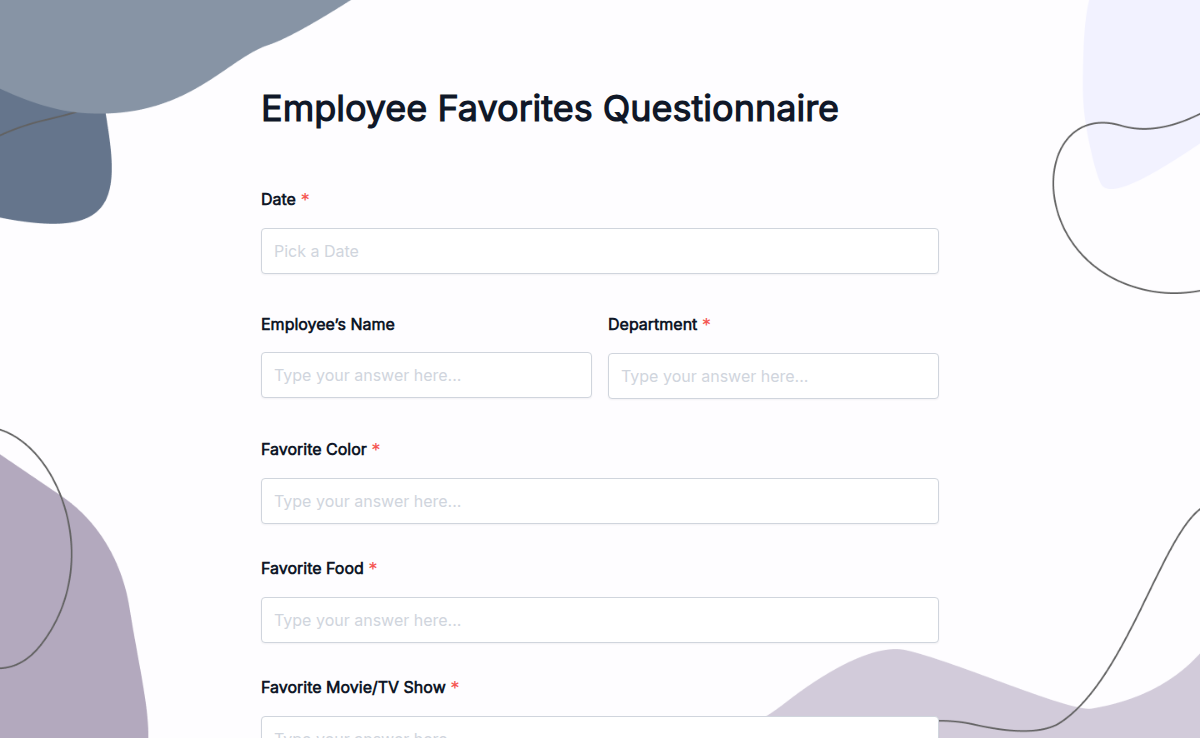
Employee Favorites Questionnaire
The manager who remembers an employee's favorite coffee gets a different relationship than the one who doesn't. Scale that across 50 people on a distributed team and the math gets impossible without a system. This questionnaire is the system. Capture the recognition + gifting + team-building data once, store it in one place, and the next birthday, work anniversary, or 'thanks for stepping up' moment writes itself. Twenty-plus question categories cover the obvious (favorite snack, favorite coffee, favorite restaurant for lunch) and the less-obvious that actually matter for thoughtful recognition (preferred recognition style: public vs private, gift-card vs handwritten note vs paid lunch out, favorite charity for donation-in-lieu, hobby they wish they had time for). Run it on the new-hire welcome flow, once a year as a refresh, or whenever the team's composition shifts. Customize the questions in the drag-and-drop builder, share the form through a team-wide link, and export the responses to a shared HR dashboard so the data is one-click-away when you need it.
Employee Feedback Form
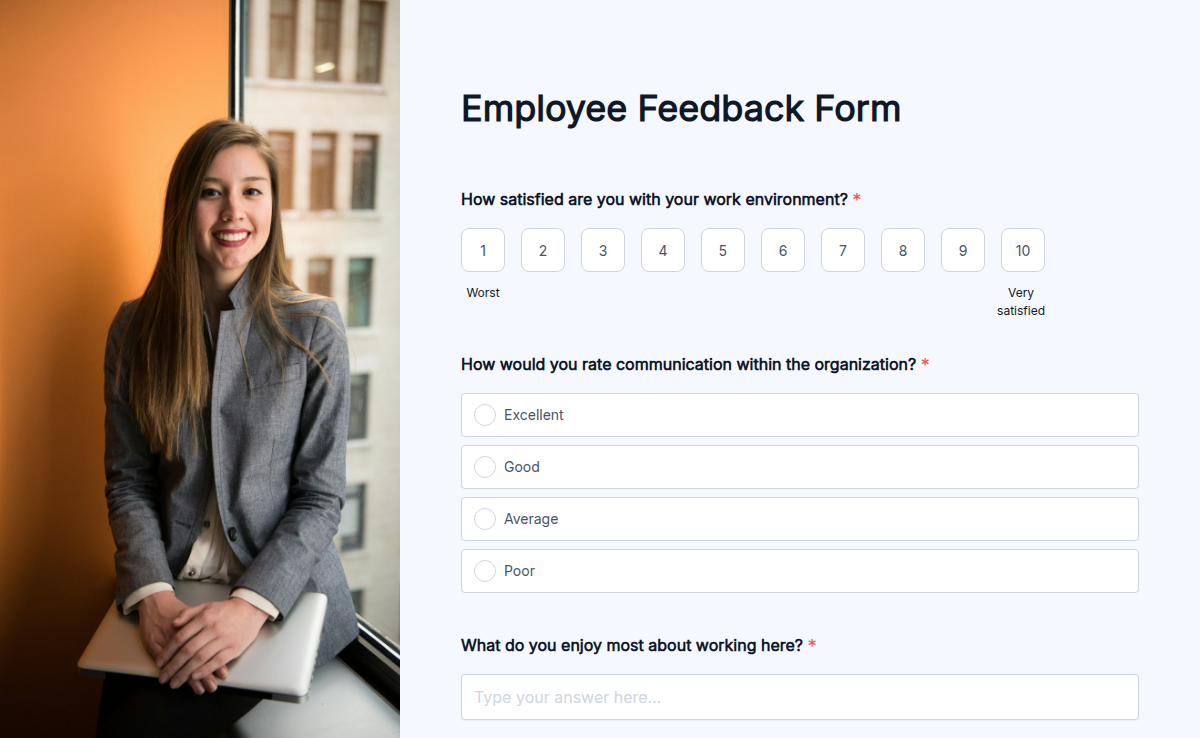
Understanding employee satisfaction is key to improving workplace culture and productivity. Our Employee Feedback Form Template helps businesses collect honest opinions about work conditions, management, and overall job satisfaction. Whether you need feedback on a new policy or want to measure employee engagement, this form makes it easy. Customize the form using our Form Builder, add Conditional Logic to personalize responses, and collect E-Signatures for official submissions. Employees can submit feedback anonymously, and with Trusted Form Certification, they feel secure sharing their opinions. Easily embed the form on your company’s portal, share via email, or collect responses offline. With Higher Submission Limits, gathering insights from all employees is hassle-free. Start improving workplace satisfaction today!
Employee Laptop & Equipment Agreement Form
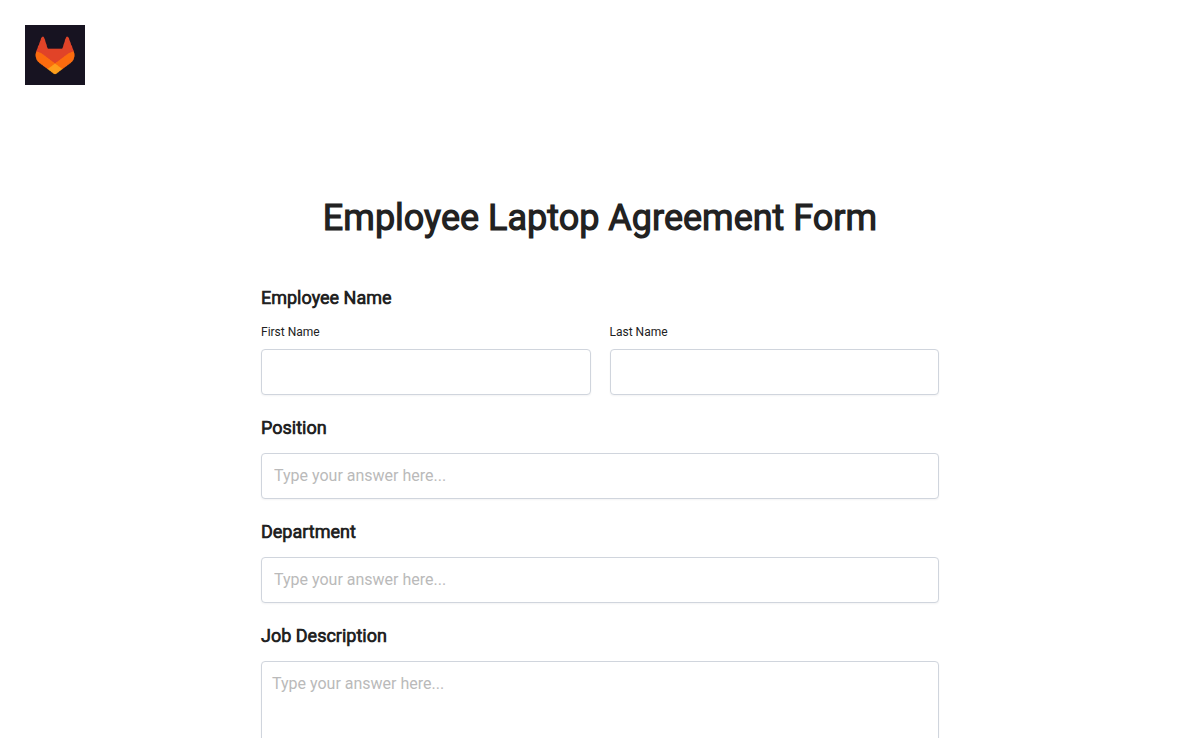
One form, every device you issue. This employee laptop and equipment agreement template captures who got what, the serial number, the condition at handover, the rules they agreed to, and a signature that stands up in court. Use it for laptops out of the box; swap in phones, monitors, dongles, or a full remote-work kit by editing two fields.
Employee Loan Request Form
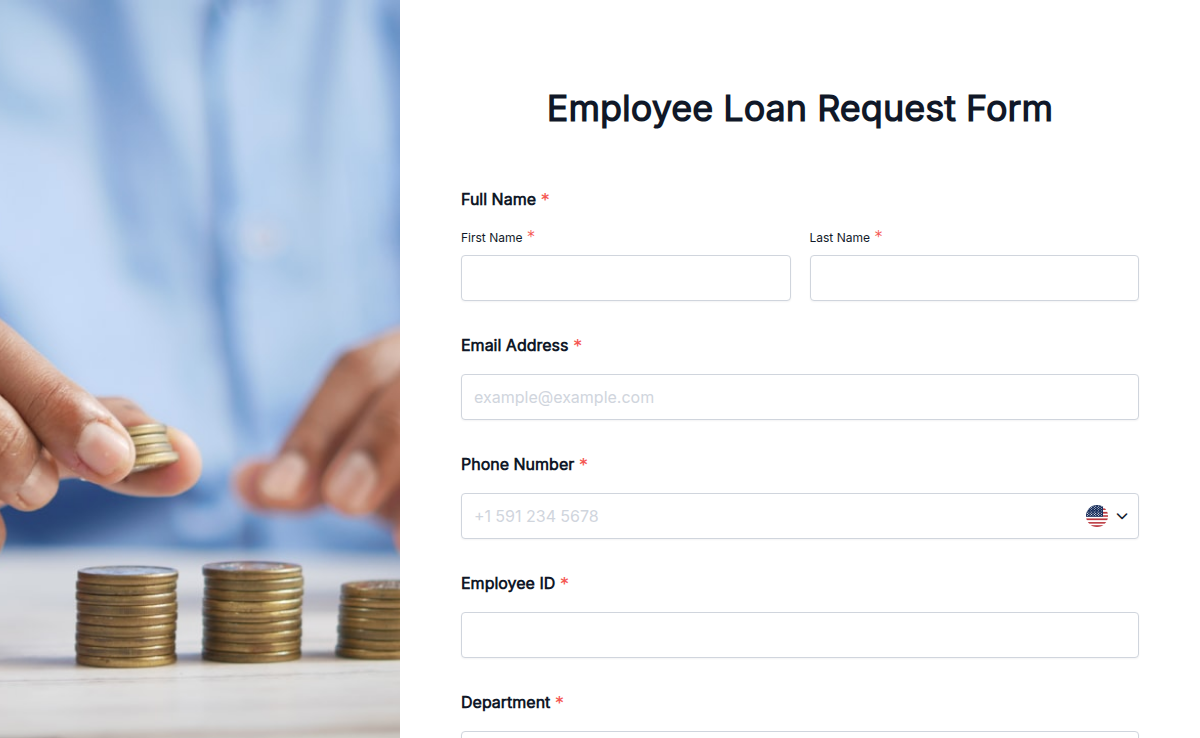
Need a smooth way for employees to request loans? Use Formester’s Employee Loan Request Form Template to streamline the process. This form collects everything you need — employee details, loan amount, repayment terms, and more — all in one place. No more messy paperwork or back-and-forth emails. You can fully customize the form using our Form Builder, add your logo, and match your company style. Add smart conditional logic to show fields based on employee responses. Make it official with e-signatures and keep things secure. The form works great on any device and is easy to embed on your intranet or HR portal. With trusted certifications and high submission limits, Formester makes handling employee loan requests simple, fast, and reliable.
Employee Onboarding Form
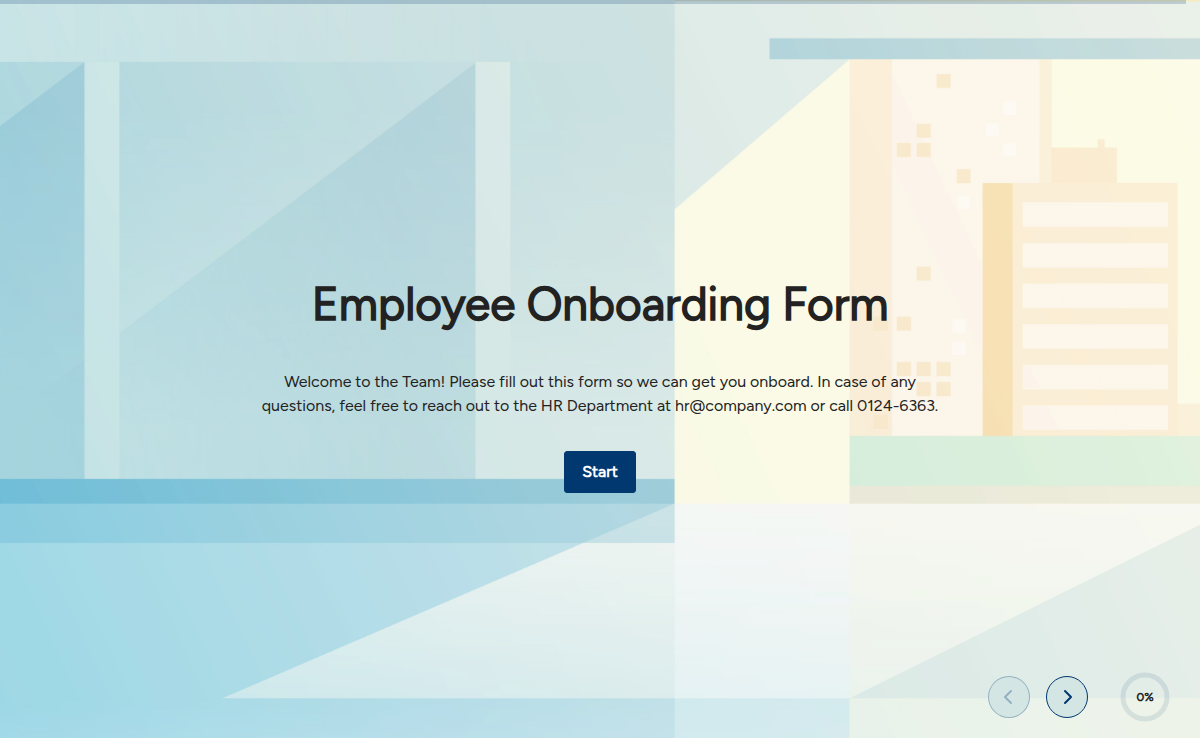
An Employee Onboarding Form serves as a means to gather and organize relevant data to initiate the employment relationship and facilitate the necessary administrative processes. It ensures that the company has accurate and up-to-date information about the new employee, streamlines the onboarding process, and helps with compliance and record-keeping requirements.