Open the template in the builder
Click "Use Template" to open the form inside the Formester builder.
"A model registration form helps agencies and casting teams collect applications from aspiring models along with their personal details, measurements, and portfolio links." Use this template to allow models to submit their information, upload portfolio photos, and share their modeling experience through one simple online form. It helps agencies review applications, organize model profiles, and identify suitable candidates faster. This form can be used by modeling agencies, casting teams, fashion brands, or event organizers who want to discover new talent and manage model registrations in one place. You can customize the form to include fields for height, measurements, modeling categories, portfolio uploads, and experience so every application contains the details needed for evaluation.
A model registration form is how agencies and casting teams shortlist talent without drowning in email. This template captures every detail a booker needs on first review: name, age, height, body measurements, modeling category, experience, contact, and a portfolio upload, all in one structured submission.
Customize it inside Formester's Form Builder by dragging fields in or out, renaming labels for your agency, or adding sections for specific divisions (commercial, runway, fitness, plus, kids). When an applicant submits, the Autoresponder Email sends an instant confirmation so they know the application landed.
Bookers and scouts can review submissions together through Collaborative Forms, and every entry can be exported as a clean PDF profile via Export Form Submission PDF. Embed the form on your agency site using Embed Forms, or collect a registration fee at submission with Online Payments.
The template is a starting point. Here is the exact path from clone to launch, including the swaps most agencies make on day one.
Click "Use Template" to open the form inside the Formester builder.
Rename the form for your agency and set your brand colors and logo.
Add or remove fields based on your division (runway, commercial, fitness, kids).
Turn on the file upload field for portfolio photos and comp cards, and set the max file size.
Add an electronic signature field for the agency consent and image-use agreement.
Connect Online Payments if you charge a registration or evaluation fee.
Embed the form on your agency site, or share the link directly with casting teams.
Six common scenarios where this model registration form fits without modification. If your use case is close but not exact, the Customize section below covers the swaps.
Open submissions for a model agency intake or new face callout and review every applicant in one queue.
Run a casting call for a campaign, lookbook, or commercial shoot with structured applicant profiles.
Collect runway model applications for a fashion show or seasonal showcase, with measurements pre-built in.
Source talent for a photographer's editorial or test shoot without chasing details over email.
Build a roster for a runway event, pageant, or trade-show booking from a single shareable link.
Manage division-specific signups: commercial, runway, fitness, plus size, or child.
This template comes pre-built with the fields a booker actually reviews. Add, remove, or rename any field in seconds inside the builder.
Full name Short text
First and last name of the applicant for booker review and roster files.
Age and date of birth Date
Confirms division eligibility and minor-consent flow when applicable.
Height, weight, and body measurements (bust, waist, hips) Short text
The core stats every booker checks before shortlisting.
Shoe size, dress size, hair color, eye color Short text
Secondary stats wardrobe and styling teams need at the brief stage.
Modeling category (runway, commercial, fitness, plus, kids, fit) Dropdown
Routes the applicant to the right division for review.
Experience (years active, prior agencies, notable shoots) Long text
Separates new faces from working talent and surfaces credentials.
Portfolio upload (comp card, polaroids, headshots, full-body) File upload
The single most important attachment, scoped to set per-file limits.
Contact: email, phone, city, country Email and phone
Direct reach plus location for travel and call-time logistics.
Agency consent and image-use agreement E-signature
Captures signed image rights at submission, stored with the entry.
Availability and travel willingness Multi-select
Filters who can take same-week bookings and out-of-city shoots.
Common questions from agencies, casting directors, and photographers running model intake on this template.
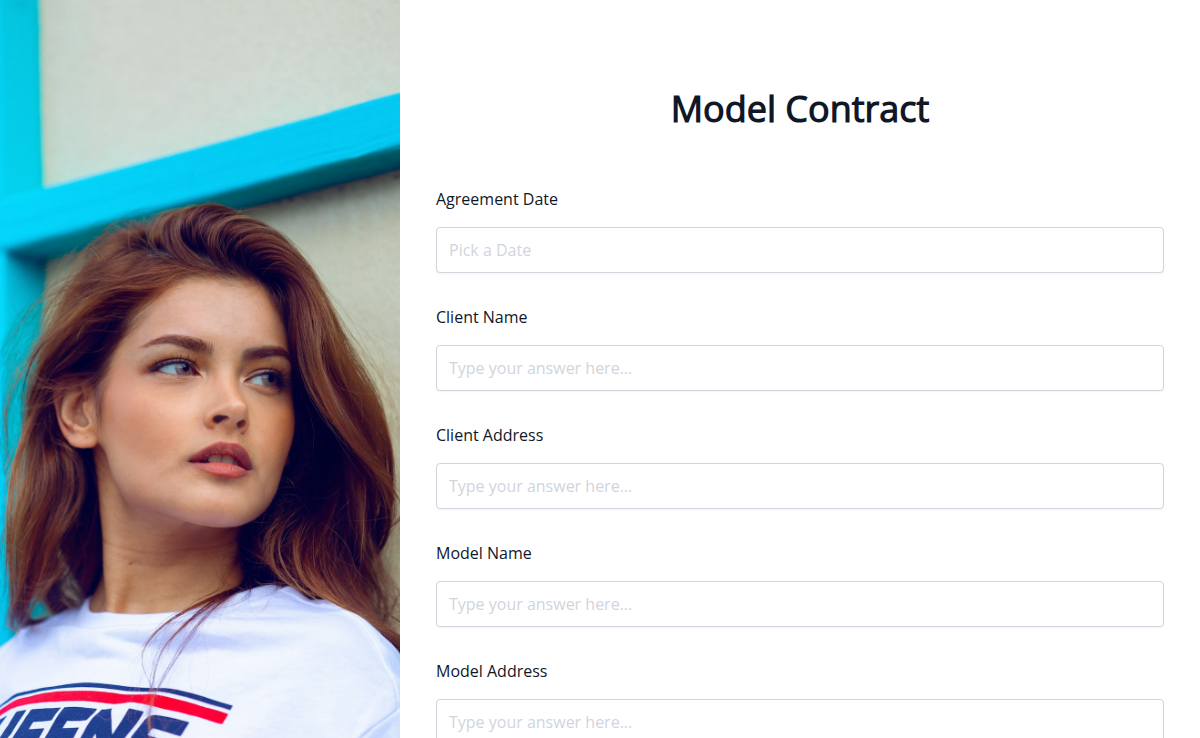
Planning a photo shoot or campaign? Use this Model Contract Template to set clear terms around usage rights, shoot details, and payment before the session begins.
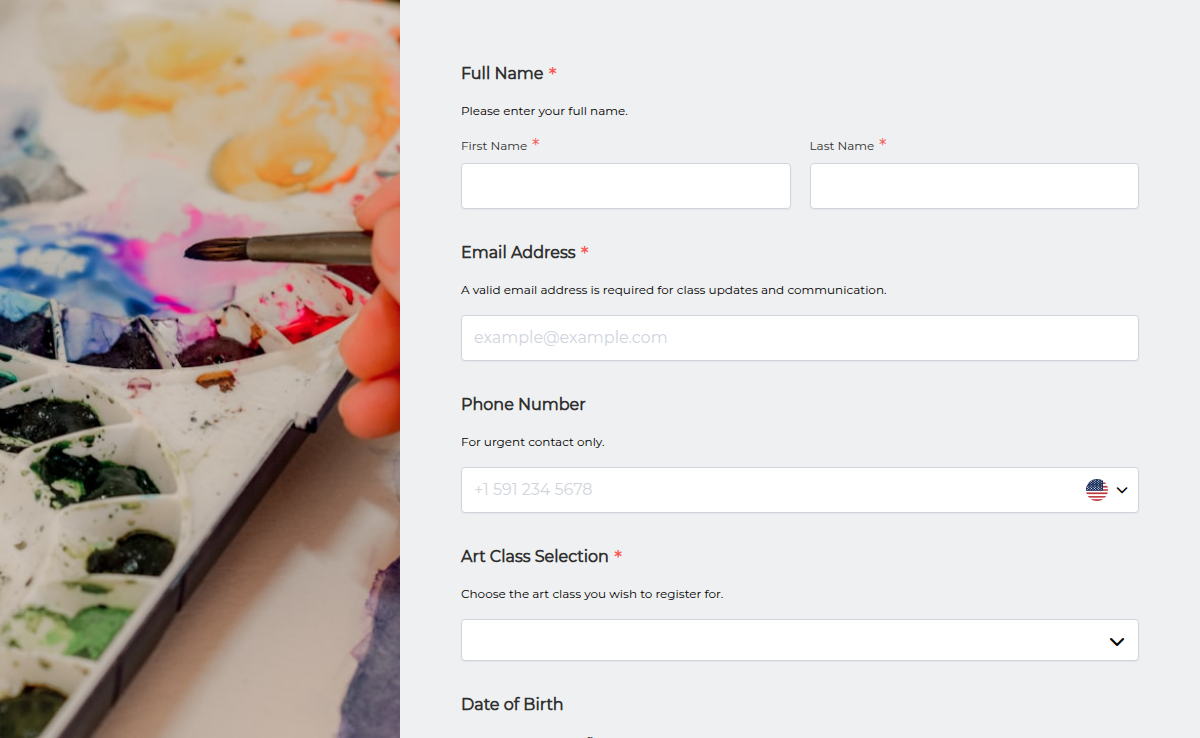
Most art teachers are solo operators. The form has to enrol the student, collect the materials fee, capture the skill level so they end up in the right session, and get the photo release signed before day one.
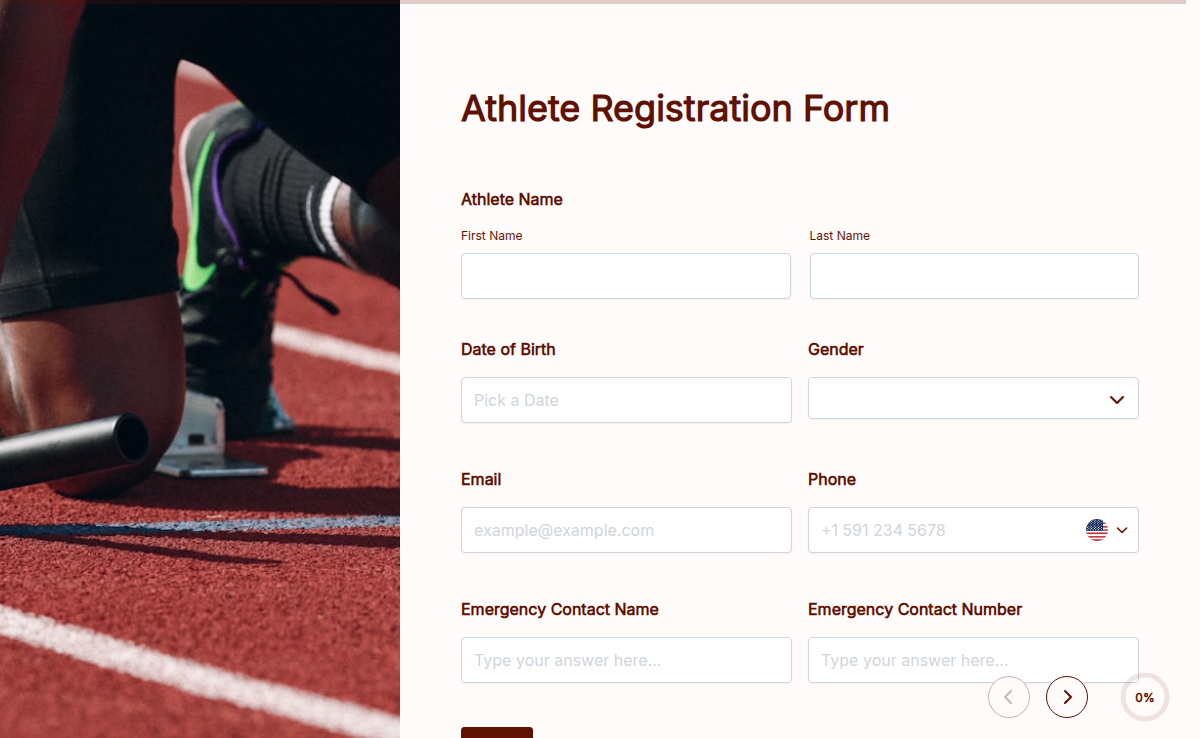
Streamline the athlete registration process with the Athlete Registration Form. Whether you're organizing a sports team, training camp, or competition, this form makes it easy to collect athlete details, emergency contacts, and consent forms—all in one place. With Formester’s Form Builder, you can customize the form to match your event’s needs. Use conditional logic to show relevant fields based on age group or sport, collect electronic signatures for waivers, and manage registrations effortlessly with form analytics. No more paperwork or lost forms—this registration form can be embedded on your website, shared via email, or accessed on mobile using a QR code. Make athlete registrations smooth, fast, and hassle-free with Formester.
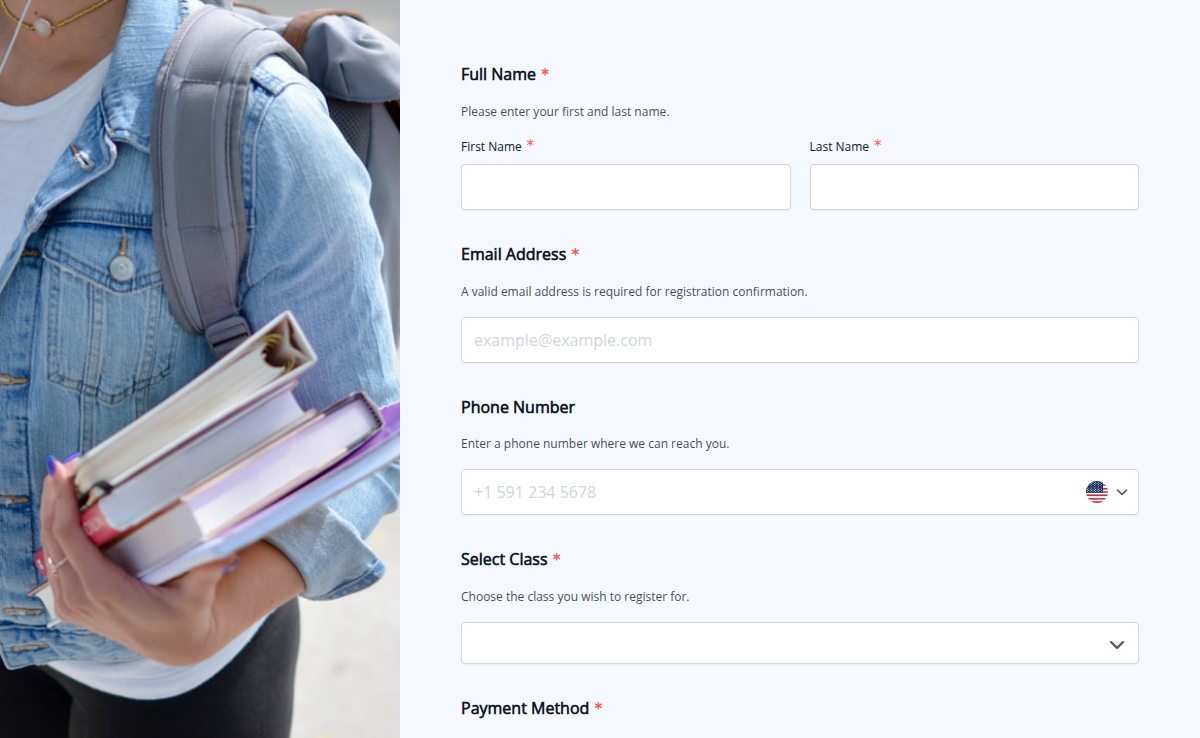
Organizing class registrations can be overwhelming, but our Class Registration Form simplifies the process. Whether you're managing school enrollments, workshops, or training programs, this form helps you collect student details, track attendance, and accept payments—all in one place. With conditional logic, you can tailor the form to different class types and requirements. Our e-signature collection ensures students or guardians acknowledge policies, while trusted form certification builds credibility. Plus, higher submission limits allow you to manage registrations without restrictions. Save time, stay organized, and make class sign-ups effortless!
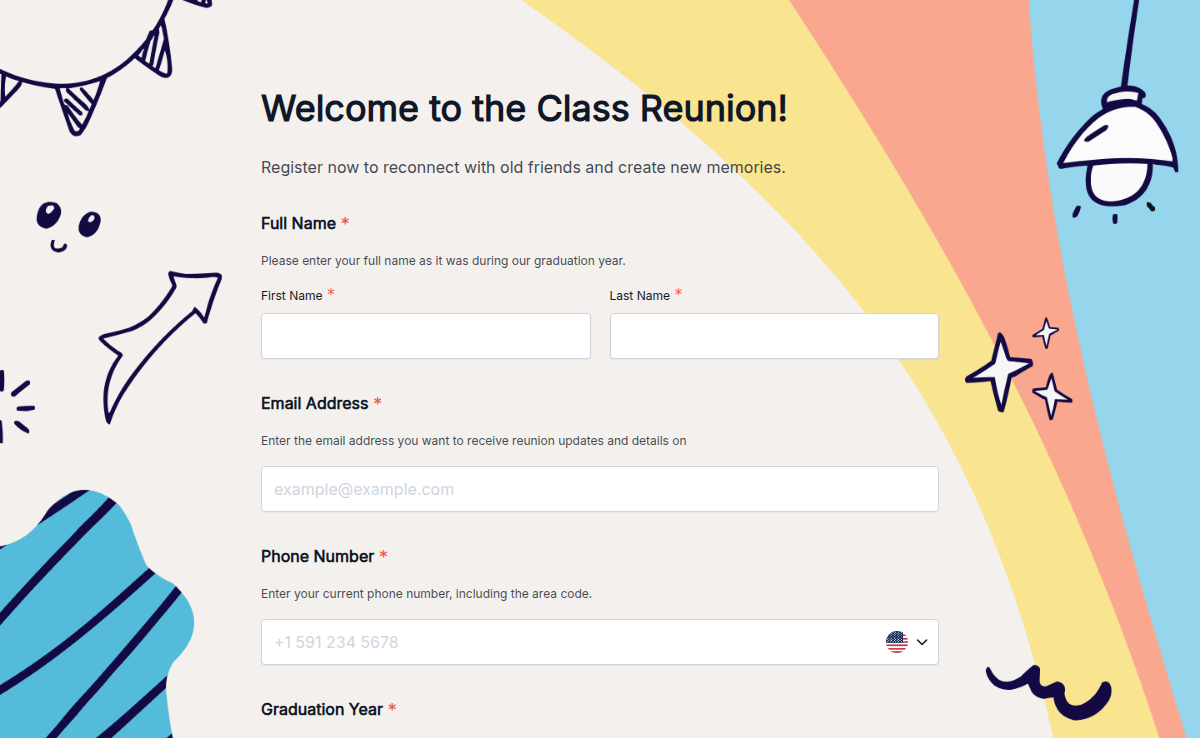
Reunions are special moments to reconnect with old classmates, reminisce about school days, and create new memories. Our Class Reunion Registration Form makes it easy to collect RSVPs, manage guest details, and organize a seamless event. Whether it's a 10-year, 20-year, or even a golden reunion, this fully customizable form helps you stay organized.
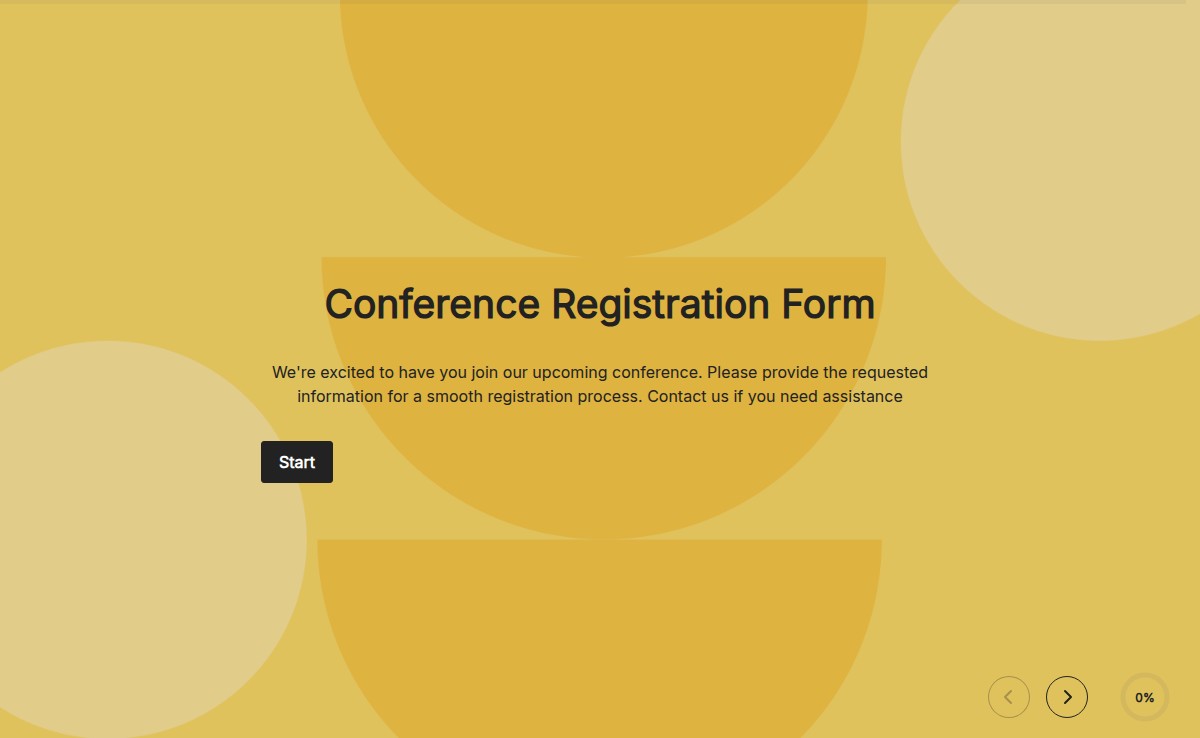
A conference registration form is a document or online form that individuals use to register and provide necessary information to attend a conference. It typically includes fields to collect personal details, contact information, organization affiliation, and registration preferences. The form helps conference organizers gather attendee information, track registrations, and plan logistics such as venue capacity, materials, and catering. It ensures a smooth registration process and enables organizers to communicate important updates and details to participants.
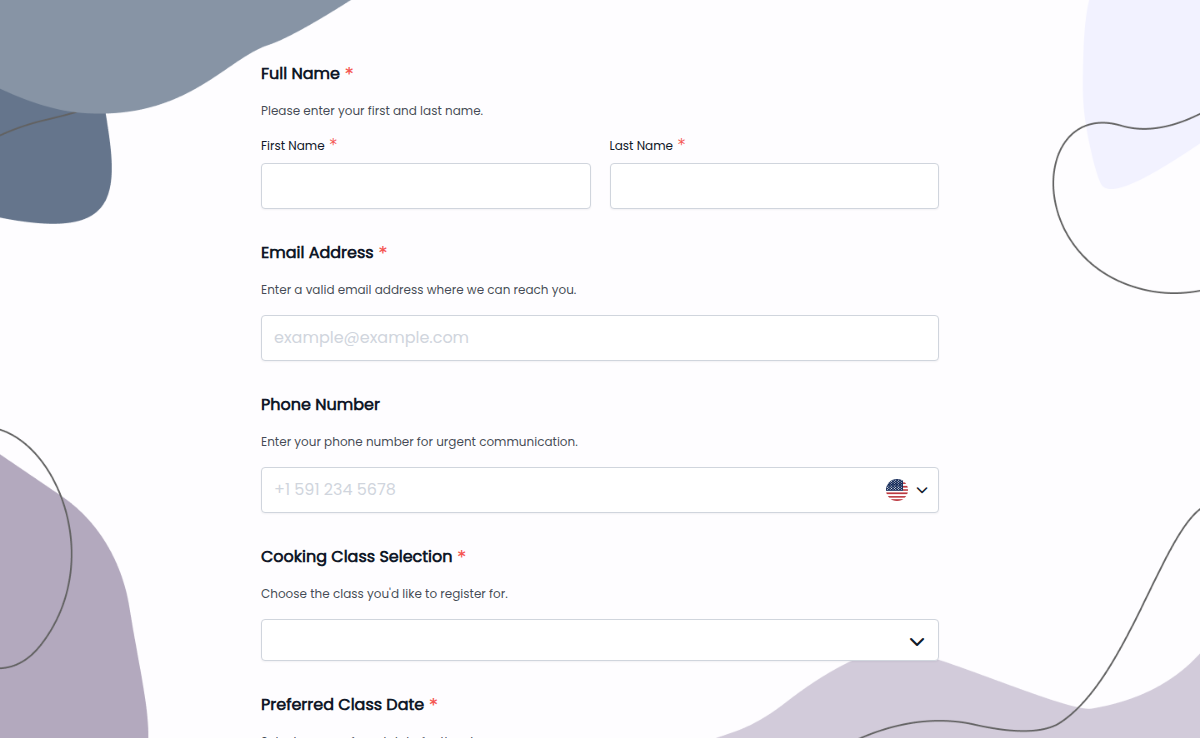
Make enrolling in your cooking classes easy with our Cooking Class Registration Form! Whether you teach baking, gourmet meals, or international cuisine, this form helps you collect student details, preferred class types, and dietary restrictions effortlessly. With conditional logic, you can tailor options based on skill level or meal preferences. E-signature collection ensures students agree to class policies, while trusted form certification builds credibility. Plus, higher submission limits mean you can welcome as many aspiring chefs as you like—no restrictions!
A course registration form is a document or online form used by educational institutions, training programs, or workshops to collect information and preferences from individuals who wish to enroll in a specific course or program. It typically includes fields to capture personal details, course selection, scheduling preferences, contact information, and any additional requirements or special requests. The purpose of the form is to streamline the registration process, gather necessary information, and ensure that students are properly enrolled in their desired courses.
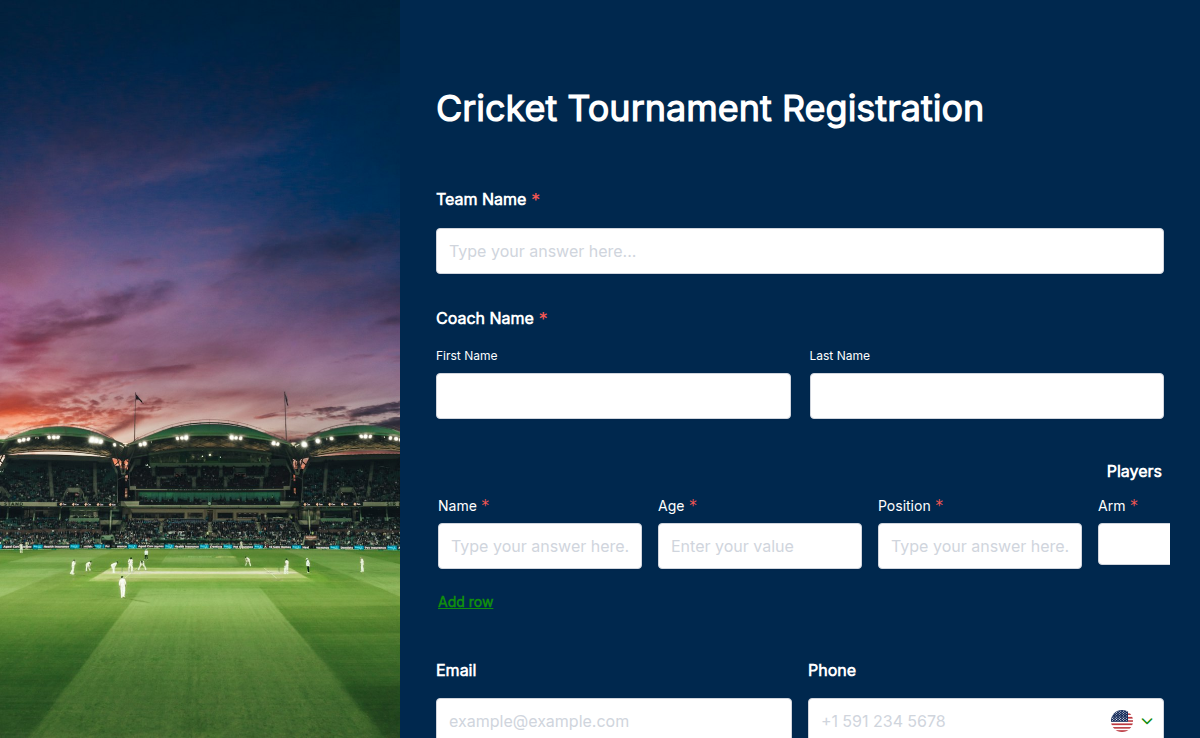
Running a cricket tournament means chasing rosters across three WhatsApp groups, a Google Sheet someone shared once, and a captain who insists his bowler is "definitely all-rounder." This template puts the whole signup in one form. Teams confirm their 11, every player picks a role, the entry fee clears before toss day, and you see the full bracket in one dashboard. It works for any format. Use it for a T20 club tournament, a 40-over weekend league, a junior cricket cup at U-13 / U-15 / U-19, or a gully cricket bracket with five-over sides. Add the playing format as an organiser-controlled dropdown at the top of the form, and conditional logic shows the right roster size and entry fee under each option. Customise the fields in a drag-and-drop builder, take entry fees through Stripe or PayPal, collect e-signatures on liability waivers, and branch the form with conditional logic so a junior team never sees the senior division questions
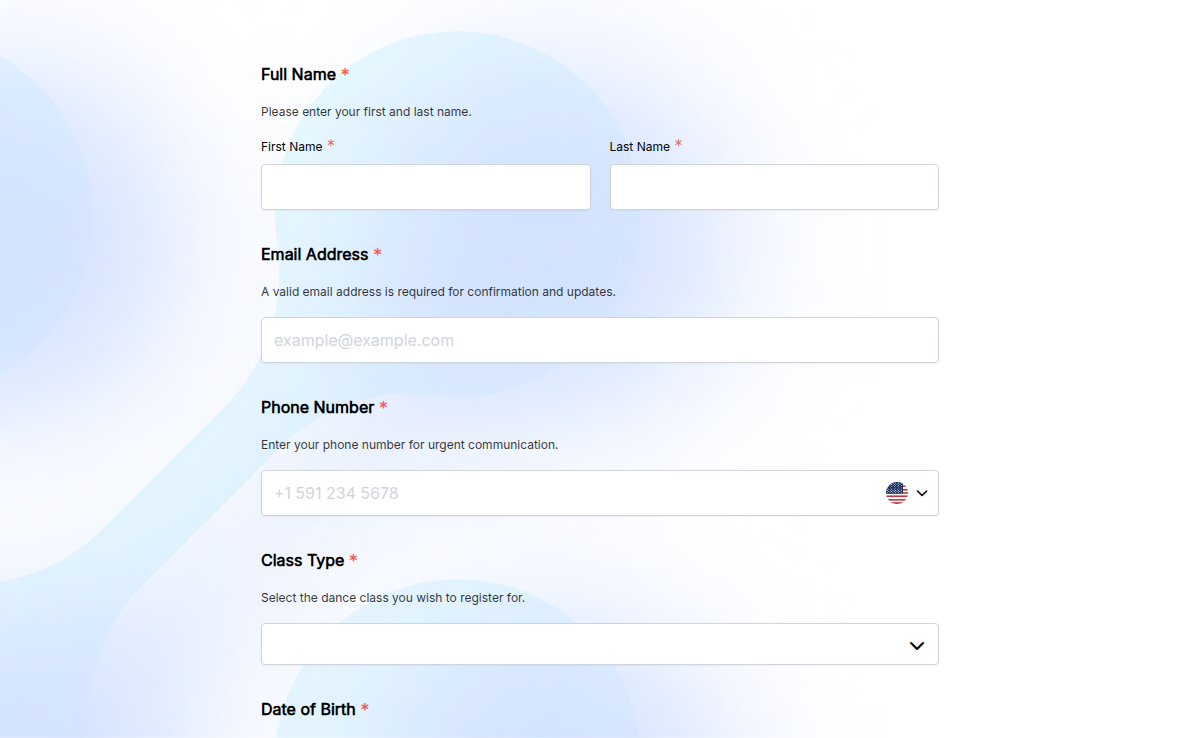
Looking for an easy way to enroll students in your dance class? Our Dance Class Registration Form helps you collect student details, class preferences, and contact information effortlessly. It’s fully customizable, supports e-signatures, and allows for conditional logic to streamline the sign-up process. Plus, with higher submission limits, you can register as many students as needed. Whether for ballet, hip-hop, or contemporary, this form makes registration quick and hassle-free!
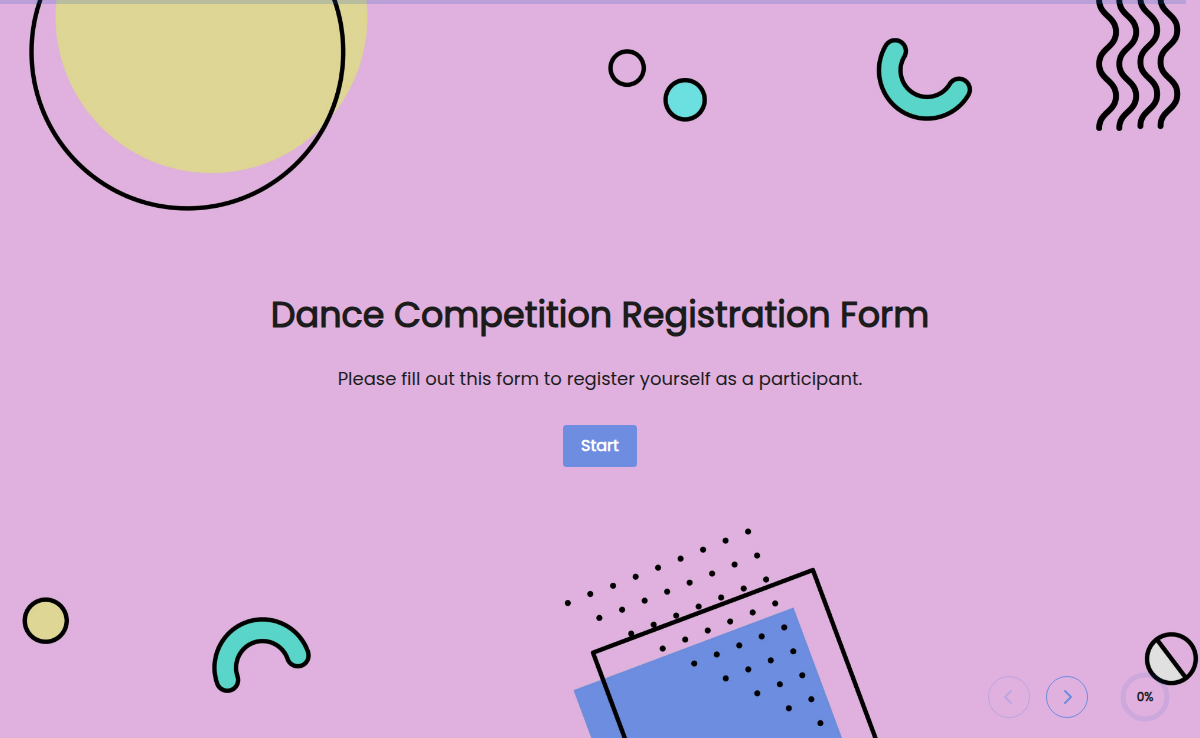
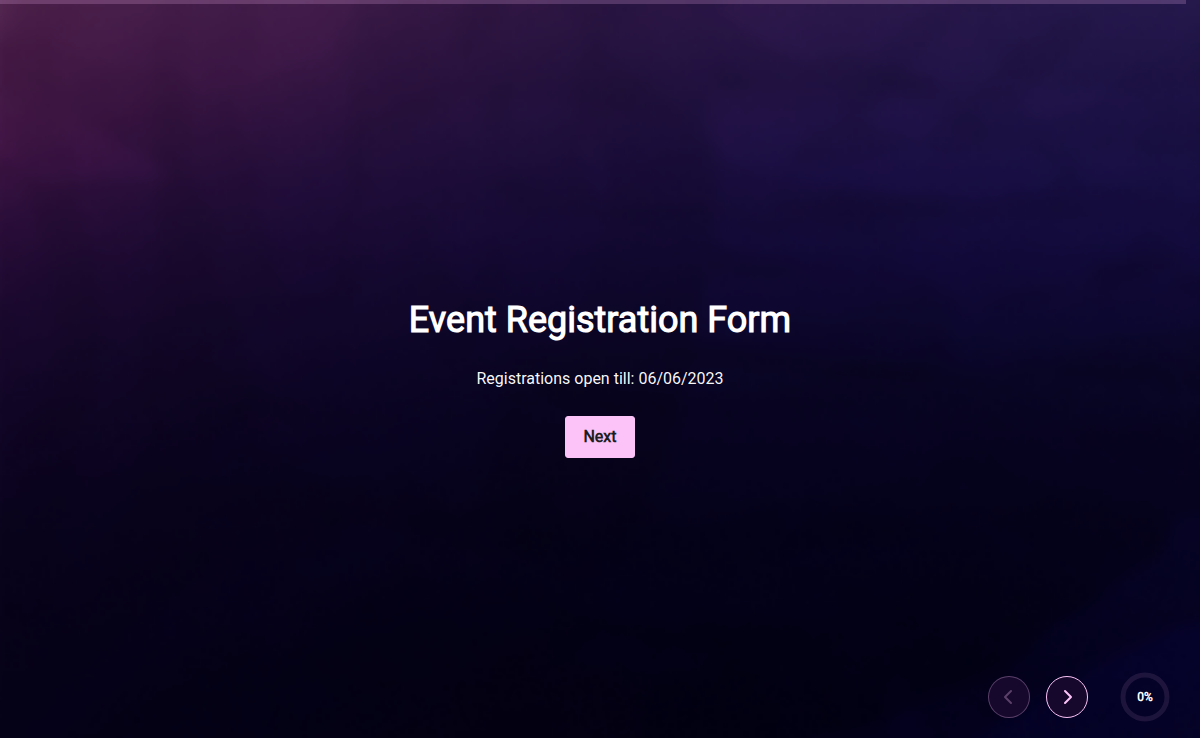
An event registration form is an online application or document used to collect information from individuals who intend to become a participant in a specific event. It serves as a registration tool to gather necessary details from attendees, such as their personal information, contact details, event preferences, and any additional information required by the event organizer. The form helps facilitate the event planning process, manage attendee data, allocate resources, communicate event-related information, and ensure a smooth registration experience for participants.
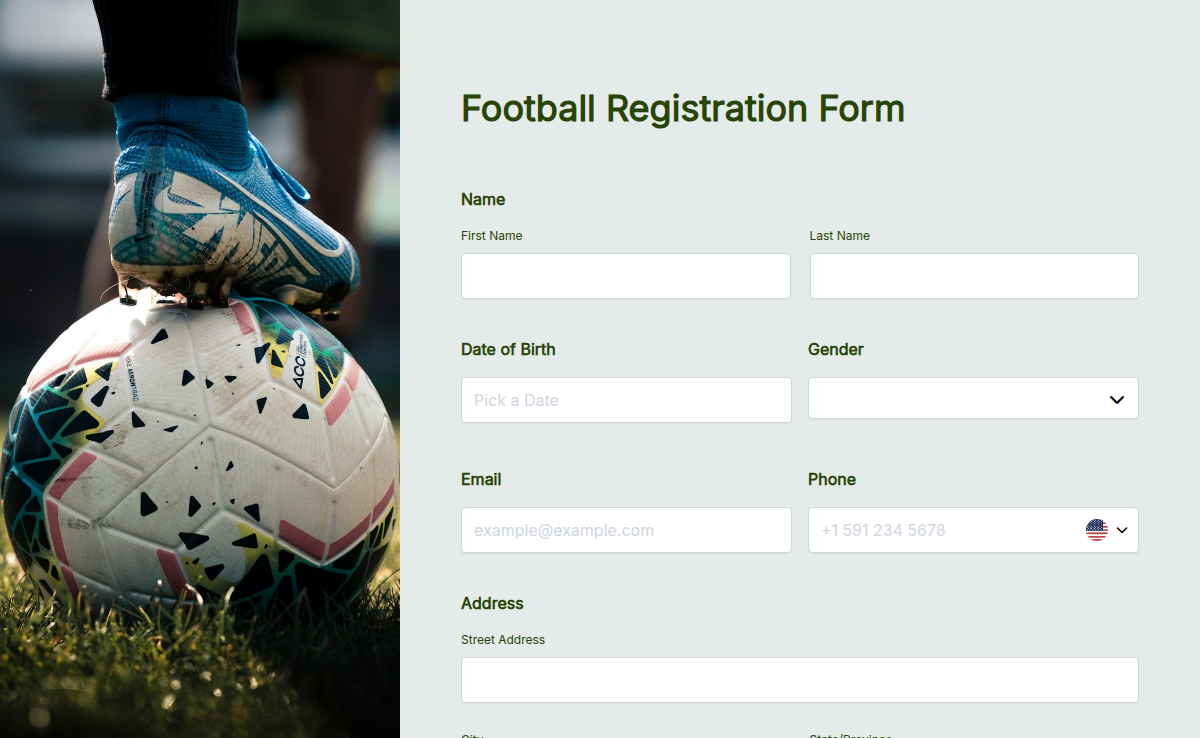
The football registration form helps teams, clubs, and leagues sign up players for training, matches, or tournaments. It collects player information, emergency contacts, health details, and waivers—all in one organized form. This form makes registration fast, clear, and secure for coaches, parents, and athletes.
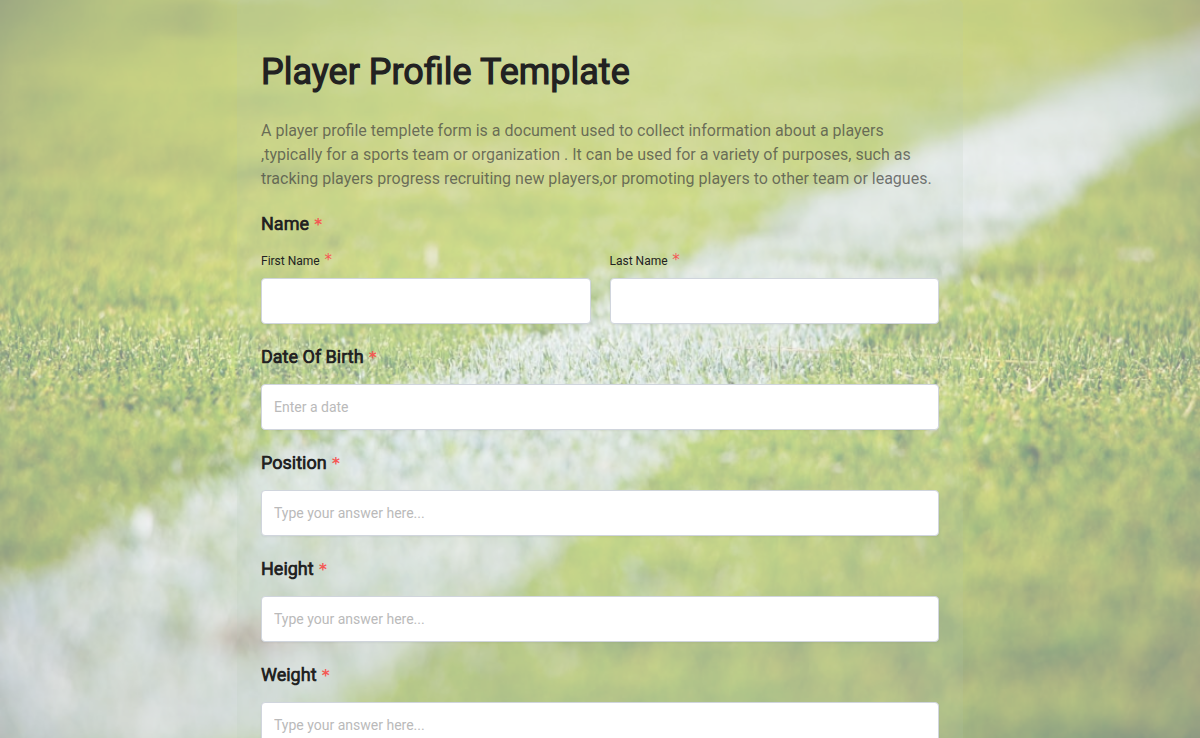
A player registration form lets coaches, club admins, and school athletic directors collect every player's profile, emergency contact, position preference, jersey size, medical clearance, and parent waiver in one mobile-friendly intake. Use this template to onboard a new season's roster in days, not weeks, with everything routed to a single dashboard. Use this template for youth soccer or basketball signups, school team tryouts, club tournament registration, summer sports camps, or recurring league season intake. Pair it with electronic signature for the waiver, file upload for the physical exam, and CSV export to your roster spreadsheet.
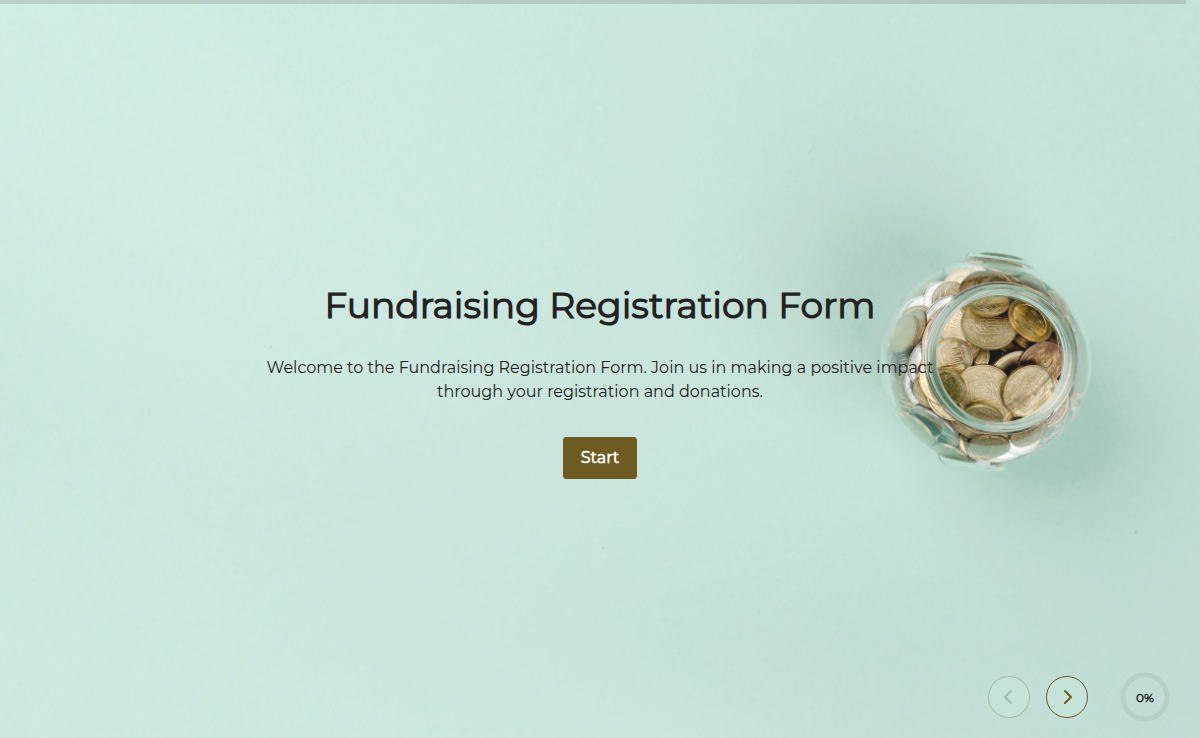
The Fundraising Registration Form is a versatile tool used by nonprofits, charitable organizations, schools, and individuals to collect registrations and donations for fundraising events, campaigns, or charitable causes. It streamlines the registration process, making it easy for participants to join and contribute to fundraising initiatives.
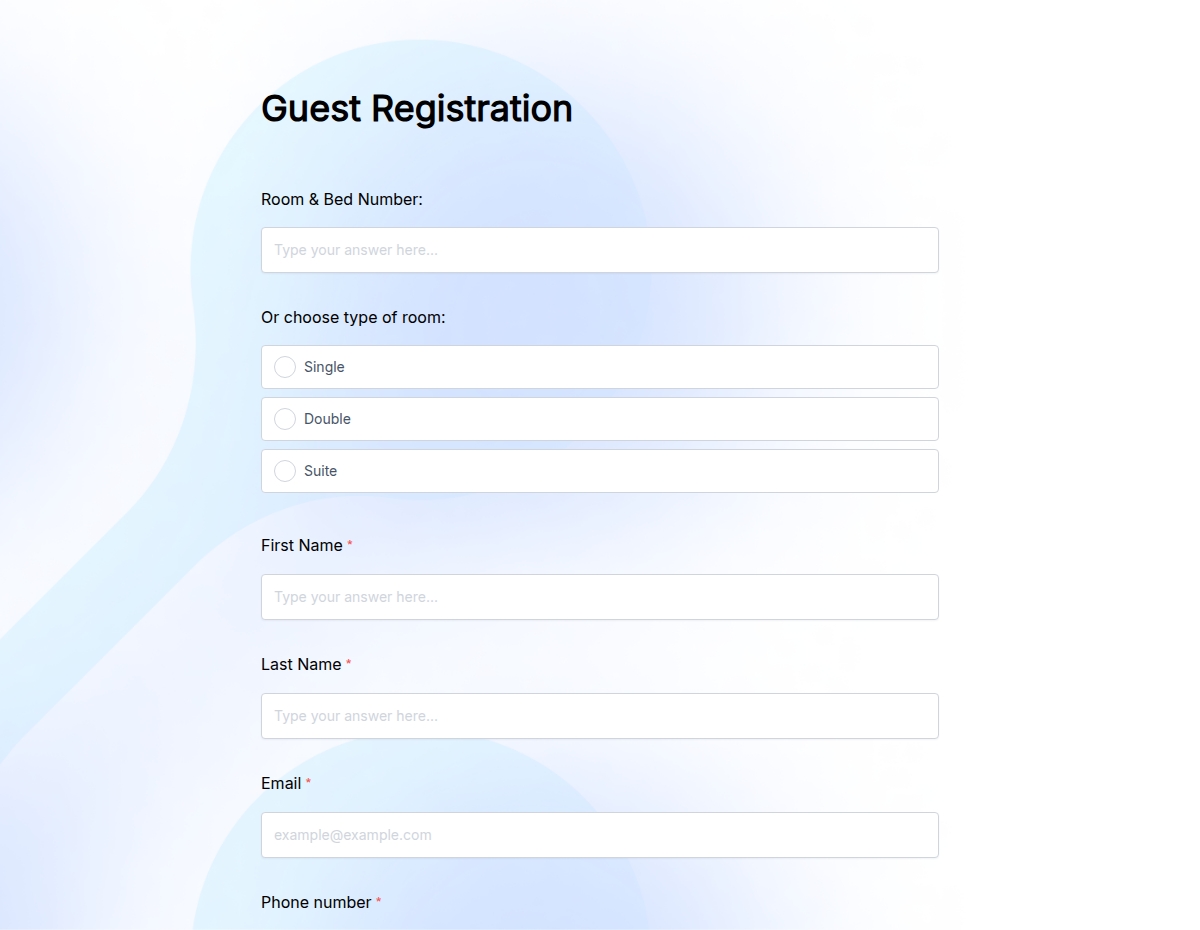
The Guest Registration Form is made for events, offices, and properties that register visitors in advance. This template helps collect guest names, contact details, and visit purpose.