How we verified this: every figure on this page comes from the vendor's own pricing page or its public G2 profile. You can check every source here.
Which form management software should you choose?
Form management is what a form builder becomes once several people are involved. The questions stop being about field types and start being about who can edit what, where submissions are stored, and how the whole estate is governed.
That shift changes the shortlist. Tools that feel generous at one user get expensive at fifteen, and tools that look enterprise-heavy start making sense once compliance and permissions matter.
The 60-second TL;DR
- Best flat-rate option: Formester, 25 seats on Business at $49/mo
- Best for regulated enterprises: Formstack, from $99/mo
- Best for large form estates: Jotform Enterprise, custom pricing
- Best for research operations: Alchemer, from $55/user/mo
- Best for survey governance: SurveyMonkey Team Premier, $92/user/mo
- Best for Zoho organisations: Zoho Forms, from $10/mo billed annually
- Best inside Microsoft 365: Microsoft Forms, bundled with the suite
- Best free option: Google Forms, free with any Google account
- Best for database-driven teams: Fillout Business, $89/mo
How the 13 form management tools compare at a glance
The table below sets out where paid pricing starts on monthly billing, how each tool charges for a team, and what it is built to manage. Read it first, then jump to whichever review fits your organisation.
| Tool | Team pricing model | Paid from (monthly) | Built for | G2 rating |
|---|---|---|---|---|
| Formester | Flat rate, 25 seats on Business | $13/mo | Predictable team cost | 4.7/5 (14 reviews) |
| Formstack | Per plan with seat tiers | $99/mo | Regulated enterprises | 4.3/5 (471 reviews) |
| Jotform Enterprise | Custom, per organisation | Custom pricing | Large form estates | 4.7/5 (5,426 reviews) |
| Alchemer | Per user | $55/user/mo | Research operations | 4.4/5 (956 reviews) |
| SurveyMonkey Team Premier | Per user, 3 seat minimum | $92/user/mo | Survey governance | 4.4/5 (23,901 reviews) |
| Zoho Forms | Per plan | $10/mo | Zoho organisations | 4.4/5 (129 reviews) |
| Microsoft Forms | Bundled with M365 | Bundled | Microsoft tenants | 4.4/5 (476 reviews) |
| Google Forms | Bundled with Workspace | Bundled | Google Workspace teams | No standalone profile |
| Fillout Business | Unlimited seats | $89/mo | Database-driven teams | 4.6/5 (30 reviews) |
| Typeform Business | Per plan, 5 seats | $129/mo | Brand-led collection | 4.5/5 (1,017 reviews) |
| Wufoo Advanced | Per plan with user caps | $113/mo | Simple managed estates | 4.2/5 (296 reviews) |
| Cognito Forms Team | Per plan, 5 users | $49/mo | Logic-heavy forms | 4.6/5 (133 reviews) |
| Paperform | Per plan | $29/mo | Branded form pages | 4.8/5 (86 reviews) |
How we picked and ranked these 13 tools
Everything here comes from the vendors' own pricing pages and plan limits, read in full. At team scale the pricing model matters more than the editor, because per-user billing and flat rates diverge sharply as headcount grows.
The ranking weighs what a full team costs, how permissions and governance work, and where submissions are stored. Several vendors advertise annual rates, so the monthly figures below run higher than the ones on their pricing pages.
1. Formester, best flat-rate option
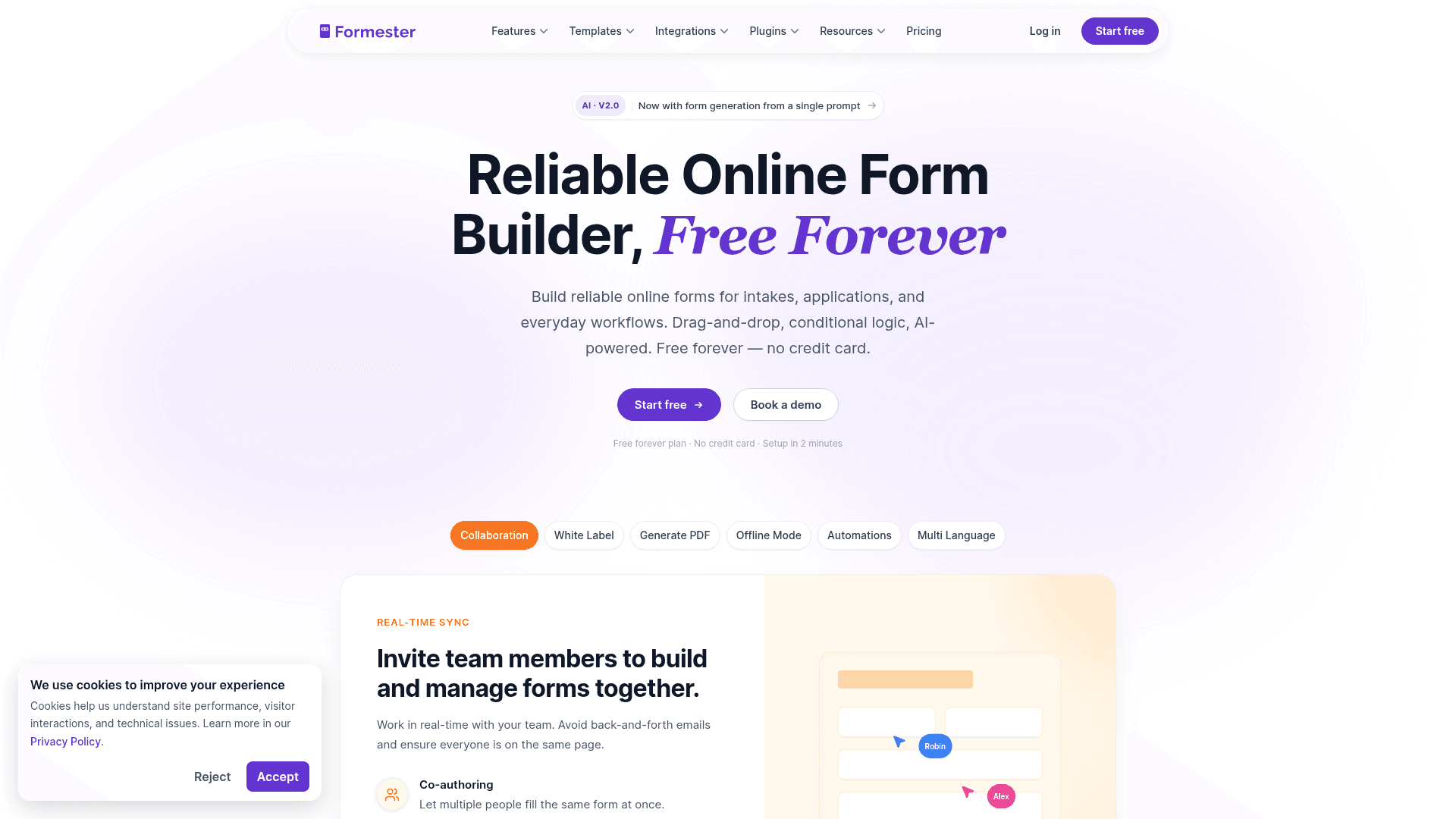
Formester prices by plan rather than by person, which is the whole argument at team scale. Business at $49 a month covers 25 members, so adding the tenth or twentieth colleague changes nothing on the invoice.
Responses are unlimited on every tier, including free, so the other variable that usually drives cost increases is absent too.
For management specifically it covers the basics: shared access for the team, a custom domain on Business, and submissions searchable in one place.
| Strengths | Weaknesses |
|---|---|
| 25 team members on Business at a flat $49/mo | No SSO, which many enterprises require |
| No response cap on any plan | No granular role-based permissions |
| Custom domain on Business | 14 G2 reviews, a small sample |
| Predictable cost as headcount grows | No HIPAA on any tier |
| E-signature and payments included |
| Plan | What you get |
|---|---|
| Free | $0. Unlimited forms and responses |
| Personal | $13/mo ($12/mo billed yearly). Adds conditional logic |
| Business | $49/mo ($45/mo billed yearly). 25 seats and a custom domain |
Best for: teams that want the bill to stay still as the team grows.
The catch: there is no SSO and no granular permission model, so organisations with formal access-control requirements will rule it out early.
G2 rating: 4.7/5, from 14 reviews. High score, small sample; read it as an early signal.
2. Formstack, best for regulated enterprises
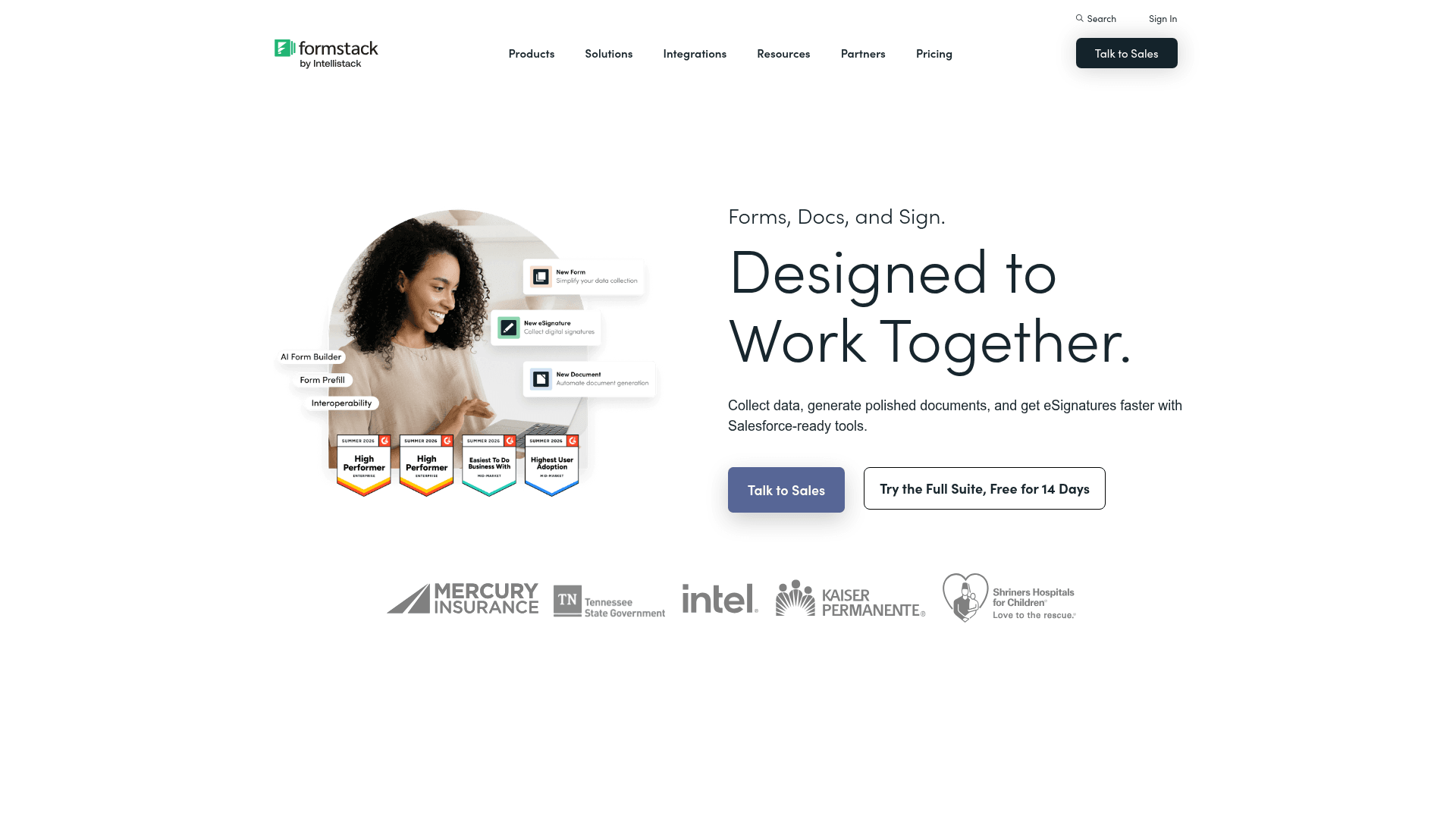
Formstack is built for organisations where forms carry regulated data. HIPAA support, granular permissions and audit trails are the reason it costs what it does.
It also spans documents and signatures through its Suite, so a form can generate a document and route it for signature inside one platform rather than three.
Monthly pricing starts at $99 for Forms and $299 for the Suite, above the advertised annual rates of $83 and $250.
| Strengths | Weaknesses |
|---|---|
| HIPAA support with a BAA | Among the most expensive here |
| Granular permissions and audit trails | Advertised prices are the annual rates |
| Forms, documents and signature in one Suite | Interface feels dated in places |
| Salesforce integration is genuinely deep | Submission limits still apply per plan |
| Plan | What you get |
|---|---|
| Free | No free plan; a trial is offered |
| Forms | $99/mo ($83/mo billed yearly) |
| Suite (Forms, Documents, Sign) | $299/mo ($250/mo billed yearly) |
| Enterprise | Custom pricing |
Best for: regulated organisations that need HIPAA and audit trails as standard.
The catch: the entry price is $99 a month, so it only makes sense once compliance is a genuine requirement rather than a preference.
G2 rating: 4.3/5, from 471 reviews. A large base, with cost and interface age the common complaints.
3. Jotform Enterprise, best for large form estates
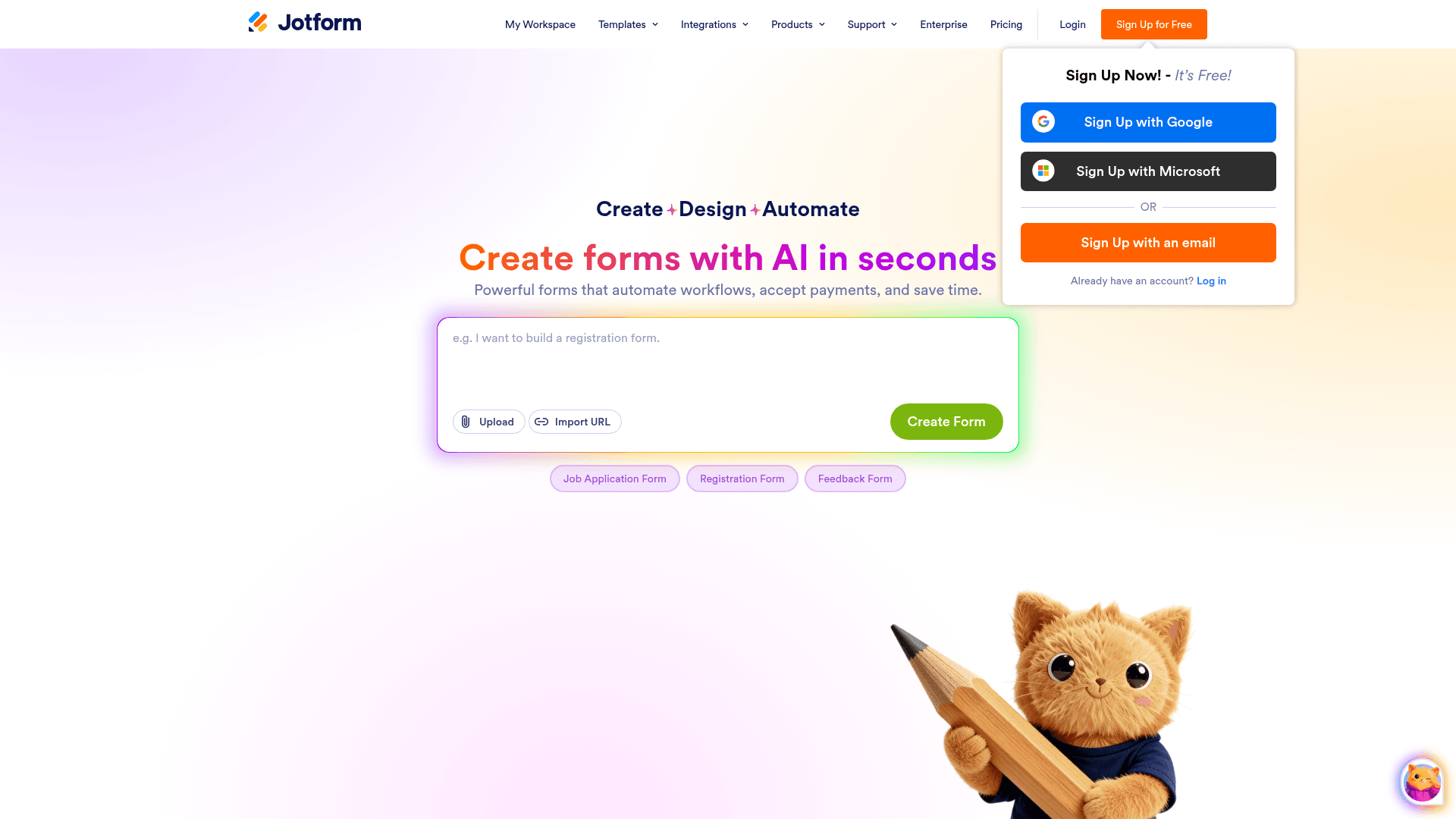
Jotform Enterprise is what organisations move to when they already have hundreds of Jotform forms and need to govern them. It adds SSO and a dedicated instance, plus user management and data residency options.
The underlying builder is the same one covered elsewhere in this list, with 20,000+ templates and 40+ payment gateways, so migration from a paid Jotform plan is straightforward.
Enterprise pricing is not published; it is quoted per organisation. The self-serve tiers below it run $39, $49, and $129 a month.
| Strengths | Weaknesses |
|---|---|
| SSO and user management | Enterprise pricing is not published |
| Dedicated instance with data residency options | Self-serve tiers meter submissions |
| Same builder as the self-serve tiers | Dense interface at any tier |
| 20,000+ templates | Advertised self-serve prices are the annual rates |
| HIPAA available |
| Plan | What you get |
|---|---|
| Starter (free) | $0. 5 forms, 100 submissions/mo |
| Bronze | $39/mo ($34/mo billed yearly) |
| Silver | $49/mo ($39/mo billed yearly) |
| Gold | $129/mo ($99/mo billed yearly). HIPAA features |
| Enterprise | Custom pricing, quoted per organisation |
Best for: organisations already running Jotform at scale that need governance around it.
The catch: you cannot compare Enterprise cost without a sales conversation, since no rates are published.
G2 rating: 4.7/5, from 5,426 reviews, the largest base of any tool in this list.
4. Alchemer, best for research operations
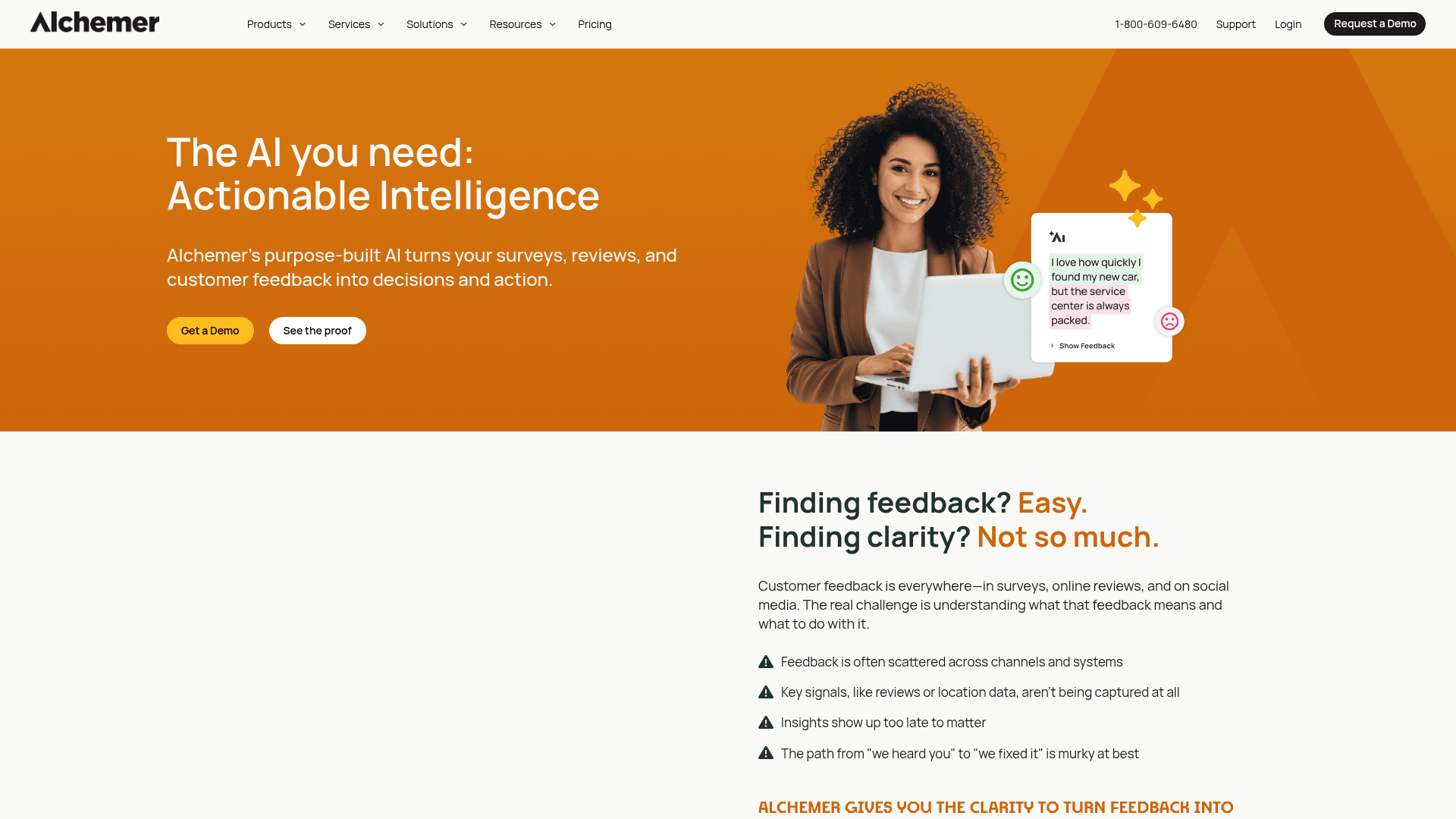
Alchemer sits closer to a research platform than a form builder. Its reporting, survey logic and panel handling suit teams whose forms are studies rather than intake.
For managing a research programme it offers workflow and permissions, plus a genuinely capable analysis layer that most form tools do not attempt.
Pricing is per user per month: Collaborator at $55, Professional at $165, and Full Access at $275. Professional and Full Access are capped at three users each.
| Strengths | Weaknesses |
|---|---|
| Research-grade reporting and analysis | Per-user pricing gets expensive quickly |
| Deep survey logic and piping | Professional and Full Access cap at 3 users |
| Workflow and permissions for teams | API access is arranged through sales |
| Established in market research | Overkill for ordinary form management |
| Plan | What you get |
|---|---|
| Free | No free plan; a 7-day trial is offered |
| Collaborator | $55/user/mo |
| Professional | $165/user/mo, capped at 3 users |
| Full Access | $275/user/mo, capped at 3 users |
| Enterprise | Custom pricing |
Best for: research teams managing studies rather than everyday forms.
The catch: three people on Professional costs $495 a month before anything else, and the plan caps at three users regardless.
G2 rating: 4.4/5, from 956 reviews. A large base, with cost the recurring theme.
5. SurveyMonkey Team Premier, best for survey governance
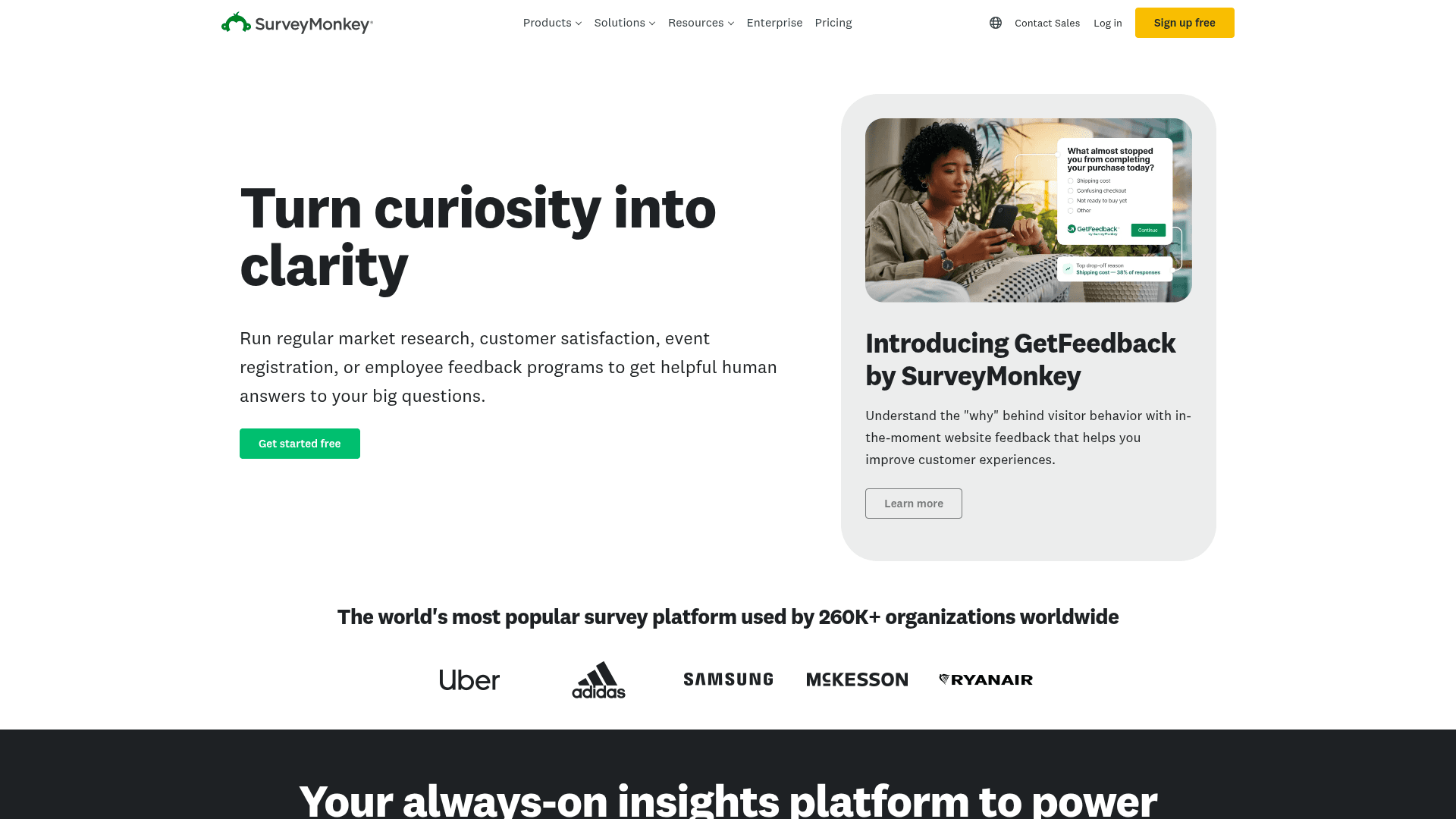
SurveyMonkey's team plans exist for organisations that want survey work standardised: shared template libraries, controlled question banks and consistent reporting across departments.
Team Premier adds the governance layer on top of the familiar builder, which is what large organisations are usually buying rather than the survey tool itself.
Pricing is $92 per user a month with a three-seat minimum, so the realistic floor is $276 a month. Team Advantage sits below it at $30 per user.
| Strengths | Weaknesses |
|---|---|
| Shared template and question libraries | Three-seat minimum on every team plan |
| Consistent reporting across teams | $0.15 per response over the limit |
| Methodologist-reviewed question bank | Individual plans are no longer published |
| Recognised by procurement | Expensive relative to general form tools |
| Plan | What you get |
|---|---|
| Free | Limited free tier |
| Team Advantage | $30/user/mo, three-seat minimum |
| Team Premier | $92/user/mo, three-seat minimum |
| Enterprise | Custom pricing |
Best for: organisations standardising survey practice across departments.
The catch: the three-seat minimum makes Team Premier $276 a month at entry, which is a serious commitment for a form tool.
G2 rating: 4.4/5, from 23,901 reviews. A very large base reflecting long familiarity.
6. Zoho Forms, best for Zoho organisations
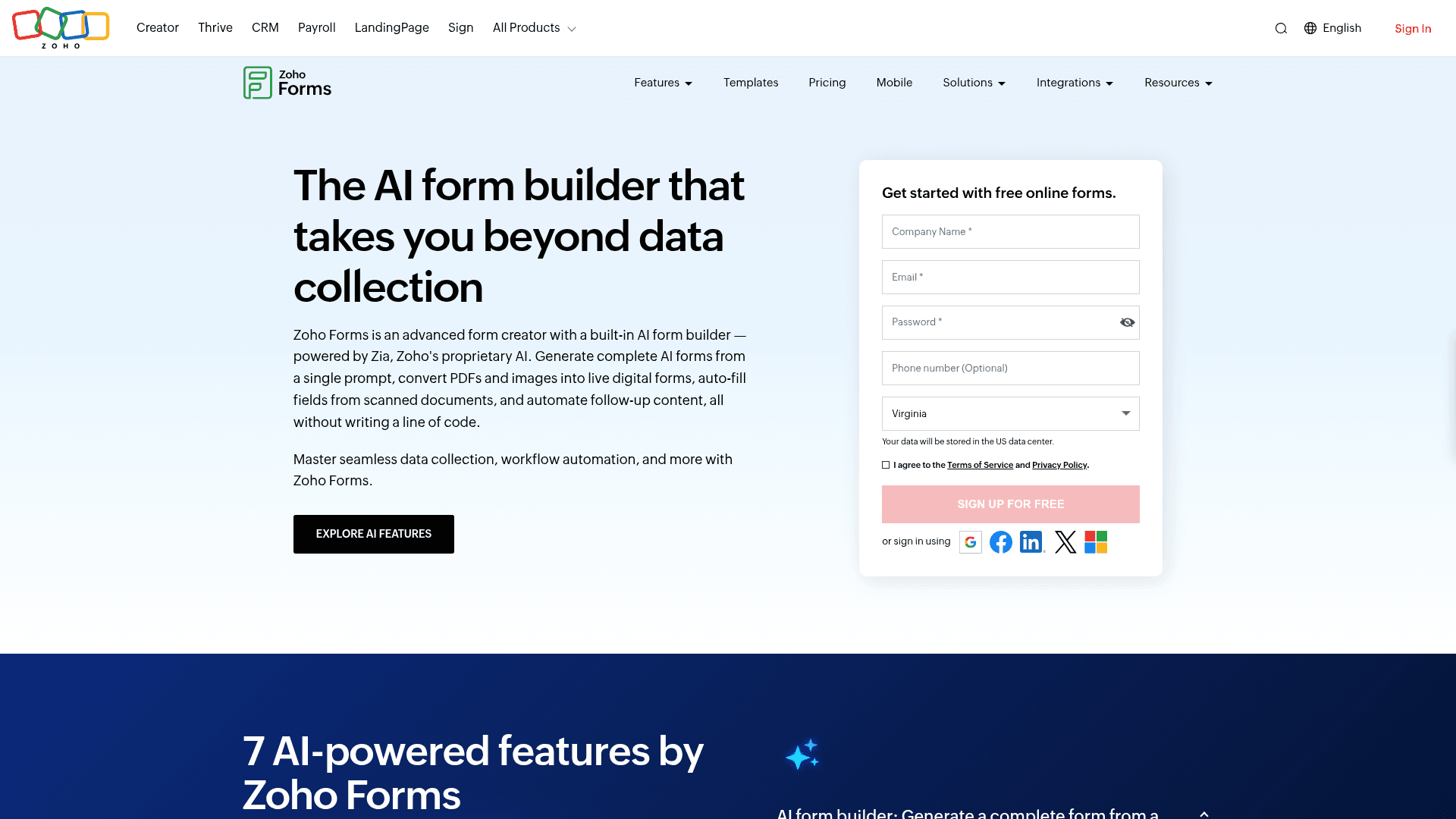
Zoho Forms manages forms well inside a Zoho estate, where submissions route into CRM, Desk and Analytics without extra integration work.
Approval workflows are included on paid tiers, which covers the most common form management requirement: getting a submission reviewed before it becomes a record.
Pricing is the lowest here: Basic $10, Standard $25, Professional $50, and Premium $90, each per month billed annually.
| Strengths | Weaknesses |
|---|---|
| Cheapest paid entry point in this list | Little value outside the Zoho suite |
| Approval workflows on paid tiers | Interface feels dated |
| Native routing into the Zoho suite | Prices are the annual-billed rates |
| Offline mobile apps included | User counts are capped per tier |
| HIPAA available on Premium |
| Plan | What you get |
|---|---|
| Free | $0. 3 forms, 500 submissions/mo |
| Basic | $10/mo billed annually. 10,000 submissions/mo |
| Standard | $25/mo billed annually. Approval workflows |
| Professional | $50/mo billed annually. Unlimited forms |
| Premium | $90/mo billed annually. HIPAA compliance |
Best for: organisations already standardised on Zoho.
The catch: every management advantage assumes the rest of Zoho. Outside it, the tool is unremarkable and the interface shows its age.
G2 rating: 4.4/5, from 129 reviews, at the lower end of this list.
7. Microsoft Forms, best inside Microsoft 365
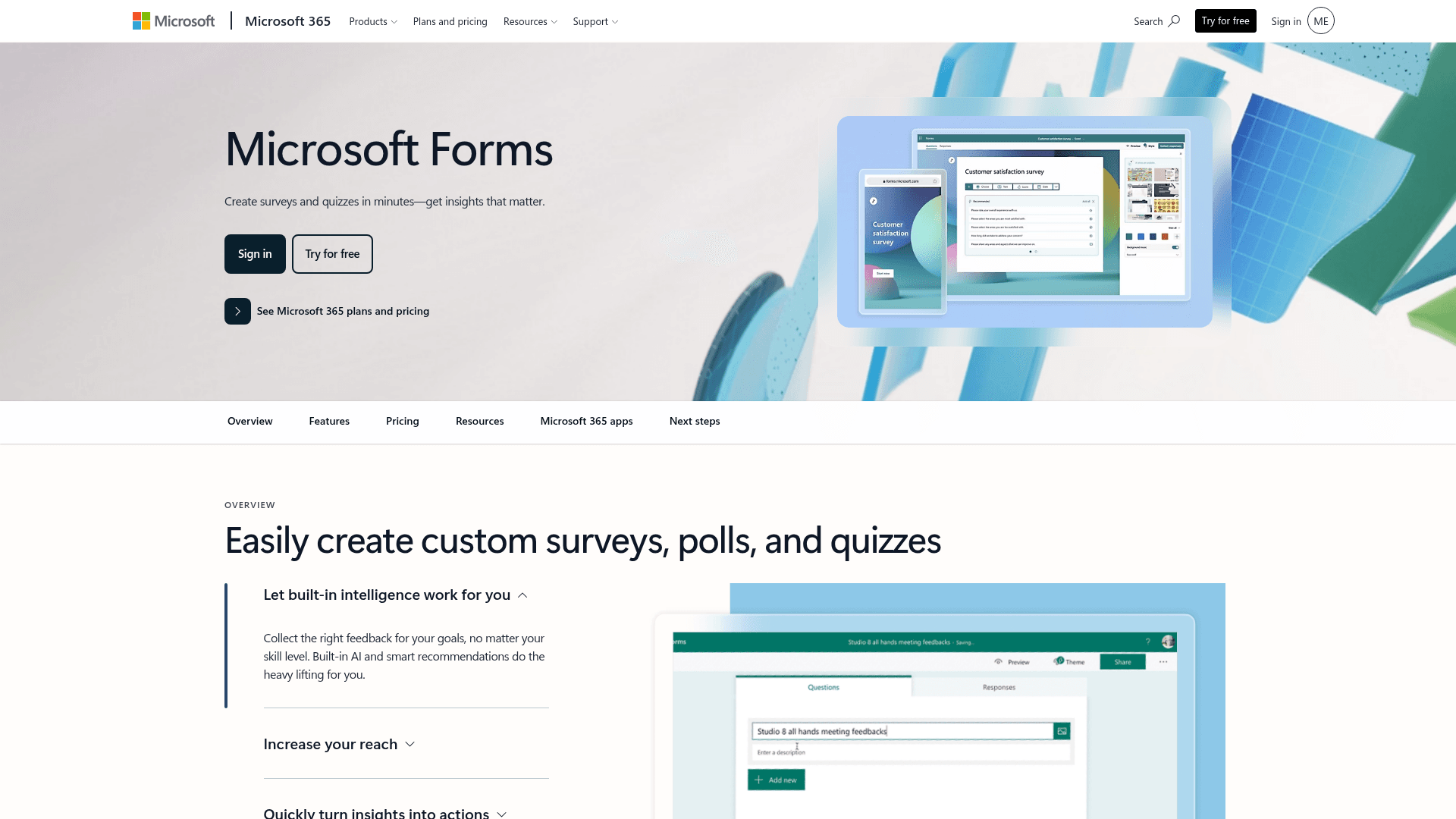
For organisations on Microsoft 365, form management is mostly an administration question, and Microsoft Forms answers it by inheriting everything from the tenant.
Permissions, retention and data residency follow your existing Microsoft policies, which means no separate governance model and no new vendor review.
There is nothing extra to buy. Business Basic is $7 per user a month on annual billing, and Business Standard now bundles Copilot at $23.50.
| Strengths | Weaknesses |
|---|---|
| Inherits tenant permissions and retention | Free accounts cap at 200 responses per form |
| No incremental cost or vendor review | Basic form capability compared with the specialists |
| Results land in Excel | No value outside Microsoft 365 |
| Polls run natively inside Teams | Limited design control |
| Plan | What you get |
|---|---|
| Free | $0 with a personal Microsoft account. 200 responses per form |
| M365 Business Basic | $7/user/mo, annual basis |
| M365 Business Standard with Copilot | $23.50/user/mo, annual basis |
| M365 Business Premium with Copilot | $32/user/mo, annual basis |
Best for: Microsoft organisations that want governance without another vendor.
The catch: the builder is basic. Any team needing real logic, branding, or payments will outgrow it and end up buying a second tool anyway.
G2 rating: 4.4/5, from 476 reviews, which fits its internal-tool scope.
8. Google Forms, best free option
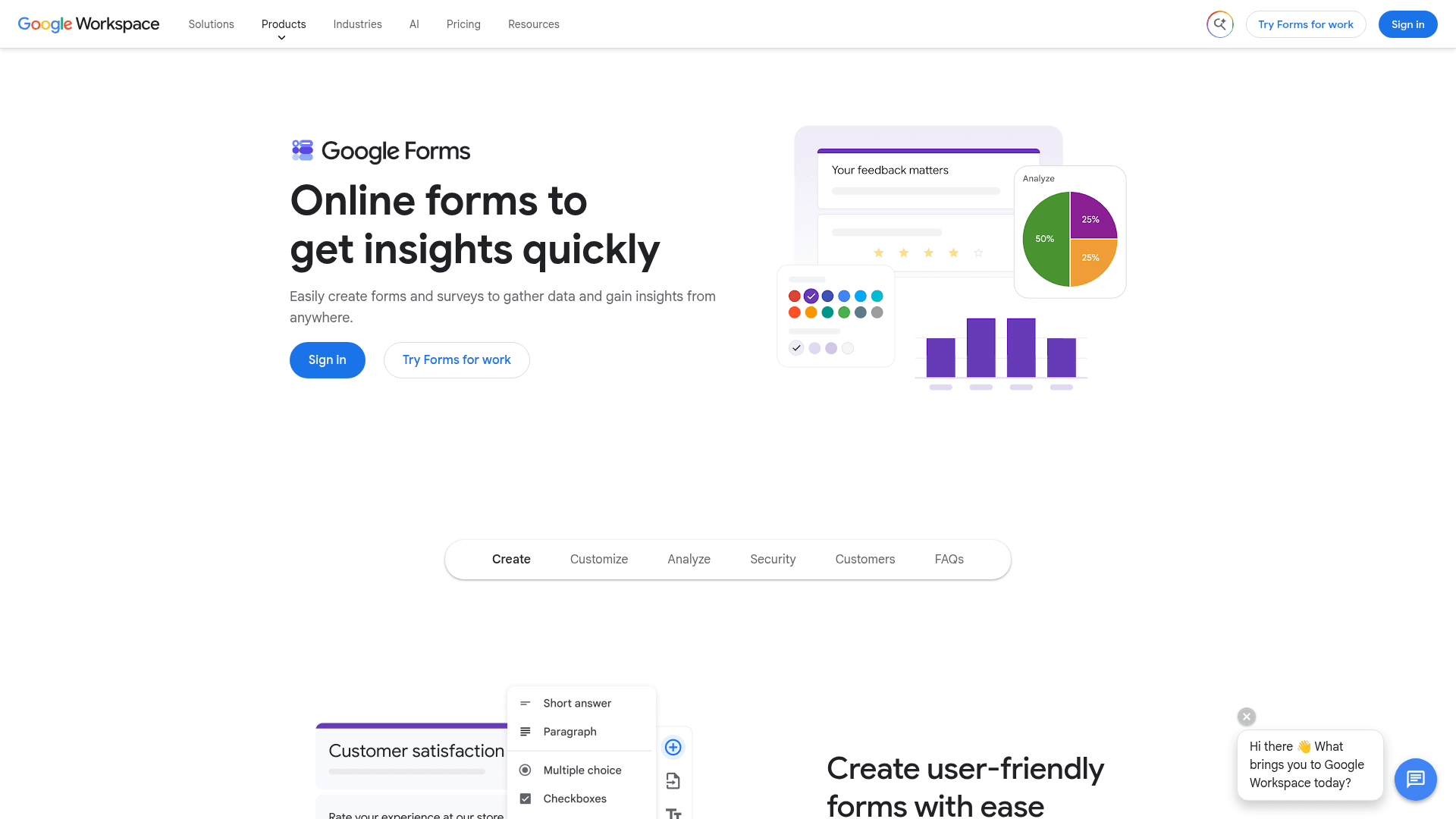
Google Forms manages the simple case well: shared editing, results in Sheets, with access controlled by the same Workspace permissions as every other file.
For departments running straightforward internal forms, that is often all the management anyone needs, and it costs nothing extra.
Forms is bundled with Google Workspace, where Business Starter is $7 per user a month on an annual basis, Standard is $14, and Plus is $22.
| Strengths | Weaknesses |
|---|---|
| Free with any Google account | No approval workflows |
| Access controlled by Workspace permissions | Skip-to-section logic only |
| Real-time collaborative editing | Very limited design control |
| Results flow into Sheets | No submission analytics beyond basic charts |
| Plan | What you get |
|---|---|
| Free | $0 with any Google account. Effectively unlimited responses |
| Workspace Business Starter | $7/user/mo, annual basis |
| Workspace Business Standard | $14/user/mo, annual basis |
| Workspace Business Plus | $22/user/mo, annual basis |
Best for: departments whose form management needs stop at shared editing.
The catch: there is no approval workflow and no real logic, so anything beyond simple collection needs a different tool.
G2 rating: Google Forms has no standalone G2 profile. The 4.6/5 from 48,175 reviews quoted elsewhere covers Google Workspace as a whole.
9. Fillout Business, best for database-driven teams
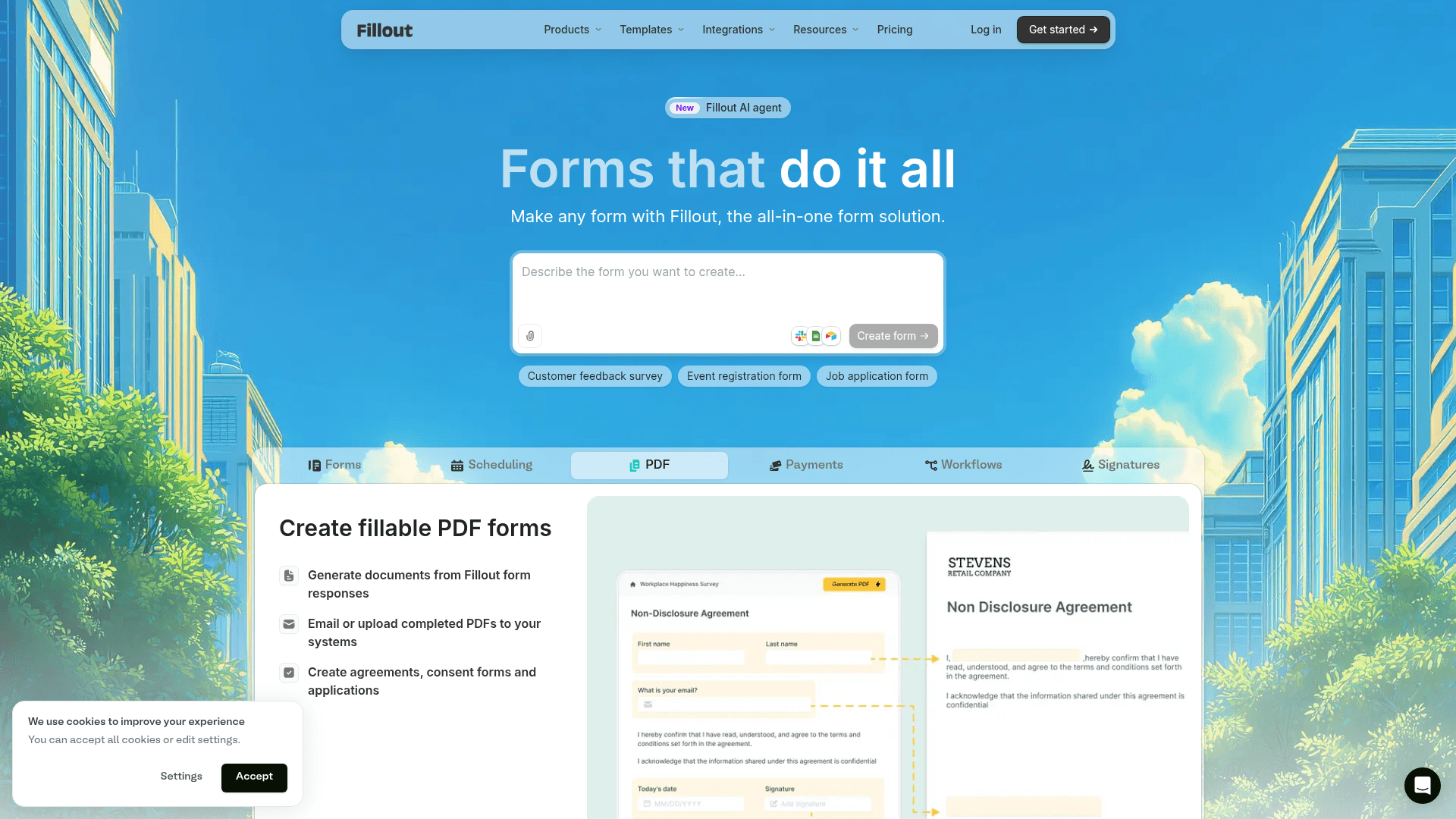
Fillout suits teams whose form data belongs in Airtable or Notion rather than in the form tool. Submissions write into those databases and update existing records, so the database stays the single source of truth.
Unlimited seats on every plan is unusual here and removes the per-user maths that complicates most of this list.
Business is $89 a month on monthly billing, or $75 when paid yearly, with Starter at $19 and Pro at $49.
| Strengths | Weaknesses |
|---|---|
| Unlimited seats on every plan | Only worth it with Airtable or Notion |
| Writes into Airtable and Notion records | Advertised prices are the annual rates |
| 1,000 responses a month on the free plan | Lighter governance than the enterprise tools |
| Multi-step forms by default | 30 G2 reviews, a small sample |
| Plan | What you get |
|---|---|
| Free | $0. 1,000 responses/mo, unlimited seats |
| Starter | $19/mo ($15/mo billed yearly) |
| Pro | $49/mo ($40/mo billed yearly) |
| Business | $89/mo ($75/mo billed yearly) |
Best for: teams managing form data inside Airtable or Notion.
The catch: governance is light. There is no audit trail or granular permission model of the kind Formstack offers.
G2 rating: 4.6/5, from 30 reviews. A small base, consistent with a newer product.
10. Typeform Business, best for brand-led collection

Typeform's Business plan is where teams land when the form is customer-facing and the brand experience matters more than the administration around it.
It covers five seats, 10,000 responses a month, and the analytics that show where respondents drop out, which is the management data most relevant to a public form.
Business is $129 a month on monthly billing, or $91 when billed yearly. SSO arrives only on Enterprise, which is quoted.
| Strengths | Weaknesses |
|---|---|
| Best respondent experience in this list | Response caps on every tier |
| Drop-off analytics on every response | SSO only on quoted Enterprise plans |
| 5 seats included on Business | Highest cost per response here |
| Strong template and brand controls | Advertised prices are the annual rates |
| Plan | What you get |
|---|---|
| Free | $0. 10 responses/mo |
| Basic | $39/mo ($28/mo billed yearly) |
| Plus | $79/mo ($56/mo billed yearly). 3 seats |
| Business | $129/mo ($91/mo billed yearly). 5 seats, 10,000 responses/mo |
| Enterprise | Custom pricing with SSO |
Best for: teams whose managed forms are customer-facing.
The catch: response caps apply at every tier, so a popular public form pushes you toward a quoted Enterprise plan.
G2 rating: 4.5/5, from 1,017 reviews. A large base, with cost the common complaint.
11. Wufoo Advanced, best for simple managed estates
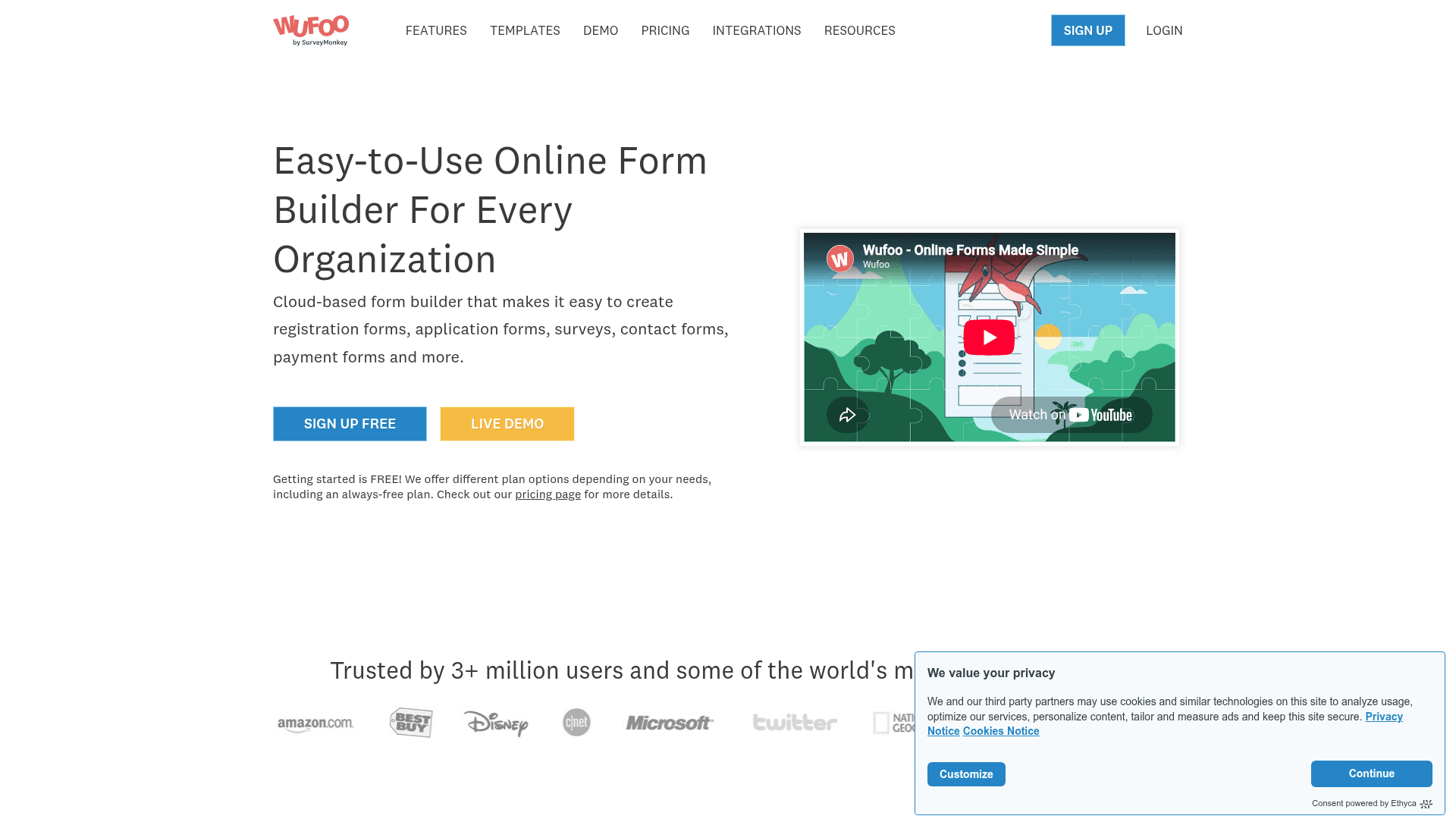
Wufoo is the veteran here, and its appeal for management is simplicity: a clear plan ladder, straightforward user counts, and a builder nobody needs training to use.
Advanced covers 20 users and 25,000 entries a month, which suits an organisation running many small forms rather than a few complex ones.
Monthly pricing runs $22 for Starter, $45 for Professional, $113 for Advanced, and $286 for Ultimate, above the advertised annual rates of $16.25, $33.25, $83.25, and $210.25.
| Strengths | Weaknesses |
|---|---|
| Simple, predictable plan ladder | Entries metered on every plan, with $0.05 charged per extra entry |
| Clear user counts per tier | Advertised prices are the annual rates |
| Low learning curve | Dated interface and limited design control |
| Reliable and long-established | No AI features |
| Plan | What you get |
|---|---|
| Free | $0. 5 forms, 100 entries/mo |
| Starter | $22/mo ($16.25/mo billed yearly). 1,000 entries/mo, 1 user |
| Professional | $45/mo ($33.25/mo billed yearly). 5,000 entries/mo, 5 users |
| Advanced | $113/mo ($83.25/mo billed yearly). 25,000 entries/mo, 20 users |
| Ultimate | $286/mo ($210.25/mo billed yearly). 200,000 entries/mo, 60 users |
Best for: organisations managing many simple forms with clear user tiers.
The catch: every plan meters entries and charges $0.05 for each one past the limit, so a spike in submissions arrives on the invoice.
G2 rating: 4.2/5, from 296 reviews, the lowest score here, which tracks its age.
12. Cognito Forms Team, best for logic-heavy forms
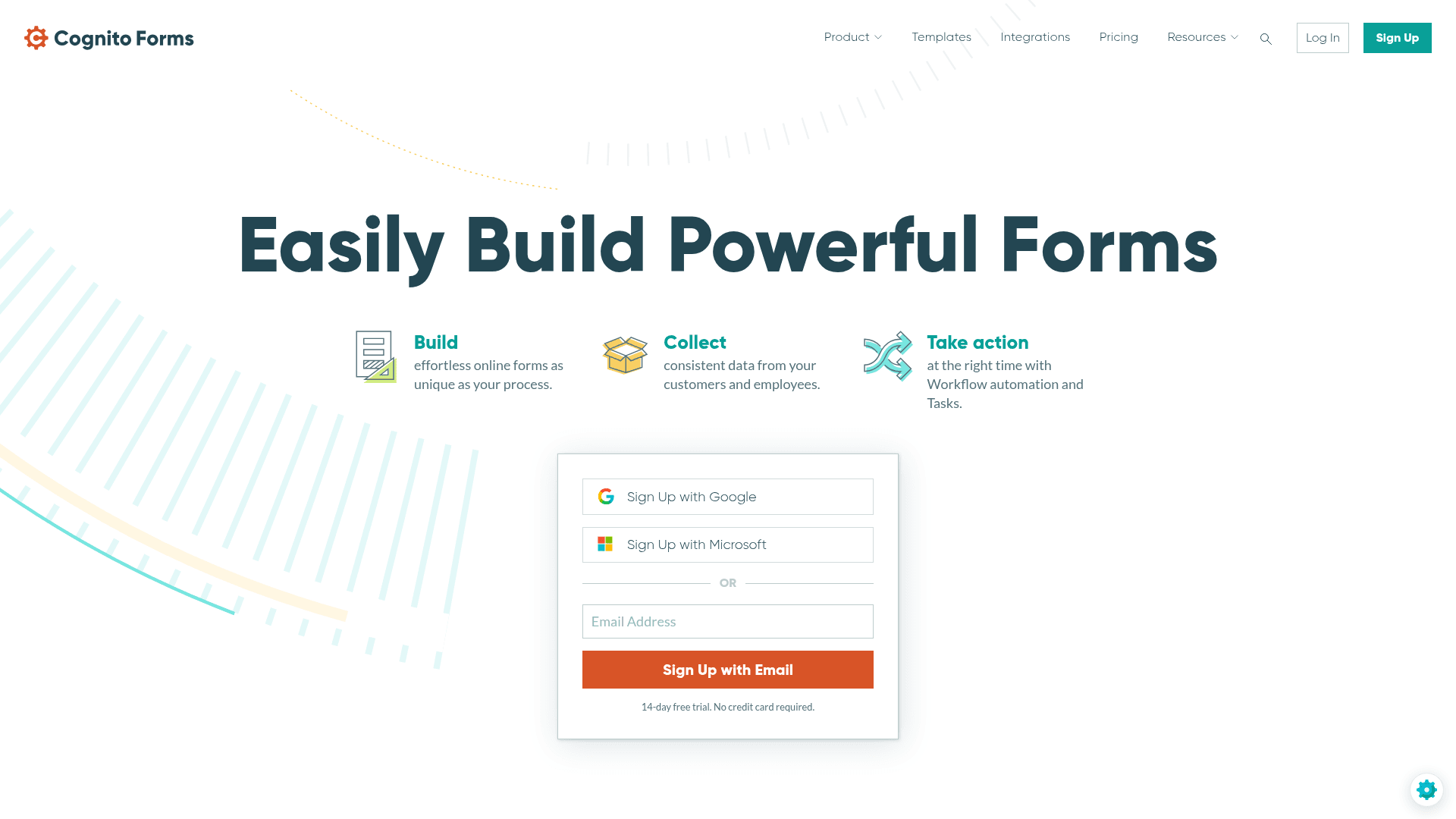
Cognito Forms manages the complicated forms: calculations, repeating sections and conditional pages that most builders cannot express without workarounds.
The Team plan covers five users and 10,000 entries a month, with document generation that turns submissions into formatted files automatically.
Team is $49 a month on monthly billing, or $39 billed yearly. Unlimited entries and HIPAA arrive on Enterprise at $174.
| Strengths | Weaknesses |
|---|---|
| Repeating sections and calculations | Entries metered on every tier |
| Conditional logic on the free plan | Unlimited entries only on the $174 plan |
| Document generation from entries | Extra users cost more per seat |
| Native payment collection | Interface is functional rather than polished |
| Plan | What you get |
|---|---|
| Individual (free) | $0. 100 entries/mo |
| Pro | $24/mo ($19/mo billed yearly). 2,000 entries/mo, 2 users |
| Team | $49/mo ($39/mo billed yearly). 10,000 entries/mo, 5 users |
| Enterprise | $174/mo ($129/mo billed yearly). Unlimited entries, HIPAA |
Best for: teams whose forms involve real calculation or repeating data.
The catch: unlimited entries sit behind the $174 Enterprise tier, so high volume costs considerably more than the Team price suggests.
G2 rating: 4.6/5, from 133 reviews. A reasonable base with a consistently good score.
13. Paperform, best for branded form pages
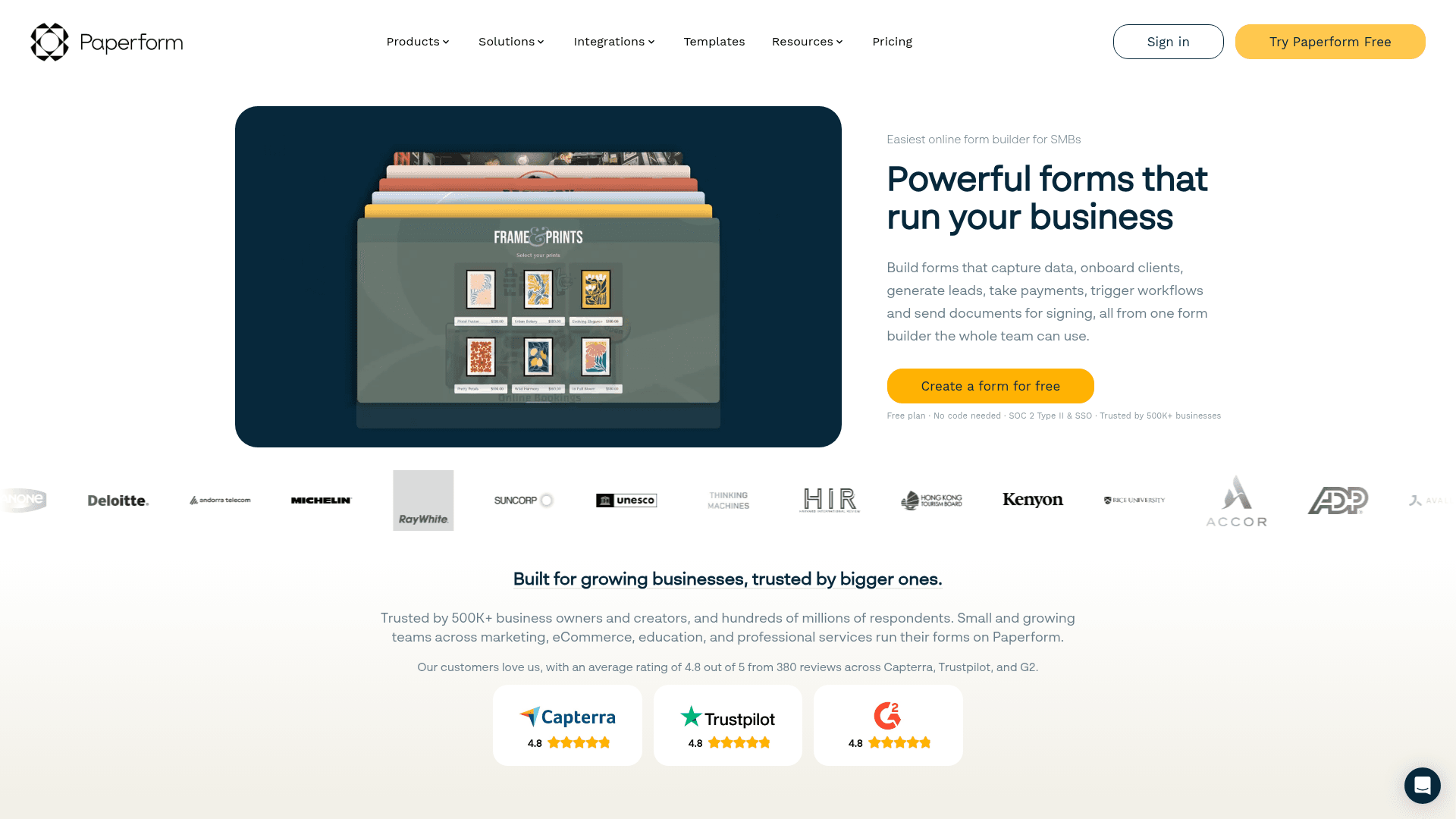
Paperform manages forms that look like pages rather than forms, which suits marketing and events teams running many branded collection points.
Payments, scheduling and logic are included on paid tiers, so one Paperform can replace a form, a booking link and a checkout.
Monthly pricing runs $29 for Essentials, $59 for Pro, and $129 for Business, above the advertised annual rates of $24, $49, and $99.
| Strengths | Weaknesses |
|---|---|
| Form pages that look designed | No permanent free plan |
| Payments and scheduling built in | Submission limits on every tier |
| Highest G2 score in this list at 4.8/5 | Lighter governance than the enterprise tools |
| Custom domain from the Pro plan | Advertised prices are the annual rates |
| Plan | What you get |
|---|---|
| Free | No free plan; a 14-day trial is offered |
| Essentials | $29/mo ($24/mo billed yearly) |
| Pro | $59/mo ($49/mo billed yearly). Adds custom domain |
| Business | $129/mo ($99/mo billed yearly). Adds SSO and higher limits |
Best for: marketing and events teams managing many branded forms.
The catch: there is no free plan, so a 14-day trial is the only way to test it before committing.
G2 rating: 4.8/5, from 86 reviews, the highest score in this comparison.
Run form management without response caps
Formester's free plan ships unlimited forms, unlimited responses, an AI form generator and offline capture. No credit card, no cap on submissions.
Free forever plan • No credit card • Setup in 2 minutes
How to pick the right form management software
Start with how the vendor charges for people, because that decides your bill more than any feature.
Per-user pricing at Alchemer and SurveyMonkey suits small specialist teams and becomes painful across a department. Flat-rate plans at Formester and Fillout do the opposite.
Then check what compliance actually requires. If you need HIPAA, audit trails, or SSO, the list narrows immediately to Formstack, Jotform Enterprise, Cognito Forms Enterprise and the Microsoft tools.
If neither of those binds, stay with what your organisation already owns. A Microsoft or Google tenant includes a form tool that covers simple management at no extra cost.