How we verified this: every figure on this page comes from the vendor's own pricing page or its public G2 profile. You can check every source here.
Which lead capture software should you choose?
Lead capture is two jobs wearing one name. The first is collecting the details, which every tool here does. The second is qualifying and routing what you collected, which is where they diverge sharply.
If the form is the whole job, the cheapest capable tool wins. If the lead has to be scored, segmented and pushed into a CRM, the form matters far less than what sits behind it.
The 60-second TL;DR
- Best all-around: Formester, unlimited leads with AI generation on the free plan
- Best CRM-native option: HubSpot Forms, unlimited submissions free
- Best for completion rates: Typeform, from $39/mo
- Best for template depth: Jotform, from $39/mo
- Best modern editor: Fillout, 1,000 free responses and unlimited seats
- Best for landing pages: Paperform, from $29/mo
- Best for lead scoring: Cognito Forms, from $24/mo
- Best for Salesforce shops: Formstack, from $99/mo
Lead capture software at a glance
The table separates the tools that route leads into a CRM from the ones that just collect them, and shows what each costs on monthly billing. Read it first, then go to the relevant review.
| Tool | Free plan | First paid plan (monthly) | Native CRM | G2 rating |
|---|---|---|---|---|
| Formester | Unlimited forms and responses | $13/mo | Via Zapier | 4.7/5 (14) |
| HubSpot Forms | Unlimited submissions | $20/seat/mo | HubSpot, built in | 4.4/5 (12,747) |
| Typeform | 10 responses/mo | $39/mo | Via integrations | 4.5/5 (1,017) |
| Jotform | 5 forms, 100 submissions/mo | $39/mo | Via integrations | 4.7/5 (5,426) |
| Fillout | 1,000 responses/mo | $19/mo | Airtable and Notion | 4.6/5 (30) |
| forms.app | 5 forms, unlimited responses | See review | Via integrations | 4.5/5 (498) |
| Paperform | Trial only | $29/mo | Via integrations | 4.8/5 (86) |
| Zoho Forms | 3 forms, 500 submissions/mo | $10/mo billed annually | Zoho CRM, built in | 4.4/5 (129) |
| Cognito Forms | 100 entries/mo | $24/mo | Via integrations | 4.6/5 (133) |
| Tally | Unlimited forms and submissions | $29/mo | Via integrations | 4.5/5 (305) |
| Gravity Forms | No free plan | $59/year | Add-on | 4.7/5 (248) |
| WPForms | Lite plugin | $99/year at renewal | Pro licence | 4.7/5 (971) |
| Wufoo | 5 forms, 100 entries/mo | $22/mo | Via integrations | 4.2/5 (296) |
| Formstack | No free plan | $99/mo | Salesforce, native | 4.3/5 (471) |
| Microsoft Forms | 200 responses per form | Bundled with M365 | No | 4.4/5 (476) |
| Google Forms | No practical cap | Bundled with Workspace | No | No standalone profile |
How we picked these
Every figure here comes from the vendor's own pricing page and plan limits, read in full. The ranking weighs what happens after the form is submitted as heavily as the form itself.
Tools that qualify and route leads without a paid add-on rank highest. Several vendors advertise annual rates, so the monthly figures below run higher than the ones on their pricing pages.
1. Formester, the best all-around lead capture tool
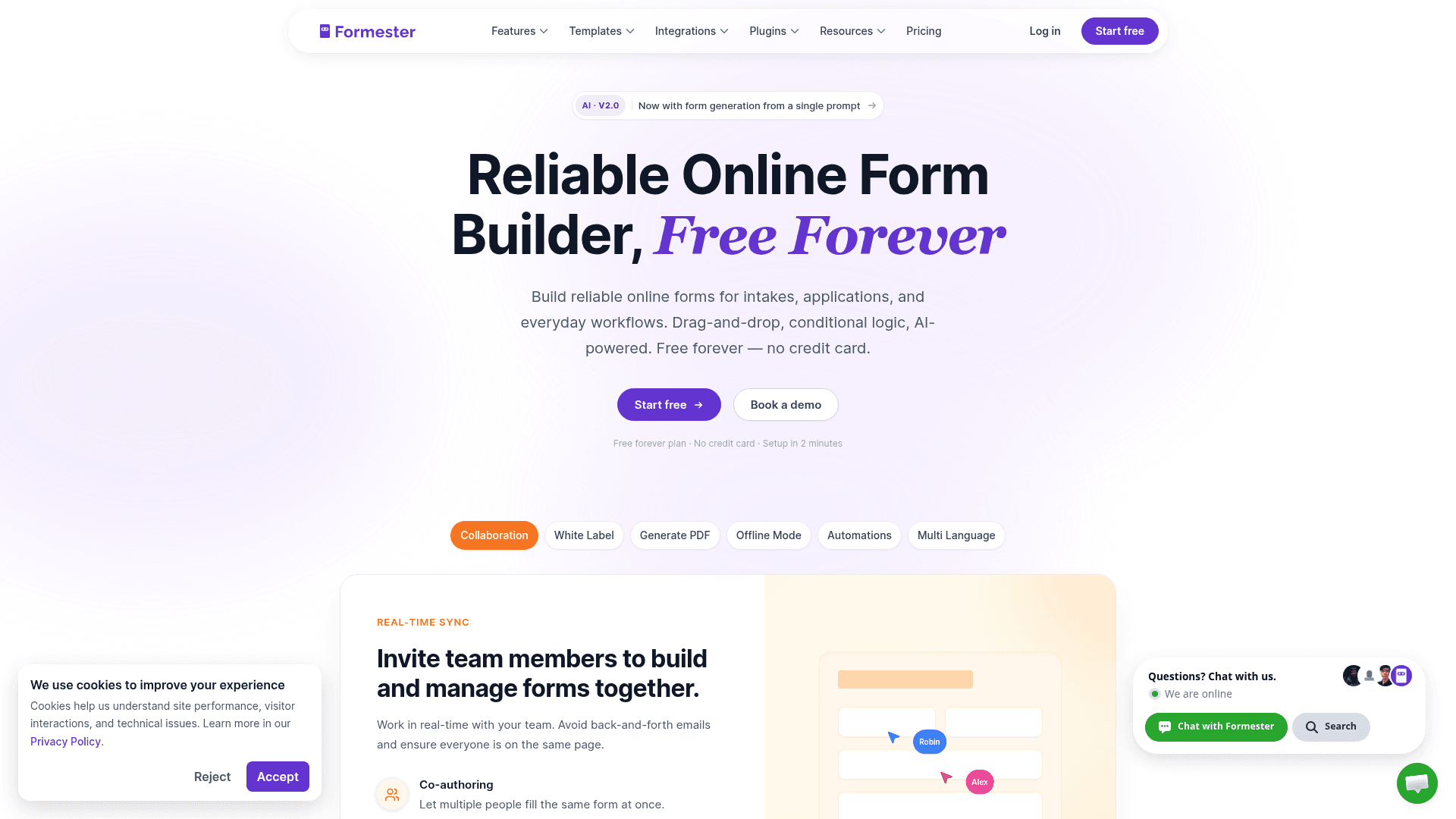
Lead volume is the one number you want to go up, which makes metered pricing an odd thing to accept. Formester caps nothing on any plan, so a campaign that works costs the same as one that does not.
AI generation drafts a capture form from a prompt or a PDF, and drop-off analytics show which question is losing people, which is the number that actually improves a form.
Conditional logic on Personal at $13 a month covers qualification, branching to budget and timeline questions once someone signals intent.
| Strengths | Weaknesses |
|---|---|
| No cap on leads at any tier | No native CRM, integrations run through Zapier |
| AI generation from a prompt or a PDF | Conditional logic starts on Personal at $13/mo |
| Drop-off analytics identify the losing question | No lead scoring built in |
| Payments and e-signature on the free plan | 14 G2 reviews, a small sample |
| Offline capture for events and field work |
| Plan | What you get |
|---|---|
| Free | $0. Unlimited forms, responses and fields, AI generation, payments |
| Personal | $13/mo ($12/mo billed yearly). Adds conditional logic |
| Business | $49/mo ($45/mo billed yearly). Adds custom domain and 25 seats |
Best for: teams that want lead volume to grow without the bill growing with it.
The catch: there is no native CRM connection, so routing leads into Salesforce or HubSpot goes through Zapier rather than a direct integration.
G2 rating: 4.7/5, from 14 reviews. High score, small sample; read it as an early signal.
2. HubSpot Forms, lead capture with the CRM attached
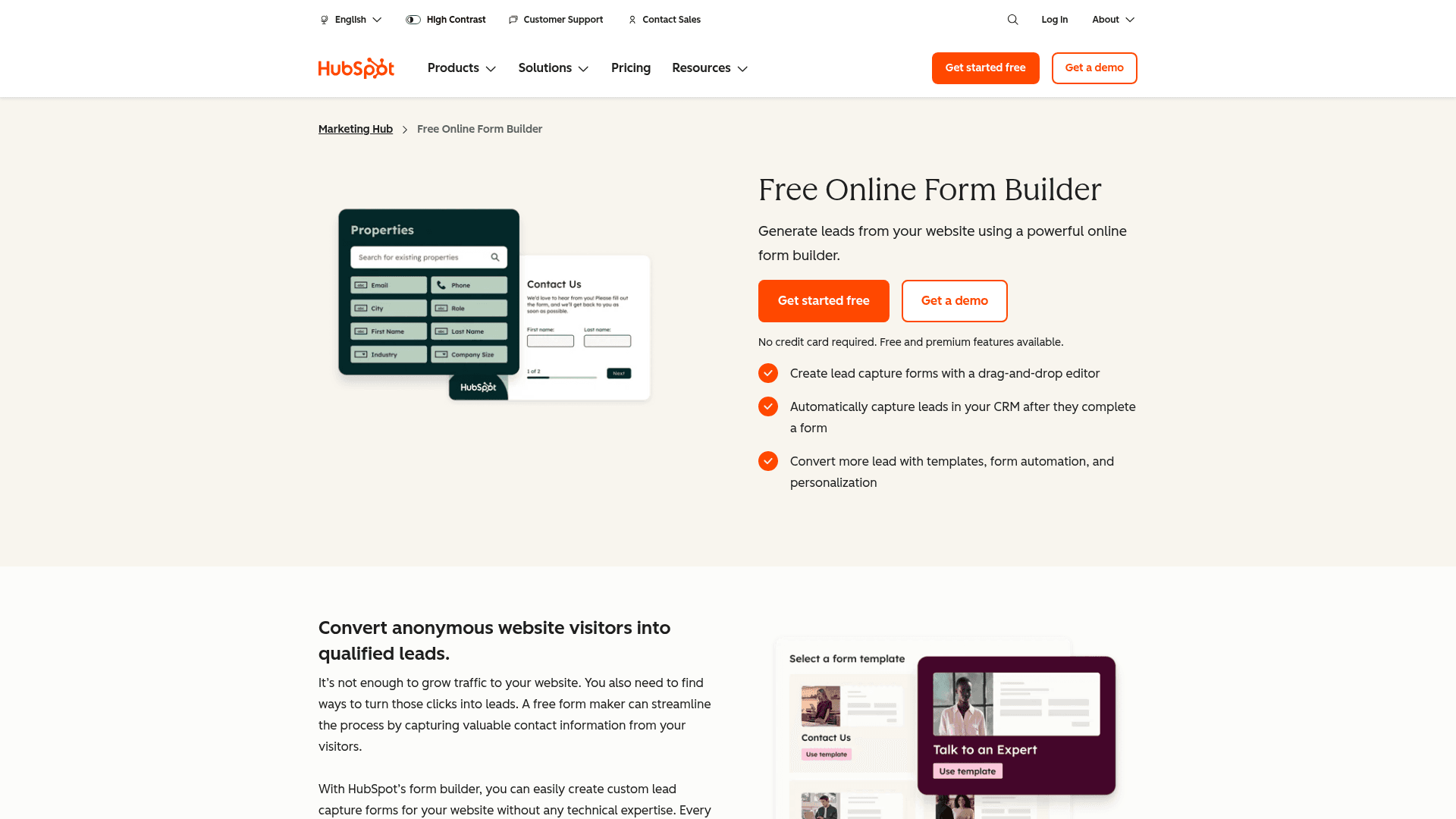
HubSpot answers the part of lead capture that forms alone cannot. Every submission becomes a contact record, and the follow-up sequence, scoring and attribution run from the same place.
Submissions are unlimited on the free tier with HubSpot branding, so the collecting costs nothing and the CRM behind it is free too.
Paid Marketing Hub plans start at $20 per seat a month, and the step to Professional at $800 is where automation and full workflow orchestration arrive.
| Strengths | Weaknesses |
|---|---|
| Unlimited submissions on the free plan | Form builder is basic next to the specialists |
| Every lead becomes a CRM contact automatically | HubSpot branding on free forms |
| Free CRM, email marketing and list segmentation | Automation needs Professional at $800/mo |
| Attribution reporting on paid tiers | Professional and Enterprise carry onboarding fees |
| Plan | What you get |
|---|---|
| Free Tools | $0. Unlimited submissions with HubSpot branding, free CRM |
| Marketing Hub Starter | $20/seat/mo |
| Marketing Hub Professional | $800/mo, plus a one-time onboarding fee |
| Marketing Hub Enterprise | $3,600/mo, plus a one-time onboarding fee |
Best for: marketing teams that want leads landing in a CRM from day one.
The catch: the jump from Starter at $20 to Professional at $800 a month is the steepest in this list, and most automation sits above that line.
G2 rating: 4.4/5, from 12,747 reviews across HubSpot Marketing Hub.
3. Typeform, the lead form people actually finish

Typeform shows one question at a time, which on a qualification form is the difference between five answered questions and two.
For lead capture that trade matters more than elsewhere: a longer form that gets completed tells you more than a short one that does not.
It is also the most expensive per lead here. Free covers 10 responses a month, Basic is $39 with 100, Plus $79 with 1,000, and Business $129 with 10,000.
| Strengths | Weaknesses |
|---|---|
| Highest completion rates on qualification forms | Free plan covers only 10 responses a month |
| Logic jumps ask only relevant questions | Highest cost per lead in this list |
| AI drafts a full form from a prompt | Response caps on every tier |
| Strong drop-off analytics | Advertised prices are the annual rates |
| Plan | What you get |
|---|---|
| Free | $0. 10 responses/mo |
| Basic | $39/mo ($28/mo billed yearly). 100 responses/mo |
| Plus | $79/mo ($56/mo billed yearly). 1,000 responses/mo |
| Business | $129/mo ($91/mo billed yearly). 10,000 responses/mo |
Best for: high-value leads where qualification depth is worth paying for.
The catch: at 1,000 leads a month you are on Plus at $79, where Formester and HubSpot would charge nothing for the same volume.
G2 rating: 4.5/5, from 1,017 reviews. A large base, with cost the common complaint.
4. Jotform, lead capture with a template for everything
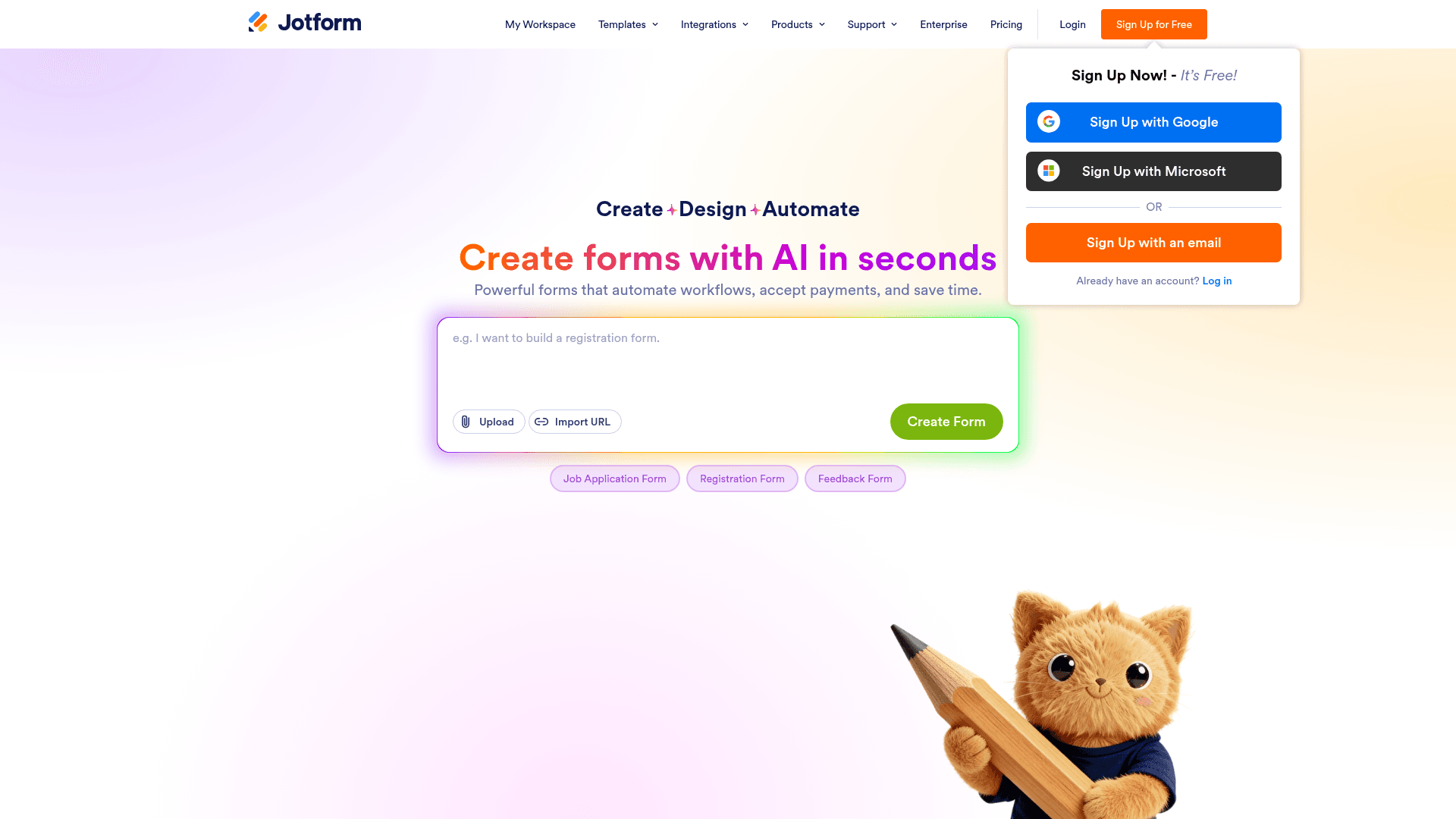
Jotform's 20,000+ templates mean most lead capture forms start from something close, whether that is a quote request, a consultation booking or a gated download.
All field types are available on the free plan, payments included, so the constraint is volume rather than what you can ask.
Submissions are metered on every tier: 100 a month free, 1,000 on Bronze at $39, 2,500 on Silver at $49.
| Strengths | Weaknesses |
|---|---|
| 20,000+ templates, the largest library here | Submissions metered on every tier |
| All field types available on the free plan | Free plan covers only 5 forms |
| 40+ payment gateways for deposits | Dense interface takes time to learn |
| Integrations with most major CRMs | Advertised prices are the annual rates |
| Plan | What you get |
|---|---|
| Starter (free) | $0. 5 forms, 100 submissions/mo |
| Bronze | $39/mo ($34/mo billed yearly). 1,000 submissions/mo |
| Silver | $49/mo ($39/mo billed yearly). 2,500 submissions/mo |
| Gold | $129/mo ($99/mo billed yearly). 10,000 submissions/mo, HIPAA |
Best for: teams that would rather adapt a template than build from scratch.
The catch: the free plan's 100 submissions is a demo allowance for anything running paid traffic, so plan on $39 from the start.
G2 rating: 4.7/5, from 5,426 reviews, the largest base of any tool here.
5. Fillout, the modern editor with unlimited seats

Fillout builds multi-step capture forms by default, asking for the email first and the qualifying detail after, which reduces the cost of a longer form.
Its free plan allows 1,000 responses a month with unlimited seats, which covers a great deal of early-stage lead capture at no cost.
Leads write into Airtable and Notion records directly, so if your pipeline lives in either, the form updates it rather than exporting to it.
| Strengths | Weaknesses |
|---|---|
| 1,000 responses a month on the free plan | Most useful only with Airtable or Notion |
| Unlimited seats on every tier | Fillout branding on the free plan |
| Multi-step forms reduce first-question drop-off | No native CRM beyond those two |
| Writes into Airtable and Notion records | 30 G2 reviews, a small sample |
| Plan | What you get |
|---|---|
| Free | $0. 1,000 responses/mo, unlimited seats |
| Starter | $19/mo ($15/mo billed yearly, $180/year) |
| Pro | $49/mo ($40/mo billed yearly, $480/year) |
| Business | $89/mo ($75/mo billed yearly, $900/year) |
Best for: teams whose pipeline lives in Airtable or Notion.
The catch: outside those two the database advantage disappears, and several tools here handle multi-step capture just as well.
G2 rating: 4.6/5, from 30 reviews. A small base, consistent with a newer product.
6. forms.app, the AI-first capture builder
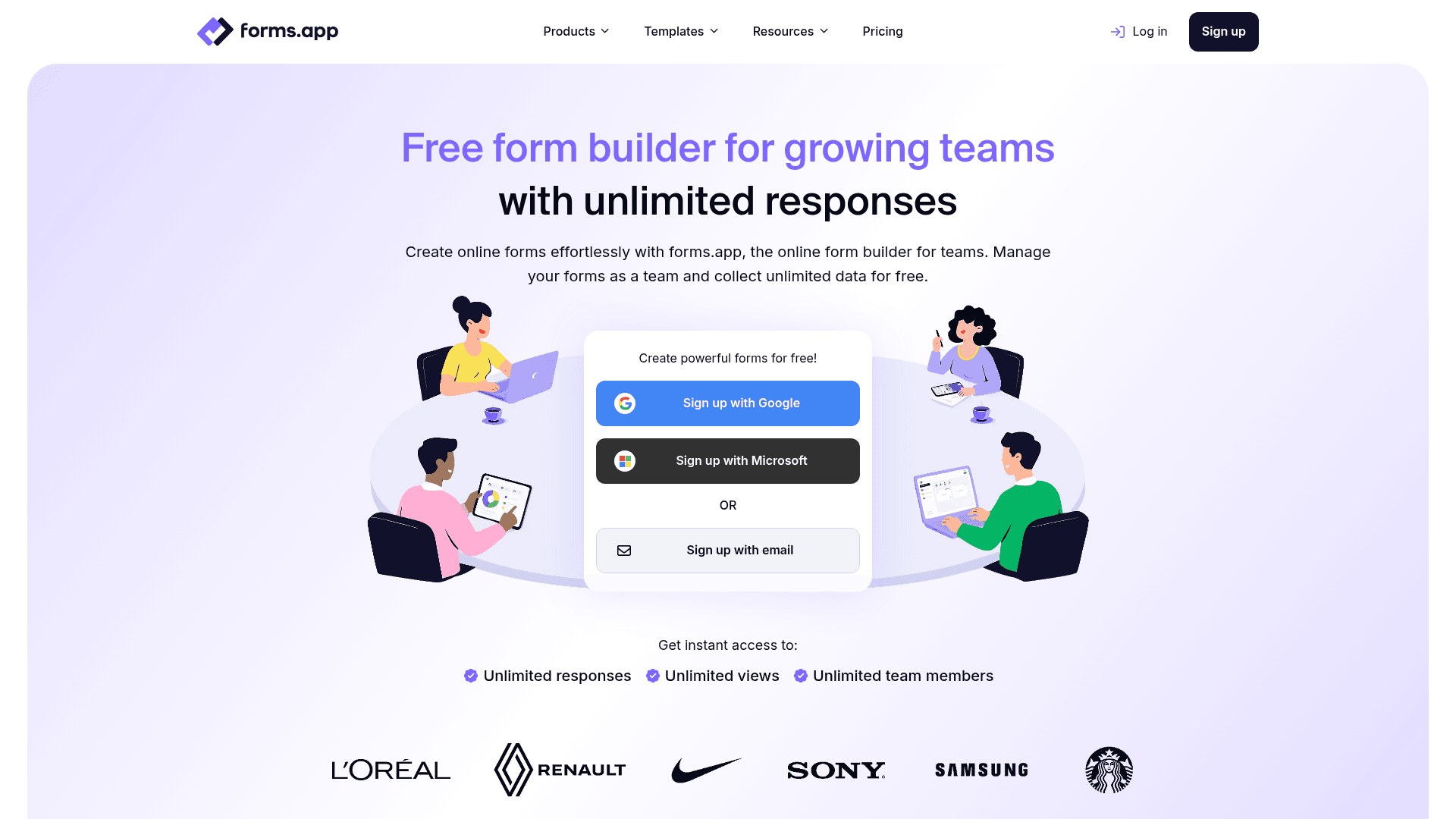
forms.app drafts a capture form from a description, which shortens the loop when you are testing several offers and need a form for each.
Its free plan allows unlimited responses across up to 5 forms, so a single high-traffic landing page form costs nothing regardless of volume.
forms.app prices regionally. The US view lists Basic at $19, Pro at $29 and Premium at $59 a month, while the EU view lists 16, 24 and 49 EUR billed annually.
| Strengths | Weaknesses |
|---|---|
| AI generation from a prompt | Free plan caps at 5 forms and 10 MB storage |
| Unlimited responses on the free plan | Pricing varies by region and currency |
| Conditional logic included free | Younger product with a shorter track record |
| 5,000+ templates | No native CRM |
| Unlimited team members on paid tiers |
| Plan | What you get |
|---|---|
| Free | Up to 5 forms, unlimited responses, 10 MB storage |
| Basic | Listed at $19/mo in the US view and 16 EUR/mo billed annually in the EU view |
| Pro | Listed at $29/mo in the US view and 24 EUR/mo billed annually in the EU view |
| Premium | Listed at $59/mo in the US view and 49 EUR/mo billed annually in the EU view |
Best for: campaigns running a small number of high-traffic capture forms.
The catch: prices differ by region and currency, so confirm the rate on your own regional pricing page before you budget.
G2 rating: 4.5/5, from 498 reviews. A solid base for a younger product.
7. Paperform, the landing page and capture form in one
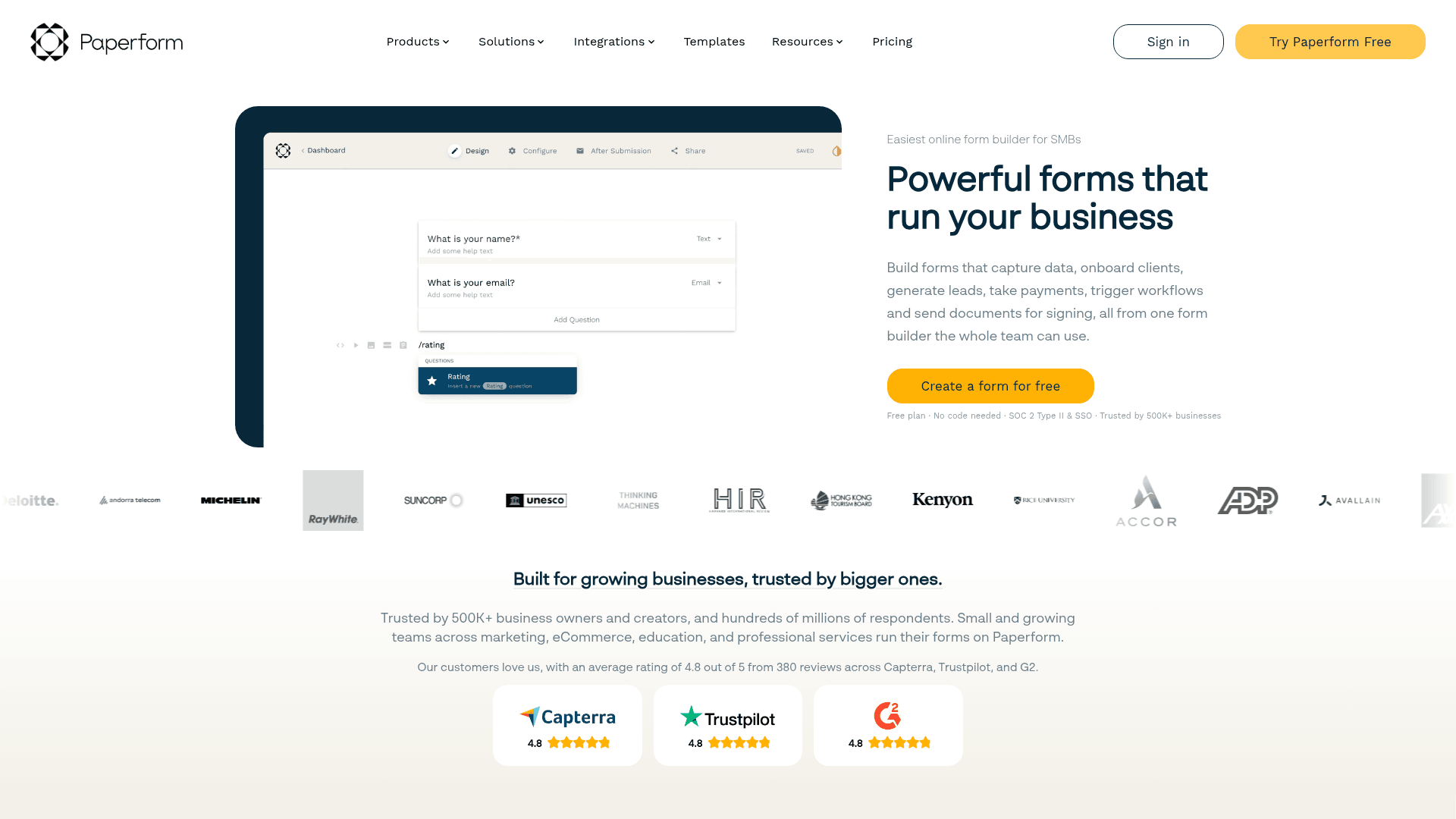
Paperform makes the form part of the page, so the pitch and the capture live at one URL rather than a page linking to a form.
For a campaign landing page that removes a click and a redirect, both of which cost conversions.
Monthly pricing runs $29 for Essentials, $59 for Pro and $129 for Business, above the advertised annual rates of $24, $49 and $99.
| Strengths | Weaknesses |
|---|---|
| Landing page and capture form are one object | No permanent free plan, only a trial |
| Payments and scheduling built in | Submission limits on every tier |
| Highest G2 score in this comparison | No native CRM |
| Custom domain from the Pro plan | Advertised prices are the annual rates |
| Plan | What you get |
|---|---|
| Free | No free plan; a 14-day trial is offered |
| Essentials | $29/mo ($24/mo billed yearly) |
| Pro | $59/mo ($49/mo billed yearly). Adds custom domain |
| Business | $129/mo ($99/mo billed yearly). Adds SSO |
Best for: campaign pages where the pitch and the form belong together.
The catch: you cannot test it beyond 14 days without paying, which is awkward for a campaign that has not launched yet.
G2 rating: 4.8/5, from 86 reviews, the highest score in this comparison.
8. Zoho Forms, the cheapest CRM-connected option
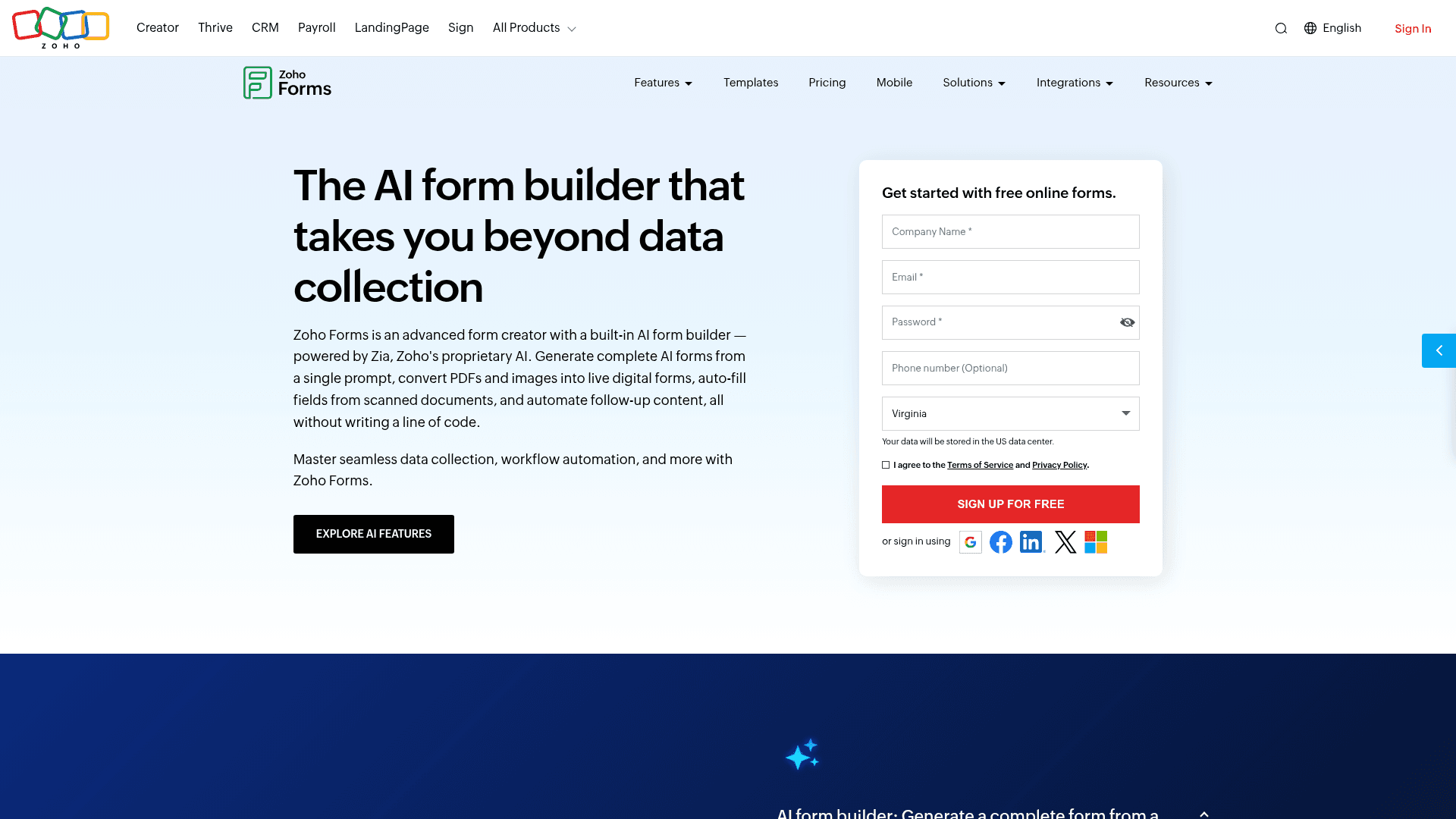
Zoho Forms is the cheapest way here to get leads into a CRM automatically, provided that CRM is Zoho.
At $10 a month billed annually it is less than half the next paid tier, and submissions route into Zoho CRM without a connector or a Zap.
Its free plan allows 500 submissions a month across three forms, which is more generous than most free tiers on this list.
| Strengths | Weaknesses |
|---|---|
| Cheapest paid tier at $10/mo | Free plan covers only 3 forms |
| Routes into Zoho CRM natively | Little value outside the Zoho suite |
| 500 submissions a month free | Interface feels dated |
| Offline mobile apps for event capture | Prices are the annual-billed rates |
| Plan | What you get |
|---|---|
| Free | $0. 3 forms, 500 submissions/mo |
| Basic | $10/mo billed annually. 10,000 submissions/mo |
| Standard | $25/mo billed annually. 25 forms |
| Professional | $50/mo billed annually. Unlimited forms |
| Premium | $90/mo billed annually. HIPAA compliance |
Best for: Zoho CRM shops that want leads arriving without a connector.
The catch: if your CRM is anything other than Zoho, this becomes an ordinary form builder with a dated interface.
G2 rating: 4.4/5, from 129 reviews, at the lower end of this list.
9. Cognito Forms, lead capture with scoring built in
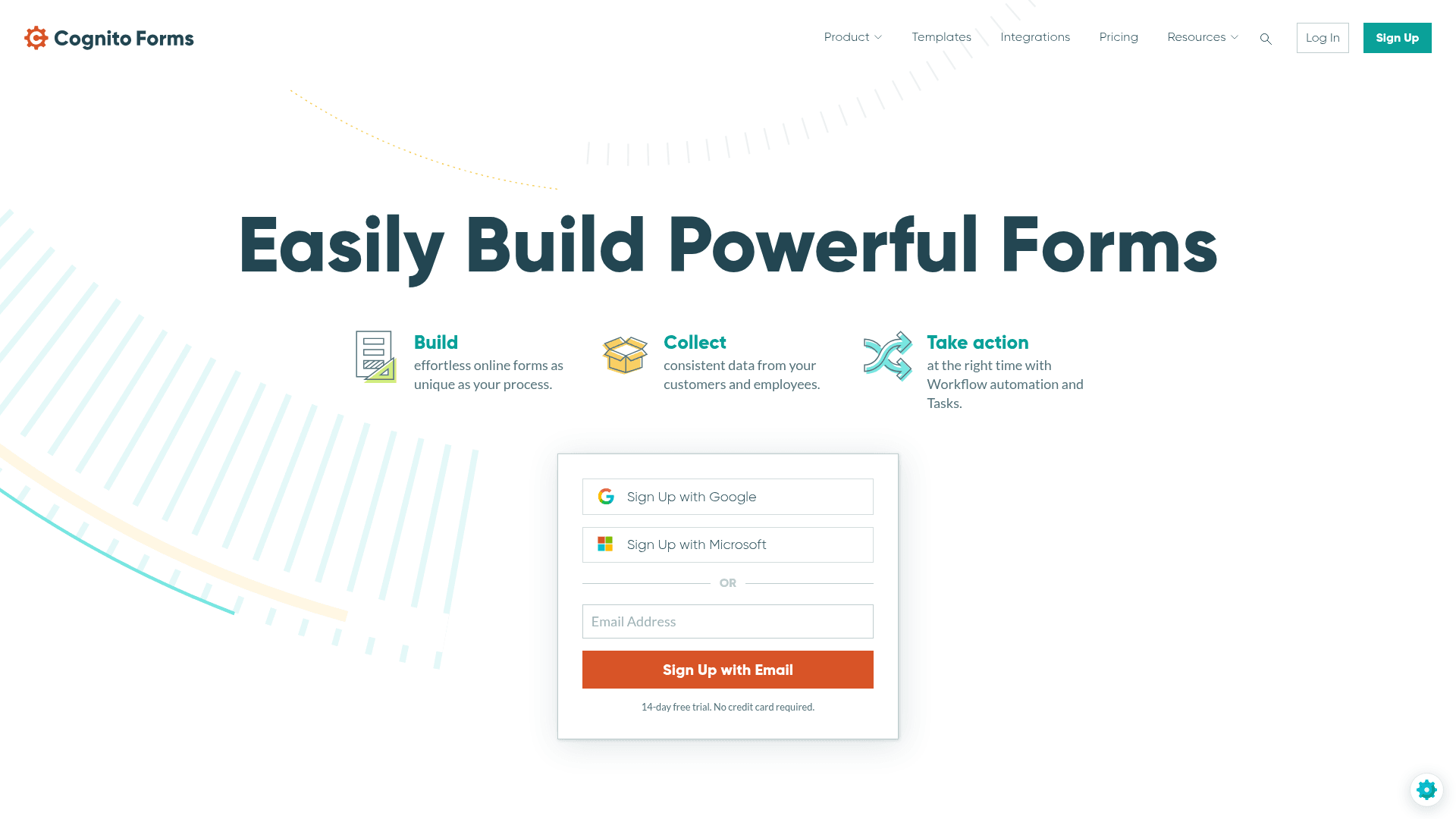
Cognito Forms has the strongest calculation engine here, and for lead capture that means scoring a lead inside the form rather than after it.
A budget answer, a timeline answer and a company-size answer can produce a score that decides which follow-up sequence fires, without touching a CRM rule.
Payments are on the free plan, and entries are metered: 100 a month free, 2,000 on Pro at $24, 10,000 on Team at $49.
| Strengths | Weaknesses |
|---|---|
| Calculated fields score leads inside the form | Free plan caps at 100 entries a month |
| Conditional logic on the free plan | Entries metered on every tier |
| Payments on the free plan | Interface is functional rather than polished |
| Repeating sections for multi-item enquiries | Advertised prices are the annual rates |
| Plan | What you get |
|---|---|
| Individual (free) | $0. 100 entries/mo, conditional logic, payments |
| Pro | $24/mo ($19/mo billed yearly). 2,000 entries/mo, 2 users |
| Team | $49/mo ($39/mo billed yearly). 10,000 entries/mo, 5 users |
| Enterprise | $174/mo ($129/mo billed yearly). Unlimited entries, HIPAA |
Best for: teams that want a lead scored before it reaches anyone.
The catch: 100 entries a month free will not survive a working ad campaign, so budget for $24 from the outset.
G2 rating: 4.6/5, from 133 reviews. A reasonable base with a consistently good score.
10. Tally, the free unlimited capture form
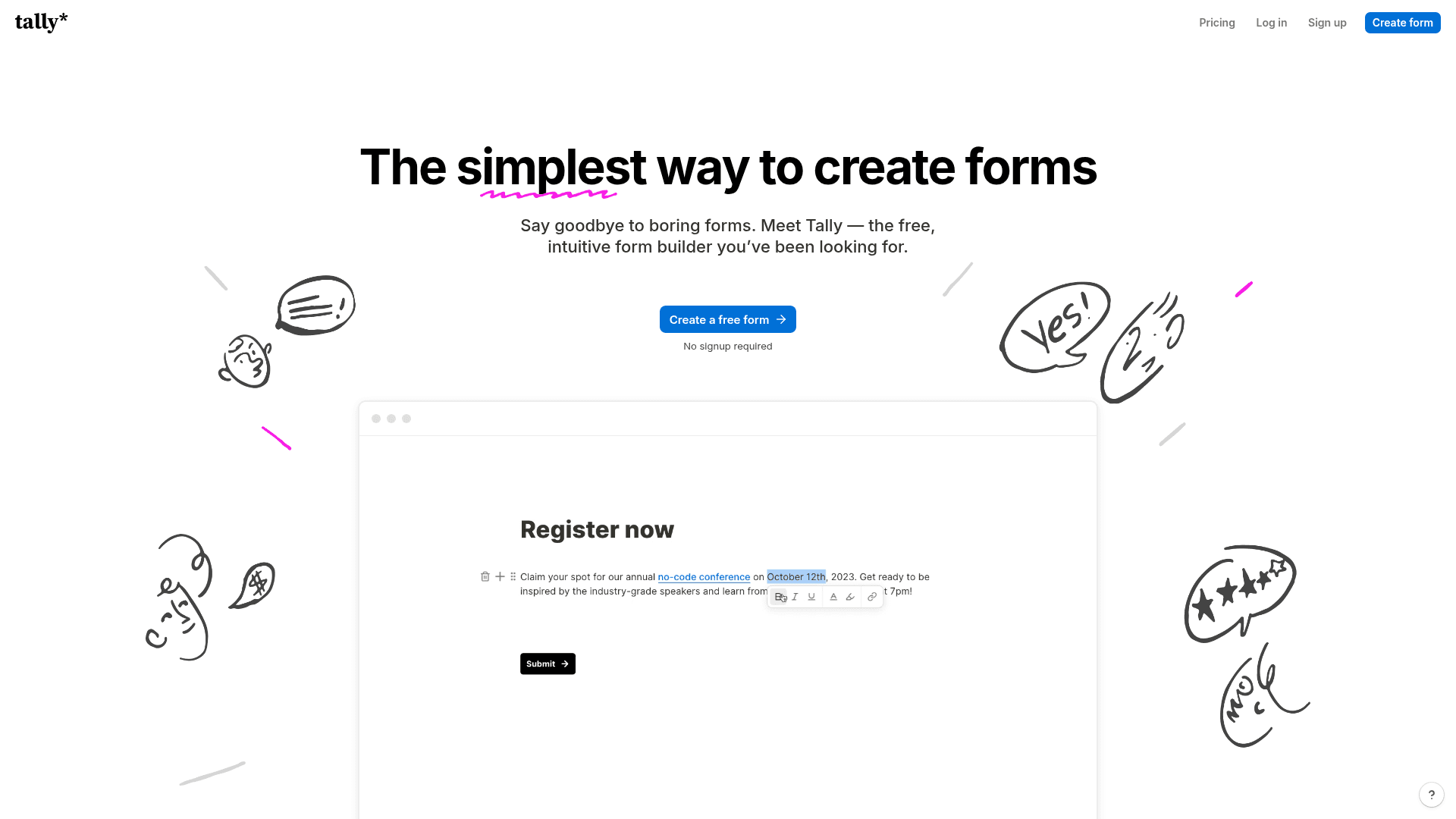
Tally places no cap on forms or submissions on its free plan, which suits early-stage capture where volume is unknown and budget is nil.
Conditional logic is included free, so a qualification form works without paying, and the document-style editor builds one in minutes.
Paid plans start at $29 a month, largely to remove branding rather than to raise a limit.
| Strengths | Weaknesses |
|---|---|
| Unlimited leads on the free plan | Tally branding on the free plan |
| Conditional logic included free | Analytics are basic |
| Document-style editor is quick to use | Fewer integrations than the larger tools |
| No overage charges at any tier | No native CRM |
| Plan | What you get |
|---|---|
| Free | $0. Unlimited forms and submissions, logic, file uploads |
| Pro | $29/mo ($24/mo billed yearly). Removes branding, adds partial submissions |
| Business | $89/mo ($74/mo billed yearly). Adds data retention controls |
Best for: early-stage capture where budget matters more than polish.
The catch: the branding on free forms is visible to every lead, which is a real consideration on a page you are paying to send traffic to.
G2 rating: 4.5/5, from 305 reviews. A solid base for a relatively young product.
11. Gravity Forms, the WordPress lead capture plugin
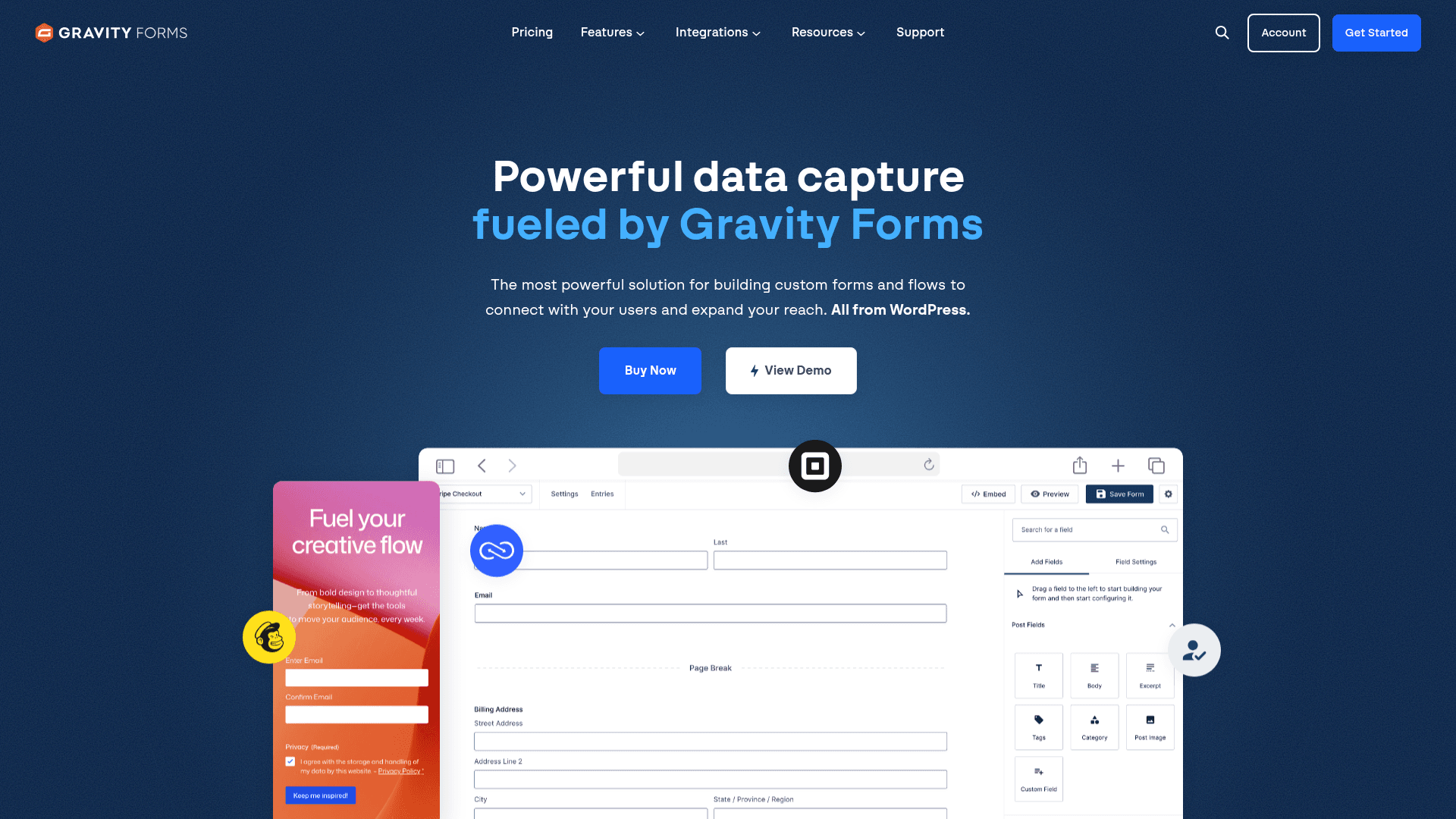
If your traffic lands on a WordPress site, Gravity Forms captures leads into your own database with nothing metered and no vendor in between.
Its conditional logic is the deepest of any WordPress plugin, which covers qualification flows where each answer changes what comes next.
CRM add-ons cover HubSpot, Salesforce and several others, sitting on the Pro licence at $159 a year.
| Strengths | Weaknesses |
|---|---|
| No lead metering once self-hosted | WordPress only |
| Deepest conditional logic on WordPress | CRM add-ons need the Pro licence at $159/year |
| CRM add-ons for HubSpot and Salesforce | No free plan, annual licence required |
| Elite covers unlimited sites for $259/year | You own hosting, backups and patching |
| Plan | What you get |
|---|---|
| Basic | $59/year. 1 site |
| Pro | $159/year. 3 sites, most add-ons |
| Elite | $259/year. Unlimited sites, all add-ons |
Best for: WordPress sites that want lead data in their own database.
The catch: the CRM connectors are add-ons, so real routing costs $159 a year rather than the $59 headline.
G2 rating: 4.7/5, from 248 reviews built over years of WordPress use.
12. WPForms, the beginner-friendly WordPress option
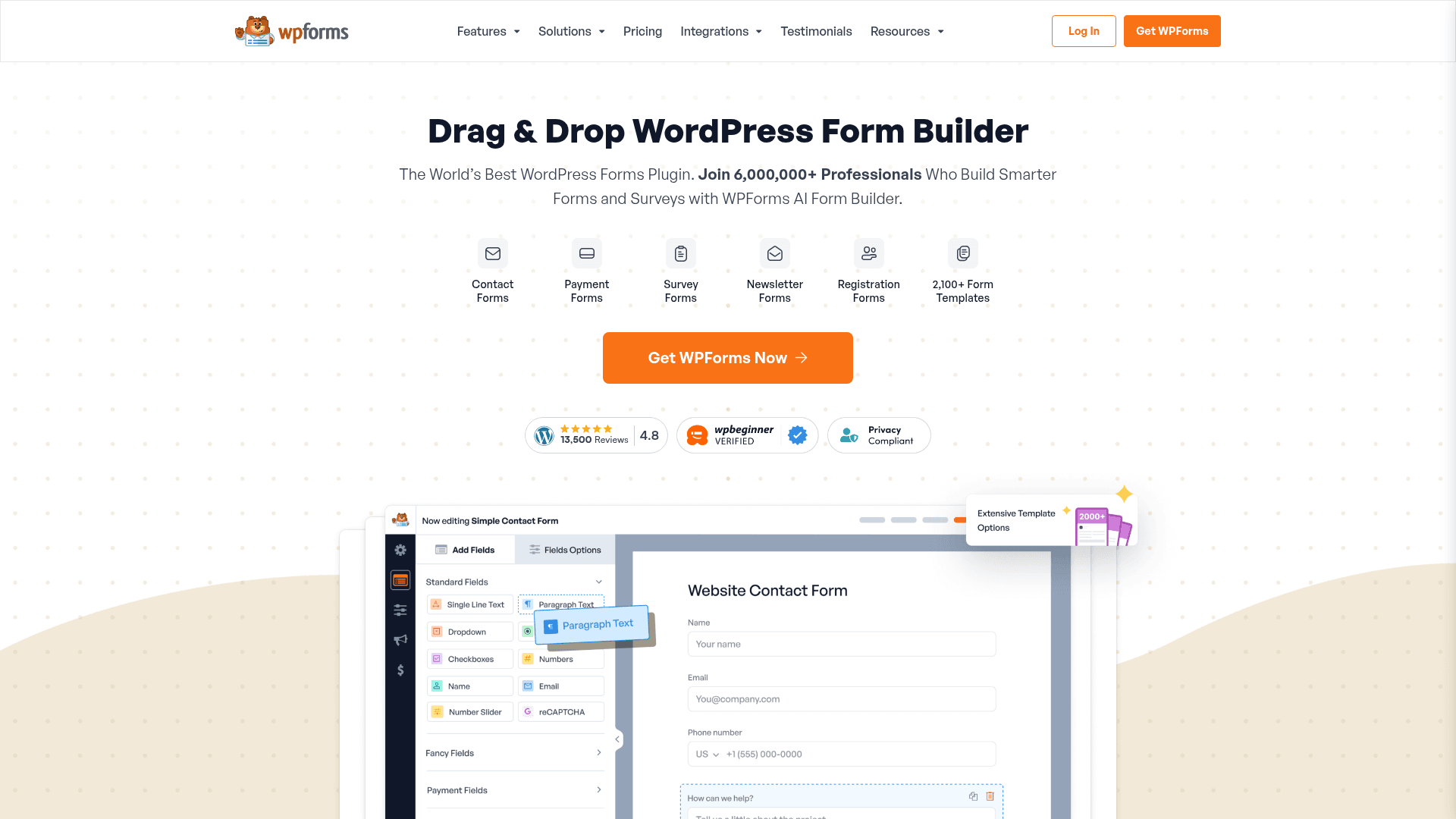
WPForms is the easier WordPress plugin to learn, which matters when the person building the capture form is a marketer rather than a developer.
Leads are not metered, so a self-hosted form takes any volume on a flat annual licence.
CRM integrations sit on the Elite licence at $599 a year at renewal, which is the figure to plan around if routing matters.
| Strengths | Weaknesses |
|---|---|
| Easiest WordPress form builder to learn | WordPress only |
| No lead metering once self-hosted | CRM integrations need the Elite licence at $599/year |
| 2,000+ templates | Renewal prices exceed first-year rates |
| One licence covers unlimited submissions | No monthly billing option |
| Plan | What you get |
|---|---|
| Lite | Free WordPress plugin |
| Basic | $99/year at renewal. 1 site |
| Plus | $199/year at renewal |
| Pro | $399/year at renewal. Adds payments and Conversational Forms |
| Elite | $599/year at renewal. Unlimited sites |
Best for: WordPress marketers who want to build the form themselves.
The catch: CRM routing sits on the $599 Elite licence, which makes it the most expensive WordPress path to a connected lead.
G2 rating: 4.7/5, from 971 reviews. A large base among WordPress users.
13. Wufoo, the straightforward capture form
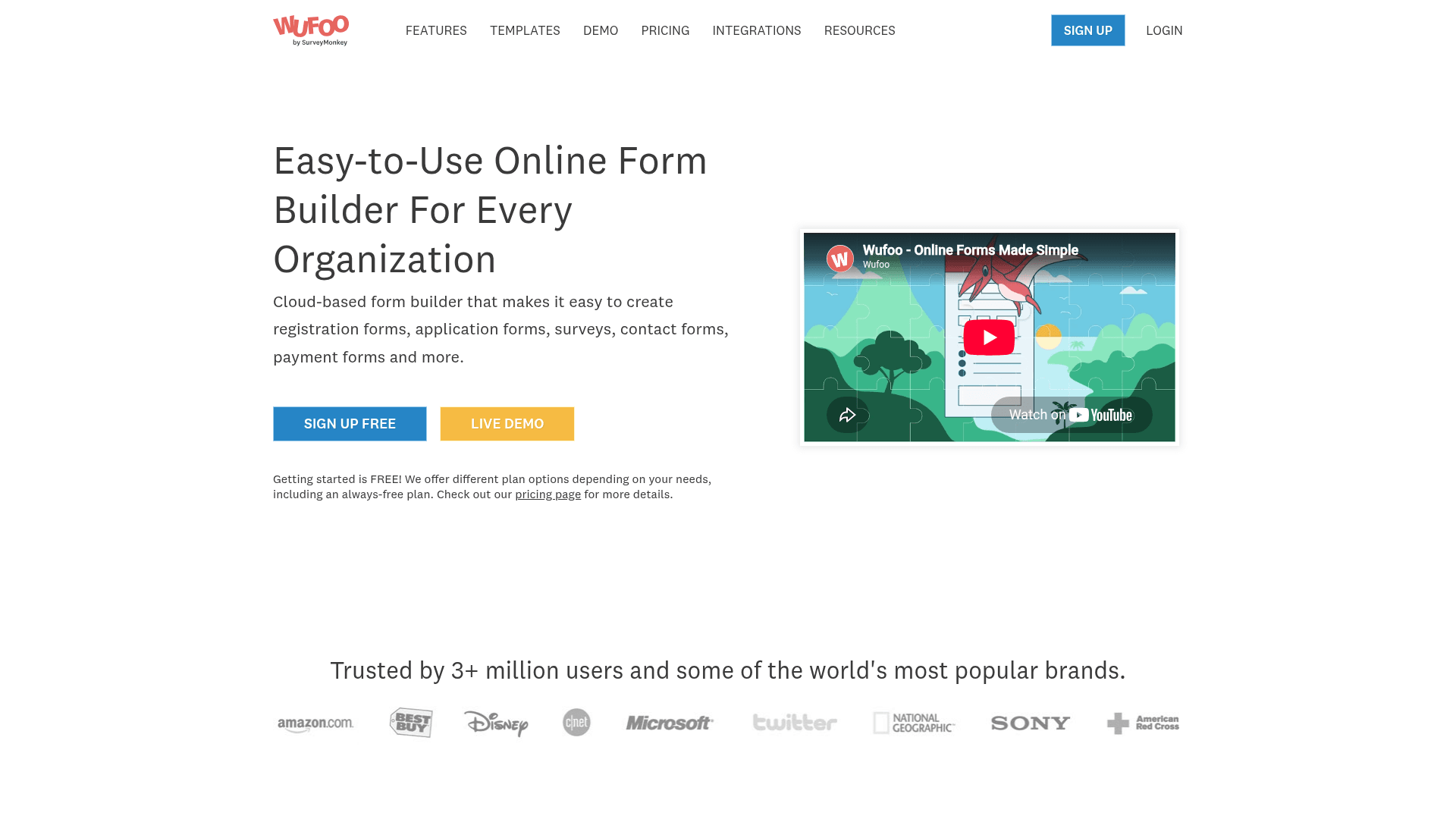
Wufoo does the collecting part competently and nothing beyond it, which is fine when the lead goes straight to a person rather than a system.
It is simple to set up and predictable to budget, with a plan ladder that steps cleanly by volume.
Paid plans start at $22 a month, and every plan charges $0.05 for each entry past its limit.
| Strengths | Weaknesses |
|---|---|
| Very simple to set up | Free plan caps at 100 entries a month |
| Clear plan ladder with predictable steps | $0.05 charged per entry over the limit |
| Long track record | Dated interface and limited design control |
| Reports and basic analytics included | No qualification or scoring features |
| Plan | What you get |
|---|---|
| Free | $0. 5 forms, 100 entries/mo |
| Starter | $22/mo ($16.25/mo billed yearly). 1,000 entries/mo |
| Professional | $45/mo ($33.25/mo billed yearly). 5,000 entries/mo |
| Advanced | $113/mo ($83.25/mo billed yearly). 25,000 entries/mo |
| Ultimate | $286/mo ($210.25/mo billed yearly). 200,000 entries/mo |
Best for: low-volume capture where leads go straight to a person.
The catch: the per-entry overage means a successful campaign raises your bill twice, once by tier and once by overage.
G2 rating: 4.2/5, from 296 reviews, the lowest score here, which tracks its age.
14. Formstack, lead capture for Salesforce shops
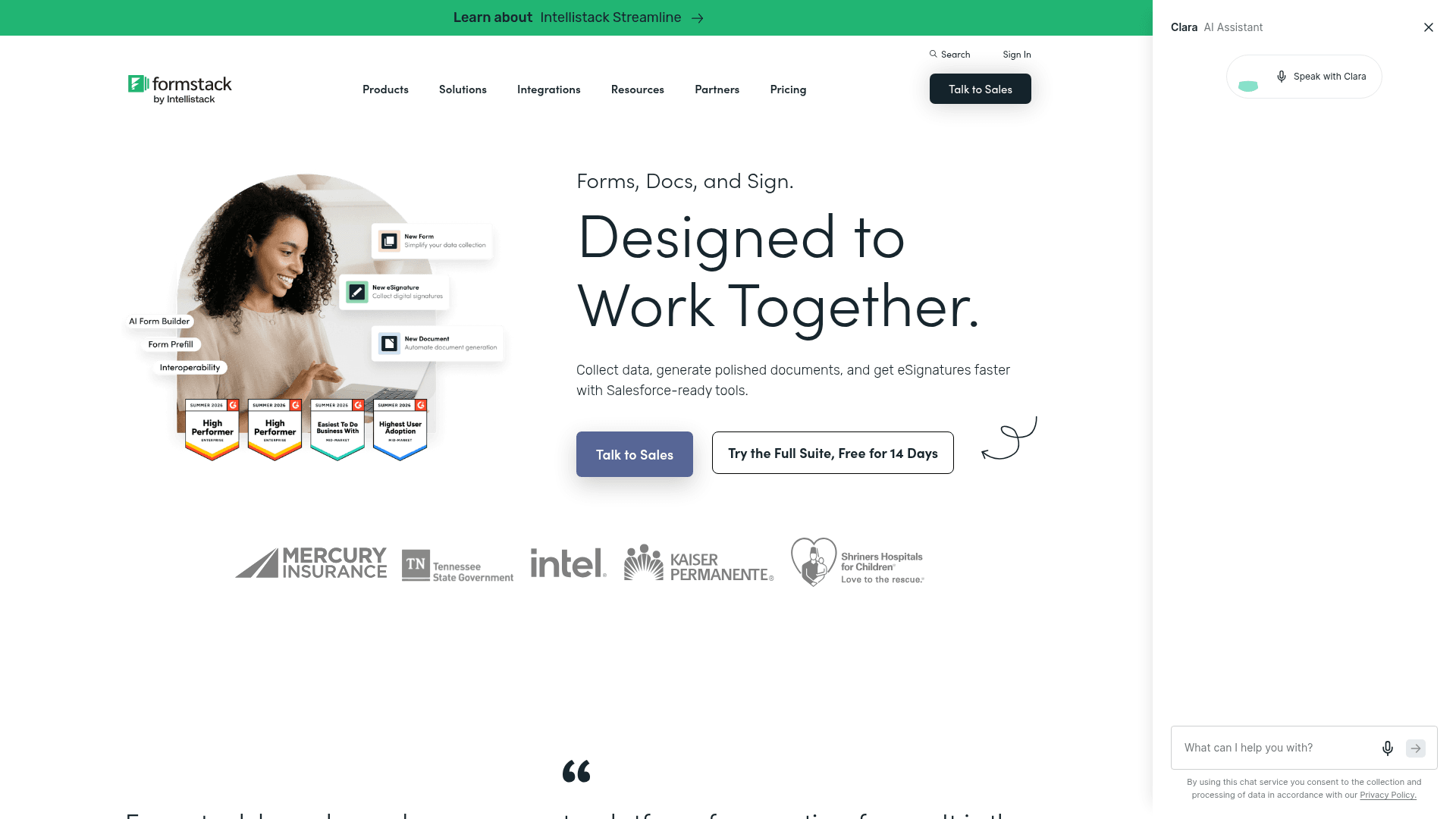
Formstack maps form fields to Salesforce records natively rather than through a connector, which is why Salesforce-first organisations choose it over cheaper tools.
It also brings HIPAA with a BAA, audit trails and granular permissions, which matter when leads are patients or financial clients.
It is the highest entry price here at $99 a month, and the Suite with Documents and Sign runs $299.
| Strengths | Weaknesses |
|---|---|
| Native Salesforce field mapping | $99/mo entry point, the highest here |
| HIPAA with a BAA and audit trails | No free plan at all |
| Documents and e-signature in the Suite | Interface feels dated in places |
| Granular permissions for large teams | Advertised prices are the annual rates |
| Plan | What you get |
|---|---|
| Free | No free plan; a trial is offered |
| Forms | $99/mo ($83/mo billed yearly) |
| Suite (Forms, Documents, Sign) | $299/mo ($250/mo billed yearly) |
| Enterprise | Custom pricing |
Best for: Salesforce-first teams and regulated lead capture.
The catch: at $99 a month you are buying the Salesforce mapping. For any other CRM, cheaper tools connect just as well.
G2 rating: 4.3/5, from 471 reviews. A large base, with cost the recurring theme.
15. Microsoft Forms, internal capture inside Microsoft 365
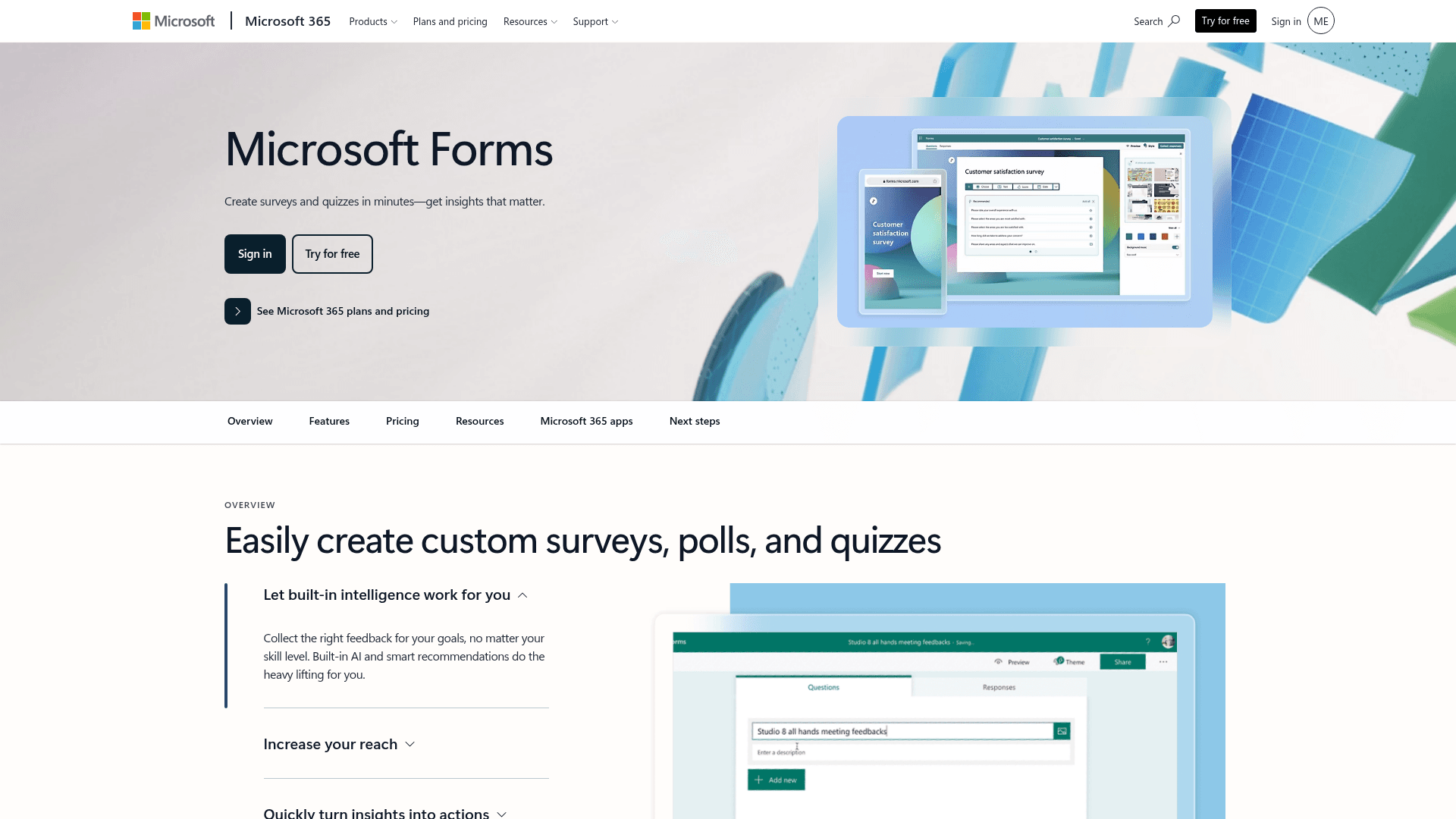
Microsoft Forms is provisioned wherever Microsoft 365 is, which makes it the free option for internal lead capture such as referral or partner submissions.
Responses land in Excel and can be posted into a Teams channel, covering internal routing without another vendor.
A personal Microsoft account caps at 200 responses per form. Inside a tenant those limits lift considerably.
| Strengths | Weaknesses |
|---|---|
| No extra cost inside Microsoft 365 | Very limited design control |
| Results flow into Excel | No CRM connection |
| Posts directly into Teams channels | Free accounts cap at 200 responses per form |
| Inherits tenant security | Basic branching only |
| Plan | What you get |
|---|---|
| Free | $0 with a personal Microsoft account. 200 responses per form |
| M365 Business Basic | $7/user/mo, annual basis |
| M365 Business Standard with Copilot | $23.50/user/mo, annual basis |
| M365 Business Premium with Copilot | $32/user/mo, annual basis |
Best for: internal referral and partner submissions.
The catch: there is no CRM path and almost no design control, which rules it out for anything customer-facing.
G2 rating: 4.4/5, from 476 reviews, which fits its internal-tool scope.
16. Google Forms, the free capture form
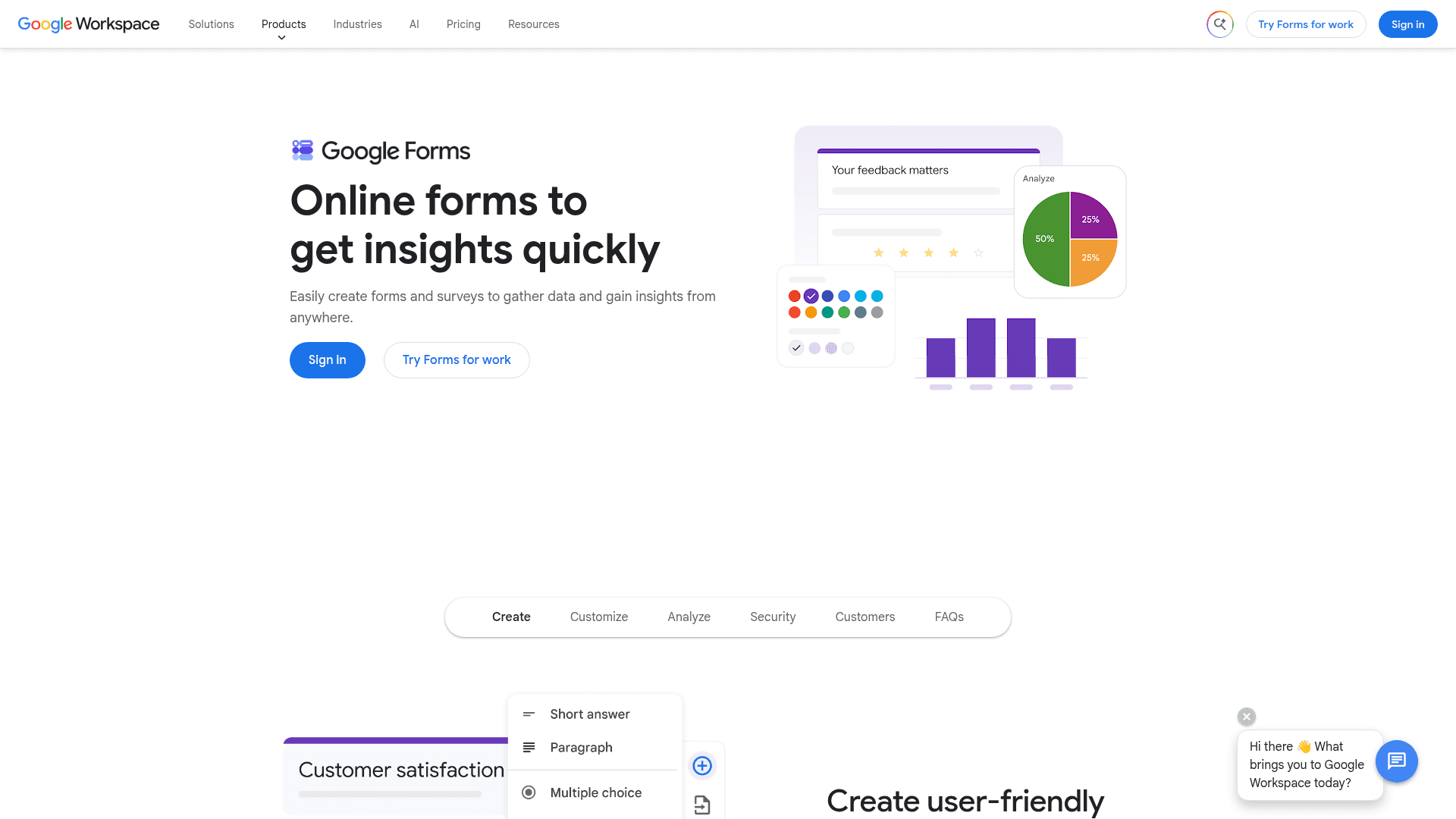
Google Forms is free with any Google account and has no response limit worth planning around, which makes it a reasonable first capture form.
Leads populate a Sheet in real time, which several people can work from at once, and that is often enough before a CRM exists.
There is no paid Forms tier. It arrives with Google Workspace, where Business Starter is $7 per user a month on an annual basis.
| Strengths | Weaknesses |
|---|---|
| Free with any Google account | Very limited design control |
| No practical lead cap | No CRM connection |
| Leads become a live spreadsheet | Skip-to-section logic only |
| Real-time collaborative editing | Google branding stays on every form |
| Plan | What you get |
|---|---|
| Free | $0 with any Google account. Effectively unlimited responses |
| Workspace Business Starter | $7/user/mo, annual basis |
| Workspace Business Standard | $14/user/mo, annual basis |
| Workspace Business Plus | $22/user/mo, annual basis |
Best for: early capture before a CRM is in place.
The catch: every Google Form looks like a Google Form, which is a poor fit on a page you are paying to send traffic to.
G2 rating: Google Forms has no standalone G2 profile. The 4.6/5 from 48,175 reviews quoted elsewhere covers Google Workspace as a whole.
Start capturing qualified leads on the free plan
Formester ships unlimited lead forms on the free plan, with AI generation and conditional qualification included. No 100-entry cap, no $800/mo Marketing Hub upgrade.
Try Formester freeFree forever · No credit card · 56,000+ teams
Which lead capture tool should you actually pick?
Decide first whether the lead needs to land somewhere automatically. If it does, HubSpot and Zoho Forms do it natively at opposite ends of the price range, and Formstack does it for Salesforce.
If the form itself is the job, volume decides. Formester and Tally place no cap on leads, HubSpot allows unlimited submissions free, and everything else meters you at some point.
Then check what you need the form to work out. Cognito Forms scores a lead inside the form, Typeform gets more of the questions answered, and Fillout keeps the record in the database you already use.
Frequently asked questions
What is the best lead capture software?
Can I capture unlimited leads for free?
Which lead capture tool connects to a CRM?
How much does lead capture software cost?
Do multi-step forms capture more leads?
Which tool is best for qualifying leads?
Can I collect payments on a lead capture form?
What is the catch with free lead capture tools?
Verdict
Most teams overbuy on the form and underbuy on what happens next. The form is rarely why a lead goes cold; the routing usually is.
If leads should land in a CRM, HubSpot does it free and Zoho does it for $10 a month. If the form is the whole job and volume is the worry, Formester caps nothing at any tier. If each lead is worth real money, Typeform's completion advantage pays for its price.