How we verified this: every figure on this page comes from the vendor's own pricing page or its public G2 profile. You can check every source here.
Which legal form management software should you choose?
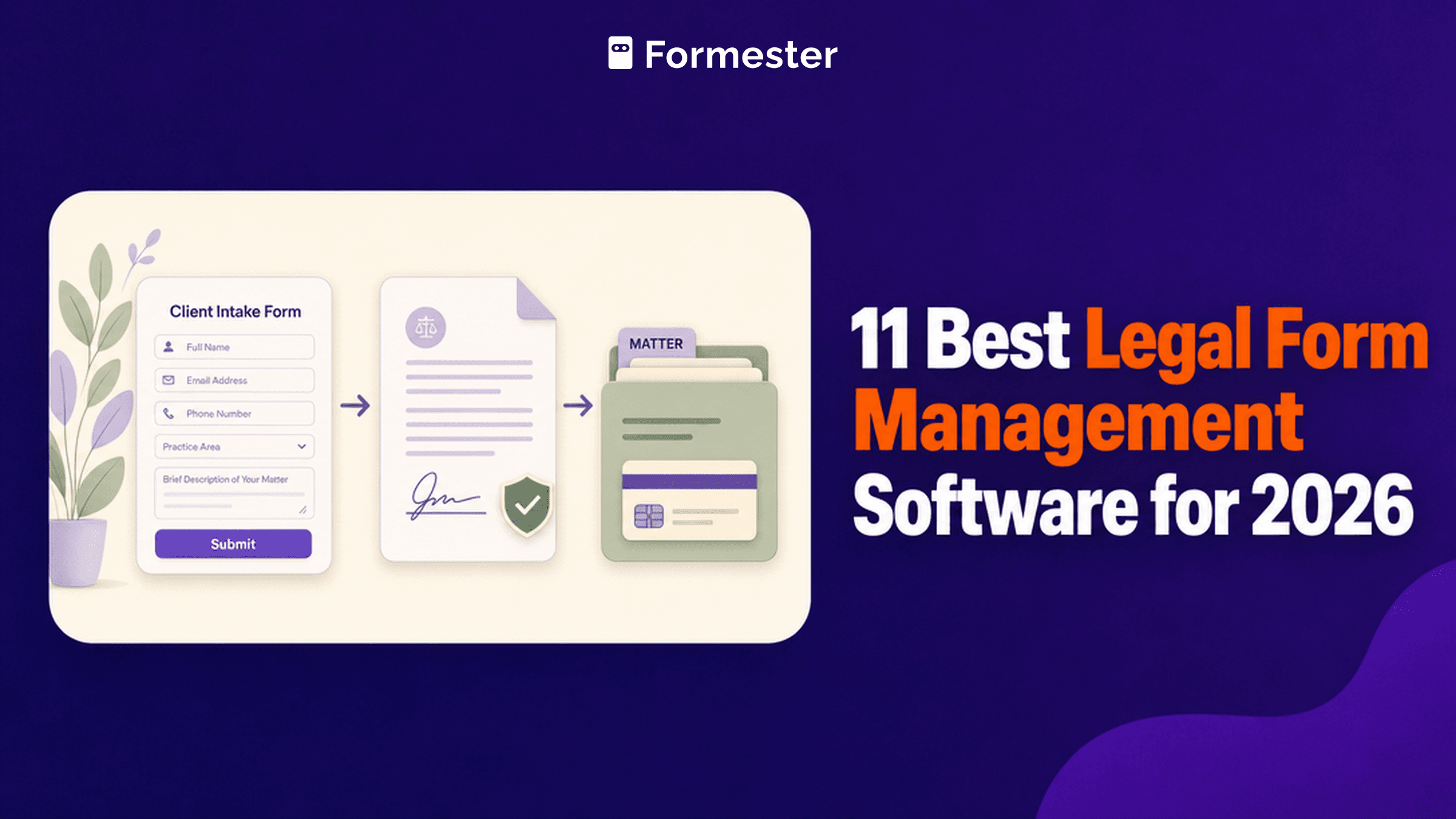
Law firms buying form software are usually solving one of two problems. Either intake is messy and clients arrive through email and phone notes, or document production is slow because the same details get retyped into every engagement letter.
Those problems have different answers. Legal practice platforms handle the first and cost per user. Form and document tools handle the second for a flat fee. Buying the wrong category is how firms end up paying for software they use once a month.
The 60-second TL;DR
- Best flat-rate intake forms: Formester, unlimited responses free
- Best for HIPAA-adjacent intake: Jotform Gold, $129/mo
- Best for document generation: Formstack Documents, from $299/mo
- Best legal intake CRM: Clio Grow, from $49/user/mo
- Best marketing automation for firms: Lawmatics, pricing on request
- Best AI intake assistant: LawDroid, from $25/user/mo
- Best all-in-one practice platform: MyCase, from $60/user/mo
- Best for complex intake logic: Cognito Forms, from $24/mo
How the 11 legal form tools compare at a glance
The table below shows where paid pricing starts on monthly billing, whether the tool charges per user or per plan, and which of the two problems it solves. Read it first, then go to whichever review matches your firm.
| Tool | Pricing model | Paid from (monthly) | Solves | G2 rating |
|---|---|---|---|---|
| Formester | Flat rate | $13/mo | Intake forms | 4.7/5 (14 reviews) |
| Jotform Gold | Flat rate | $129/mo | Intake with HIPAA features | 4.7/5 (5,426 reviews) |
| Formstack Documents | Flat rate | $299/mo (Suite) | Document generation | 4.3/5 (471 reviews) |
| Clio Grow | Per user | $49/user/mo (Clio plans) | Legal intake CRM | 4.6/5 (997 reviews) |
| Lawmatics | Per user, quoted | Not published | Firm marketing automation | 4.6/5 (243 reviews) |
| LawDroid | Per user | $25/user/mo | AI intake assistant | No reviews on G2 |
| MyCase | Per user | $60/user/mo | Full practice management | 4.4/5 (390 reviews) |
| Cognito Forms | Flat rate | $24/mo | Complex intake logic | 4.6/5 (133 reviews) |
| Alchemer | Per user | $55/user/mo | Client research and surveys | 4.4/5 (956 reviews) |
| Typeform | Flat rate | $39/mo | Client-facing intake | 4.5/5 (1,017 reviews) |
| Google Forms | Bundled | Bundled with Workspace | Simple internal forms | No standalone profile |
How we picked and ranked these 11 tools
Everything here comes from the vendors' own pricing pages and plan limits, read in full. For legal work the pricing model matters most, because per-user billing across a firm of fifteen behaves very differently from a flat monthly fee.
The ranking weighs what a firm actually pays, what the tool does with the data after intake, and whether confidentiality requirements are met. Several vendors publish nothing, and where that is the case this page says so.
1. Formester, best flat-rate intake forms
Formester handles the intake form itself without charging per matter or per fee earner. Unlimited forms and responses come with the free plan, so a firm running several intake forms pays nothing extra for volume.
E-signature and payment collection are included from free, which covers the common pattern of collecting client details, a signed engagement letter, and a retainer in one flow.
Business at $49 a month covers 25 people, which is usually the whole firm, and adds a custom domain so intake sits on your own address. It also adds document generation: design an engagement letter once and each signed intake produces a finished PDF. To weigh it against other tools, see our list of the best document generation software.
| Strengths | Weaknesses |
|---|---|
| Unlimited forms and responses on the free plan | No HIPAA and no BAA |
| E-signature and payments included free | No matter management or conflict checking |
| 25 people on Business for a flat $49/mo | No legal-specific templates |
| Custom domain on Business | 14 G2 reviews, a small sample |
| Offline capture for in-person intake |
| Plan | What you get |
|---|---|
| Free | $0. Unlimited forms and responses, e-signature, payments |
| Personal | $13/mo ($12/mo billed yearly). Adds conditional logic |
| Business | $49/mo ($45/mo billed yearly). 25 seats, a custom domain, and PDF documents from each submission |
Best for: firms that want intake forms feeding a practice system they already run.
The catch: it does not offer HIPAA or a BAA, so firms handling protected health information in personal injury or medical negligence work need Jotform Gold or a practice platform instead.
G2 rating: 4.7/5, from 14 reviews. High score, small sample; read it as an early signal.
2. Jotform Gold, best for HIPAA-adjacent intake
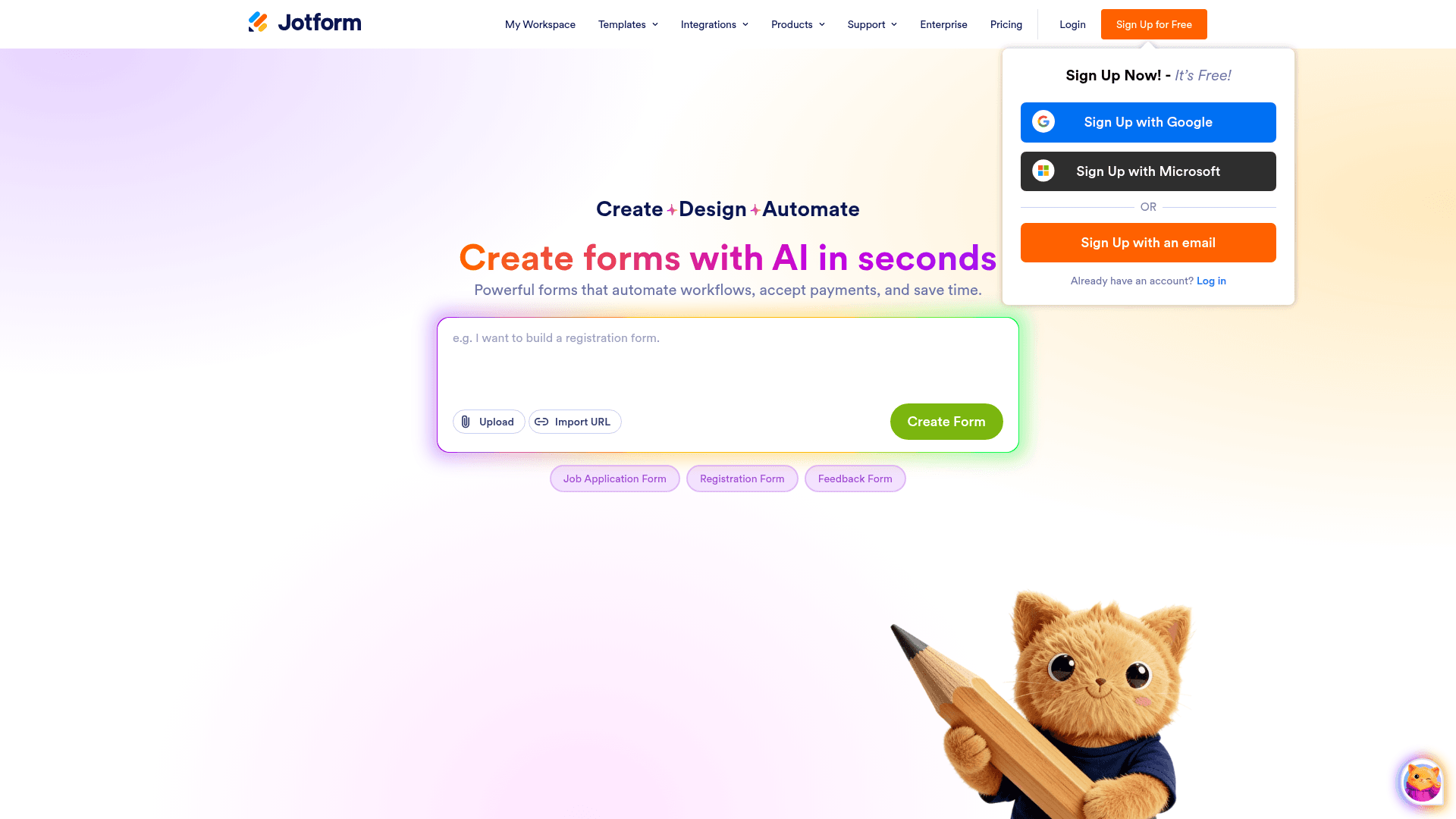
Jotform's Gold plan is the cheapest self-serve route to HIPAA features in this comparison, which matters for firms whose intake touches medical records.
It also has legal-specific templates covering client intake, case evaluation and retainer agreements, so setup does not start from a blank form.
Gold costs $129 a month on monthly billing, or $99 billed yearly. HIPAA features are not available on the cheaper Bronze and Silver tiers.
| Strengths | Weaknesses |
|---|---|
| HIPAA features from the Gold plan | HIPAA needs the $129 Gold plan |
| Legal intake templates ready to use | Submissions metered on every tier |
| 40+ payment gateways for retainers | Dense interface takes time to learn |
| Conditional logic and approval workflows | No matter management or conflict checking |
| Mobile app collects intake offline |
| Plan | What you get |
|---|---|
| Starter (free) | $0. 5 forms, 100 submissions/mo |
| Bronze | $39/mo ($34/mo billed yearly) |
| Silver | $49/mo ($39/mo billed yearly) |
| Gold | $129/mo ($99/mo billed yearly). 10,000 submissions/mo, HIPAA features |
Best for: firms needing HIPAA-capable intake without a full practice platform.
The catch: HIPAA sits on Gold, so the real entry price for a compliant firm is $129 a month rather than the $39 headline.
G2 rating: 4.7/5, from 5,426 reviews, the largest base of any tool here.
3. Formstack Documents, best for document generation
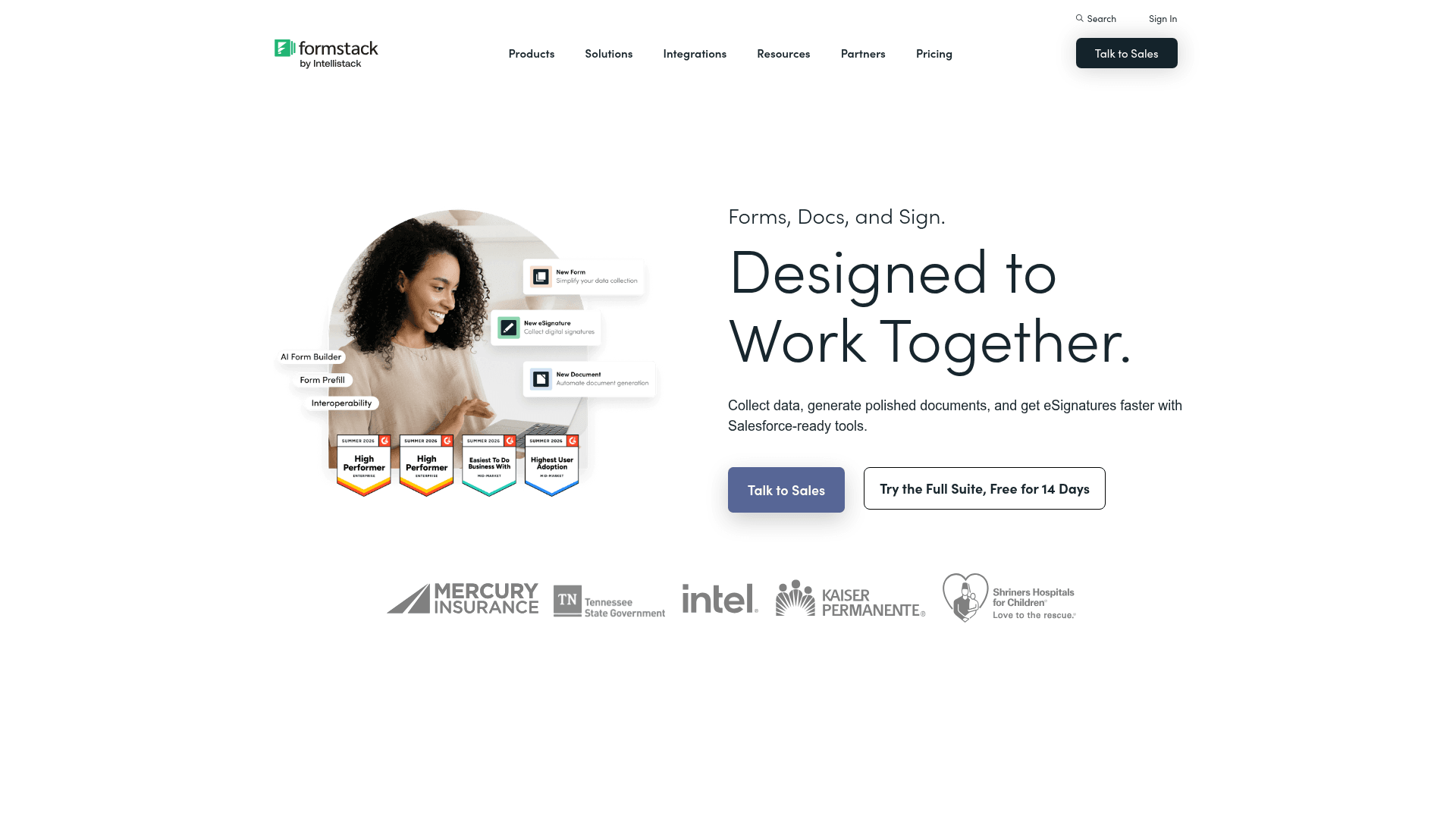
Formstack Documents solves the retyping problem. Intake answers populate a Word or PDF template, so an engagement letter or a client questionnaire is produced automatically from the form.
Combined with Formstack Sign in the Suite, a firm can go from enquiry to signed document without anyone opening a template.
The Suite costs $299 a month on monthly billing, or $250 billed yearly. Forms alone starts at $99 monthly. To fill PDFs from intake forms on a cheaper plan, see our Formstack Documents alternative.
| Strengths | Weaknesses |
|---|---|
| Generates documents from intake answers | Among the most expensive tools here |
| Forms, documents and signature in one Suite | Advertised prices are the annual rates |
| HIPAA support with a BAA | Setup of document templates takes real effort |
| Granular permissions and audit trails | Interface feels dated in places |
| Plan | What you get |
|---|---|
| Free | No free plan; a trial is offered |
| Forms | $99/mo ($83/mo billed yearly) |
| Suite (Forms, Documents, Sign) | $299/mo ($250/mo billed yearly) |
| Enterprise | Custom pricing |
Best for: firms whose main cost is producing the same documents repeatedly.
The catch: the Suite is $299 a month, so it only pays back if document volume genuinely justifies it.
G2 rating: 4.3/5, from 471 reviews. A large base, with cost and interface age the usual complaints.
4. Clio Grow, best legal intake CRM
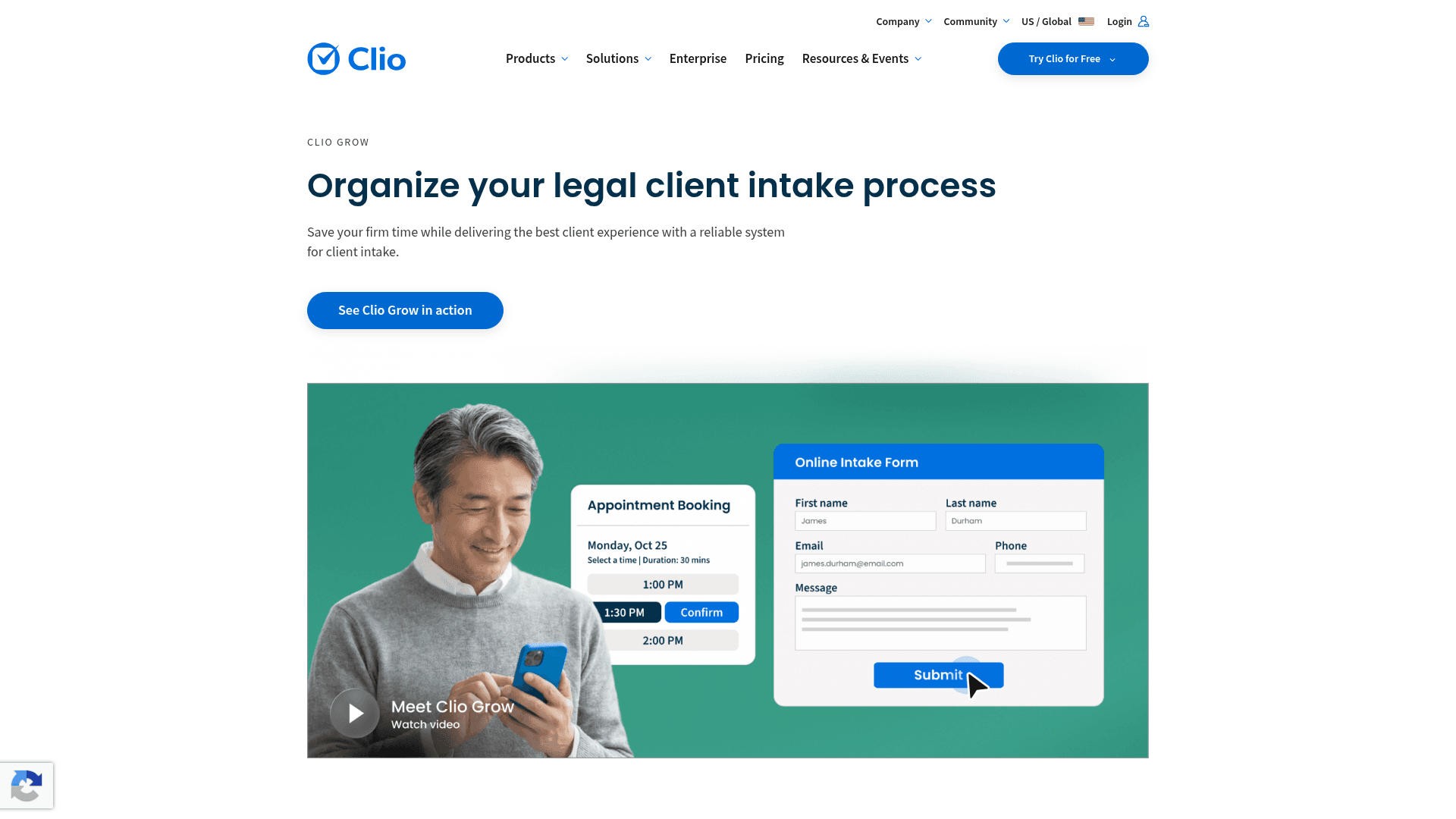
Clio Grow is the intake half of Clio, the most widely used practice management platform in legal. Enquiries become leads and leads get nurtured, then a converted lead becomes a matter in Clio Manage without rekeying.
For firms already on Clio, that continuity is the argument. Intake stops being a form and becomes the front of the case file.
Clio plans start at $49 per user a month across four tiers, and Clio Grow is included in the Elite tiers. Standalone Grow pricing is arranged through their sales team.
| Strengths | Weaknesses |
|---|---|
| Intake flows directly into Clio matters | Priced per user, which scales with firm size |
| Purpose-built for legal lead nurturing | Grow is bundled into Elite tiers rather than sold plainly |
| Appointment booking and e-signature included | Only makes sense if you use or plan to use Clio |
| Established across the legal profession | Standalone pricing is not clearly published |
| Plan | What you get |
|---|---|
| Clio plans | From $49/user/mo across four tiers |
| Clio Grow | Included in the Elite and Elite Work tiers |
| Standalone Grow | Pricing arranged through Clio's sales team |
Best for: firms already running Clio, or planning to.
The catch: the pricing is not straightforward. Grow arrives bundled into higher Clio tiers, so budgeting means a conversation rather than a pricing page.
G2 rating: 4.6/5, from 997 reviews. A large base reflecting wide adoption in legal.
5. Lawmatics, best marketing automation for firms
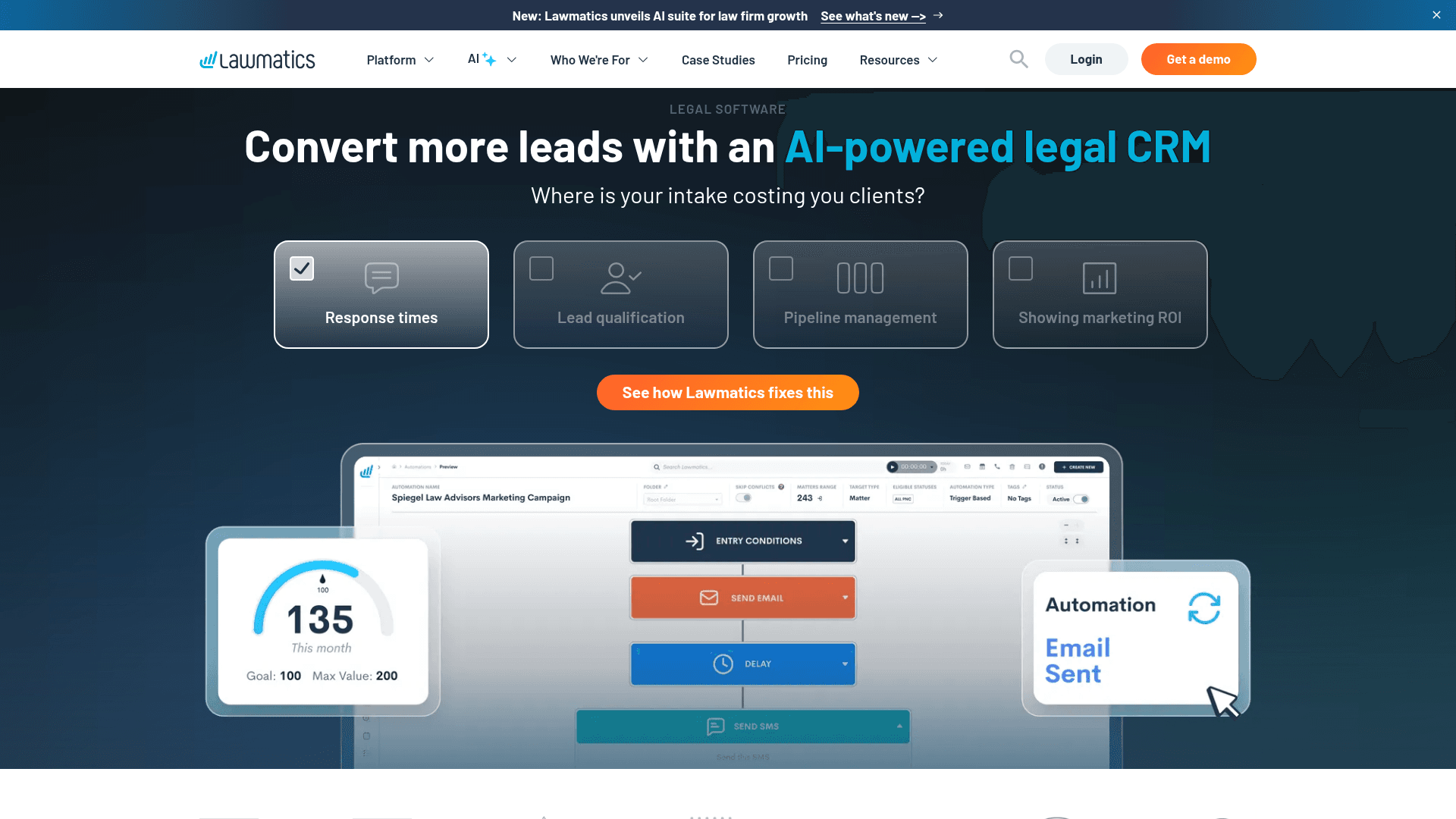
Lawmatics is built for firms treating intake as marketing. It tracks where an enquiry came from, nurtures it through automated email sequences, and reports on which channels produce paying clients.
For firms spending on advertising, that attribution is the product, and it goes further than any general form tool attempts.
Lawmatics does not publish prices. Plans are quoted per firm, so this page does not list rates for it.
| Strengths | Weaknesses |
|---|---|
| Marketing attribution built for law firms | No published pricing at all |
| Automated nurture sequences | Aimed at firms already spending on marketing |
| Intake forms and e-signature included | More system than a small firm usually needs |
| Integrates with major practice management systems | Setup takes real configuration effort |
| Plan | What you get |
|---|---|
| Free | No free plan; a demo is offered |
| Paid plans | Not published. Lawmatics quotes per firm, so no rates are listed here |
Best for: firms that advertise and want to know which spend produces clients.
The catch: you cannot compare its cost without a sales conversation, which slows evaluation against tools that publish rates.
G2 rating: 4.6/5, from 243 reviews. A solid base for a legal-specific product.
6. LawDroid, best AI intake assistant
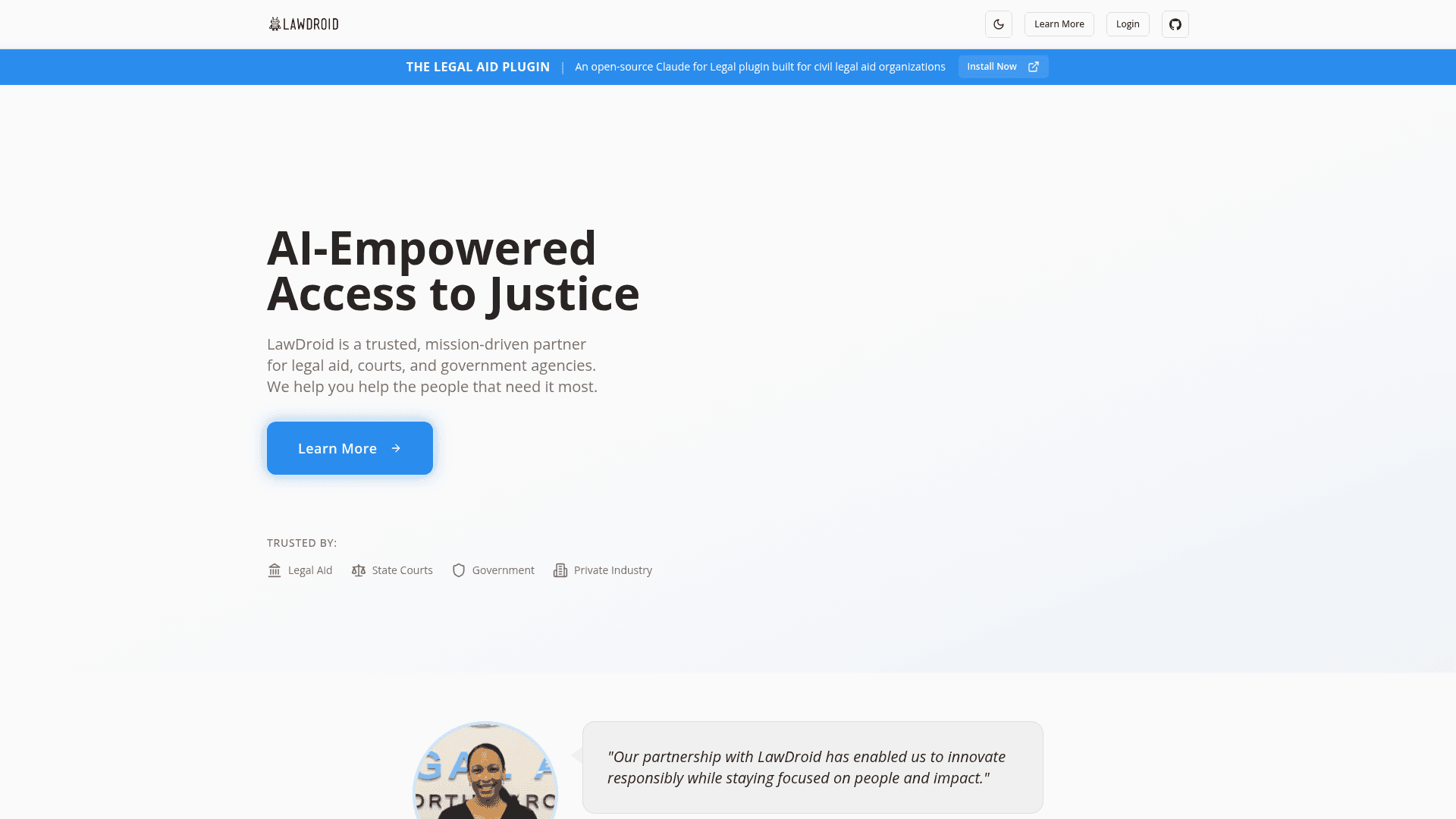
LawDroid approaches intake as a conversation rather than a form. Its chatbot answers common questions, qualifies the enquiry and books a consultation, which suits firms whose website generates enquiries out of hours.
The Copilot product is separate and works as an AI assistant for legal research and drafting rather than intake.
Copilot costs $25 per user a month and Builder, the chatbot product, starts at $99 a month. Higher tiers and Enterprise are quoted.
| Strengths | Weaknesses |
|---|---|
| Conversational intake rather than static forms | No reviews on its G2 profile at all |
| Books consultations automatically | Smaller company than the established platforms |
| Takes payments online | Chatbot intake needs careful scripting |
| 7-day free trial with no contract | Higher tiers are not clearly priced |
| Plan | What you get |
|---|---|
| Trial | 7 days free, cancel anytime |
| Copilot | $25/user/mo. AI legal assistant for research and drafting |
| Builder | From $99/mo. Chatbot intake with templates and payments |
| Ultra and Enterprise | Quoted; an annual saving is advertised on the higher tier |
Best for: firms wanting to capture and qualify enquiries outside office hours.
The catch: its G2 profile exists but carries zero reviews, so there is no independent feedback to check before committing.
G2 rating: LawDroid has a G2 profile with no reviews, so there is no rating to report.
7. MyCase, best all-in-one practice platform
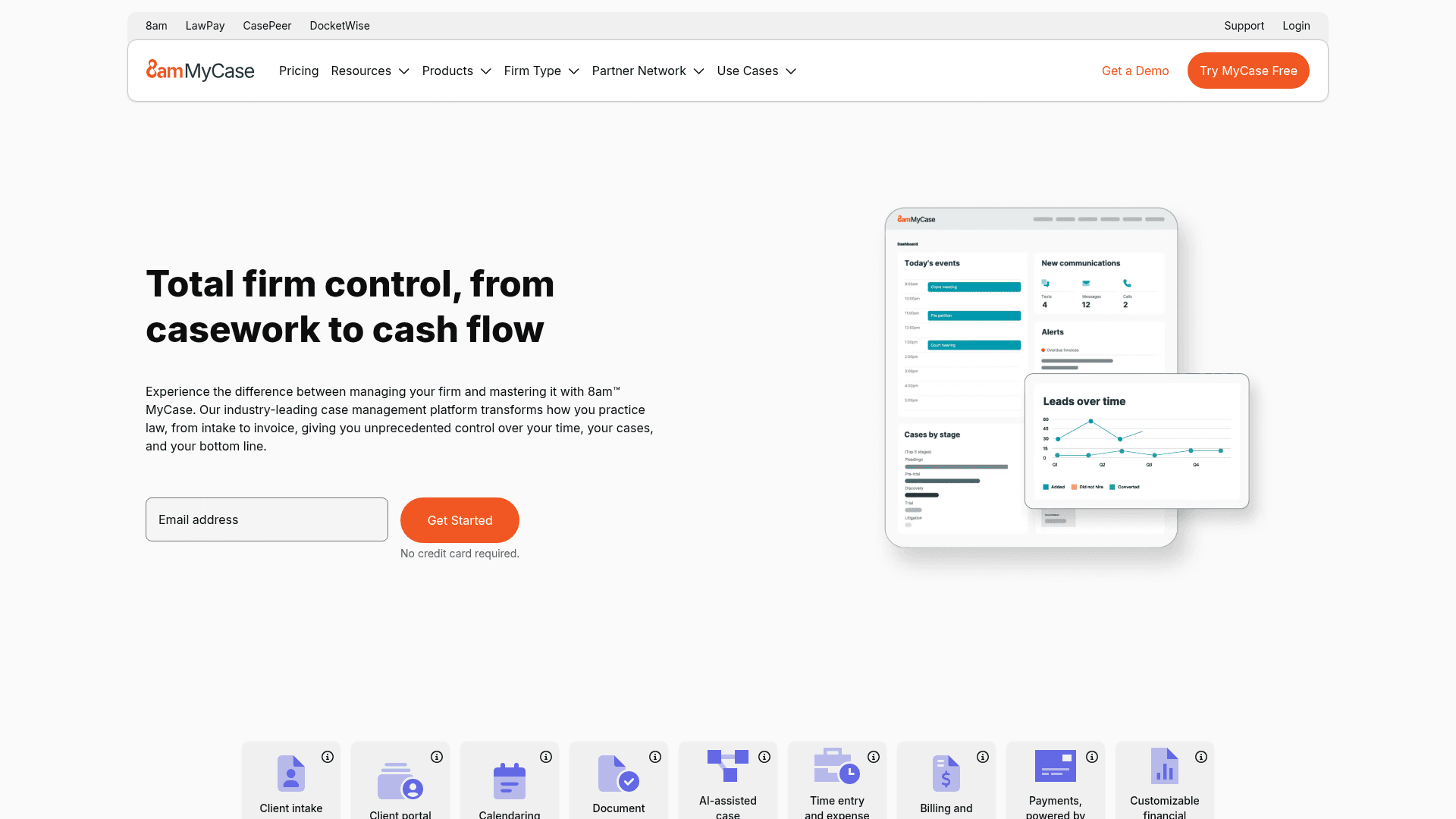
MyCase is a full practice management system where intake forms are one component alongside case management, time tracking, billing and client communication.
For a firm replacing several tools at once, that consolidation is the reason to look, and intake becomes a feature rather than a purchase.
Pricing is per user per month: Basic at $60, Pro at $120, and Advanced at $150, dropping to $50, $100, and $130 when billed annually.
| Strengths | Weaknesses |
|---|---|
| Intake, case management and billing in one system | Per-user pricing across the whole firm |
| Client portal included | Far more system than a form tool |
| Time tracking and invoicing built in | Advertised prices are the annual rates |
| Established in small and mid-size firms | Intake is a component rather than the focus |
| Plan | What you get |
|---|---|
| Free | No free plan; a trial is offered |
| Basic | $60/user/mo ($50/user/mo billed annually) |
| Pro | $120/user/mo ($100/user/mo billed annually) |
| Advanced | $150/user/mo ($130/user/mo billed annually) |
Best for: firms replacing several tools with one practice platform.
The catch: at $60 per user a month, a ten-person firm pays $600 monthly, so this only makes sense if you are genuinely retiring other software.
G2 rating: 4.4/5, from 390 reviews. A solid base among small and mid-size firms.
8. Cognito Forms, best for complex intake logic
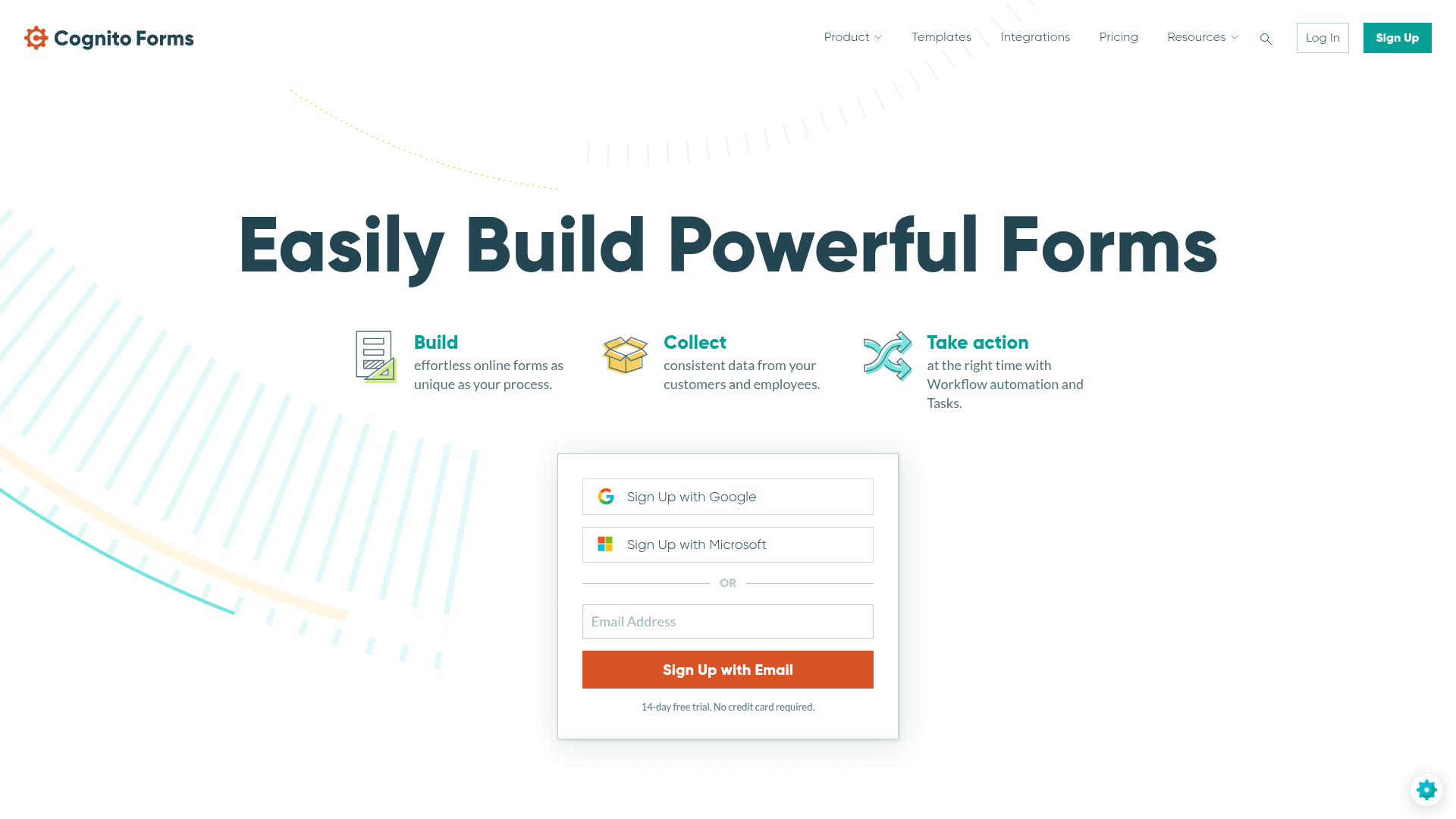
Legal intake often needs repeating sections, one set of questions per party, per property, or per matter. Cognito Forms handles that natively where most builders need workarounds.
Calculations and conditional pages are included, and conditional logic is available even on the free plan, which makes it genuinely testable.
Entries are metered on every tier. Free allows 100 a month, Pro at $24 allows 2,000, Team at $49 allows 10,000, and HIPAA arrives with Enterprise at $174.
| Strengths | Weaknesses |
|---|---|
| Repeating sections for multi-party matters | Entries metered on every tier |
| Calculations inside the form | HIPAA only on the $174 Enterprise plan |
| Conditional logic on the free plan | Interface is functional rather than polished |
| HIPAA available on Enterprise | No legal-specific templates |
| Document generation from entries |
| Plan | What you get |
|---|---|
| Individual (free) | $0. 100 entries/mo |
| Pro | $24/mo ($19/mo billed yearly). 2,000 entries/mo, 2 users |
| Team | $49/mo ($39/mo billed yearly). 10,000 entries/mo, 5 users |
| Enterprise | $174/mo ($129/mo billed yearly). Unlimited entries, HIPAA available |
Best for: intake that collects details for several parties on one form.
The catch: HIPAA sits on the $174 Enterprise plan, which is a steep jump from the $49 Team tier.
G2 rating: 4.6/5, from 133 reviews. A reasonable base with a consistently good score.
9. Alchemer, best for client research and surveys
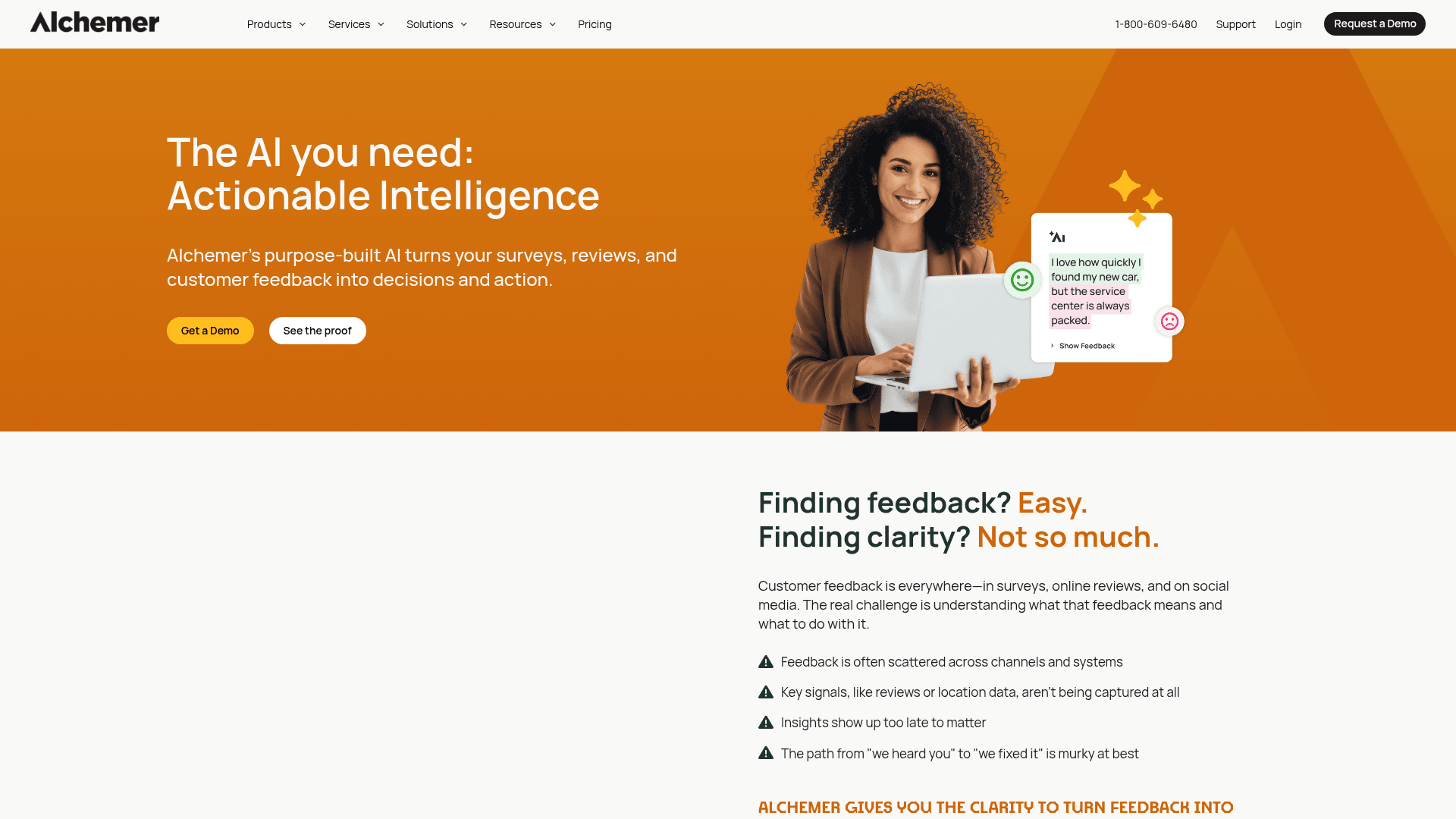
Alchemer belongs here for the work around the matter rather than the matter itself: client satisfaction surveys, post-settlement feedback and internal research.
Its reporting is considerably stronger than any form tool in this list, which suits firms that act on the results rather than filing them.
Pricing is per user per month: Collaborator at $55, Professional at $165, and Full Access at $275, with the upper two capped at three users.
| Strengths | Weaknesses |
|---|---|
| Research-grade reporting | Per-user pricing gets expensive quickly |
| Deep survey logic | Professional and Full Access cap at 3 users |
| Suits client satisfaction programmes | No legal-specific features at all |
| Established in market research | Overkill for ordinary intake |
| Plan | What you get |
|---|---|
| Free | No free plan; a 7-day trial is offered |
| Collaborator | $55/user/mo |
| Professional | $165/user/mo, capped at 3 users |
| Full Access | $275/user/mo, capped at 3 users |
Best for: firms running formal client satisfaction research.
The catch: it does nothing legal-specific. For intake it is the wrong tool, and for surveys it is expensive.
G2 rating: 4.4/5, from 956 reviews. A large base, with cost the recurring theme.
10. Typeform, best for client-facing intake

Typeform matters where the intake form is a prospective client's first contact with the firm. One question at a time feels less like paperwork and more like a conversation.
For firms competing on approachability, particularly in family or private client work, that impression is worth something concrete.
Free covers 10 responses a month, Basic is $39 with 100, Plus $79 with 1,000, and Business $129 with 10,000. HIPAA is available only on quoted Enterprise plans.
| Strengths | Weaknesses |
|---|---|
| Best first impression of any tool here | Free plan covers only 10 responses a month |
| Higher completion on long intake | HIPAA only on quoted Enterprise plans |
| Logic jumps handle branching cleanly | No legal-specific features |
| Drop-off analytics show where clients abandon | Advertised prices are the annual rates |
| Plan | What you get |
|---|---|
| Free | $0. 10 responses/mo |
| Basic | $39/mo ($28/mo billed yearly) |
| Plus | $79/mo ($56/mo billed yearly) |
| Business | $129/mo ($91/mo billed yearly) |
| Enterprise | Custom pricing, HIPAA available |
Best for: firms where intake is part of the client's first impression.
The catch: reaching HIPAA means a quoted Enterprise plan, so regulated work cannot use the published tiers.
G2 rating: 4.5/5, from 1,017 reviews. A large base, with cost the common complaint.
11. Google Forms, best simple internal forms
Google Forms handles internal firm forms perfectly well: holiday requests, CPD records, internal surveys, anything that never touches client confidential data.
For client intake it is the wrong choice. There is no BAA on the standard tiers. Design control is limited, and nothing ties an enquiry to a matter.
It arrives with Google Workspace, where Business Starter is $7 per user a month on an annual basis, Standard is $14, and Plus is $22.
| Strengths | Weaknesses |
|---|---|
| Free with any Google account | Not appropriate for confidential client intake |
| Results flow into Sheets | No matter or case linkage |
| Access follows Workspace permissions | Very limited design control |
| No extra cost for firms already on Workspace | Skip-to-section logic only |
| Plan | What you get |
|---|---|
| Free | $0 with any Google account |
| Workspace Business Starter | $7/user/mo, annual basis |
| Workspace Business Standard | $14/user/mo, annual basis |
| Workspace Business Plus | $22/user/mo, annual basis |
Best for: internal firm forms that never carry client confidential information.
The catch: it is not built for privileged data. Client intake belongs in a tool with the right agreements and controls behind it.
G2 rating: Google Forms has no standalone G2 profile. The 4.6/5 from 48,175 reviews quoted elsewhere covers Google Workspace as a whole.
Run client intake without response caps
Formester's free plan ships unlimited forms, unlimited responses, AI form generation from a PDF upload, and offline capture for on-site consultations. No credit card, no cap on submissions.
Free forever plan • No credit card • Setup in 2 minutes
How to pick the right legal form management software
Decide first whether you are buying software for the whole firm or for one job. Clio Grow, Lawmatics and MyCase are firm-wide systems priced per user, and they only pay back if they replace tools you currently pay for separately.
If intake is the specific problem, a flat-rate form tool costs a fraction of that. Formester covers straightforward intake, Cognito Forms handles multi-party matters, and Jotform Gold is the affordable route when HIPAA is required.
If the real cost is document production rather than intake, Formstack Documents addresses that directly, and no amount of better forms will fix it.