You copy form answers into a spreadsheet, forward emails to the right person, and chase approvals by hand. Workflow automation tools do those repeat jobs for you, so a new lead, request, or order moves to the next step without anyone touching it.
Some tools connect thousands of apps, some are built for approvals, and some are built around AI agents. The right one depends on where your work starts and who will build the workflows.
Quick picks
- Best for workflows that start with a form: Formester Workflows.
- Best for connecting the most apps: Zapier.
- Best visual builder for complex logic: Make.
- Best for developers and self-hosting: n8n.
- Best for Microsoft 365 teams: Microsoft Power Automate.
- Best for AI agent workflows: Gumloop.
- Best budget pick for high volume: Pabbly Connect.
- Best for WordPress sites: OttoKit (formerly SureTriggers).
- Best for approvals and requests: Pipefy.
- Best for enterprise process apps: Kissflow.
Workflow automation tools compared at a glance
| Tool | Best for | Free plan | Paid plans start at |
|---|---|---|---|
| Formester Workflows | Workflows that start with a form | Yes, 100 runs a month | $12/month, billed yearly |
| Zapier | Connecting the most apps | Yes, 100 tasks a month | $19.99/month, billed yearly |
| Make | Complex logic on a visual canvas | Yes, 1,000 credits a month | $9/month |
| n8n | Developers and self-hosting | Yes, self-hosted | €20/month for cloud |
| Microsoft Power Automate | Microsoft 365 teams | 30-day trial | $15/user/month, billed yearly |
| Gumloop | AI agent workflows | 14-day trial | $37/month |
| Pabbly Connect | High volume on a budget | Yes, 100 tasks a month | About $16/month, billed yearly |
| OttoKit | WordPress sites | Yes | $9/month |
| Pipefy | Approvals and request processes | Yes, up to 10 users | Priced per user |
| Kissflow | Enterprise process apps | No | Quote-based |
What is workflow automation?
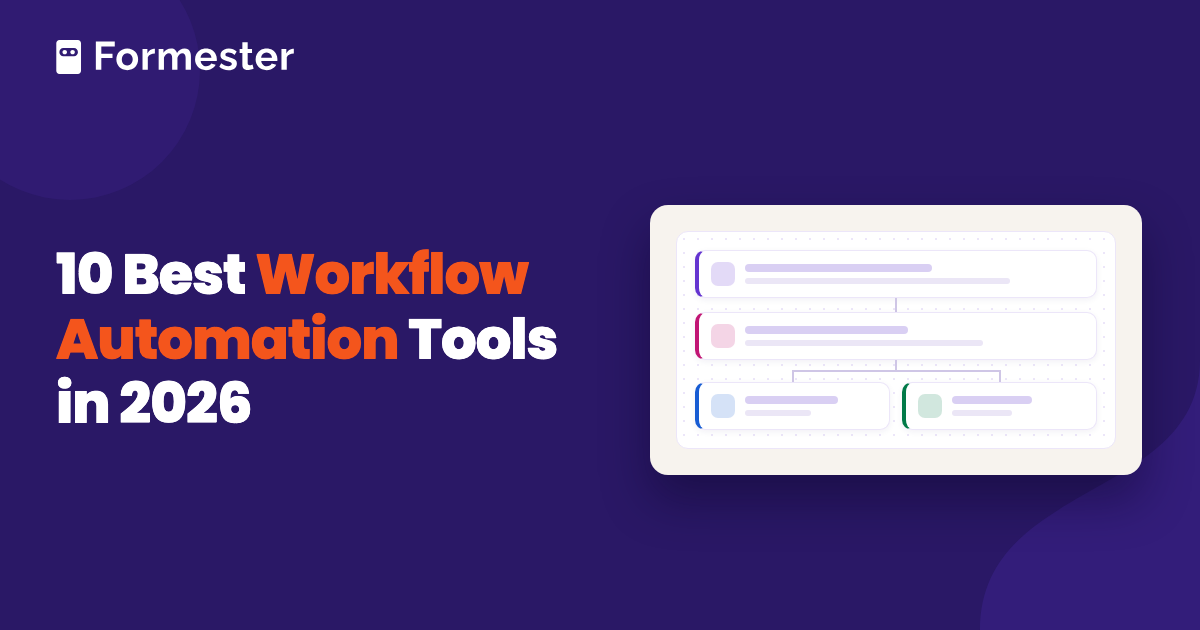
Workflow automation means software runs the steps of a process for you when something happens. The event that starts it is called a trigger. The steps that follow are called actions. Put together, the trigger and its actions make an automated workflow.
Take a sales team. Someone fills out a demo request form. The workflow adds them to the CRM, scores the lead, alerts sales if the score is high, and sends everyone else a follow-up email two days later. Nobody has to copy data or remember to reply, and every lead gets the same treatment.
Most workflow automation software works the same way. The differences are in which triggers you get, how many apps it connects to, how much logic you can add, and how the price grows as you run more workflows.
1. Formester Workflows, best for workflows that start with a form
A lot of business processes start with a form: a lead request, a job application, a booking, or a support ticket. Formester Workflows is the form workflow automation built into the Formester form builder, so the form and what happens after it live in one place.
You build a workflow on a visual canvas. It can start when a form is submitted, when a submission is edited, when someone abandons a form partway through, or on a daily, weekly, or monthly schedule. From there you add steps:
- an AI Agent that scores or summarizes a response;
- a condition that splits the path, built like conditional logic in your form;
- a delay of up to 30 days;
- a wait until a date from the form;
- an email from your own domain; or
- a webhook to any API.
Every answer from the form is ready to use in any step, so you don't have to map fields by hand.
You can test a workflow on one of your 10 latest submissions before it goes live. After that, every run shows up in the run history, and you can rerun only the steps that failed. For example, a form abandonment workflow can wait an hour after someone stops filling out your form, then email them a link to finish, if they already typed their email. That pairs well with form abandonment recovery.
Pricing:
- Free: 100 workflow runs a month.
- Personal: 1,000 workflow runs a month.
- Business: 10,000 workflow runs a month.
AI Agent steps also use your plan's AI credits. See Formester pricing for plan prices.
Best for: teams that collect leads, applications, orders, or requests through forms and want to automate what happens next.
The catch: every workflow starts with a Formester form or a schedule. To connect two other apps with no form involved, pair it with Zapier or Make, or send the data out with a webhook.
2. Zapier, best for connecting the most apps
Zapier connects more than 7,000 apps. If a tool has an integration with anything, it probably has one with Zapier. You build a Zap by picking a trigger app, then adding action steps, filters, and paths for branching logic. Zapier also has AI steps and AI agents on its paid plans.
It is the easiest place for a new team to start. The builder asks you one question at a time, and there are ready-made templates for common jobs. If you already use Formester, you can connect your forms to Zapier in a few minutes.
Pricing:
- Free: 100 tasks a month, two-step Zaps only.
- Professional: from $19.99 a month billed yearly, or $29.99 billed monthly, for 750 tasks.
- Team: from $69 a month billed yearly, for up to 25 users.
Best for: teams that need to connect many different apps and want the simplest builder.
The catch: every action counts as a task, so costs climb fast as your volume grows. Multi-step Zaps need a paid plan. If that's a problem, Make, n8n, and Pabbly Connect are the usual Zapier alternatives.
3. Make, best visual builder for complex logic
Make (formerly Integromat) shows your whole workflow on a visual canvas. You connect modules with lines, then add routers to split the path and filters to control what passes through. It connects more than 3,000 apps and can call any API.
Make suits workflows with a lot of branching. For example, you could route new orders to different teams by region, check stock in one app, and update three others, all in one scenario. Its paid plans also start lower than Zapier's for the same volume.
Pricing:
- Free: up to 1,000 credits a month.
- Make: from $9 a month for 5,000 credits.
- Company: custom pricing.
Best for: teams that want no-code workflow automation with detailed control over complex workflows.
The catch: it takes longer to learn than Zapier. Each module that runs uses credits, so large scenarios can use more than you expect.
4. n8n, best for developers and self-hosting
n8n is a workflow automation tool you can run on your own server for free. You build workflows on a visual canvas, and you can drop into JavaScript or Python whenever a built-in node doesn't do what you need. It also has strong support for AI agents and connects to many AI models.
Self-hosting matters when your data can't leave your own servers, or when you run so many workflows that per-task pricing would get expensive. The code is on GitHub, and a large community shares workflows and custom nodes.
Pricing:
- Self-hosted: free.
- Starter (cloud): €20 a month for 2,500 executions.
- Pro (cloud): €50 a month for 10,000 executions.
Best for: technical teams that want full control, custom code, or to keep data on their own servers.
The catch: self-hosting means you set up, update, and secure the server yourself. Non-technical teammates may find it harder to use than Zapier.
5. Microsoft Power Automate, best for Microsoft 365 teams
Microsoft Power Automate connects the Microsoft apps your team already uses, like Outlook, Teams, SharePoint, Excel, and Microsoft Forms. It can also automate work on a desktop by clicking through old apps that have no API, which is called robotic process automation, or RPA.
Many Microsoft 365 plans already include basic cloud flows with standard connectors. For example, you can save Outlook attachments to SharePoint or post a Teams message when a Microsoft Form gets a response, without buying anything extra.
Pricing:
- Trial: 30 days free.
- Premium: $15 per user a month, billed yearly.
- Process: $150 per bot a month, billed yearly, for unattended automation.
Best for: companies that run on Microsoft 365 and want automation inside the tools they already have.
The catch: premium connectors and desktop automation cost extra, and licensing can be confusing. It works best inside Microsoft's own apps.
6. Gumloop, best for AI agent workflows
Gumloop is built around AI. You build workflows and AI agents on a visual canvas, and AI steps can read documents, browse websites, pull data out of text, and write content. It is aimed at people who understand a business process and want to automate it without waiting on a developer.
For example, a marketing team could have Gumloop read a list of competitor websites every week, pull out pricing changes, and send a summary to Slack. Every paid plan includes unlimited seats, so you pay for usage instead of per person.
Pricing:
- Pro: from $37 a month for 20,000 credits, with a 14-day free trial.
- Enterprise: custom pricing.
Best for: teams whose workflows are mostly AI work, like research, data extraction, and content.
The catch: Gumloop has no free plan, only a 14-day trial. AI steps use credits at different rates, so monthly costs can be hard to predict.
7. Pabbly Connect, best budget pick for high volume
Pabbly Connect works like Zapier: pick a trigger app, add actions, and use routers and filters for logic. It connects more than 2,000 apps. Its main draw is price, since its paid plans include far more tasks for the money.
It doesn't count internal steps like filters and formatters as tasks, which keeps costs down on longer workflows. Pabbly also sells one-time lifetime plans, so you can pay once instead of every month.
Pricing:
- Free: 100 tasks a month, two-step workflows only.
- Standard: about $16 a month billed yearly, for 10,000 tasks.
- Lifetime: one-time plans are also available.
Best for: small businesses that run a lot of workflows and want to keep costs low.
The catch: it has fewer integrations than Zapier or Make, and the builder feels less polished.
8. OttoKit (formerly SureTriggers), best for WordPress sites
OttoKit is the new name for SureTriggers. It connects WordPress plugins like WooCommerce, BuddyBoss, and popular form and course plugins to web apps like Google Sheets, Gmail, Slack, and Mailchimp. It runs from inside your WordPress dashboard, and it has added AI agents since the rebrand.
For example, when a customer buys a course on your WooCommerce store, OttoKit can enroll them, add them to your email list, and post in your team's Slack channel. It can also connect several WordPress sites to each other.
Pricing:
- Free: a free plan for basic workflows.
- Paid: from $9 a month for 5,000 tasks.
- Lifetime: one-time plans are also available.
Best for: WordPress site owners who want their plugins and apps to work together.
The catch: it is strongest inside WordPress. For workflows that don't touch WordPress, a general tool like Zapier or Make has more to offer.
9. Pipefy, best for approvals and request processes
Pipefy turns processes like purchase requests, employee onboarding, and IT tickets into boards. Each request moves through phases, and Pipefy can assign people, set deadlines, send reminders, and ask for approvals as it goes.
It also has public request forms, so people outside your team can start a process. For example, an employee submits a purchase request, their manager approves it, finance reviews it, and the request closes once the order is placed.
Pricing:
- Free: up to 10 users and 5 processes, with a small number of automation runs.
- Paid: priced per user, and larger plans are quote-based.
Best for: operations, finance, and HR teams that manage requests with several approval steps.
The catch: it is built to manage processes inside Pipefy, not to connect lots of apps. The free plan's automation limit is low.
10. Kissflow, best for enterprise process apps
Kissflow is a low-code platform for building business process apps. Large companies use it for workflows like procurement, vendor onboarding, and expense approvals, with forms, routing rules, and reports in one place.
Business teams can build simple workflows themselves, while IT teams can build larger apps with more control. It suits companies that want many internal processes on one governed platform.
Pricing:
- Free: no free plan.
- Paid: quote-based. Capterra lists entry plans starting at around $1,500 a month.
Best for: large companies that want to run many internal processes on one platform.
The catch: it is too big and too expensive for most small teams, and you need to talk to sales before you can try it.
How to choose the right workflow automation software
The best workflow automation software is the one that fits where your work starts and who will build it. Ask yourself these questions before you pick:
- Where does the work start? If it starts with a form, a form builder with built-in workflows saves you a second tool. If it starts in another app, like a new deal in your CRM, you need a connector like Zapier, Make, or Pabbly Connect.
- How many apps do you need to connect? For a few apps, most tools work. For many apps, check that every one is on the tool's integration list, or that you can reach it with a webhook.
- Who will build the workflows? Non-technical teams do best with Zapier or a built-in builder. Developers get more out of n8n or Make.
- How will the price grow? Estimate how many runs or tasks you need each month, then compare plans at that volume, not at the entry price.
- Do you need AI? For AI workflow automation with one AI step, like scoring a lead, most tools now have it built in. For workflows that are mostly AI work, look at Gumloop or n8n.
You can also mix tools. Many teams use a form builder's own workflows for everything that starts with a form, and Zapier or Make for app-to-app jobs.
Automate what happens after every form submission
Build forms and workflows in one place. Branch on answers, run AI, wait, send email, and call webhooks. The Free plan includes 100 workflow runs a month.
Try Formester freeFree forever · No credit card · 56,000+ teams