How to Create a Service Request Form for Effortless Order Fulfillment
You have launched your e commerce store. Orders are coming in. Customers are buying. That part feels great. But behind the scenes, things can get messy very fast.
Service requests start coming through emails, WhatsApp messages, DMs, and random contact forms. One customer forgets to share an order number. Another sends the wrong delivery address. Someone asks for a change after the order is packed. Your team spends more time asking questions than fulfilling orders.
This is where most order fulfillment problems begin. Not in the warehouse. Not in shipping. They start at the request stage.
A service request form gives you control. It creates one clear place where every request comes in with the right details. No guessing. No chasing people for missing info.
No confusion about what needs to be done. When built correctly, a service request form becomes the foundation of effortless order fulfillment.
In this guide, you will learn what a service request form is, what to include in it, how to build one using Formester, and how it helps you improve fulfillment speed, accuracy, and team sanity.
What Is a Service Request Form
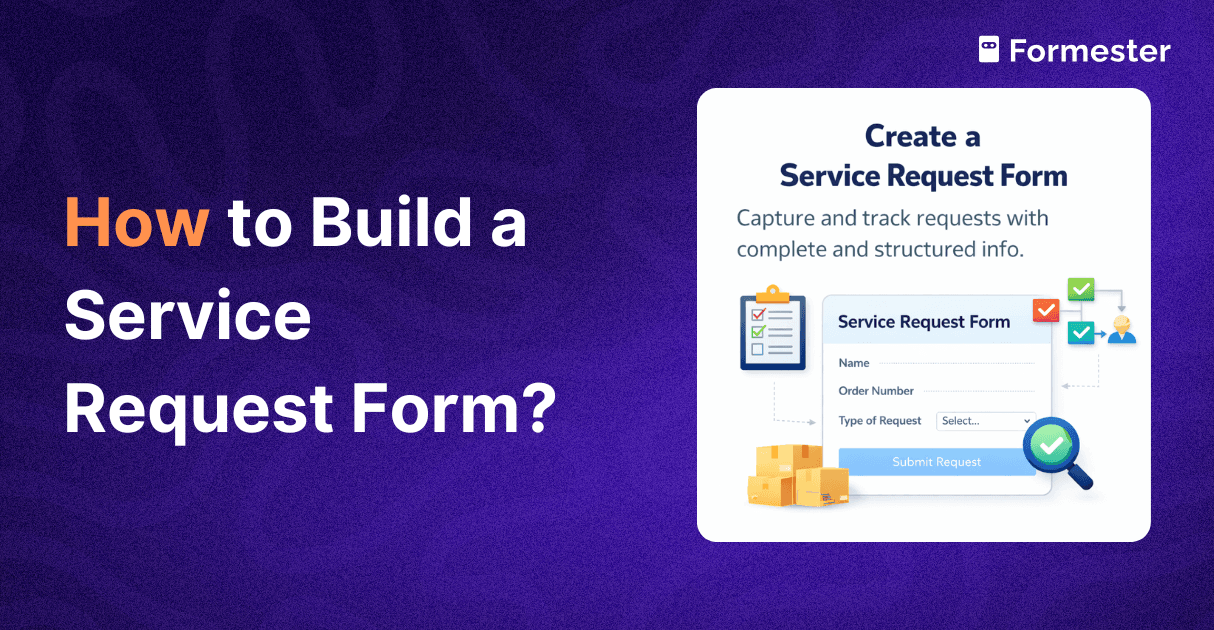
A service request form is a structured online form that customers or internal teams use to request help, changes, or actions related to an order. Instead of free text emails or chat messages, the form asks specific questions and captures all required information upfront.
In an e commerce business, service request forms are commonly used for order modifications, delivery changes, refund or replacement requests, customization instructions, bulk orders, and internal fulfillment tasks.
The key difference between a service request form and a basic contact form is structure. A contact form asks who you are and what you want. A service request form asks everything needed to actually complete the request.
This includes order details, product details, urgency, approvals, and supporting files if needed.
When all requests follow the same format, your fulfillment process becomes predictable. Your team knows exactly where to look, what to do next, and who owns the task.
What to Include in a Service Request Form
Requester name
Email address
Phone number
Order number
Order date
Sales channel or store name
Type of service request - Examples order change address update replacement cancellation customization
Clear description of the request - What exactly needs to be done
Product details - SKU product name variant size color
Quantity affected
Delivery address details - Shown only when address related requests are selected
Customization details - Text color size placement or special instructions
File upload - Screenshots invoices design files reference images
Priority level - Low medium high
Approval or confirmation checkbox - To confirm details are correct
Submission confirmation message - What happens next and expected response time
How to Build a Service Request Form Using Formester
Create a new form in Formester. Start with the AI form generator or choose a service request template so you do not build everything from scratch.
Add basic requester fields like name, email, and phone number. Mark these as required so you always know who raised the request.
Add order information fields such as order number, order date, and sales channel. Use validation on the order number to avoid incorrect entries.
Add a request type field using multiple choice. This helps categorize requests and makes routing and prioritization easier.
Use conditional logic to show only relevant questions. This keeps the form short while still collecting all required details for each request type.
Add a detailed instruction field where users can clearly explain what needs to be done. This reduces confusion and follow up messages.
Include file upload fields for screenshots, invoices, or design files. This helps prevent mistakes during fulfillment.
Add a priority field so users can indicate urgency. This helps the team manage workloads fairly and logically.
Organize questions into clear sections. Group related fields together to make the form easy to read and complete.
Set a clear submission confirmation message. Let users know their request was received and what will happen next.
Connect the form to your workflow. Send submissions to email, sheets, or internal tools so the fulfillment team can act immediately.
Test the form before sharing it. Submit a few test requests to make sure every field collects the right information.
How to Improve Order Fulfillment
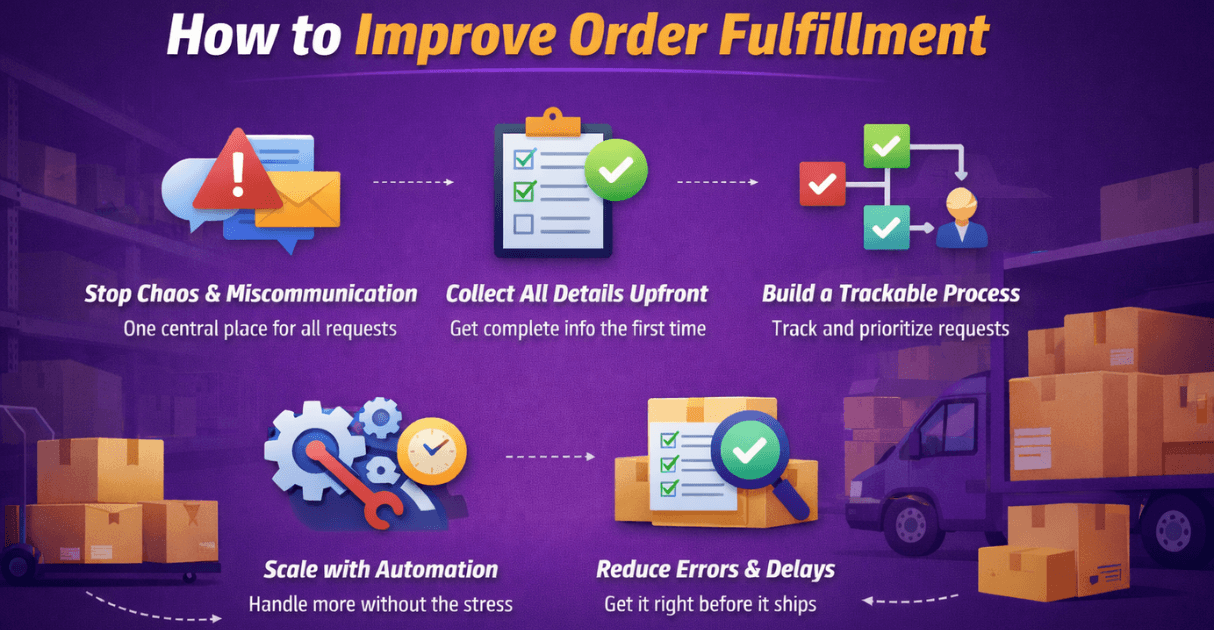
Stop Chaos and Miscommunication
When requests come from emails, chats, and calls, things get missed. A service request form creates one clear entry point for every request. Everyone follows the same process, so there is no confusion about where to look or what to do next.
Collect All Details Upfront
Missing information slows everything down. A well designed form forces complete input before submission. Required fields and conditional questions make sure your team has everything needed to act without back and forth.
Build a Trackable and Fair Process
Every request should be visible and trackable. With structured form submissions, requests can be queued, assigned, and tracked by status. This removes bias and helps teams prioritize work based on urgency and order, not noise.
Scale Without Burning Out the Team
As order volume grows, manual coordination breaks. Automation handles routing, notifications, and approvals so the same team can manage more requests without added stress or long hours.
Reduce Fulfillment Errors and Delays
Most mistakes happen due to unclear instructions or missing data. A strong service request form acts as a quality check at the start. Clear inputs prevent wrong picks, duplicate work, and slow turnarounds before they happen.
Conclusion
Effortless order fulfillment does not start in the warehouse. It starts with how requests are collected.
A well designed service request form replaces chaos with clarity. It saves time, reduces errors, and gives your team the confidence to move fast without fear of mistakes.
By using Formester to build a structured, smart service request form, you create a strong foundation for growth. As orders increase, your process stays calm, organized, and scalable.
When every request comes in complete, trackable, and ready to act on, fulfillment stops being stressful and starts being predictable. That is how modern e commerce teams win.