All Blogs
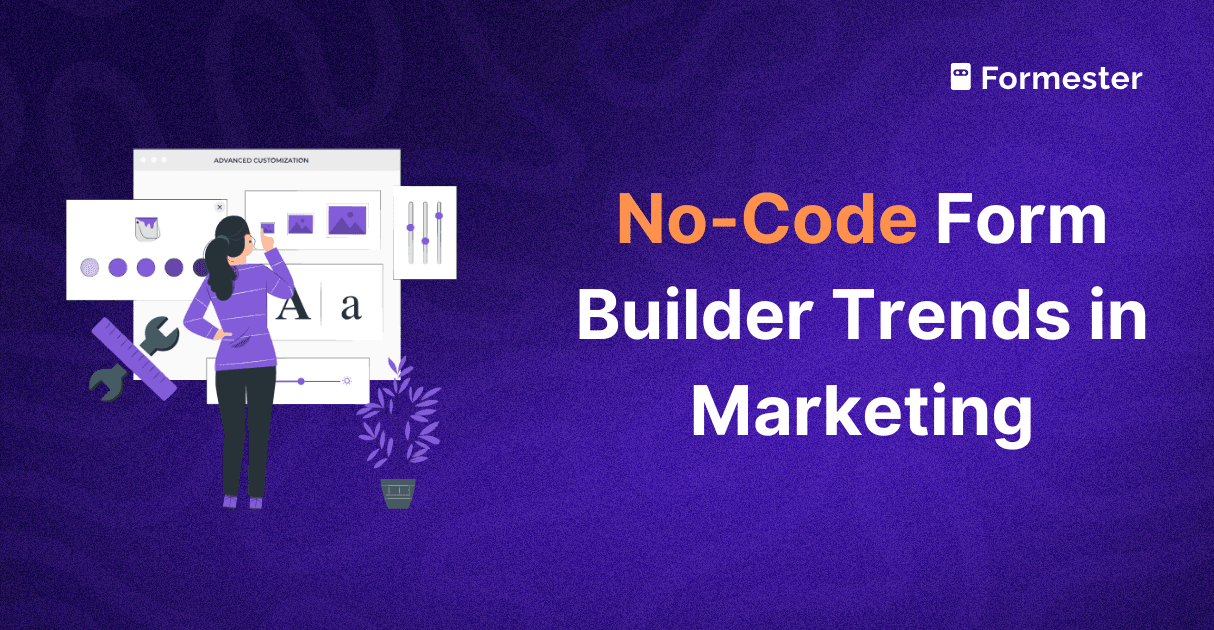
How Low Code and No Code Form Builders Are Transforming Marketing
Learn how no code form builders are transforming marketing by simplifying form creation, speeding up workflows, and enabling fast campaign launches.
How to Use Google Sheets API and Use as a Live Backend?
Connect apps and forms to Google Sheets using the API. Automate data sync and workflows easily. Use it to pre-populate forms.

How to Pre-Fill Forms for Certificates & Feedback
Learn how to pre-fill forms for certificates and feedback. Save time, reduce errors, and auto-fill names and details for a smooth, professional experience with Formester.

How to Pre-Fill Forms Using Google Sheets and Formester
Learn how to autofill forms using Google Sheets and Formester. Collect data, connect your sheet, and pre-fill forms automatically with the right details every time.

How to Auto-Fill and Sign PDF Documents with a Form
Auto-fill and sign PDFs with ease using a simple form. Collect responses, insert details, add digital signatures, and get a signed PDF instantly.
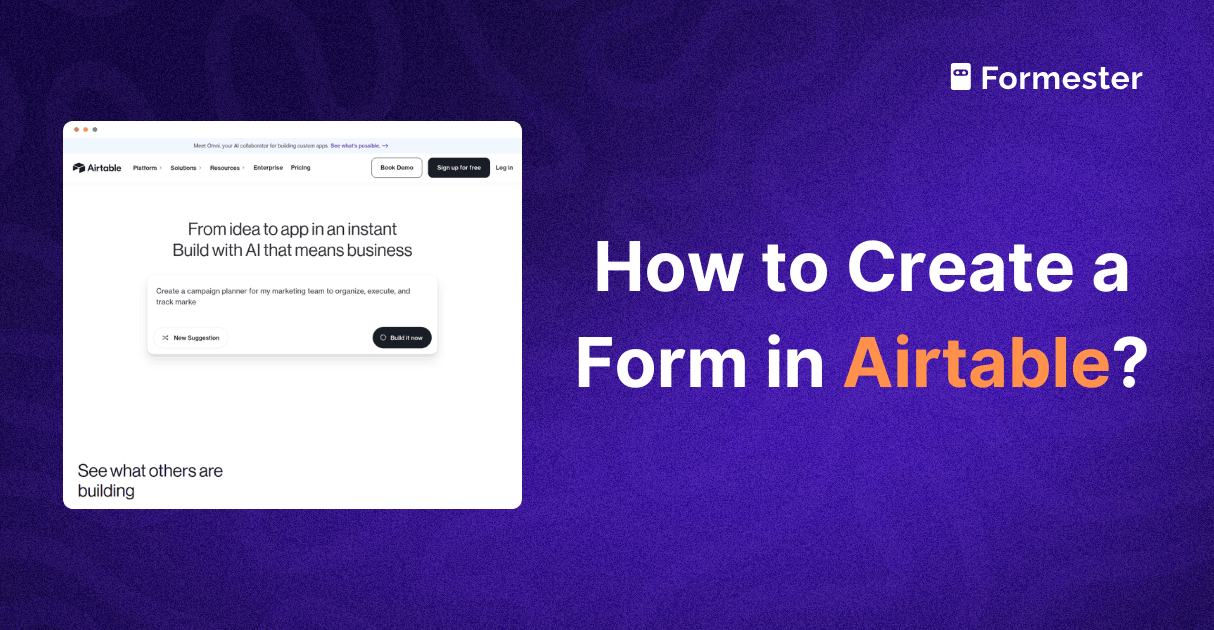
How to Create a Form in Airtable?
Learn how to create a form in Airtable and collect responses easily. Plus, see how Formester helps you build smarter, more powerful forms that connect to Airtable.

How to Pre-Fill Forms with External Data Using APIs
Easily pre-populate form fields with external data using API. Speed up form submission, avoid manual typing, and deliver a smooth user experience.

5 Best Tally Forms Alternatives for 2025
Explore top Tally Forms alternatives for 2025. Get advanced features, custom branding, Google Sheets integration, and more for your online forms.

How Forms and Digital Precision Scale Brand Communication
Scale your brand communication with clean data, smart workflows, and Formester's powerful online forms. Keep your message clear as you grow.