Open the template
Hit Use Template. The form loads in the Formester drag-and-drop builder with every field above already in place. Skip steps 2 to 4 if the defaults are enough.
Open tryouts run on a clipboard until two assistant coaches grade the same kid differently, the sheets end up in someone's truck, and by Thursday no one remembers why number 22 was a "maybe." This template moves the whole tryout online. Every coach rates the same skills on the same 1-10 scale, the scores land in one dashboard, and the averages, comments, and recommendations stay with you all season. Use it on Little League tryout day, at high school JV and varsity tryouts, on travel-ball and AAU evaluations, after fall scrimmages, on college recruiting visits, and at end-of-season reviews. The form is built for coaches and scouts first, so the fields ask what a baseball person actually wants to know, not what a generic registration form asks. Customise the criteria in a drag-and-drop builder, auto-total composite scores with calculating fields, attach swing or pitching video clips on each player's record, and use conditional logic so a pitcher's evaluation prompts velocity and off-speed follow-ups a position player's never sees. How to add: Select the existing intro block in the editor. Delete the four paragraphs and paste the three new paragraphs. Each paragraph is a plain <p>. For the three inline links, highlight the phrase ("auto-total composite scores", "video clips", "conditional logic") and use the link button to paste the URL.
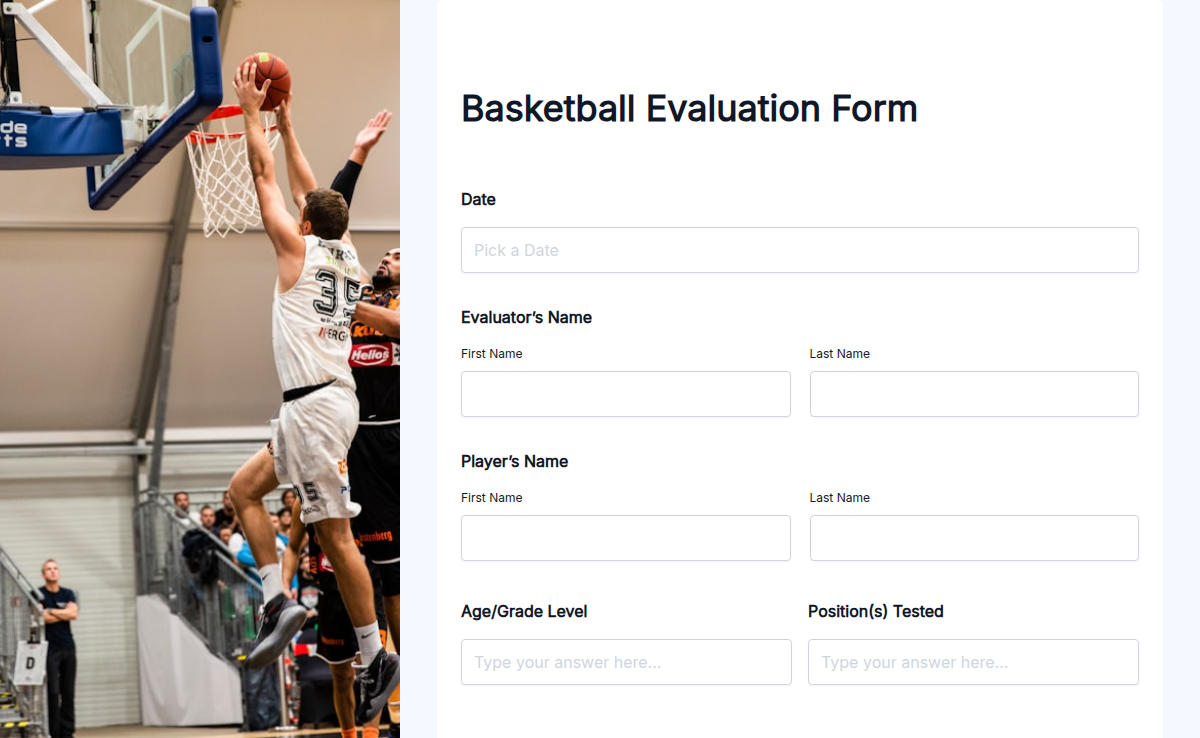
A baseball tryout evaluation form is the single sheet a coaching staff uses to score a player on the skills that decide who makes the roster. It captures ratings on hitting, fielding (infield and outfield), throwing, pitching (when applicable), base running, teamwork, and work ethic, plus open-text notes on strengths and areas to improve, an overall recommendation, and the evaluator's name and date. Little League and Babe Ruth coaches use it on tryout day. High school JV and varsity staff use it at fall and spring tryouts. Travel-ball and AAU directors use it at try-in events and showcases. College recruiters use it on prospect visits.
The right form replaces three tools. Clipboards stop getting lost. Averages stop being a spreadsheet someone builds at midnight. Player notes from March are searchable in October. And every coach on the staff rates the same kid against the same criteria, so the depth chart is built on data, not the loudest opinion in the dugout.
This template is built to be that single sheet. Take it as a starting point, then tune it for your level, your evaluation context, and your scale (1-5, 1-10, or letter grades) using the rich-text builder.