bevdkbdf.formester.com/f/HKFcVjimg

International Travel Consent Form (Minor)

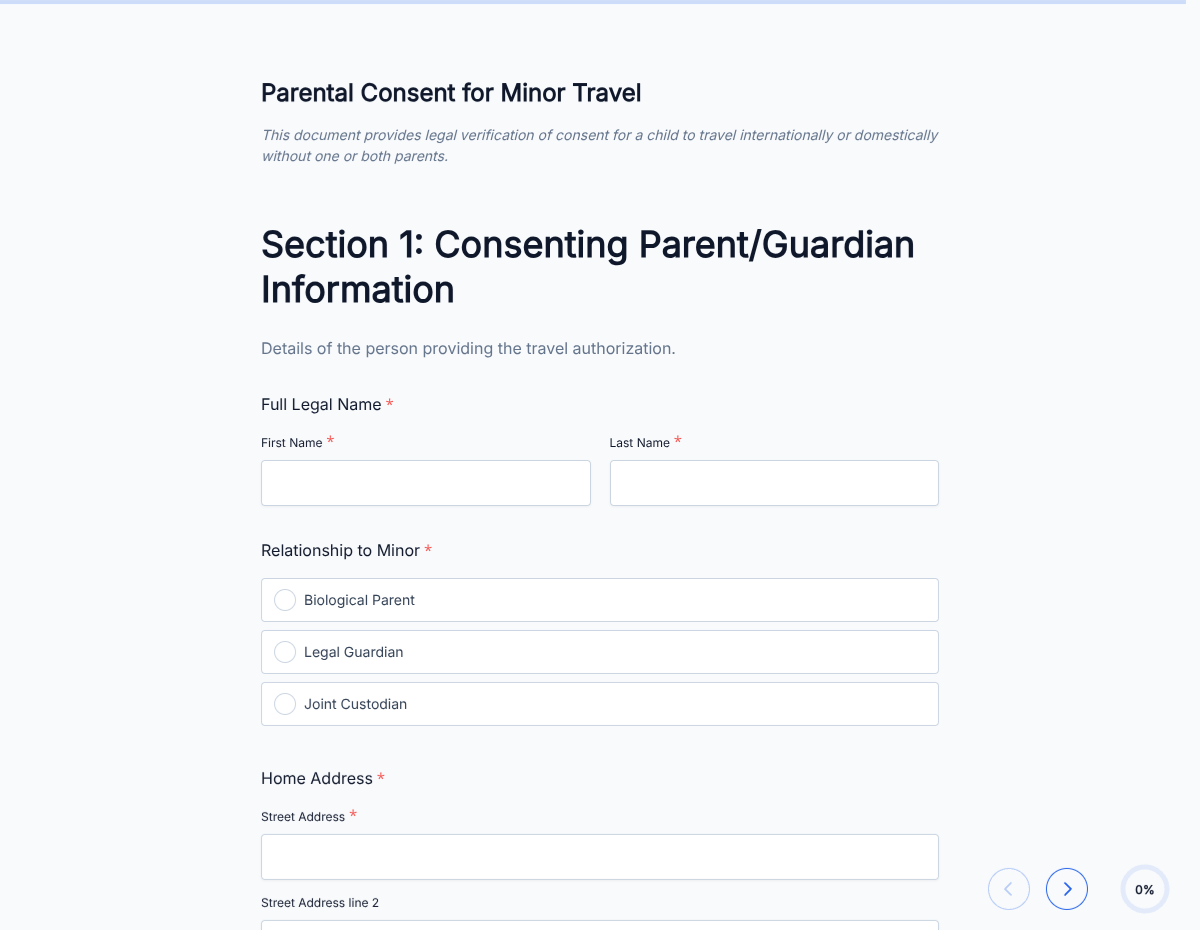
An international travel consent form for minors. Captures both parents' permission, trip details, passport information, and emergency contacts; exported as a signed PDF the border officer can read.

Releases & Waivers

About this template

This international travel consent form template runs on Formester's drag-and-drop form builder, sized for cross-border travel with a minor. Border officers, airlines, and host-country authorities want one clear document that names both parents, the trip, and who the child is travelling with.

Both parents fill in their details and sign with e-signature from anywhere. A clean, traveler-friendly PDF is generated on submission. Encrypted in transit and at rest, so passport numbers, addresses, and contact details stay secure.

Use conditional logic to surface country-specific blocks (Schengen visa, Canada CBSA, Mexico INM, etc.), reveal a notarization section when the destination requires it, or skip a parent block when sole custody applies. Pull in a fresh translation block via Zapier for non-English-speaking destinations.

Need a customized version for school trips, sports tours, or chaperone-led groups? Generate one in minutes with the AI form generator: describe the trip, and Formester drafts the form.
How to customize this international travel consent form for minors

Seven steps to a country-aware consent letter every border officer can read.

Brand the header

Replace the placeholder organization name, logo, address, and contact details with your brand. Set primary colors so the form matches the page it lives on.

Add destination-specific blocks

Edit the country dropdown. For Canada add the CBSA recommended-language block. For Mexico add the SAM/INM section. For Schengen add the EU minors-travel block. Each country surfaces only what that border officer expects.

Toggle the notarization section

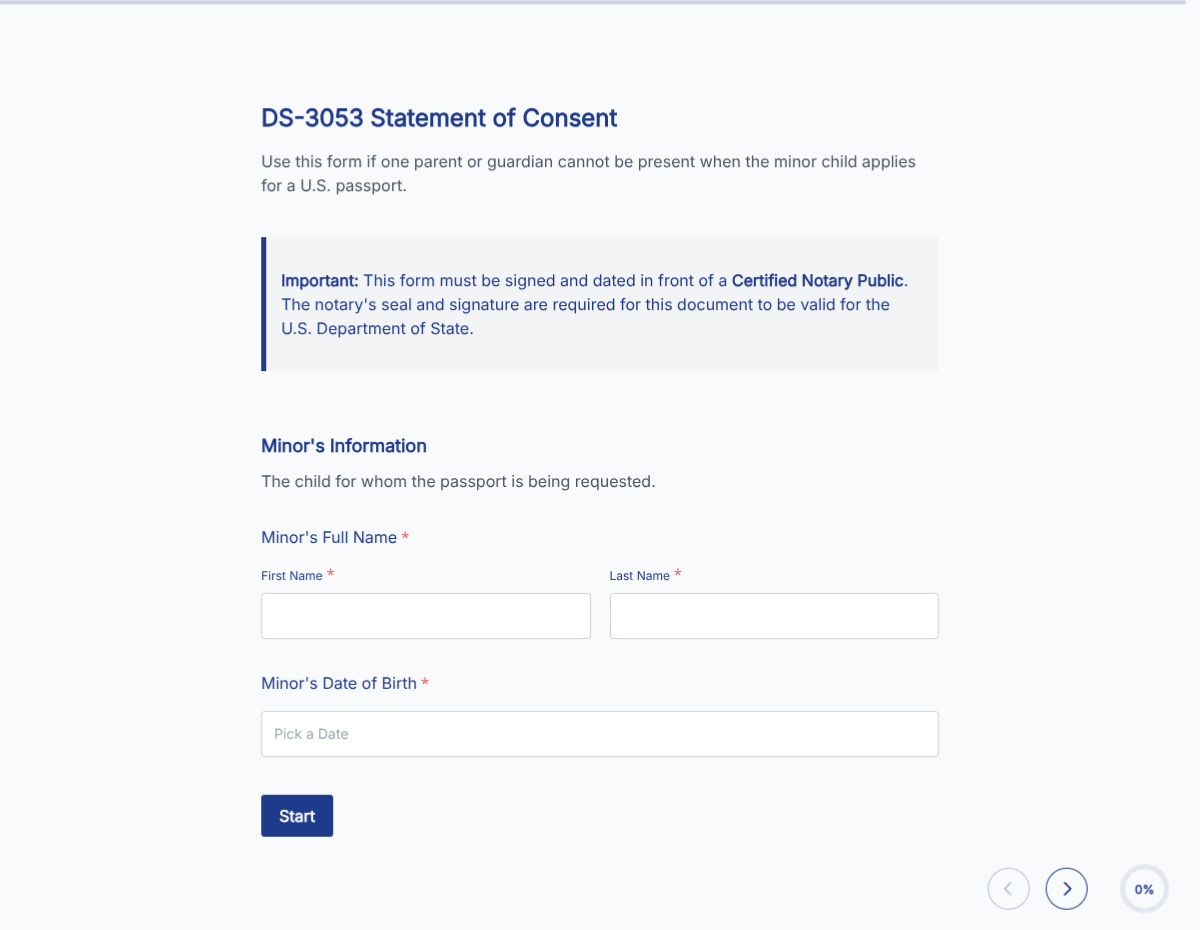
Some destinations require notarization; some don't. The template auto-shows the notary block when the chosen destination needs it. Adjust the trigger list in conditional logic if your legal team has stricter rules.

Add translation

For non-English-speaking destinations, add a second-language block (Spanish for Mexico, French for parts of Canada, etc.). Border officers prefer bilingual documents.

Wire delivery

Push every submission to your CRM or e-vault through a webhook, or use Zapier for fan-out to email, Slack, and notifications. Turn on Autoresponder Email if the signer should receive a copy.

Publish and share

Embed the form on your site, share the direct link by email, or generate a QR code for in-person signing. Every submission lands in the dashboard with a clean PDF for the file.

When to use this international travel consent form for minors

Six border-specific situations this template handles out of the box.

Minor travelling to Canada

CBSA recommended-language block, both parents' signatures, and the host-Canadian address. Issued ahead of the flight; printed for the border.

Minor travelling to Mexico

INM consent block, passport numbers, and a Spanish-language version. Captures the consent both INM and Mexican authorities expect.

Minor travelling in Schengen

EU minors-travel block, both parents' signatures, and accompanying adult details. Lighter than the Mexico/Canada flow but still documented.

Youth sports team tour

Multi-family form deployed by the team manager. Every family fills once; the team gets a folder of signed PDFs to bring to immigration.

School cross-border excursion

School sends one link to every family. Each parent signs separately; the school gets one consolidated record per student.

Solo travel with chaperone

Minor flies solo with an airline-provided chaperone. The form captures the chaperone's airline ID and the consenting parents' contact at the destination.

Fields included in this template

The full field set for cross-border travel with a minor. Drop the ones your destination does not need.

  • Minor's full legal name Short text

    Match the passport exactly.

  • Minor's date of birth + nationality Date + dropdown

    Nationality drives which passport block appears.

  • Minor's passport details Short text + date

    Number, issue country, issue date, expiry.

  • Parent 1: name, ID, signature Short text + e-signature

    Primary signer. Full legal name, ID type and number, signature.

  • Parent 2: name, ID, signature Short text + e-signature, conditional

    Required when joint custody. Hidden when sole custody is selected.

  • Custody status Radio

    Joint, sole (with court order), or deceased other parent. Drives conditional flow.

  • Destination country Dropdown

    Triggers country-specific consent language and required documents.

  • Trip dates Date range

    Departure and return; includes layover countries if relevant.

  • Accompanying adult details Short text + ID

    Name, relationship, contact, and passport details of the travelling adult.

  • Host address in destination Address

    Where the minor will be staying.

  • Notarization toggle Auto-shown by destination

    Surfaces the notary block for destinations that require it (Canada, Mexico, others).

  • Emergency contact Phone + name

    24/7 reachable parent or guardian during the trip.

Questions we get a lot

Operator and signer questions about security, integrations, jurisdiction, and configuration.

Is the submission data secure?
Yes. Every submission is encrypted in transit and at rest. Add a custom subdomain on paid plans so the form lives on your own URL through the entire flow.
Can I capture a signature on the consent form?
Yes. The template includes an e-signature field, and the signed PDF is generated automatically on submission. Both parties can countersign if your workflow needs it.
Can I auto-send a copy to the signer?
Yes. Turn on Autoresponder Email to send the completed PDF to the signer the moment they submit. No manual follow-up required.
Can I route every submission to my system of record?
Yes. Push each submission via a webhook for real-time delivery, or use Zapier to fan out to your CRM, e-vault, and ops stack. Google Sheets sync works if you just need a log.
Do all countries accept the same consent letter?
No. Requirements vary by destination. Canada, Mexico, and South Africa enforce explicit consent and notarization rules; the EU is generally more relaxed. The template includes a country dropdown that surfaces destination-specific language so you only ship what that border needs.
Does this replace notarization?
Sometimes yes, sometimes no. A few countries explicitly accept signed-and-emailed PDFs; most still require notarization for international travel with a minor. The template toggles a notarization block on or off based on the destination.