Update the roles dropdown
Open the "Role sought" field and replace the placeholder options with the roles your hiring partners are recruiting for. If recruiters are looking for fifteen different roles, split into a primary role + sub-role pair.
Running a campus career fair, an industry hiring event, or a virtual job fair? This template puts every attendee's name, email, company, role sought, and resume into one form, so recruiters walk away with a clean follow-up list instead of a stack of business cards. It works for in-person check-in at the booth and for pre-event registration on the event page. Job seekers fill it in once and upload a resume. Recruiters fill it in once and flag the roles they're hiring for. Organisers see every signup in one dashboard, filter by company or role, and email the right person the moment booths open. Share the form as a QR code on the welcome banner for walk-in check-in, embed it on the event landing page for pre-registration, or send it over email to last year's attendee list.
A job fair sign in sheet is the one form a career services team, an HR organiser, or a recruiter uses to log every person who walks through the door. It captures attendee name, email, phone, current company, role sought, resume, and a note field in one submission. Career services teams use it to track student turnout. Recruiters use it to build a follow-up list before they leave the venue.
Managing job fair registrations can be chaotic. Our Job Fair Sign-Up Sheet Template simplifies the process by collecting job seekers' details, resume submissions, and areas of interest. All submissions are stored in the results tab, providing a clear overview. Need a printed attendee list? Export submissions as a PDF for easy access.
Career fair sign in sheets sit at the booth or the welcome desk. Job fair registration forms sit on the event landing page before doors open. This template covers both. Drop the resume upload field for a quick door check-in. Keep it on for pre-event registration when candidates have time to attach the file.
Use it for campus career fairs, industry hiring events, walk-in recruiting days, virtual job fairs, alumni networking nights, and internal mobility fairs. Customise in a drag-and-drop builder, then ship the link or the QR code.
Stay informed with email notifications whenever someone registers, ensuring no one is overlooked. Use form analytics to track sign-up trends and see which job sectors attract the most interest. If space is limited, use the form submission limiter to close registrations when slots are full.
This template is fully customizable—add fields for industry preferences, resume uploads, or interview scheduling. You can also embed it on your website for easy access. Start organizing your job fair today!
The template ships event-agnostic on purpose. Three changes get it ready for your event in under five minutes.
Open the "Role sought" field and replace the placeholder options with the roles your hiring partners are recruiting for. If recruiters are looking for fifteen different roles, split into a primary role + sub-role pair.
Leave it on for pre-event registration so candidates attach files ahead of time. Turn it off for in-booth check-in to keep the form a 30-second fill. Add it back after the event with a follow-up email asking attendees to upload.
Pipe new signups to Slack or email, auto-sync to Google Sheets for the organiser dashboard, or push to HubSpot so recruiters see attendees as new contacts the same day.
For recurring fairs, duplicate the form per event so historical signups stay clean. Most career services teams run one form per fair and one master CRM behind it.
Six job-fair formats this template handles out of the box. Drop the resume field for door check-in, keep it on for pre-event registration, and swap a couple of options to fit your event.
Universities use it for student check-in at the welcome desk. Pair with a QR code on the entrance banner so students scan and submit in 30 seconds.
Large hiring events (tech, healthcare, finance) use it as the day-of attendance sheet. Filter the submissions by role sought to hand recruiters their shortlist before doors close.
Embed the form on the event landing page for pre-registration. Collect resumes ahead of time so recruiters review profiles before the live sessions start.
Smaller in-person events at a single company's office. Skip the role-sought field and add a "preferred interview slot" dropdown.
Career services teams collect attendee data plus an "open to mentoring" toggle. Use the same form for the next event by duplicating it.
HR teams use it for internal mobility events. Replace company with current department, role sought with target team, and add a "manager aware" checkbox.
Every field included in the template, what it asks, and why recruiters and organisers actually use it. Drop any you do not need; the rest work on the free tier.
Attendee name and contact Short text + email + phone
First name, last name, email, mobile. Email is the recruiter's follow-up handle, never skip it.
Company or school Short text
Current employer for working professionals, university and graduation year for students.
Role sought Single select
Dropdown with the roles your event is hiring for (Engineering, Product, Design, Sales, Operations, Internship). Lets recruiters filter to their target list in one click.
Resume upload File upload
PDF up to 100MB on Free, 1GB on Personal, 50GB on Business. Recruiters download a zipped folder of resumes after the event.
Years of experience Dropdown
Quick dropdown (0-1, 2-4, 5-9, 10+) so recruiters pre-segment senior vs entry-level.
Booths visited or recruiter contacted Multi-select
Multi-select so attendees flag which companies they spoke to. Useful for follow-up tracking.
Permission to share with recruiters Checkbox
Single checkbox to satisfy GDPR and CCPA before forwarding resumes to hiring partners.
Notes Long text
Open text for "looking for remote only" or "available to start in August."
Career services and HR organiser questions about fields, resume collection, QR check-in, follow-up workflows, and exporting the printable attendee list.
Hire the right cleaner without the inbox chaos. This free cleaning job application form template captures experience, availability, references, and a signed work-eligibility agreement in one submission. Share it as a link, embed it on your careers page, or download it as a PDF for in-person applications.
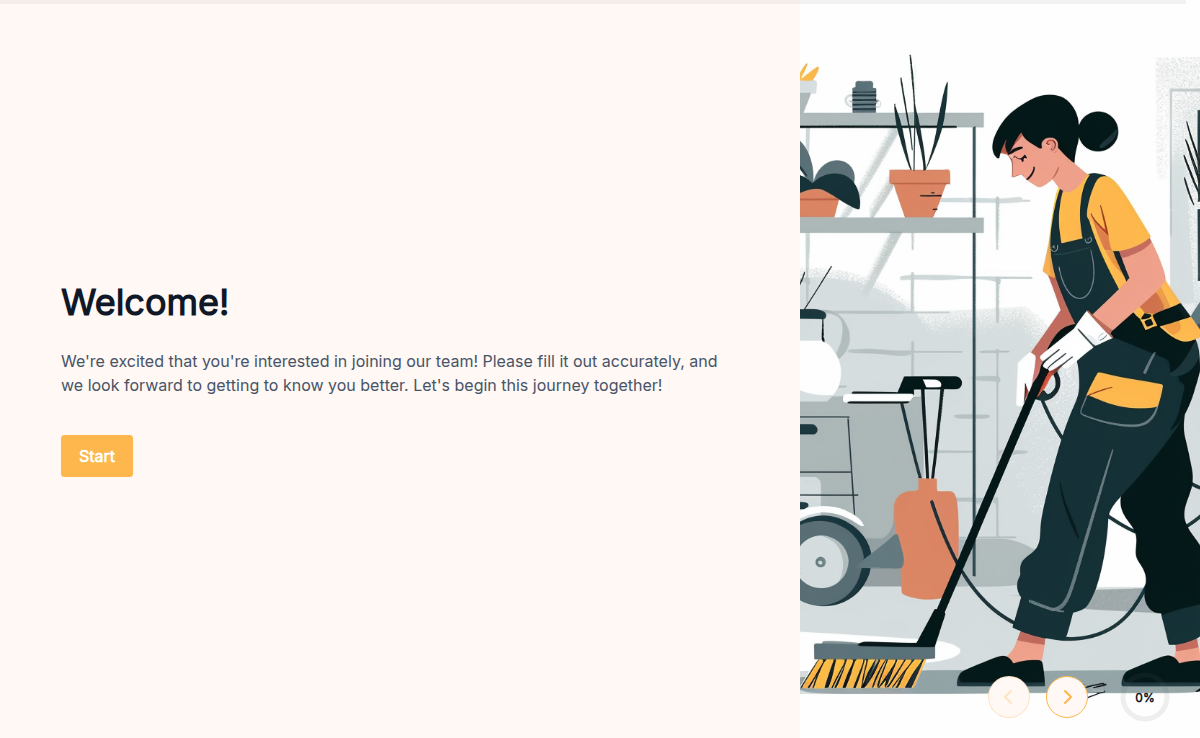
A cleaning services application helps you streamline the hiring process for your cleaning business. Use this form to gather essential information from potential employees efficiently. Create a customized application using a form builder like Formester, which makes the process simple and quick. Start with free templates available on Formester. These templates include everything you need for a thorough employee application form, saving you time and ensuring you don’t miss any crucial details. You can ask for information such as work experience, skills, and availability. Formester's platform supports over 7000+ integrations, allowing you to connect your forms with various tools and platforms. This integration capability helps you manage applications seamlessly, whether you are sorting them in a database, sharing them with your team, or following up with candidates. You can also customize your job application form pdf to meet your specific needs. Add sections for references, background checks, or certifications. If you prefer, you can even create a free printable employment application or a print out employment application for offline use. Leverage Formester’s powerful features to enhance your application form. Use features like conditional logic to tailor questions based on previous answers, set up automatic notifications to stay updated on new submissions, and add branding elements to maintain a professional look. Ready to streamline your hiring process? Sign up to Formester today and start using an efficient cleaning services application to find the best candidates for your business.
A free construction job application form template for general contractors, subcontractors, trade crews, and staffing firms. Collect trade specialty, OSHA certification, state license number, equipment experience, prior job sites, and references in one mobile-friendly form. Customize fields, embed on your site, and route submissions to your hiring team.
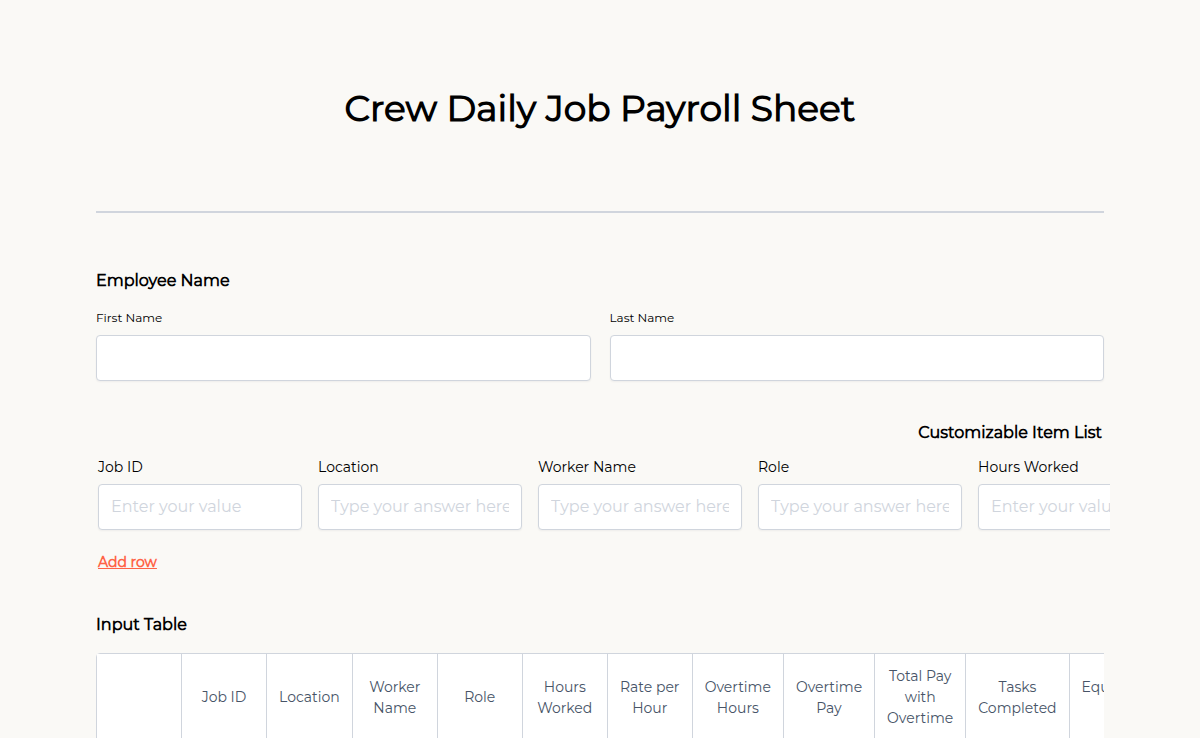
Tracking daily payroll for your crew doesn’t have to be complicated. Our Crew Daily Job Payroll Sheet helps businesses, contractors, and field supervisors record work hours, wages, and approvals in one organized form. Whether managing construction teams, event staff, or remote workers, this form ensures accurate payroll processing. With Formester’s Form Builder, you can customize fields, collect electronic signatures for approvals, and apply calculation fields to automate wage calculations. The form is mobile-friendly, allowing crews to submit reports from anywhere. Enable autoresponder emails to send automated pay summaries and keep records organized with PDF exports. With higher submission limits and team collaboration, managing payroll becomes effortless. Try this Free Form Template today!
The Cruise Job Application Form helps employers gather essential details from applicants seeking positions on cruise ships. This form is key to hiring qualified cruise staff for various roles. It includes fields like passport details, maritime certifications, previous cruise experience, and availability. Use Formester to collect and organize cruise job applications efficiently.
Hiring drivers takes more than a name and a phone number. Trucking carriers need the CDL class and endorsements before they schedule a road test. Last-mile and delivery operators need a clean three-year driving record before they hand over a van. Rideshare and shuttle fleets need MVR consent on file before insurance will quote the policy. This template captures all of it in one submission: license number and class, endorsements, vehicle types driven, employment history with gaps explained, and a signed MVR and background check consent. Plug it into your careers page, share the link in a job post, and pull a hiring-ready file the day the applicant submits.
The General Job Application Form helps employers gather basic information from job seekers for any position. This form is important for streamlining the hiring process and ensuring all candidates provide the necessary details. It includes fields like personal details, work history, skills, and references. Use Formester to easily collect applications for any job opening in your company.
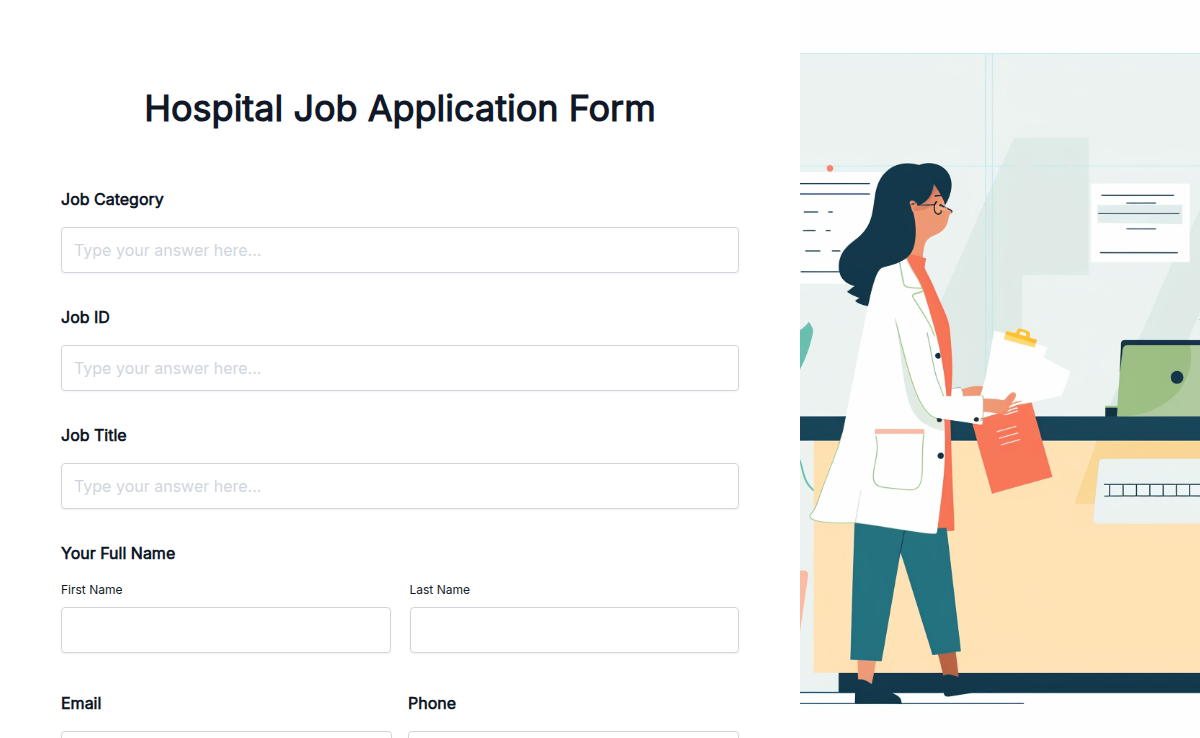
Finding the right healthcare professionals is crucial for any hospital. Our Hospital Job Application Form Template makes the hiring process smoother by collecting essential details like qualifications, experience, certifications, and references—all in one place. With Formester’s Form Builder, you can customize the form to match your hospital’s needs. Enable electronic signatures for consent, use file upload forms for resumes, and organize applications efficiently with form analytics. Applicants can submit their forms from any device, reducing paperwork and speeding up the recruitment process. The form can be shared via email, embedded on your website using embed forms, or linked in job postings. Hire the best healthcare talent effortlessly with our Free Hospital Job Application Form Template. Try it today!
The Hotel Job Application Form helps businesses collect candidate information for various hotel positions. This form is crucial for hiring staff with hospitality experience. It includes fields like personal details, work experience, references, and position applied for. Features include customizable sections and automated applicant tracking. Use Formester to streamline your hotel recruitment process.
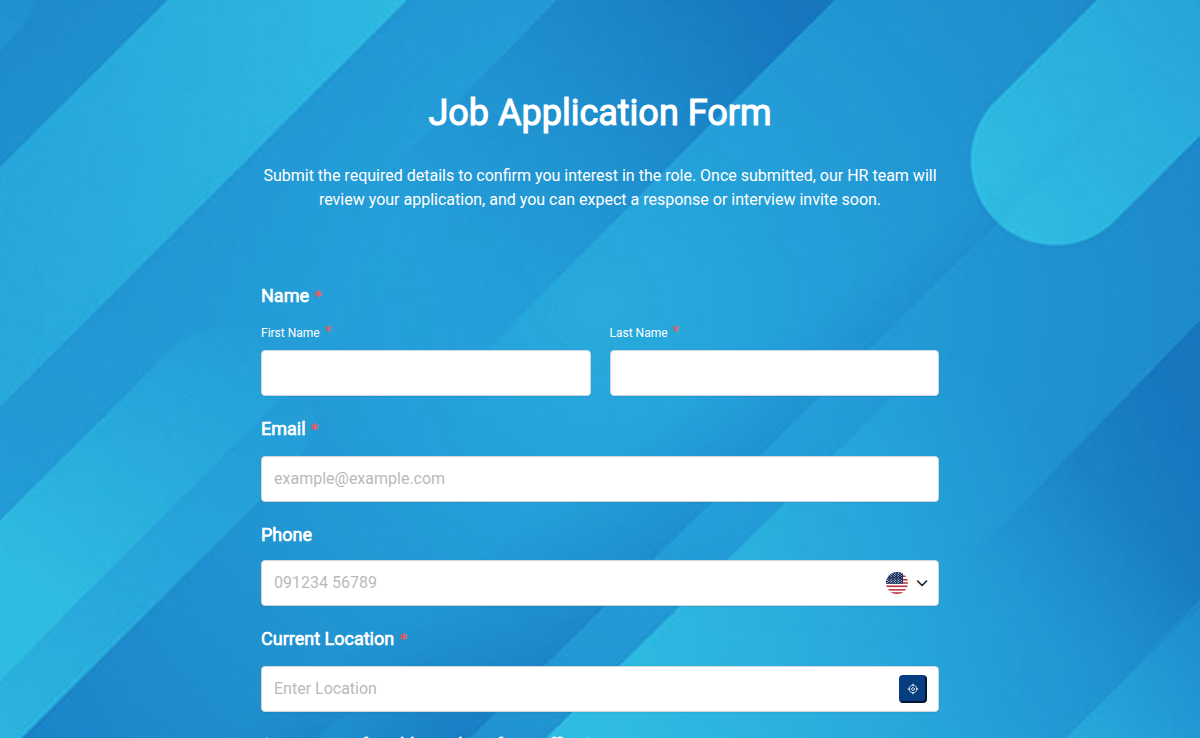
Apply for exciting career opportunities effortlessly using our user-friendly HR Job Application Form. Your pathway to joining our team starts here. Submit your application now!
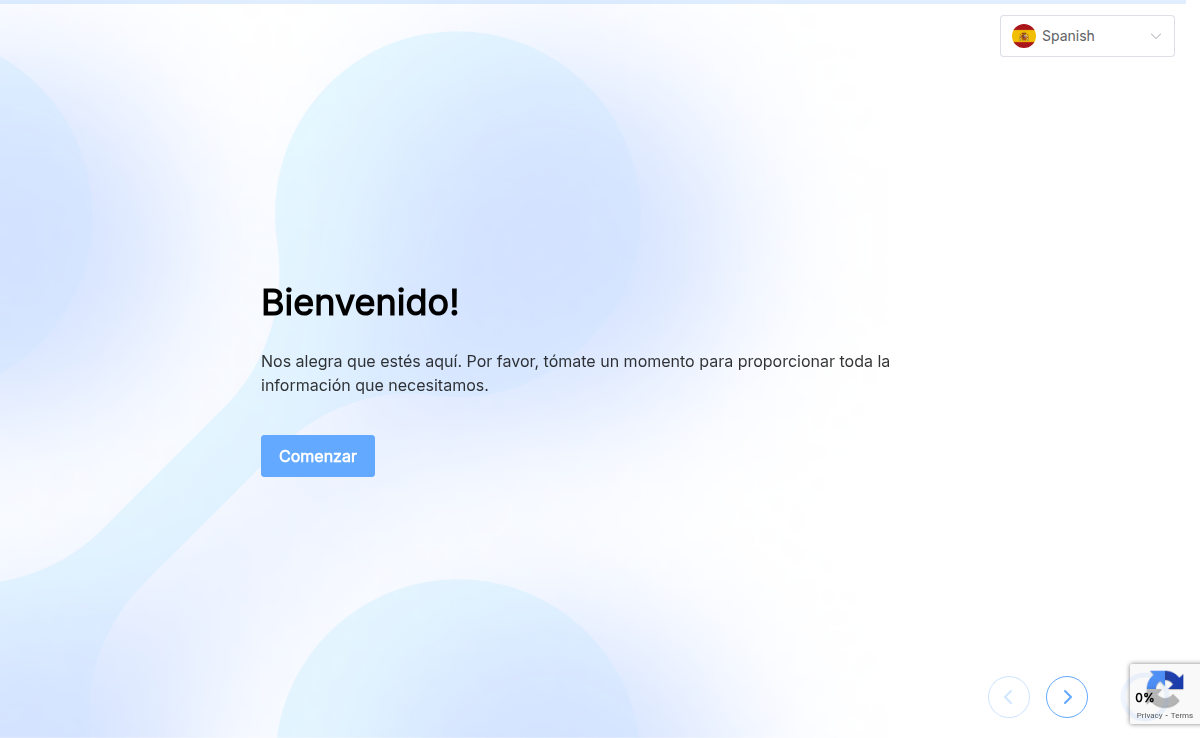
The Job Application Form in Spanish helps businesses collect candidate information from Spanish-speaking applicants. This form ensures your hiring process is accessible to a wider audience. It contains fields like datos personales, historial de trabajo, referencias, and firma. Features include full Spanish language support and easy customization. Use Formester to create a bilingual hiring process that includes Spanish-speaking candidates.
A job application form template is a pre-designed set of questions and fields used to collect information from job candidates. It ensures that all necessary information is collected consistently from each candidate. This template can be customised to meet the specific needs of the hiring organisation.
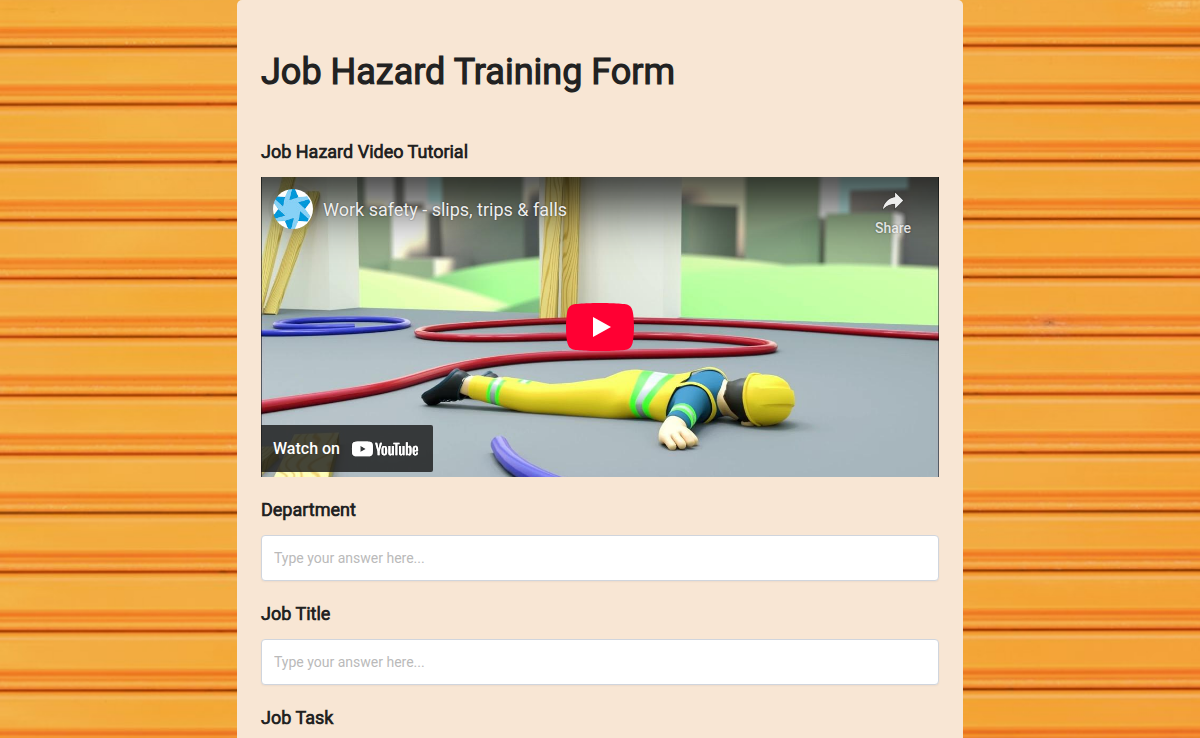
The Job Hazard Training Form is a vital tool for organizations aiming to promote workplace safety and compliance. This form is designed to document training sessions focused on identifying, evaluating, and mitigating job hazards. It includes sections for pre-training hazard knowledge, training attendance, key learnings, and post-training evaluations. This helps ensure that employees understand safety protocols and are well-prepared to handle potential hazards in their work environment.
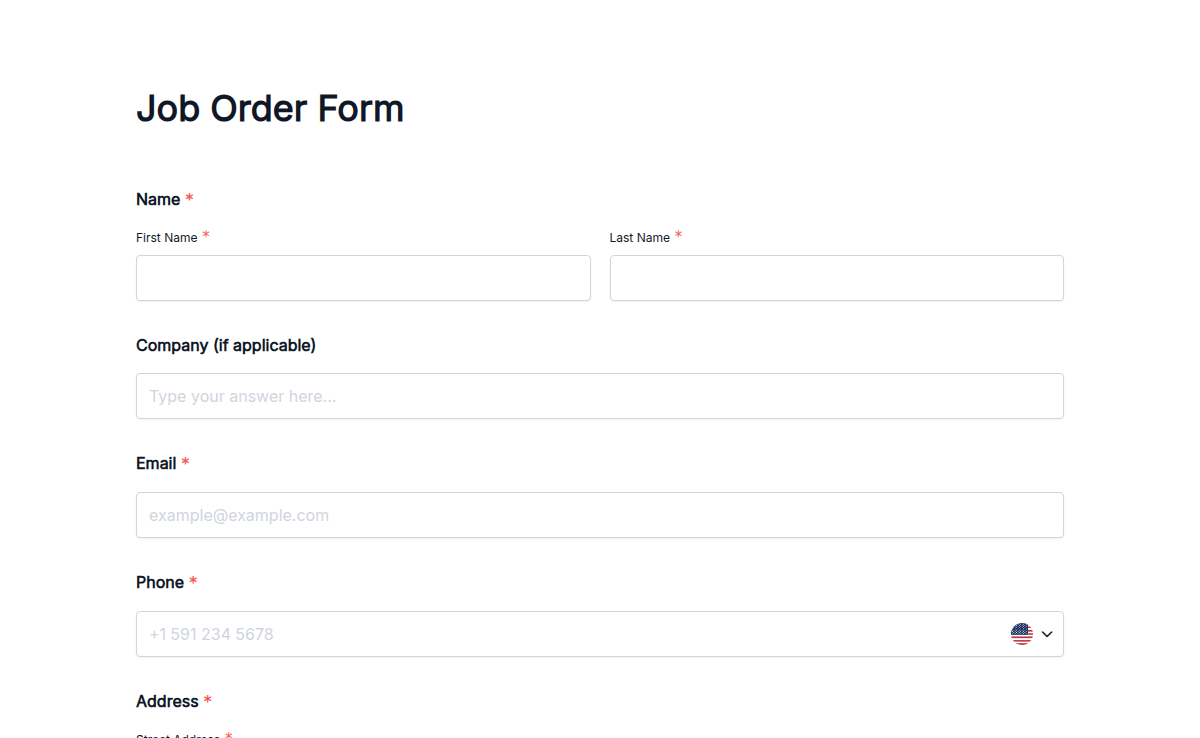
Managing job assignments has never been easier. Our Job Order Form Template helps businesses, contractors, and service providers collect job details, assign tasks, and track progress efficiently. No more messy paperwork—just a streamlined process that saves time and reduces errors. With Formester’s Form Builder, you can customize your job order form to fit your needs. Add dropdowns, date pickers, or file upload fields to collect all necessary information. Use conditional logic to show relevant fields based on the type of job request. Need approvals? Enable electronic signatures for instant confirmation. Share your form online, embed it on your website, and keep track of every submission. You can even export job orders as PDFs for record-keeping. Try our Free Form Templates and optimize your workflow today!
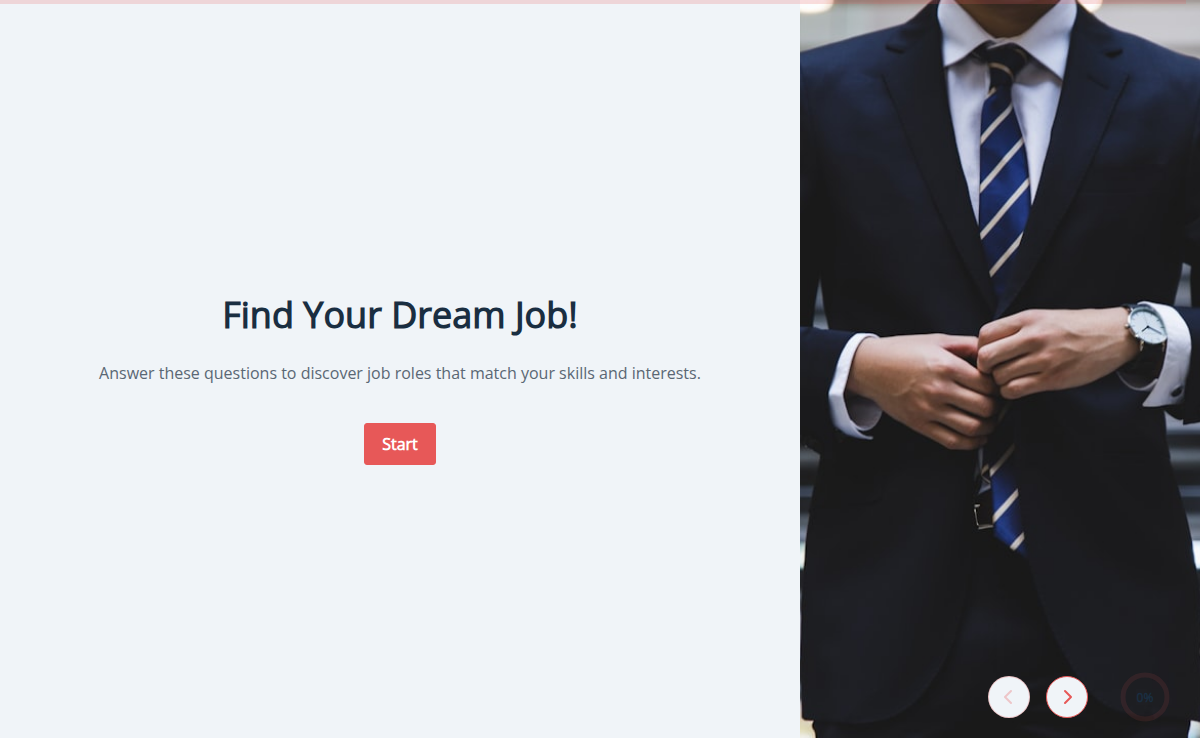
Not sure which job fits you best? This quiz helps match your strengths, interests, and values to the right career paths. Great for students, fresh graduates, or anyone thinking of a career change.
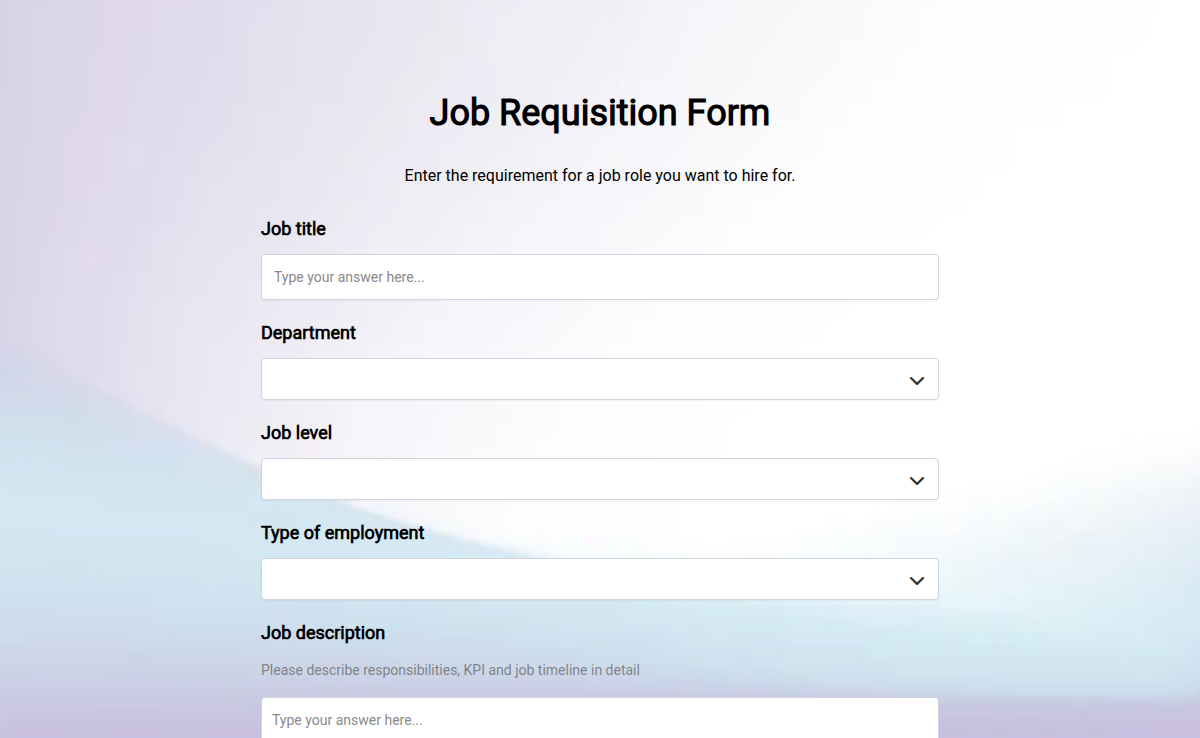
Enter the job role requirement of the type of candidate you want to hire.
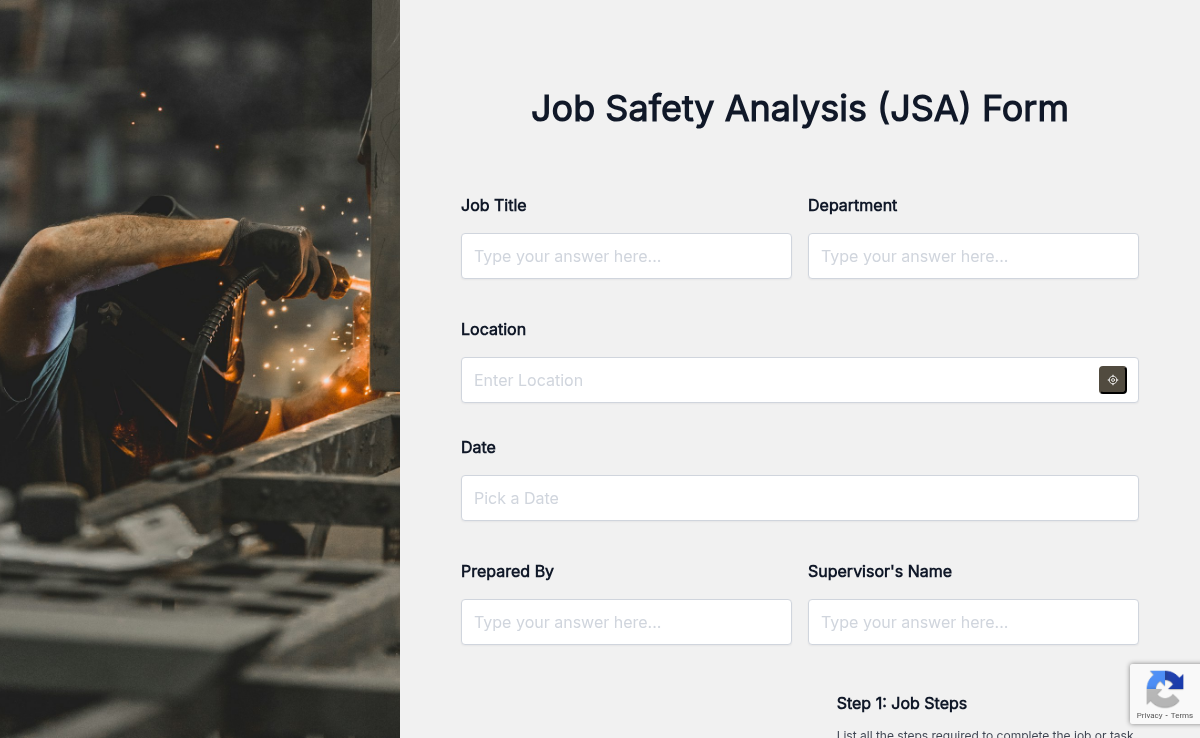
The Job Safety Analysis Form helps businesses assess risks and ensure worker safety before starting any task. It's important because it identifies potential hazards and outlines safety measures. This form includes fields like job description, hazard identification, safety procedures, and employee name. Use Formester to easily generate these forms and track job safety evaluations.
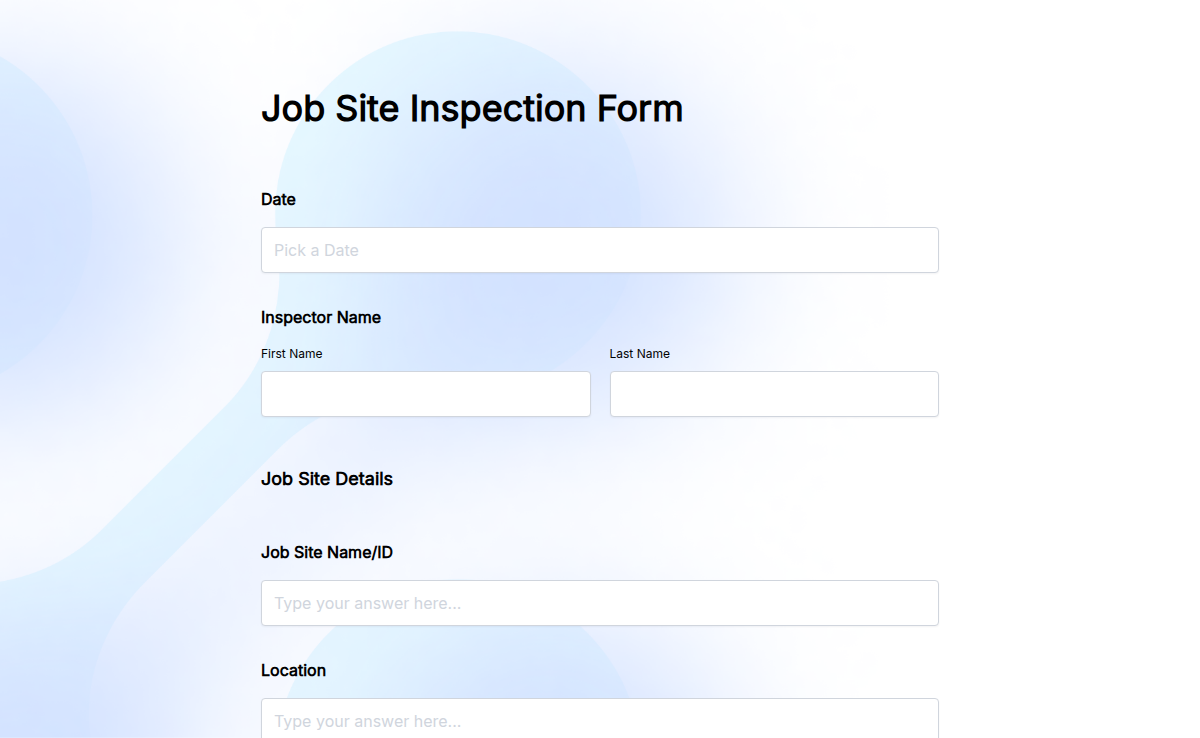
Keep your job site safe and compliant with the Job Site Inspection Form. This template is ideal for construction companies, contractors, or anyone needing to perform routine safety checks. With Formester’s Form Builder, you can customize your inspection form to include checks for safety equipment, worker conditions, and site hazards. Add conditional logic to automatically prompt more questions if an issue is detected. Once your inspection is complete, you can easily collect e-signatures for confirmation and embed the form on your website for easy access. Export the results for record-keeping and compliance. Start using our Free Form Templates to streamline your job site inspections and maintain a safe work environment!
An "Online Job Interview - Preliminary Screening Form" is a short questionnaire designed to gather initial information from job applicants. It helps employers evaluate candidates based on their qualifications, skills, and experience before proceeding with the interview process. The form allows for efficient screening and shortlisting of potential candidates, ensuring a more focused selection process. Its purpose is to streamline the hiring process and identify the most suitable applicants for further consideration.
The Printable Job Application Form helps you collect all the important details from job applicants in one clean, organized format. Candidates can fill it out online or download it as a PDF to print and submit. It saves you time and keeps your hiring process simple and consistent.