How we verified this: every figure on this page comes from the vendor's own pricing page or its public G2 profile. You can check every source here.
Which data collection software should you choose?
Data collection covers a wide range of work. A field team logging observations offline has almost nothing in common with a marketing team running a customer survey, yet both search for the same phrase.
What separates the nine tools below is where they stop. Some cap responses. Some need connectivity. Some only make sense if you already pay for the surrounding suite. Those limits, rather than the editors, decide which one fits.
The 60-second TL;DR
- Best all-around: Formester, unlimited responses free plus offline capture
- Best for feature depth: Jotform, 20,000+ templates, from $39/mo
- Best for completion rates: Typeform, one question at a time, from $39/mo
- Best free option: Google Forms, free with any Google account
- Best for Microsoft 365 tenants: Microsoft Forms, bundled with the suite
- Best for Airtable and Notion teams: Fillout, from $19/mo
- Best for Zoho users: Zoho Forms, from $10/mo billed annually
- Best for humanitarian field work: KoboToolbox, free for many organisations
- Best for enterprise research: SurveyMonkey, from $30/user/mo
How the nine data collection tools compare at a glance
The table below sets out what each free plan includes, where paid pricing starts on monthly billing, and the kind of collection each tool is built for. Read it first, then jump to whichever review matches your work.
| Tool | Free plan | Paid from (monthly) | Built for | G2 rating |
|---|---|---|---|---|
| Formester | Unlimited forms and responses | $13/mo | General collection with offline capture | 4.7/5 (14 reviews) |
| Jotform | 5 forms, 100 submissions/mo | $39/mo | Feature depth and templates | 4.7/5 (5,426 reviews) |
| Typeform | 10 responses/mo | $39/mo | Qualitative surveys | 4.5/5 (1,017 reviews) |
| Google Forms | Free with a Google account | Bundled with Workspace | Simple internal collection | No standalone profile |
| Microsoft Forms | 200 responses/form | Bundled with M365 | Microsoft-based organisations | 4.4/5 (476 reviews) |
| Fillout | 1,000 responses/mo | $19/mo | Airtable and Notion workflows | 4.6/5 (30 reviews) |
| Zoho Forms | 3 forms, 500 submissions/mo | $10/mo | Zoho ecosystem | 4.4/5 (129 reviews) |
| KoboToolbox | Community plan, free | $159/mo | Humanitarian field work | 4.8/5 (4 reviews) |
| SurveyMonkey | Limited free tier | $30/user/mo | Enterprise research | 4.4/5 (23,901 reviews) |
How we picked and ranked these nine tools
Everything here comes from the vendors' own pricing pages and plan limits, read in full. In data collection the cap matters more than the feature list, because that is what stops a project mid-flight.
The weight went to what each free plan allows and what a full team costs, plus whether the tool works where the data actually gets collected. Several vendors advertise annual rates, so the monthly figures here are often higher than the ones on their pricing pages.
1. Formester, best all-around
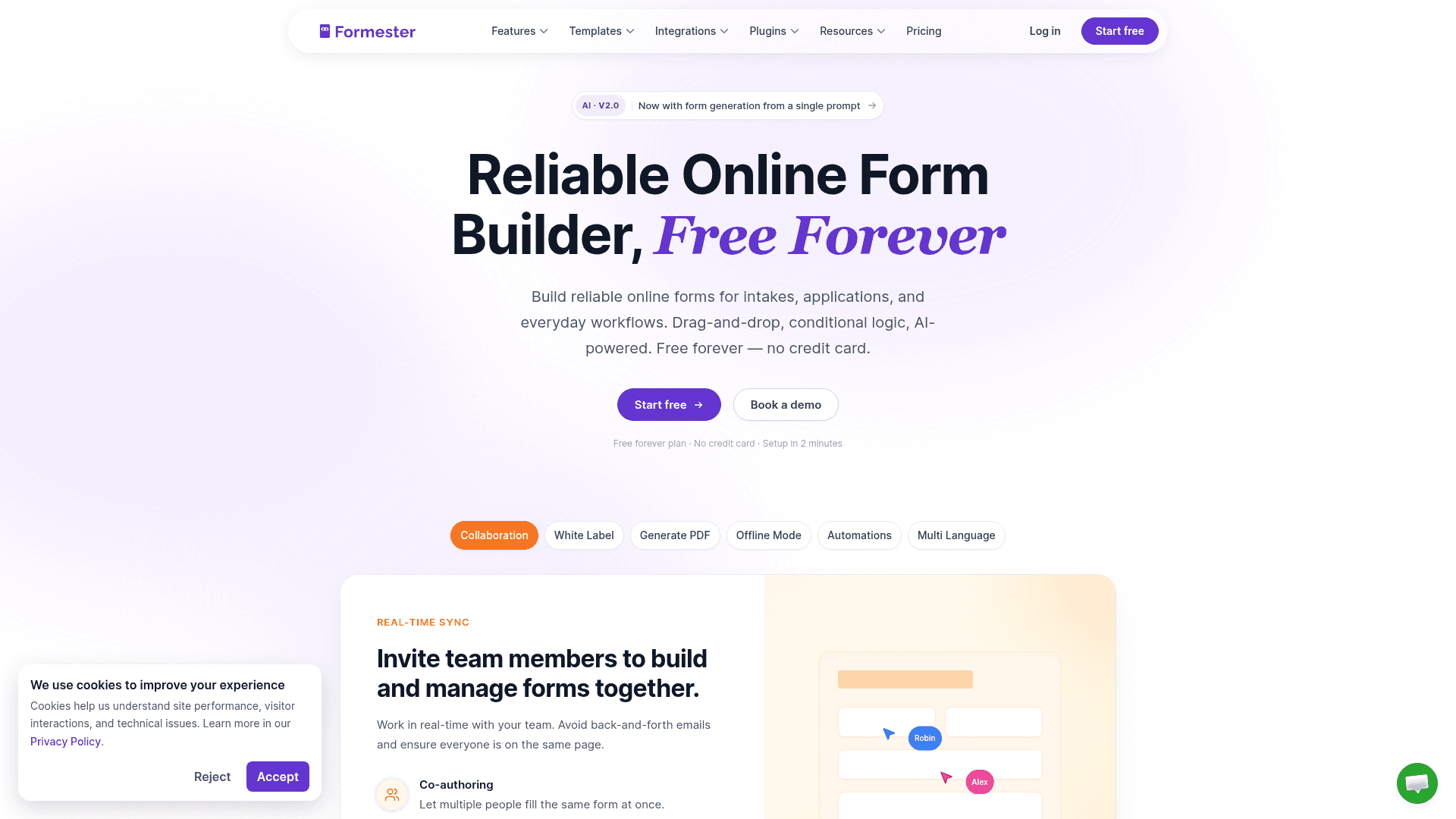
Formester never counts responses. Unlimited forms and unlimited responses come with the free plan, so a project that suddenly scales does not also suddenly cost money.
Offline capture is the other reason it leads this list. Forms install as an app on phones, tablets and laptops, hold entries on the device, then sync when a connection returns. Most tools below simply stop working without signal.
Paid tiers add capability rather than volume. Personal at $13 a month adds conditional logic, and Business at $49 covers a custom domain with 25 seats.
| Strengths | Weaknesses |
|---|---|
| Unlimited forms and responses on the free plan | 720 templates against Jotform's 20,000 |
| Offline capture that syncs when you reconnect | 14 G2 reviews, a small sample to judge by |
| AI generation from a prompt, a PDF, or a question list | No HIPAA on any tier |
| Payments on the free plan | |
| E-signature included |
| Plan | What you get |
|---|---|
| Free | $0. Unlimited forms and responses, offline capture, AI generation |
| Personal | $13/mo ($12/mo billed yearly). Adds conditional logic |
| Business | $49/mo ($45/mo billed yearly). Adds custom domain and 25 seats |
Best for: teams whose collection volume is unpredictable, or who work where connectivity is not.
The catch: if you build from templates rather than from scratch, Jotform's library is 27 times larger.
G2 rating: 4.7/5, from 14 reviews. High score, small sample; read it as an early signal.
2. Jotform, best for feature depth
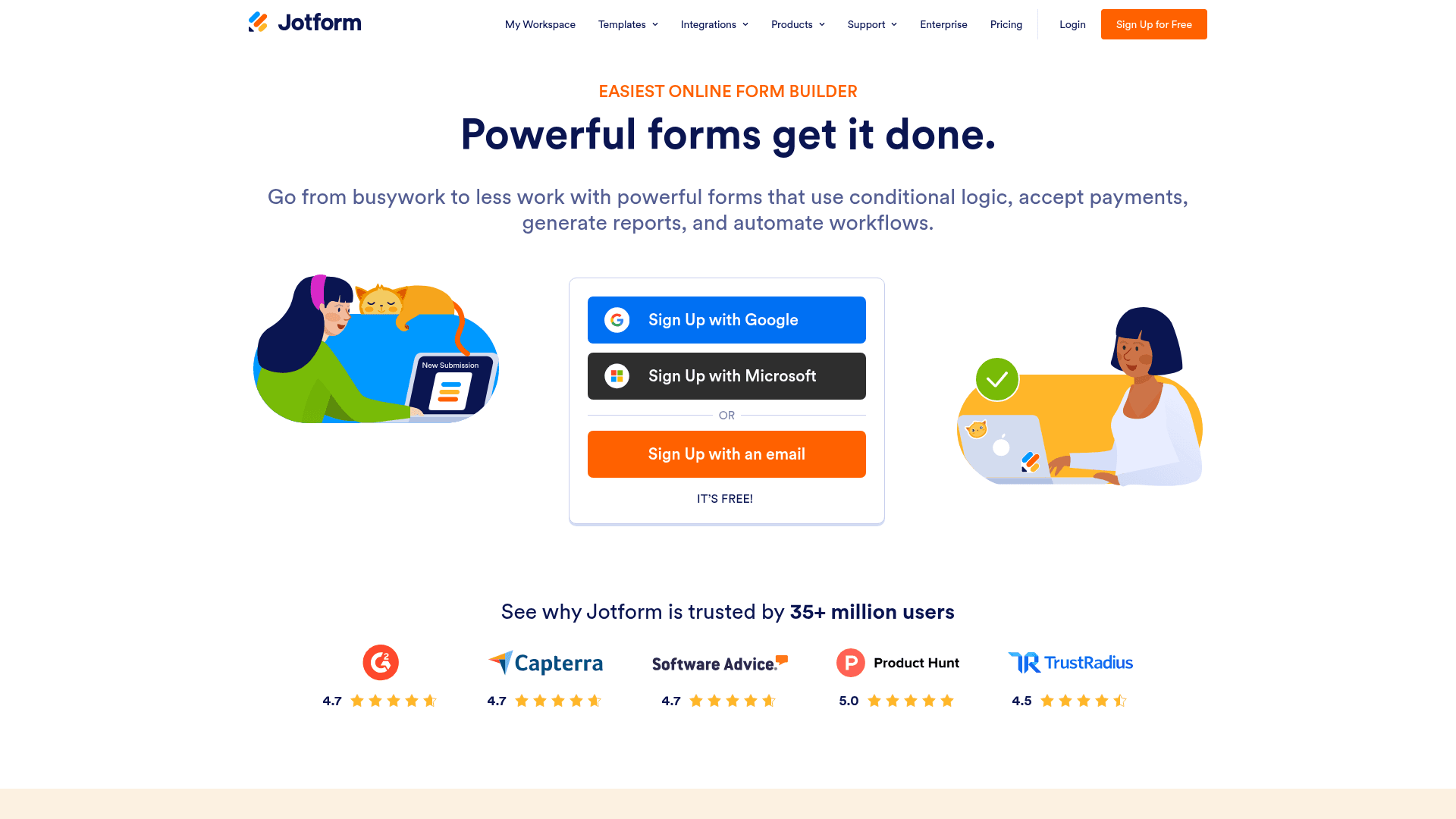
Jotform has been building forms for close to two decades, and the catalogue shows it: 20,000+ templates, 40+ payment gateways, and a field type for almost any situation you can describe.
For data collection specifically, the useful parts are the conditional logic and the approval workflows, plus a mobile app that handles offline entry.
Monthly billing costs more than the advertised annual rates. Bronze is $39, Silver $49, and Gold $129, where the pricing page shows $34, $39, and $99.
| Strengths | Weaknesses |
|---|---|
| 20,000+ templates | Every tier meters submissions |
| Mobile app supports offline collection | Advertised prices are the annual rates |
| 40+ payment gateways | Dense interface that takes time to learn |
| Approval workflows built in | Free plan covers 100 submissions a month |
| HIPAA features from the Gold plan |
| Plan | What you get |
|---|---|
| Starter (free) | $0. 5 forms, 100 submissions/mo |
| Bronze | $39/mo ($34/mo billed yearly). 1,000 submissions/mo |
| Silver | $49/mo ($39/mo billed yearly). 2,500 submissions/mo |
| Gold | $129/mo ($99/mo billed yearly). 10,000 submissions/mo, HIPAA features |
Best for: teams with long requirement lists and budget for the tier that covers them.
The catch: submissions are metered on every plan, so growth moves you up the ladder on volume alone.
G2 rating: 4.7/5, from 5,426 reviews, the largest base of any dedicated form tool here.
3. Typeform, best for qualitative surveys
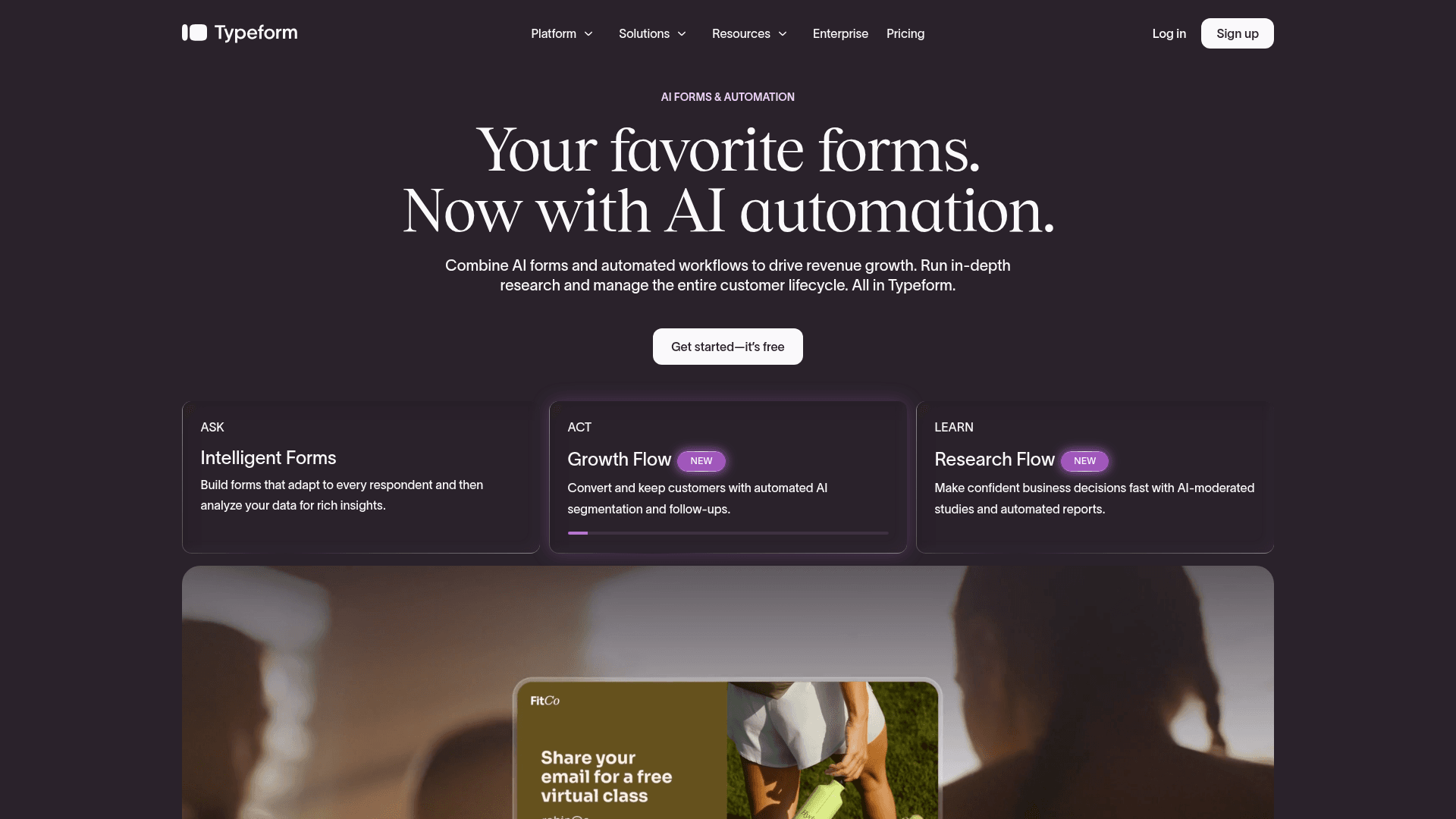
Typeform asks one question at a time, and people finish those surveys more often than they finish a page of fields. For qualitative work where the quality of an answer matters more than the count, that is the whole argument.
The editor is deliberately spare, and its AI Growth Flow drafts a complete survey from a prompt.
It is also the most expensive way to collect volume here. Free covers 10 responses a month, Basic is $39 with 100 responses, Plus $79 with 1,000, and Business $129 with 10,000.
| Strengths | Weaknesses |
|---|---|
| Highest completion rates on longer surveys | Free plan covers only 10 responses a month |
| Polished respondent experience | Cost per response is the highest in this list |
| AI drafts a full survey from a prompt | Advertised prices are the annual rates |
| Strong analytics on drop-off | Not built for offline collection |
| Plan | What you get |
|---|---|
| Free | $0. 10 responses/mo |
| Basic | $39/mo ($28/mo billed yearly). 100 responses/mo |
| Plus | $79/mo ($56/mo billed yearly). 1,000 responses/mo, 3 seats |
| Business | $129/mo ($91/mo billed yearly). 10,000 responses/mo, 5 seats |
Best for: research and CX teams that value a finished response over a cheap one.
The catch: price scales with volume faster than anything else here. Model the cost at your expected response count before committing.
G2 rating: 4.5/5, from 1,017 reviews. A large base, and cost is the most common complaint inside it.
4. Google Forms, best free option
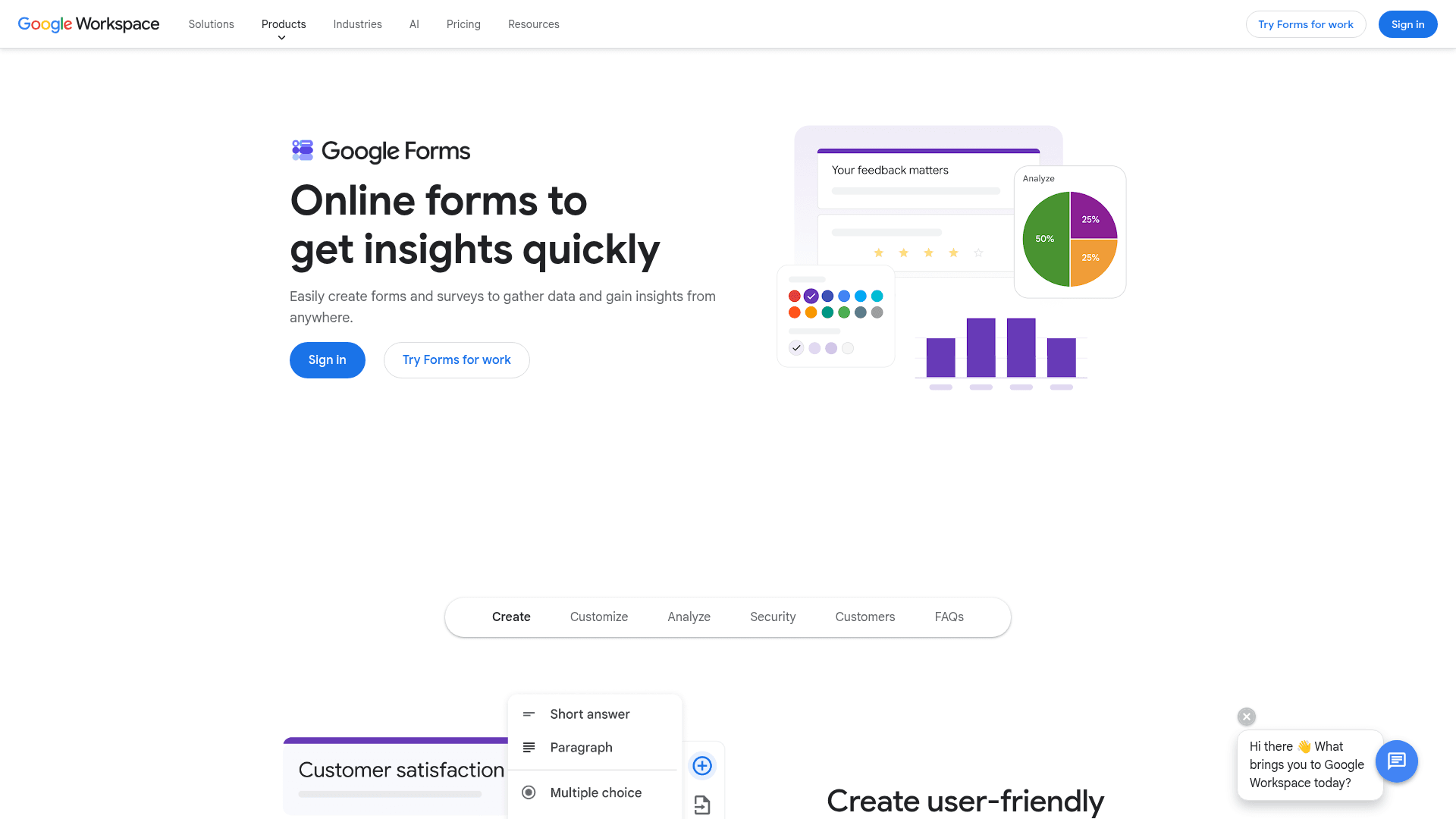
Google Forms is free with any Google account and has no practical response limit, which makes it the default for internal collection at most companies that already use Workspace.
Answers land in Sheets, where most teams were going to analyse them anyway. That single connection saves more time than any feature on this list.
There is no Forms-specific paid plan. It arrives with Google Workspace, where Business Starter is $7 per user a month on an annual basis, Standard is $14, and Plus is $22.
| Strengths | Weaknesses |
|---|---|
| Free with any Google account | Very limited design control |
| No practical response cap | No offline collection |
| Answers sync to Sheets automatically | Skip-to-section logic only |
| Real-time collaborative editing | No native payment collection |
| Familiar to almost every respondent |
| Plan | What you get |
|---|---|
| Free | $0 with any Google account. Effectively unlimited responses |
| Workspace Business Starter | $7/user/mo, annual basis |
| Workspace Business Standard | $14/user/mo, annual basis |
| Workspace Business Plus | $22/user/mo, annual basis |
Best for: internal collection inside a Google Workspace team.
The catch: it stops at the browser. Field teams without connectivity, or forms that need your branding, both need a different tool.
G2 rating: Google Forms has no standalone G2 profile. The 4.6/5 from 48,175 reviews quoted elsewhere belongs to Google Workspace as a whole.
5. Microsoft Forms, best for Microsoft 365 tenants
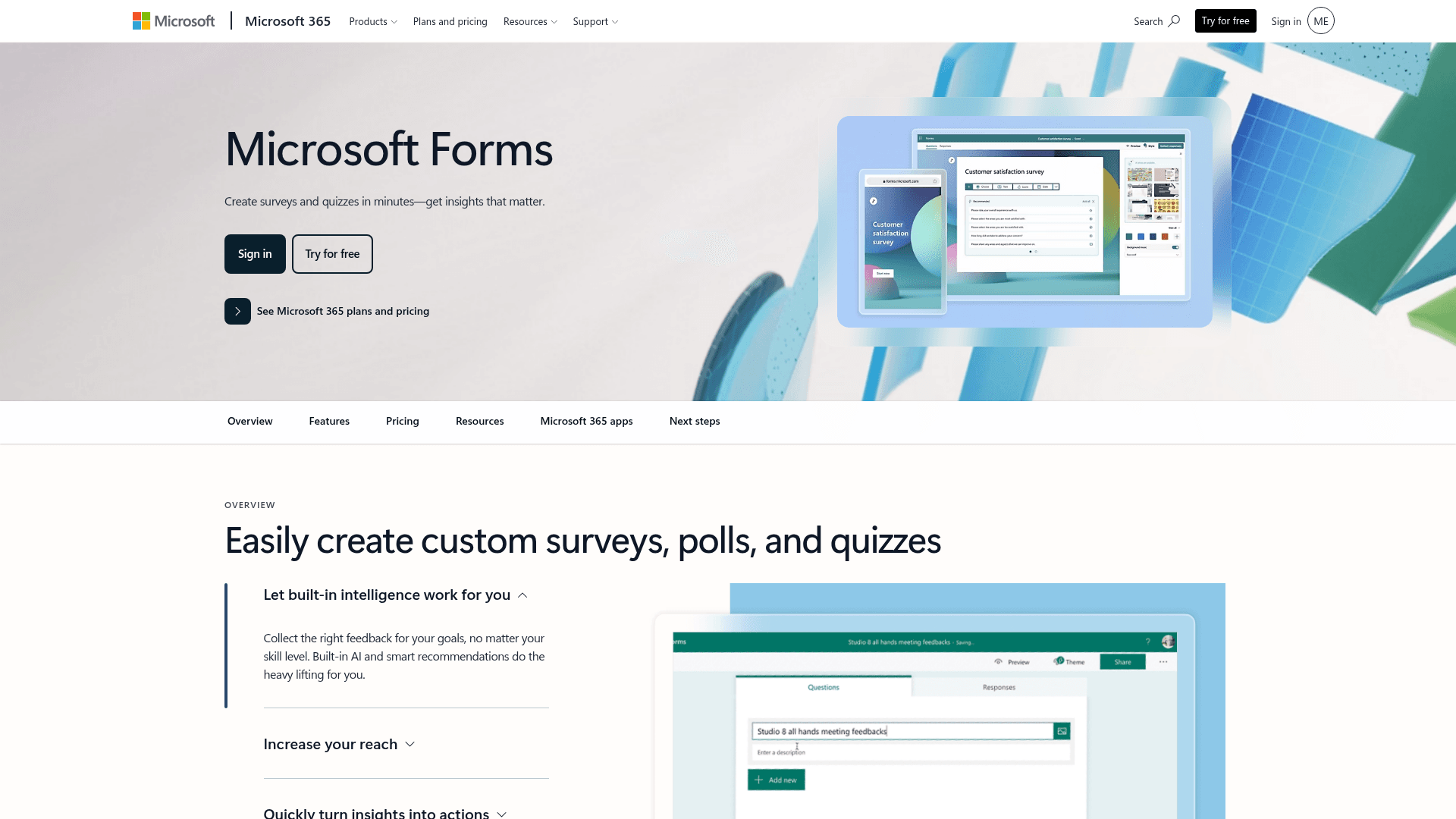
Microsoft Forms does for Microsoft 365 what Google Forms does for Workspace: it is already provisioned at no extra cost, and results land in Excel.
The advantage over Google is governance. Forms inherits the tenant's compliance posture, including SOC 2 and ISO 27001, with HIPAA available where configured, which matters in regulated organisations.
Pricing is a suite decision. Business Basic is $7 per user a month on annual billing, and Business Standard now bundles Copilot at $23.50.
| Strengths | Weaknesses |
|---|---|
| No extra cost inside Microsoft 365 | Free accounts cap at 200 responses per form |
| Inherits tenant compliance posture | Very limited design control |
| Results flow into Excel | No offline collection |
| Polls work directly inside Teams | Little value outside a Microsoft organisation |
| Plan | What you get |
|---|---|
| Free | $0 with a personal Microsoft account. 200 responses per form |
| M365 Business Basic | $7/user/mo, annual basis |
| M365 Business Standard with Copilot | $23.50/user/mo, annual basis |
| M365 Business Premium with Copilot | $32/user/mo, annual basis |
Best for: organisations already paying for Microsoft 365 that need compliant internal collection.
The catch: outside a Microsoft tenant there is little reason to choose it, and the 200-response cap on free accounts arrives quickly.
G2 rating: 4.4/5, from 476 reviews, at the lower end here, which fits its narrow scope.
6. Fillout, best for Airtable and Notion teams
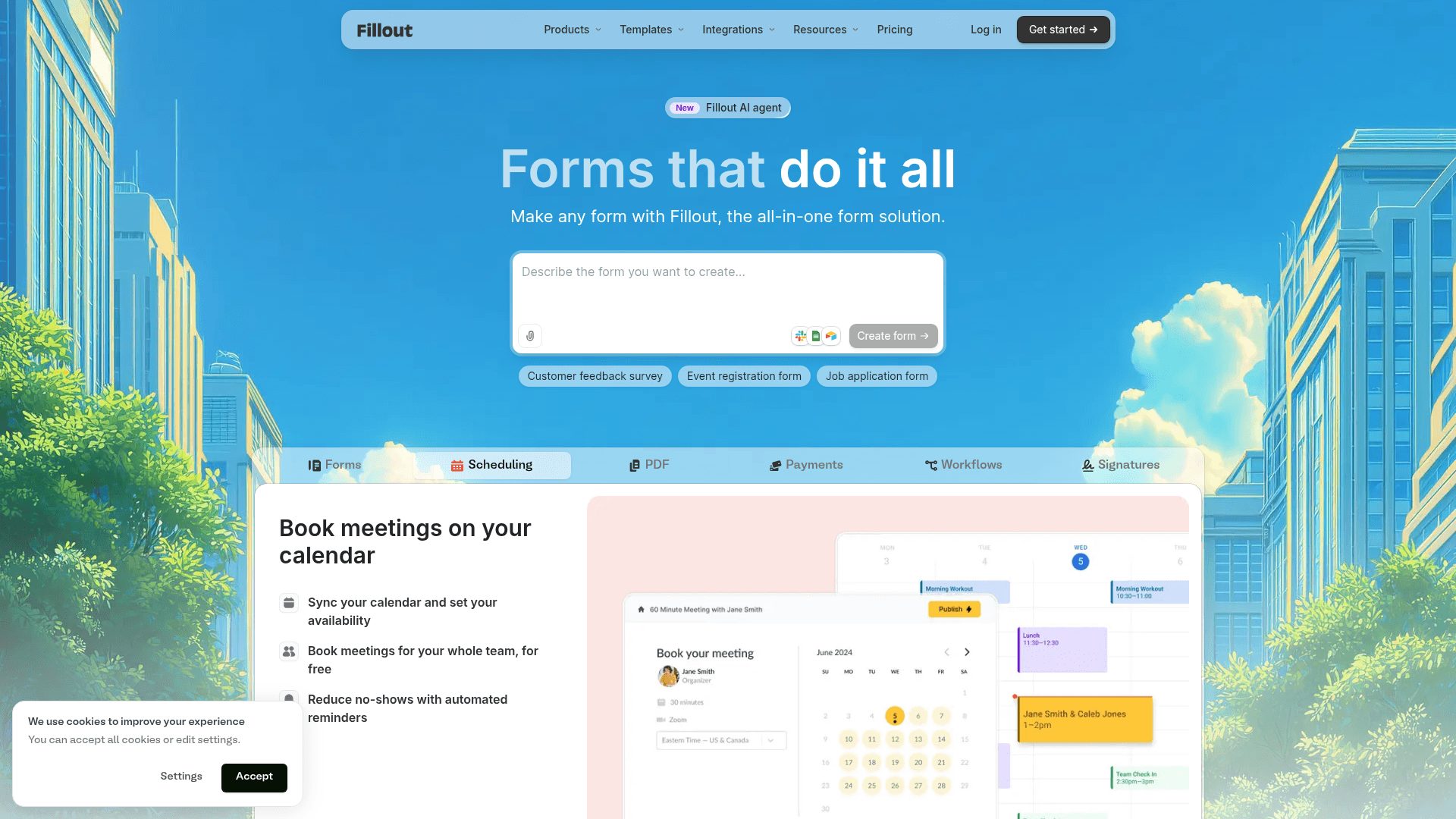
Fillout treats Airtable and Notion as the destination rather than an integration. Responses write into existing records and update rows on match, which no other tool in this list does properly.
The free plan is unusually generous for the category: 1,000 responses a month with unlimited seats, which many small teams never outgrow.
Paid plans on monthly billing run $19 for Starter, $49 for Pro, and $89 for Business. Paying yearly brings those to $15, $40, and $75.
| Strengths | Weaknesses |
|---|---|
| Writes back into Airtable and Notion records | The main advantage disappears outside Airtable and Notion |
| 1,000 responses a month on the free plan | Advertised prices are the annual rates |
| Unlimited seats on every tier | 30 G2 reviews, a small sample |
| Multi-step forms by default | No offline collection |
| AI drafts a full form from a prompt |
| Plan | What you get |
|---|---|
| Free | $0. 1,000 responses/mo, unlimited seats |
| Starter | $19/mo ($15/mo billed yearly, $180/year) |
| Pro | $49/mo ($40/mo billed yearly, $480/year) |
| Business | $89/mo ($75/mo billed yearly, $900/year) |
Best for: operations and product teams whose source of truth is Airtable or Notion.
The catch: take away those two databases and Fillout becomes an ordinary form builder on a list that already has several.
G2 rating: 4.6/5, from 30 reviews. A small base, consistent with a newer product.
7. Zoho Forms, best for Zoho users
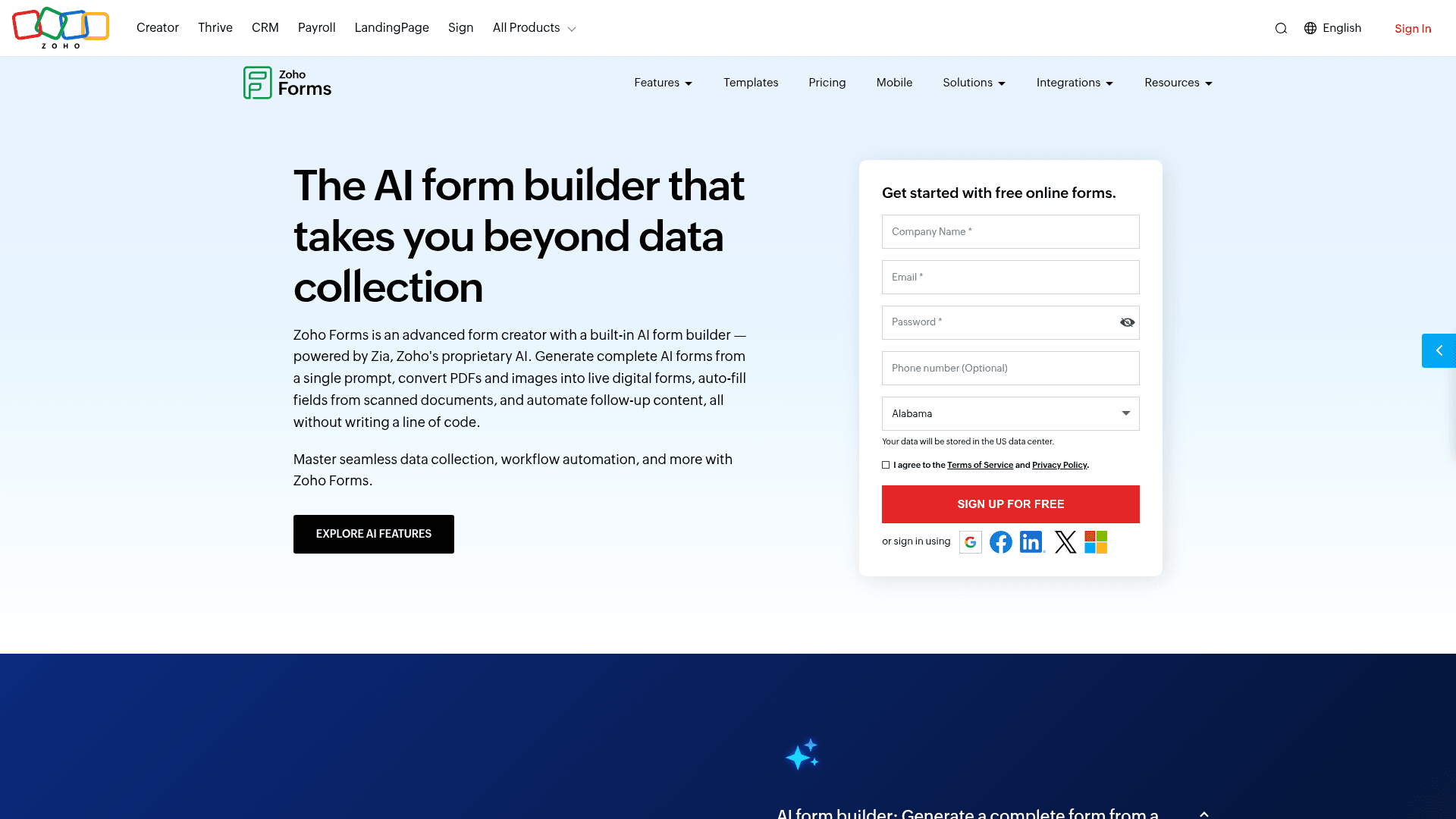
Zoho Forms earns its place through one connection: submissions become Zoho CRM records in a click, set up faster than any third-party integration manages.
For field collection it also ships native iOS and Android apps that work offline, which is rare outside Formester and Jotform here.
Pricing stays modest the whole way up. Basic is $10 a month, Standard $25, Professional $50, and Premium $90, each per month billed annually, above a free plan of 3 forms and 500 submissions.
| Strengths | Weaknesses |
|---|---|
| One-click sync into Zoho CRM | Little reason to choose it outside the Zoho suite |
| Native offline apps for iOS and Android | Interface feels dated |
| Cheapest paid entry point in this list | Free plan covers 3 forms |
| Approval workflows included | Prices are the annual-billed rates |
| Plan | What you get |
|---|---|
| Free | $0. 3 forms, 500 submissions/mo |
| Basic | $10/mo billed annually. 10,000 submissions/mo |
| Standard | $25/mo billed annually. 25 forms, approval workflows |
| Professional | $50/mo billed annually. Unlimited forms, payment integrations |
| Premium | $90/mo billed annually. HIPAA compliance, Salesforce integration |
Best for: teams already paying for Zoho that want the tightest CRM connection.
The catch: every advantage depends on the Zoho products around it. On its own the tool is unremarkable.
G2 rating: 4.4/5, from 129 reviews, at the lower end here.
8. KoboToolbox, best for humanitarian field work
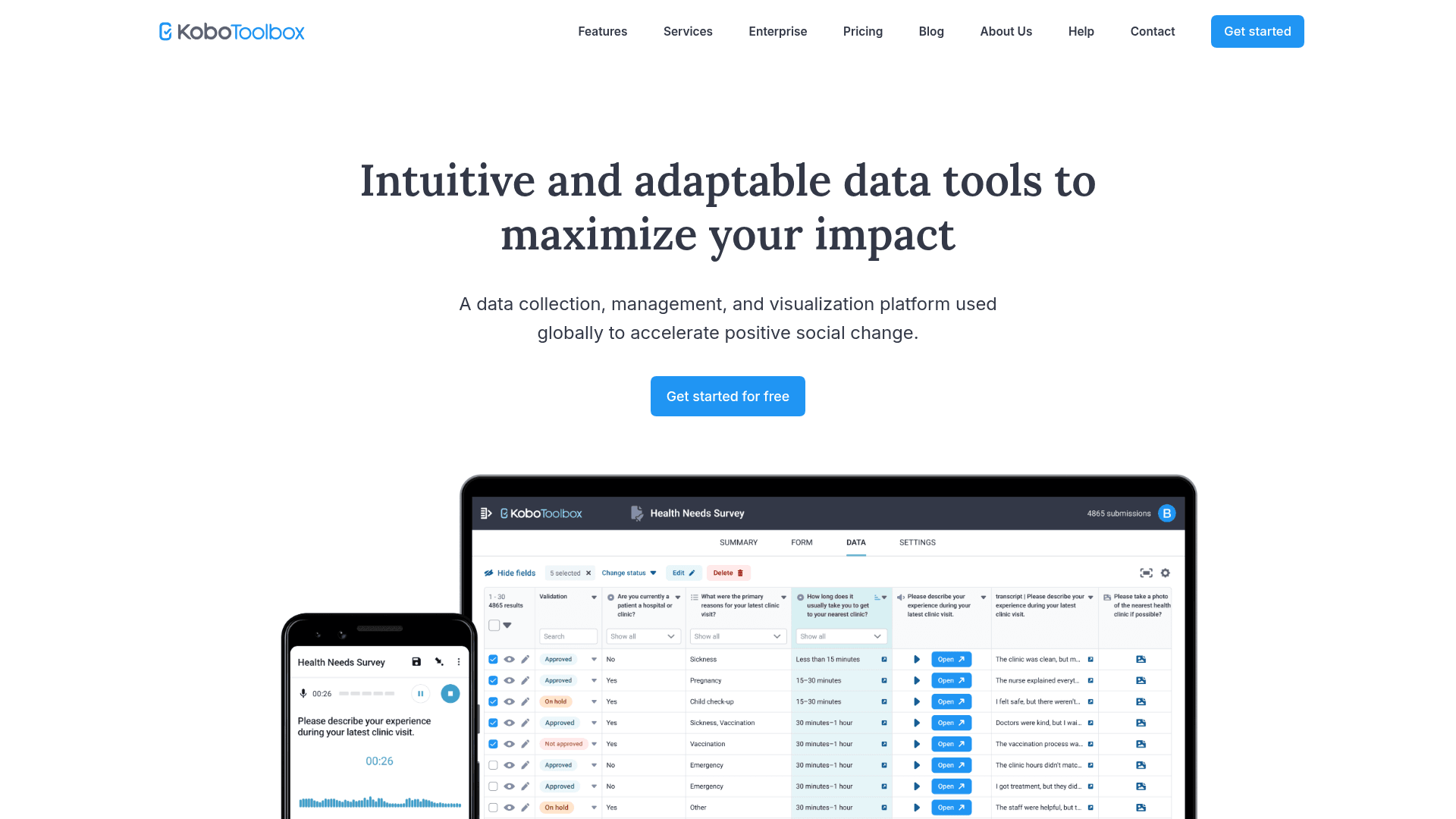
KoboToolbox comes from the humanitarian sector rather than the software market, and it shows in the design. It handles complex household surveys, multi-language questionnaires, and offline enumeration on shared devices.
The Community plan is free for many organisations, and the platform is open source, so self-hosting is a genuine option for teams with the capacity to run it.
Paid hosting is priced well above the rest of this list: Professional at $159 a month and Teams at $289, with additional licences at $49 each.
| Strengths | Weaknesses |
|---|---|
| Built for offline field enumeration | Paid hosting is the most expensive here |
| Handles long, complex questionnaires | Interface is functional rather than polished |
| Open source with a self-hosting option | 4 G2 reviews, too few to judge by |
| Free Community plan for eligible organisations | Aimed at research rather than marketing or sales |
| Strong multi-language support |
| Plan | What you get |
|---|---|
| Community | Free for eligible humanitarian and academic projects |
| Professional | $159/mo. Expanded storage and support |
| Teams | $289/mo. Higher limits and priority support |
| Enterprise | Custom pricing |
Best for: field research and humanitarian data collection, especially offline.
The catch: the jump from free to $159 a month is the steepest in this list, and there is no small paid tier in between.
G2 rating: 4.8/5, from 4 reviews. Far too few to carry meaning; judge it on the product and its sector track record.
9. SurveyMonkey, best for enterprise research
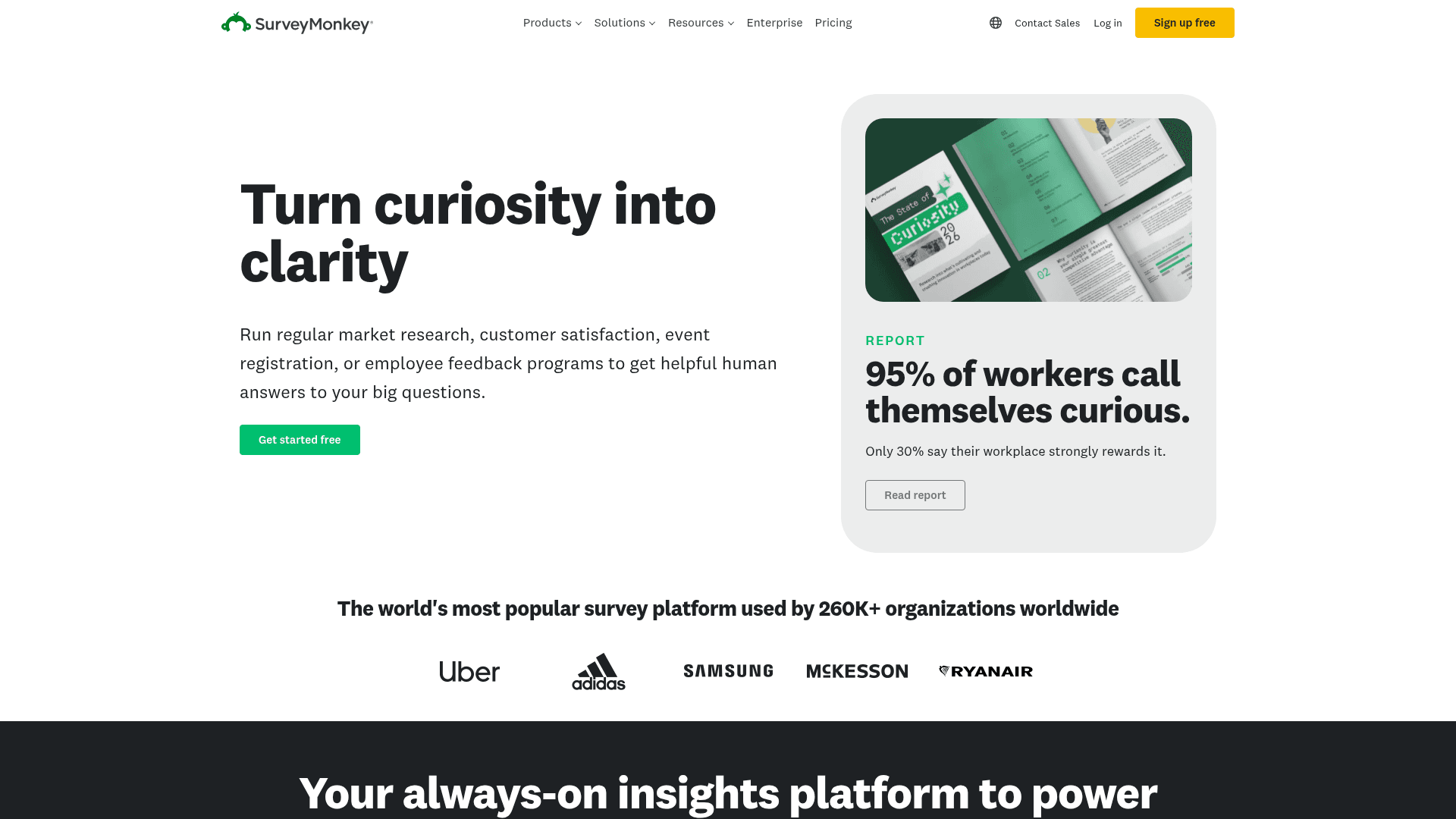
SurveyMonkey is the name research teams recognise, and its question bank, methodologist-reviewed templates, and benchmarking data are what larger organisations pay for.
For straightforward collection it is more tool than most teams need, but for structured research with statistical rigour it remains the default.
Its published pricing now covers team plans only: Team Advantage at $30 per user a month and Team Premier at $92, with a three-seat minimum and $0.15 per response over your limit. Individual plans are no longer listed on the pricing page.
| Strengths | Weaknesses |
|---|---|
| Methodologist-reviewed template library | Per-user pricing with a three-seat minimum |
| Benchmarking against industry data | $0.15 charged per response over the limit |
| Strong statistical analysis tools | Individual plans are no longer published |
| Recognised by research and procurement teams | Heavier than most collection work requires |
| Plan | What you get |
|---|---|
| Free | Limited free tier with capped questions and responses |
| Team Advantage | $30/user/mo, three-seat minimum |
| Team Premier | $92/user/mo, three-seat minimum |
| Enterprise | Custom pricing |
Best for: research teams that need statistical rigour and recognised methodology.
The catch: the three-seat minimum makes the real entry price $90 a month, and overage is billed per response.
G2 rating: 4.4/5, from 23,901 reviews. A very large base, and the score reflects long-term familiarity more than delight.
Collect data without response caps
Formester's free plan ships unlimited forms, unlimited responses, an AI form creator and offline forms. No credit card, no submission cap.
Free forever plan • No credit card • Setup in 2 minutes
How to pick the right data collection software
Start with where the data gets collected, because that rules tools out fastest. If enumerators work without reliable connectivity, only Formester, Jotform, Zoho Forms and KoboToolbox stay on the list.
If connectivity is not an issue, the next question is volume. Unpredictable or high response counts point to Formester, which never meters. Predictable low volume opens up the free tiers of Google Forms and Microsoft Forms.
After that it is ecosystem. Airtable or Notion points to Fillout, Zoho to Zoho Forms, while formal research with statistical requirements points to SurveyMonkey or KoboToolbox.