All Blogs
Form Publisher for Google Forms: How It Works and What It Costs
Form Publisher turns each Google Form response into a PDF, Doc, or Office file built from a template you design. What it does, what it costs after the 20 free submissions a month, how to set it up, where it stops, and the alternatives.
How to Make a Google Form Expense Tracker
Build an expense tracker with Google Forms and Google Sheets: a phone-friendly form with a number-only amount and a category dropdown, the Sheet formulas that total it by category and month, and what Google Forms cannot do.
Can You Edit a Google Form After Publishing?
Yes. Which edits are safe once responses exist, what happens to the answers when you delete a question, how respondents edit a submitted answer, and what the form owner can and cannot fix.
Does Google Forms Save Progress?
Google Forms saves a draft for 30 days, but only for people signed in to a Google account. The exact conditions from Google's own page, why a draft goes missing, and how a form owner turns autosave off.
How to Create an Online Form from a PDF (No Rebuilding)
Create an online form from a PDF in minutes. Upload it, let AI detect the fields, and share a mobile-friendly form by link or QR. No manual rebuilding.
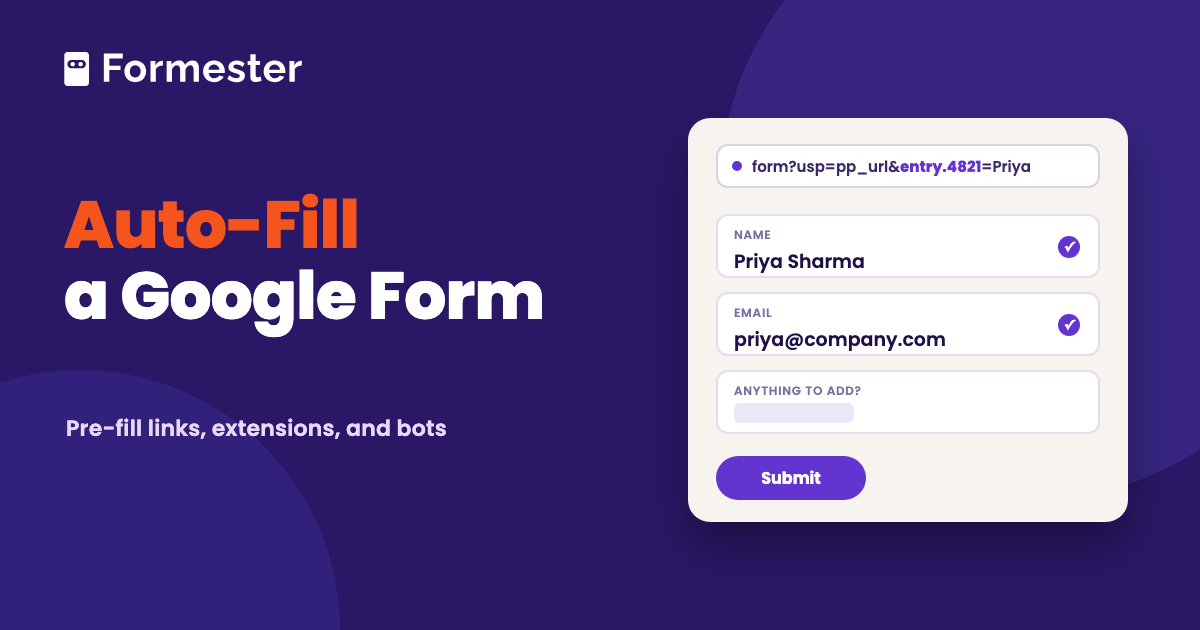
Google Form Auto Filler: Pre-fill Links vs Extensions
A Google Form auto filler is either a link that opens the form with answers already in it, or a browser tool that types your saved details into a form someone sent you. This guide walks through Google's built-in pre-fill link and the entry IDs behind it. It then covers the Chrome extensions for filling forms you were sent and answers the bot question. The last section shows where pre-fill stops.
How to Create an Evaluation Form in Google Forms
Create an evaluation form in Google Forms: rating scales, quiz mode for scored evaluations, and ready-to-use questions for employee, course, teacher, and event evaluations.
Is Google Forms HIPAA Compliant?
Google Forms is covered by Google's HIPAA Business Associate Addendum, but only on a Workspace account with a signed BAA, and add-ons fall outside it. Here is what that means in practice.
How to Use Response Validation in Google Forms (With Examples)
Set up response validation in Google Forms: number, text, length, and regex rules, copy-paste regex patterns for phone numbers and dates, checkbox limits, and what validation can't catch.