bevdkbdf.formester.com/f/5joFcfaiz

Identity Verification and Authorization Consent

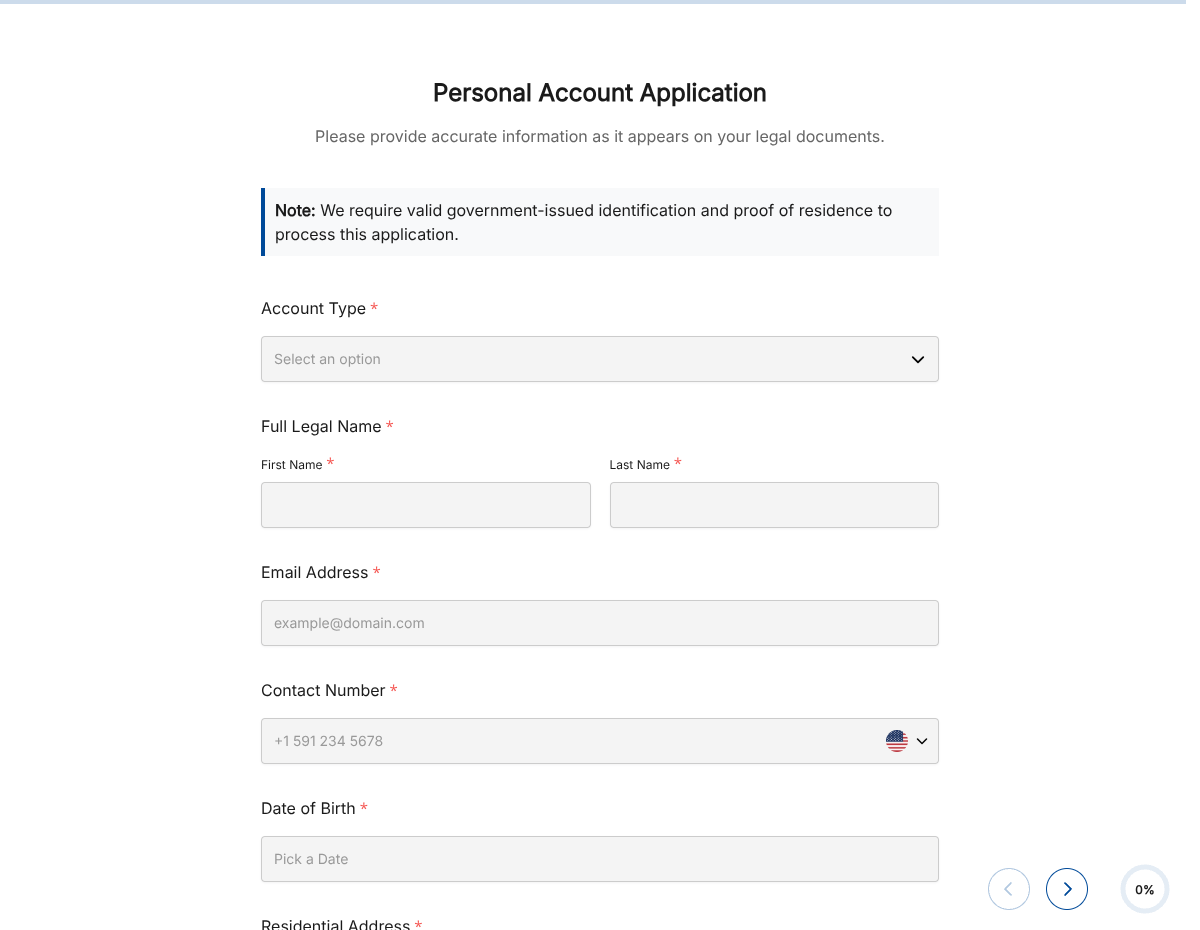
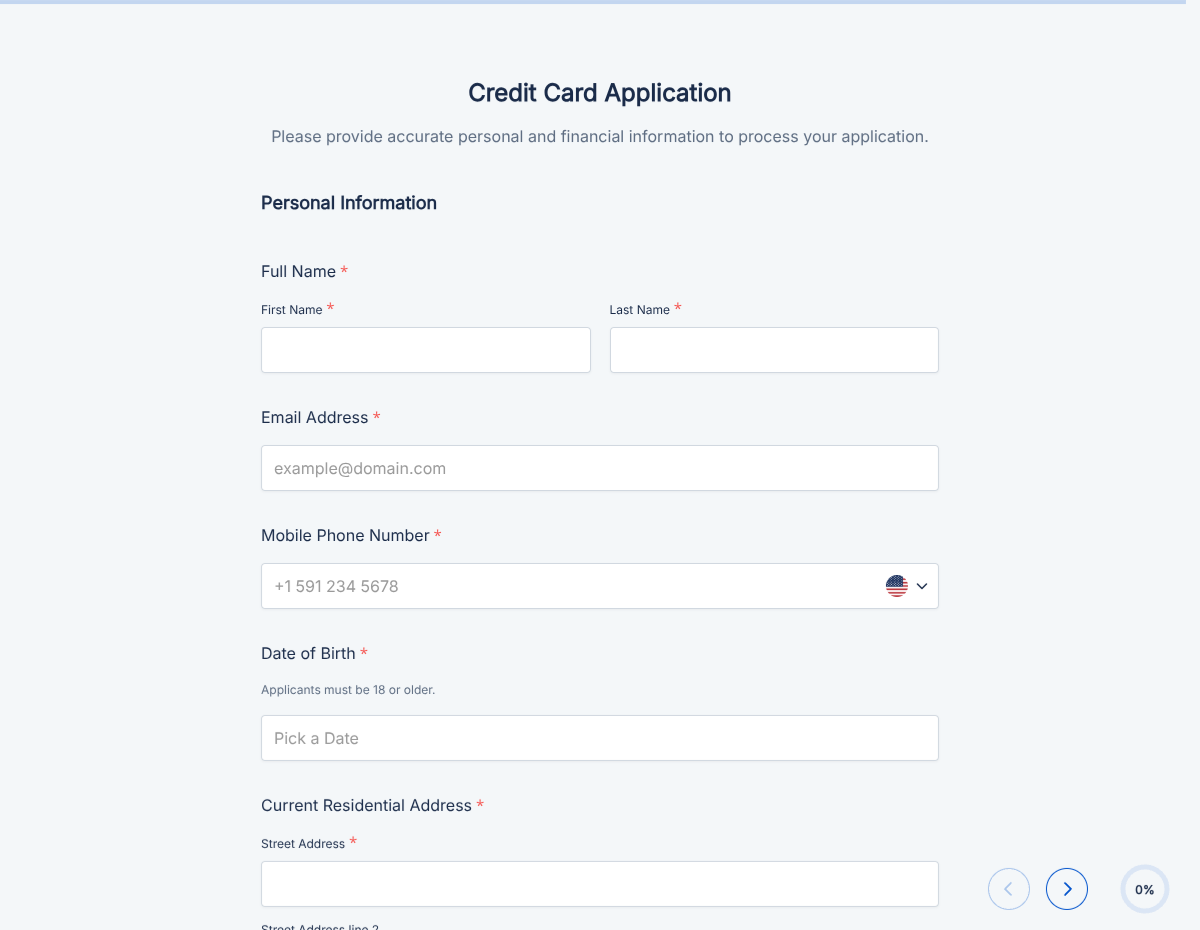
An identity verification form that captures government ID, address proof, biometric confirmation, and signed declaration. Exported as a signed PDF for the verification record.

Banking & Finance

About this template

This identity verification form template runs on Formester's drag-and-drop form builder, sized for KYC, onboarding, and any team that needs documented identity verification before doing business. Capture the user's government ID, address proof, biometric confirmation, and signed declaration in one secure flow.

Replace the email-back-and-forth of ID copies. Users upload their documents, sign the declaration with e-signature, and the verification packet is generated as a clean PDF. Encrypted in transit and at rest.

Use conditional logic to switch between document types (passport, driver's license, national ID), surface the secondary-proof block per jurisdiction, and skip blocks that don't apply to the user's country.

Push every verification to your compliance system via webhook, sync with your KYC provider via Zapier, or log to Google Sheets for an internal audit trail.
How to customize this identity verification form

Six steps to a compliance-ready verification flow.

Brand the header

Replace the placeholder organization name, logo, address, and contact details with your brand. Set primary colors so the form matches the page it lives on.

Set accepted document types

Configure the ID document dropdown (passport, driver's license, national ID card, residence permit). Each surfaces its specific upload fields and required-info captions.

Add address-proof options

Add the accepted address-proof types (utility bill, bank statement, lease agreement). Set an age limit on the documents (e.g., issued in the last 90 days).

Configure jurisdictional blocks

Add country-specific blocks if your business operates in multiple jurisdictions. Use conditional logic to surface only the relevant block (e.g., EIN for US business, VAT number for EU).

Wire delivery

Push every submission to your CRM or e-vault through a webhook, or use Zapier for fan-out to email, Slack, and notifications. Turn on Autoresponder Email if the signer should receive a copy.

Publish and share

Embed the form on your site, share the direct link by email, or generate a QR code for in-person signing. Every submission lands in the dashboard with a clean PDF for the file.

When to use this identity verification form

Six verification scenarios this template handles.

Bank or fintech KYC

New-account onboarding. Captures ID, address proof, and the declaration; pushes to the KYC provider.

High-value transaction verification

Triggered before a large transfer. Captures ID + transaction-specific declaration.

Real-estate tenant screening

Landlord captures applicant ID, address history, and the screening declaration.

Marketplace seller verification

Marketplace verifies seller before payouts. Captures business documents alongside the personal ID.

Gig-platform contractor onboarding

Verifies the contractor's identity before assigning jobs and processing payments.

Regulated-industry recurring verification

Annual or periodic re-verification. Pulls the prior verification from the dashboard for delta capture.

Fields included in this template

Standard KYC field set. Configure document types and jurisdictional blocks per business need.

  • Full legal name Short text

    Match the document exactly.

  • Date of birth Date picker

    Identity-matching field.

  • Nationality Dropdown

    Drives jurisdictional blocks and accepted document types.

  • Government ID type Dropdown

    Passport, driver's license, national ID. Drives the upload prompts.

  • ID document upload File upload

    Front and back (where applicable). Stored encrypted at rest.

  • ID details Short text + date

    Document number, issue date, expiry.

  • Address proof type Dropdown

    Utility bill, bank statement, lease. Age limit (e.g., last 90 days).

  • Address proof upload File upload

    PDF or image. Encrypted at rest.

  • Address Address

    Confirmed residential or business address.

  • Biometric / selfie File upload, optional

    Selfie with ID. Optional unless your KYC provider requires it.

  • Declaration Checkbox

    User confirms the information and documents are true and current.

  • E-signature E-signature

    Captures the declaration in legally-defensible form.

Questions we get a lot

Operator and signer questions about security, integrations, jurisdiction, and configuration.

Is the submission data secure?
Yes. Every submission is encrypted in transit and at rest. Add a custom subdomain on paid plans so the form lives on your own URL through the entire flow.
Can I capture a signature on the verification form?
Yes. The template includes an e-signature field, and the signed PDF is generated automatically on submission. Both parties can countersign if your workflow needs it.
Can I auto-send a copy to the signer?
Yes. Turn on Autoresponder Email to send the completed PDF to the signer the moment they submit. No manual follow-up required.
Can I route every submission to my system of record?
Yes. Push each submission via a webhook for real-time delivery, or use Zapier to fan out to your CRM, e-vault, and ops stack. Google Sheets sync works if you just need a log.
How are uploaded ID images stored?
Every file upload is encrypted at rest in Formester's storage. Set retention rules in your dashboard so old verifications are purged on a schedule that matches your compliance policy.
Does this run a real ID-document check?
No. Formester captures the documents and the declaration; it does not run a KYC verification against the issuing authority. Pair with a dedicated KYC provider (Onfido, Persona, Veriff, etc.) via webhook if you need automated authenticity checks.