Load the template
Click Use Template to load the form into your Formester workspace.
A medication administration audit catches the small errors that turn into incident reports: a missed signature, a dose given an hour late, a route swapped from oral to IV. This Medication Administration Audit Checklist gives nursing homes, pharmacies, clinics, and hospitals a structured way to audit Medication Administration Records (MARs), verify storage, and document every check against the prescription. Run it monthly, after an incident, or during accreditation prep. Collect signatures from the auditor and the supervising pharmacist on the same form. Upload supporting MAR scans, photos of storage, or pharmacy logs as evidence. Share by link, embed inside your intranet, or print a QR code for ward access. Built on Formester, so you get conditional logic, file uploads, electronic signatures, and form analytics out of the box. No paper, no spreadsheet hand-off, no missing records at audit time.
Medication errors are the most common preventable adverse event in healthcare. A consistent audit, run against the Medication Administration Record, is the cheapest control you have. This template digitises that audit so the data is searchable, signed, and ready for the next CMS, Joint Commission, or state survey.
The form covers the five rights (right patient, right drug, right dose, right route, right time), expiration and labelling checks, storage conditions, controlled-substance handling, and documentation accuracy. Each item logs a Yes/No answer with space for an error code and a free-text note, so a single audit doubles as a clinical record and a training input.
Customise the checklist in the drag-and-drop form builder. Use conditional logic to show follow-up questions only when an item is flagged. Capture electronic signatures from the auditor and supervising pharmacist. Attach MAR scans or storage photos with file upload. Track audit trends across wards or shifts with form analytics. Share by link, embed it in your intranet, or generate a QR code for bedside access.
From clone to bedside QR code in eight steps. Most teams finish the swaps in under thirty minutes.
Click Use Template to load the form into your Formester workspace.
Open the form in the drag-and-drop builder and rename it for your facility.
Add or remove items so the checklist matches your policy, your accreditation framework, and the medications you actually stock.
Switch on conditional logic so the form only asks for an error code when an item is marked No.
Add a second electronic signature block for the supervising pharmacist or DON.
Attach a file upload field for MAR scans, storage photos, or controlled-substance logs.
Share the link with nursing staff, embed it in your intranet, or generate a QR code and post it at the medication cart.
Review submissions in form analytics and export to CSV for the next survey.
Seven scenarios where this checklist fits without modification. Routine compliance, post-incident review, accreditation prep, and spot checks on high-risk meds.
Routine Medication Administration Record audits in nursing homes and long-term care facilities.
Structured review after a near-miss or medication error, with error codes and corrective actions logged.
Documented, repeatable audits ahead of CMS, Joint Commission, or state surveys.
Competency checks for nurses, medication aides, and pharmacy techs on their first administrations.
Targeted audits on controlled substances and high-alert medications between full reviews.
Inventory and storage audits across wards, branches, or satellite pharmacies.
Medication reconciliation on home-health and hospice visits, captured on a phone via QR code.
Every field grouped by audit stage. Drop any you do not need; the rest work on the free tier.
Patient and audit details
Patient name and patient ID Short text
Audit date Date
Auditor name (first, last) Short text
Ward, unit, or pharmacy location Dropdown
Supervising pharmacist or DON Short text
Medication verification
Medication name, dose, and route are correct Yes/No
Prescription matches the medication dispensed Yes/No
Dosage instructions are clear Yes/No
No duplicate medications prescribed Yes/No
Patient allergies and contraindications noted Yes/No
Administration record
Medication administered at the correct time Yes/No
Correct technique used for administration Yes/No
Right patient received the medication Yes/No
MAR entry signed and dated Yes/No
Error code logged if a deviation occurred (omission, wrong time, wrong dose, wrong route, wrong patient, documentation error) Dropdown
Storage and inventory
Stored within required temperature and humidity range Yes/No
Expired medications removed from storage Yes/No
Controlled substances locked and counted Yes/No
Labelling intact and legible Yes/No
Documentation and evidence
Notes field for variances and corrective actions Long text
Supporting documents upload (MAR scans, storage photos, pharmacy logs) File upload
Auditor electronic signature Signature
Pharmacist or supervisor counter-signature Signature
What nurses, pharmacists, and compliance leads ask most about running medication administration audits with this checklist.
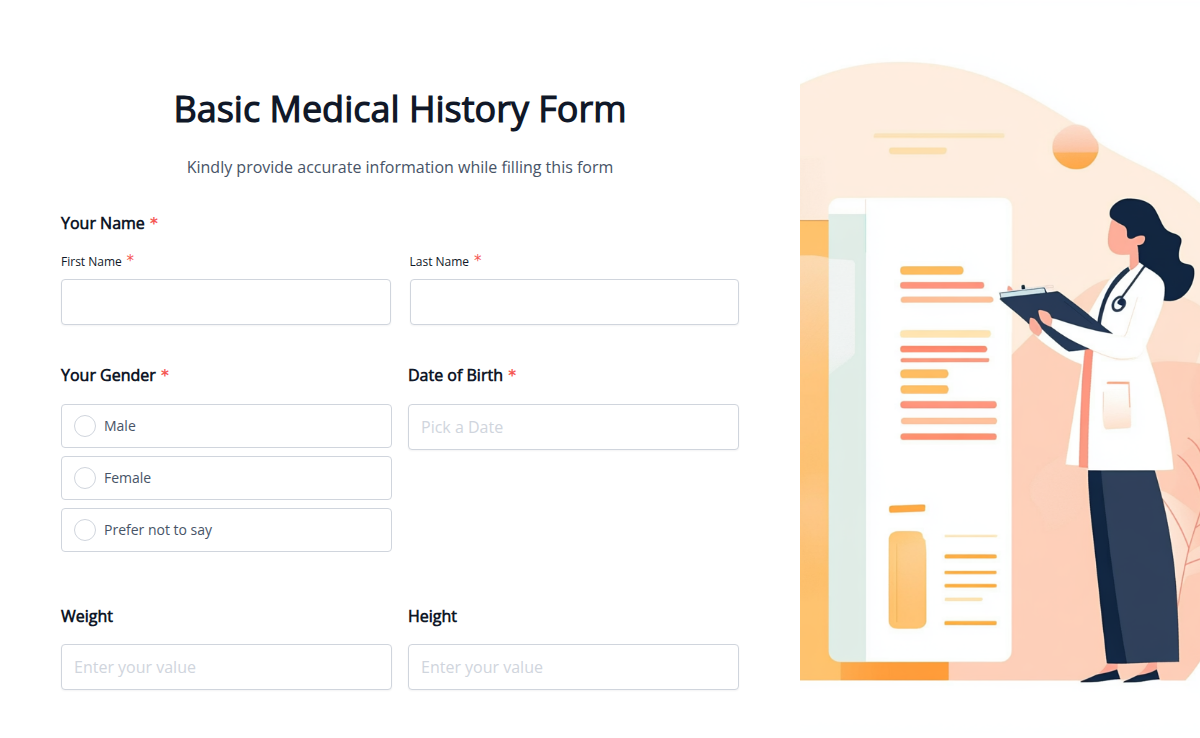
Collecting a patient’s medical history is crucial for accurate diagnoses and effective treatments. Our Basic Medical History Template helps healthcare providers quickly gather essential patient details, including allergies, medications, past illnesses, and family history. With Formester’s Form Builder, you can fully customize the form to suit your needs. Enable file uploads to collect previous reports, set up electronic signatures for patient consent, and use conditional logic to display relevant questions based on responses. Easily embed this form on your website or share it as a secure link. Patients can fill it out before their appointment, reducing paperwork at the clinic. Get started with this Free Form Template and make patient data collection faster and more organized!
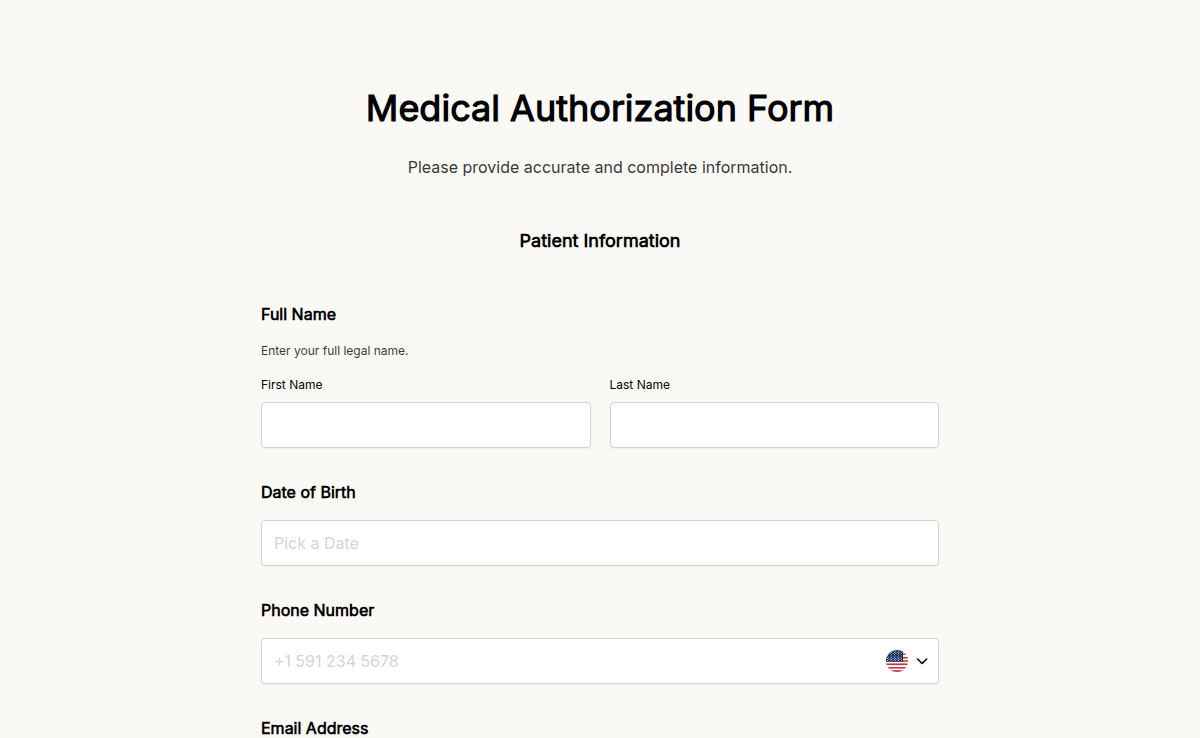
Make giving medical consent simple and hassle-free with our Medical Authorization Form Template. This customizable form helps you collect all the necessary details, ensuring clear and secure medical consent for any situation. Whether you’re a healthcare provider or an individual needing to authorize care, this form is perfect for your needs. With e-signature collection, you can easily and securely gather legal consent online. The form also uses conditional logic, showing only the fields needed based on the situation, saving time and avoiding confusion. It’s easy to embed the form on your website or share it via email, making it convenient for anyone to fill out. Whether you’re handling patient authorizations or emergency consent, this professional and user-friendly form makes the process faster and stress-free. Simplify medical authorizations today with Formester!
The medical consent form for grandparents allows grandparents to make medical decisions for their grandchildren in emergencies. It’s perfect for parents who want peace of mind while their kids are with family. This simple, clear form ensures caregivers can act quickly when needed. With Formester, you get a customizable medical consent form for grandparents that can be shared with anyone through a unique link. This free medical consent form or a detailed template, this form helps protect your family. Try it now!
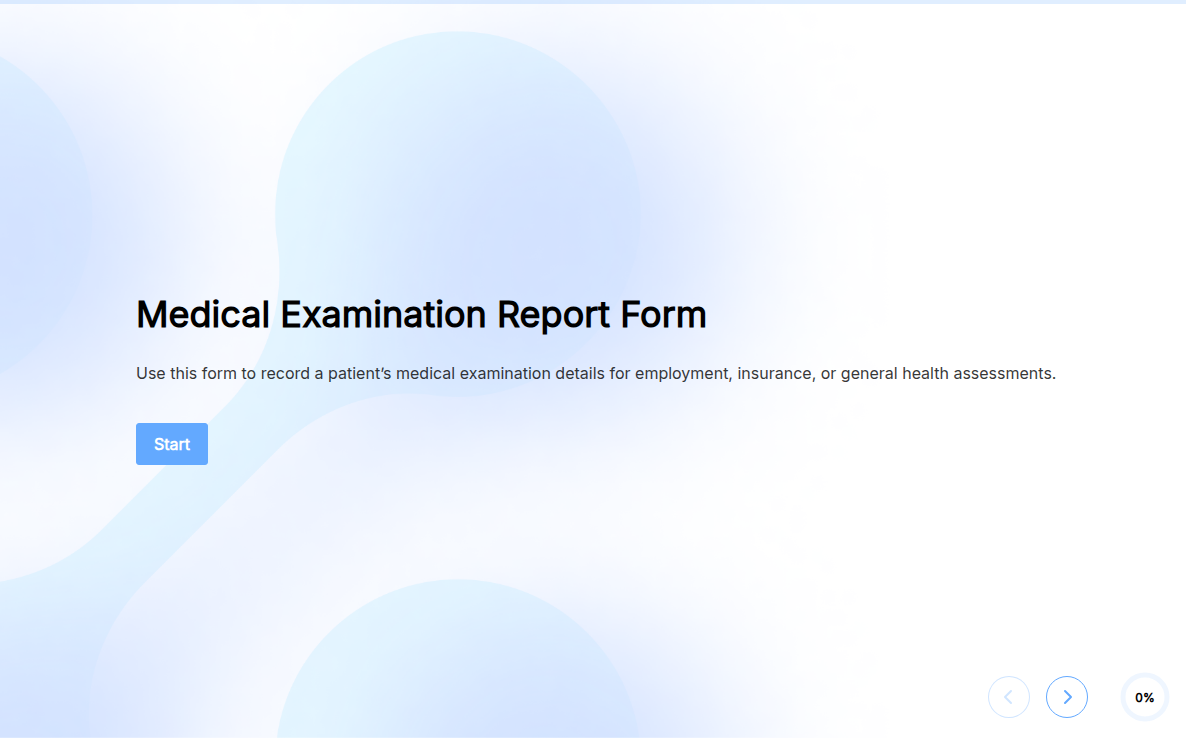
Medical evaluations require accurate documentation. Our Medical Examination Report Form makes it easy for healthcare providers to collect and organize patient details, test results, and physician notes in one place. Whether for pre-employment screenings, annual checkups, or insurance assessments, this form ensures a smooth data collection process. With Formester’s Form Builder, you can customize fields to include medical history, test findings, and physician recommendations. Use electronic signatures to obtain patient or doctor authorization securely. Need to attach lab reports? Enable file upload forms for easy document submissions. Once submitted, autoresponder emails can notify patients or HR teams instantly. The form is embeddable on medical websites and integrates seamlessly into your workflow. Simplify medical reporting with this Free Form Template today!
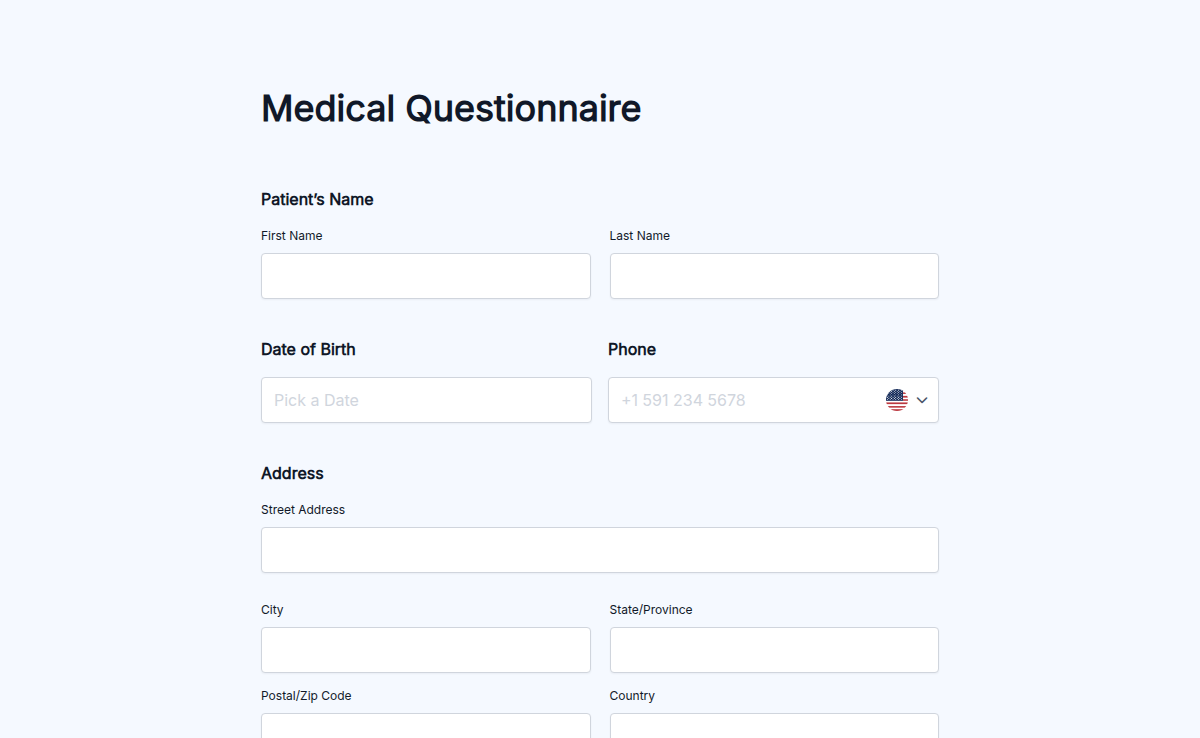
The Medical Questionnaire is essential for collecting detailed information about an individual’s health history, lifestyle, and current medical conditions. Whether you’re a healthcare provider, personal trainer, or event organizer, this form helps ensure that all necessary medical information is gathered before beginning any service. With Formester’s Form Builder, you can easily customize the questionnaire to ask about allergies, medications, past surgeries, and other important health details. Use conditional logic to make the form even more personalized. For example, if someone indicates a medical condition, you can automatically prompt for more specific questions regarding their health. The form can be shared via email or embedded on your website. Once submitted, responses can be securely exported and even signed with e-signatures for confirmation. Start using Free Form Templates to create your Medical Questionnaire today!
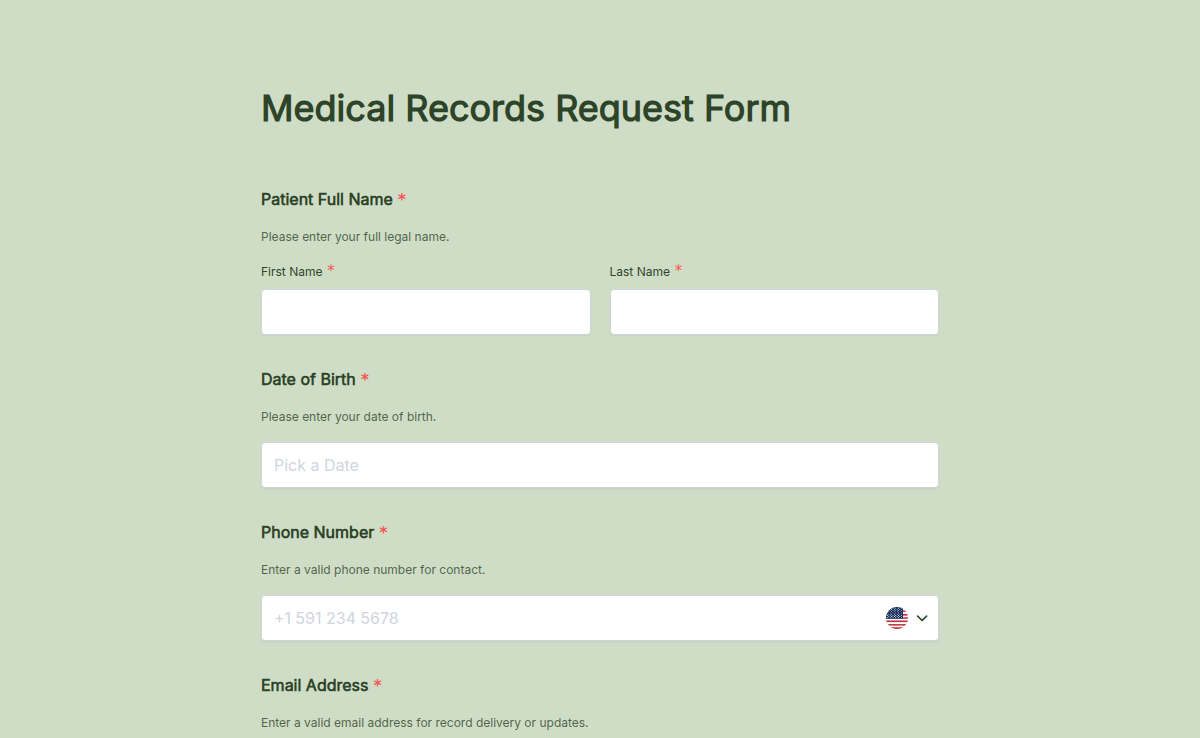
Easily request medical records with our Medical Records Request Form Template. Whether you need patient history, lab results, or treatment records, this form helps healthcare providers, insurers, and patients collect the necessary information securely. With Formester’s Form Builder, you can customize the form to include patient details, record types, and authorization. Use electronic signatures for HIPAA-compliant consent. Enable file uploads to attach required documents. This form supports conditional logic to streamline responses based on request type. After submission, records can be exported as PDFs for easy sharing. Make medical records retrieval quick and compliant with Free Form Templates today!
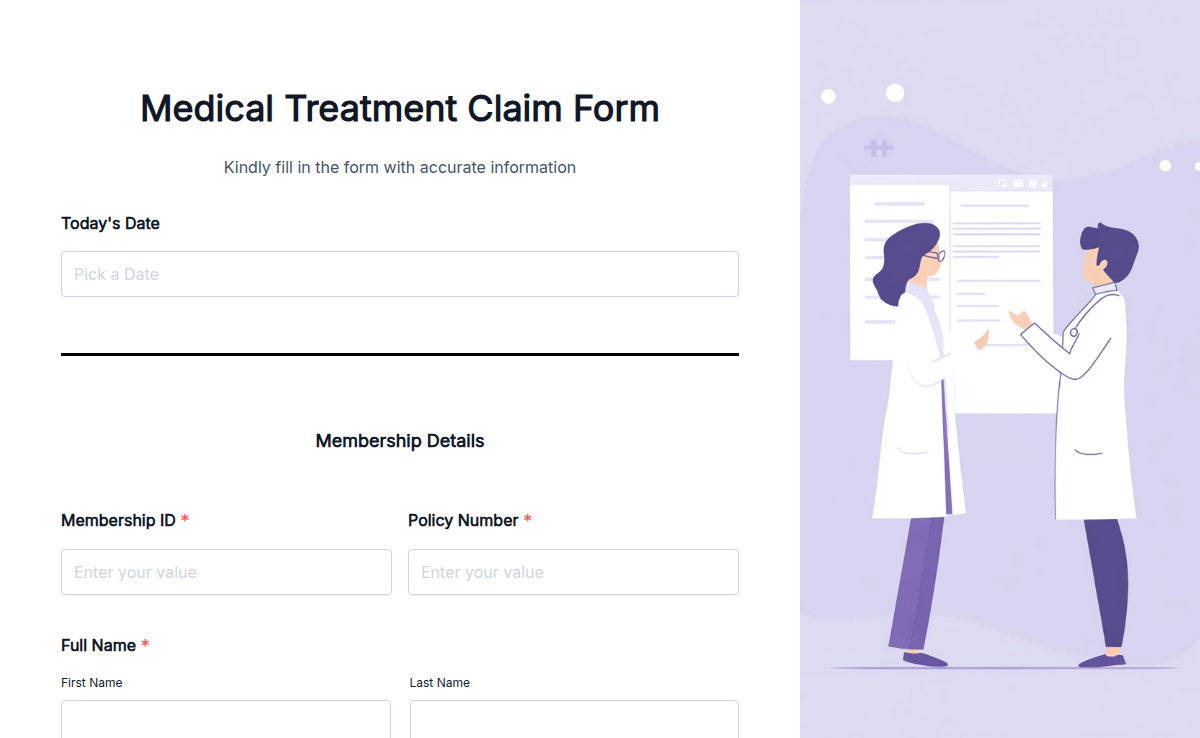
Filing a medical treatment claim can be frustrating, but this Medical Treatment Claim Form makes the process easier. Whether you’re a patient submitting a claim to your insurer or a healthcare provider handling reimbursement requests, this form collects all necessary details in one place. With Formester’s Form Builder, you can customize the form to fit your needs, add required fields, and even enable electronic signatures for quick approvals. Use conditional logic to show only relevant sections based on user input. Easily embed it on your website, share it via email, or integrate it with other systems for a seamless workflow. Simplify medical claims, speed up processing, and reduce paperwork today!
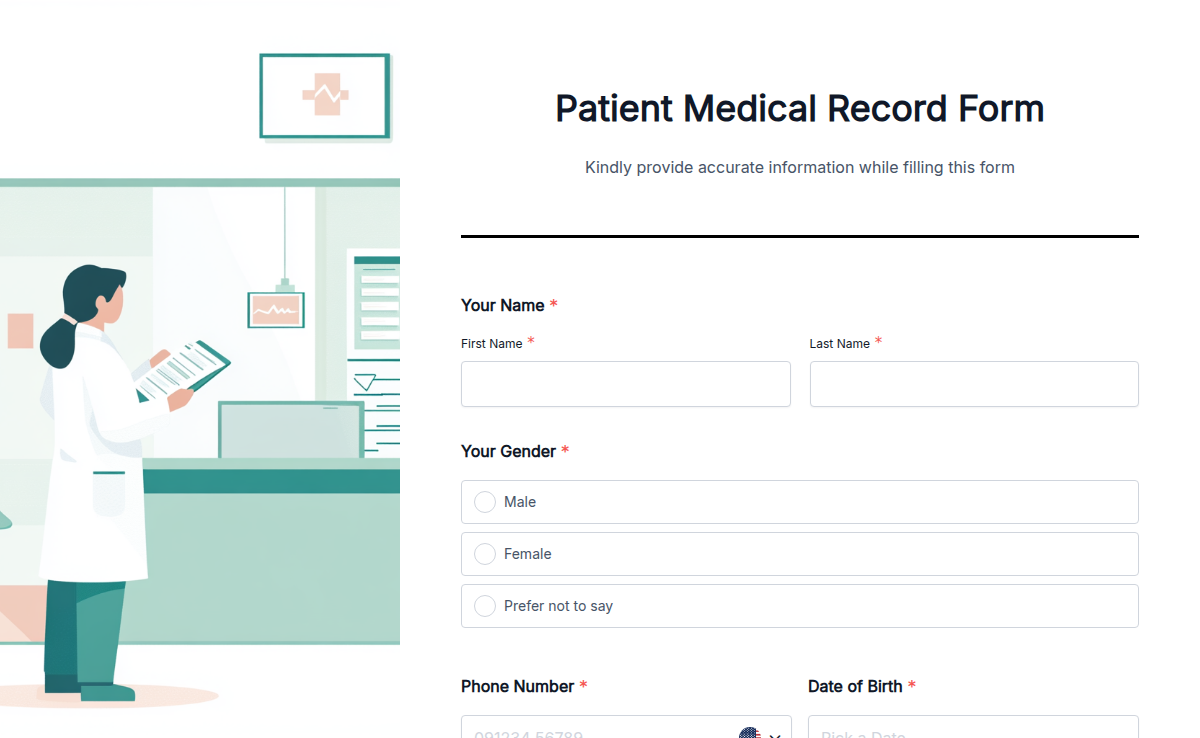
The Patient Medical Record Template helps you maintain detailed patient medical records efficiently. This template is ideal for healthcare providers, clinics, and hospitals that need a reliable way to manage patient information. With the Patient Medical Record Template, you can keep all crucial patient data organized and easily accessible. This template helps you streamline the process of recording medical histories, ensuring accuracy and improving patient care. To get started, sign up for our free online form builder. Use our drag-and-drop interface to customize the medical record to fit your specific needs. Our free plan includes premium features like conditional logic, e-signatures, and information recall. You can also integrate payment options and use calculation fields for comprehensive data management. Creating and customizing the Patient Medical Record Template is easy with our html form generator. Sign up now and use this template to improve the management of patient medical records and enhance the quality of care.
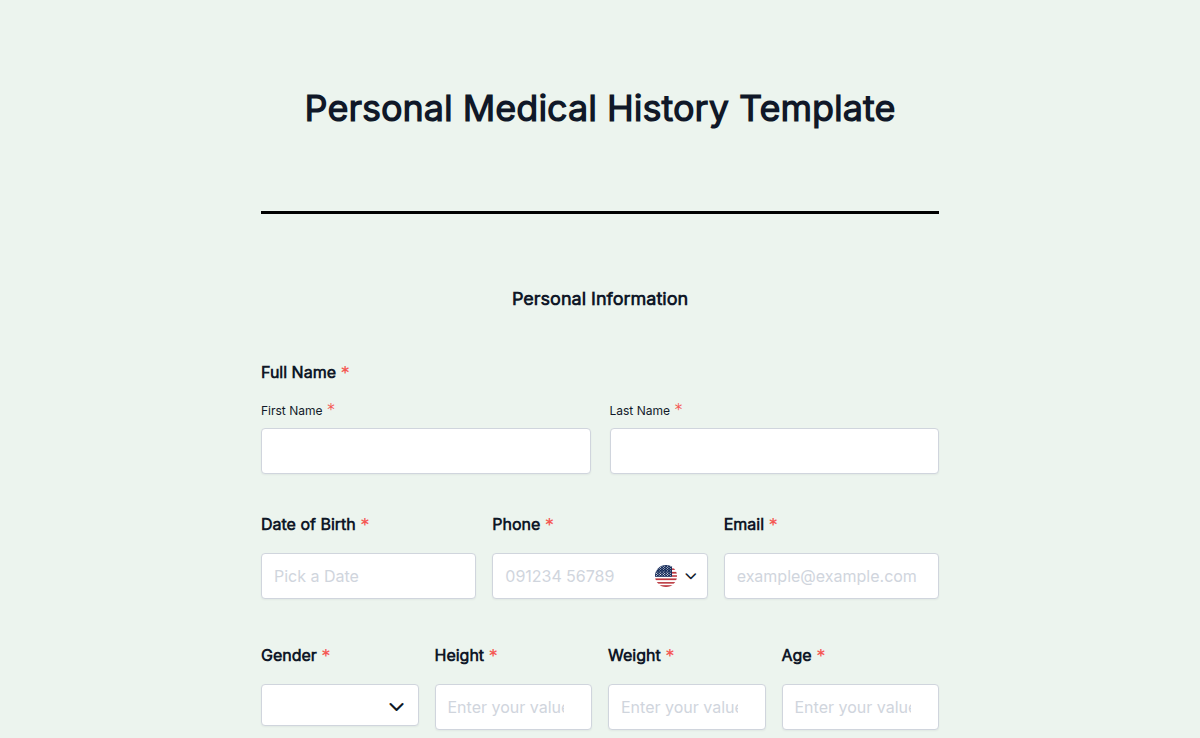
The Personal Medical History Template helps you document an individual's medical history in an organized manner. This template is perfect for individuals and healthcare providers who need to maintain personal medical records. With the Personal Medical History Template, you can ensure that all personal medical data is accurately recorded and easily accessible. This helps in managing health conditions and improving communication with healthcare providers. To get started, sign up for our free online form builder. Customize the medical history form using our intuitive drag-and-drop interface. Formester's free plan includes premium features like conditional logic, e-signatures, and information recall. You can also add payment options and use calculation fields for comprehensive data management. Creating and customizing the Personal Medical History Template is simple with our html form generator. Sign up now and use this template to maintain accurate and accessible personal medical records.
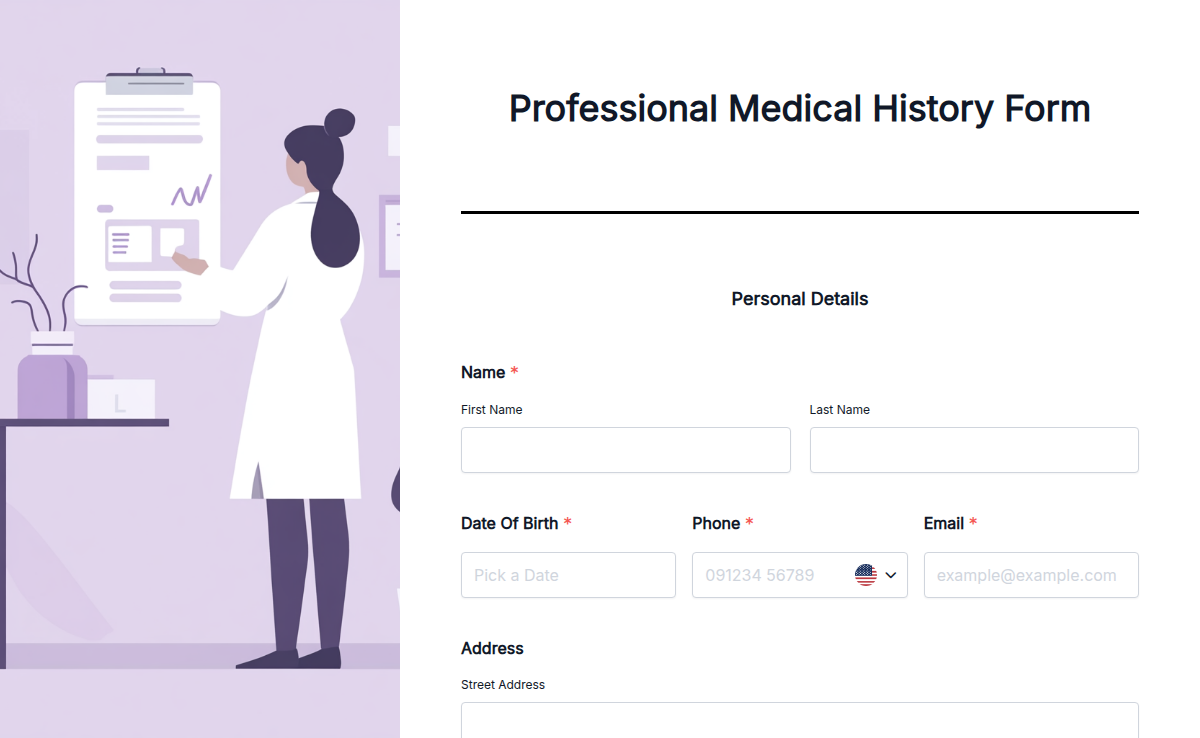
The Professional Medical History Template helps you document comprehensive patient medical histories efficiently. This template is ideal for healthcare professionals who need a reliable way to manage detailed patient information. With the Professional Medical History Template, you can ensure that all critical patient data is captured accurately and is easily accessible. This enhances patient care by providing a thorough overview of medical history. To get started, sign up for our free online form builder. Customize the medical history form using our intuitive drag-and-drop interface. Formester's free plan includes premium features like conditional logic, e-signatures, and information recall. You can also add payment options and use calculation fields for comprehensive data management. Creating and customizing the Professional Medical History Template is simple with our html form generator. Sign up now and use this template to improve the management of patient medical histories and enhance the quality of care.
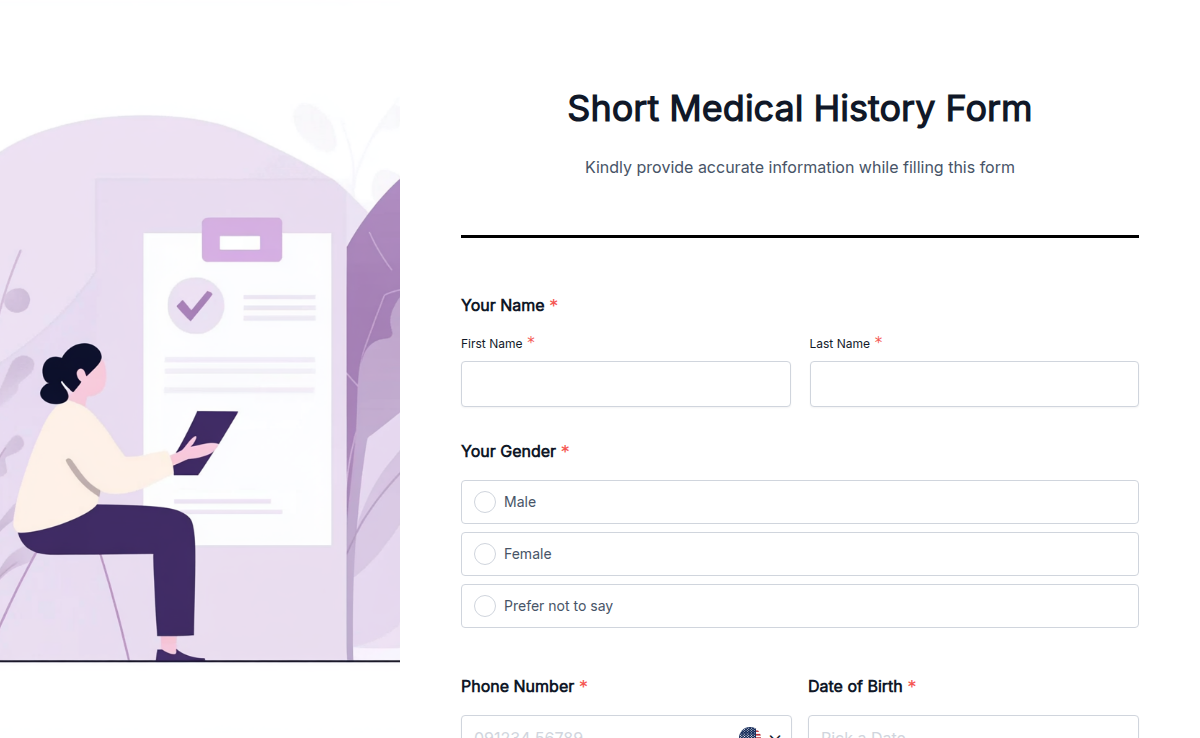
The Short Medical History Template helps you document a brief medical history of patients in an efficient and organized manner. This template is perfect for healthcare providers who need a quick way to record essential patient information. With the Short Medical History Template, you can ensure that vital patient data is captured accurately and is easily accessible. This enhances patient care by providing a clear and concise overview of medical history. To get started, sign up for our free online form builder. Customize the medical history form using our intuitive drag-and-drop interface. Formester's free plan includes premium features like conditional logic, e-signatures, and information recall. You can also add payment options and use calculation fields for comprehensive data management. Building and customizing the Short Medical History Template is simple with our html form generator. Sign up now and use this template to streamline the process of recording patient medical histories and improve the efficiency of your healthcare practice.