bevdkbdf.formester.com/f/Z9Isp98bj

Petty Cash Voucher

A petty cash voucher form that captures the expense amount, purpose, receipt upload, and dual signatures, exported as a PDF for the accounting file.

Finance

About this template

This petty cash voucher form runs on Formester's drag-and-drop form builder, so you can adapt the approval thresholds, expense categories, and signer roles to your finance policy without writing code. Captures every detail an audit-ready voucher needs: voucher number, date, requester, purpose, expense category, amount, receipt upload, and dual signatures.

Employees fill the form on any device, upload the original receipt via file upload, and the form routes to the approver for signature. Each voucher produces a PDF for the petty cash file and a sequential record that reconciles to the petty cash balance at month end.

Use conditional logic to require manager approval above a threshold (typically $25 or $50), surface mileage-rate calculation for travel reimbursements, or add a separate vendor-payment path when petty cash pays a contractor directly. Push each voucher to your accounting software through Zapier so general ledger entries post automatically.

Running a unique petty cash workflow (project advance, event cash, multi-location)? Generate a tailored variant with the AI form generator in minutes.
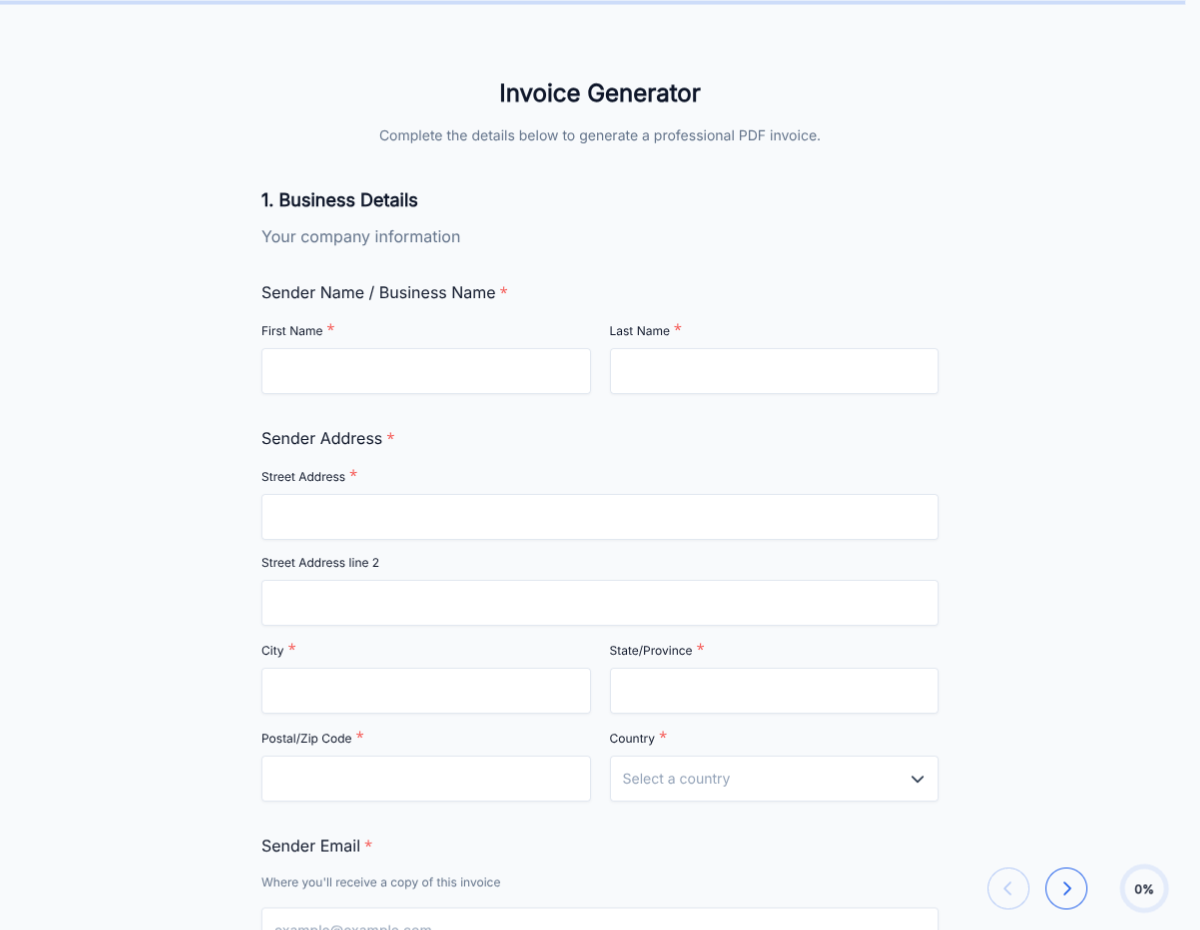
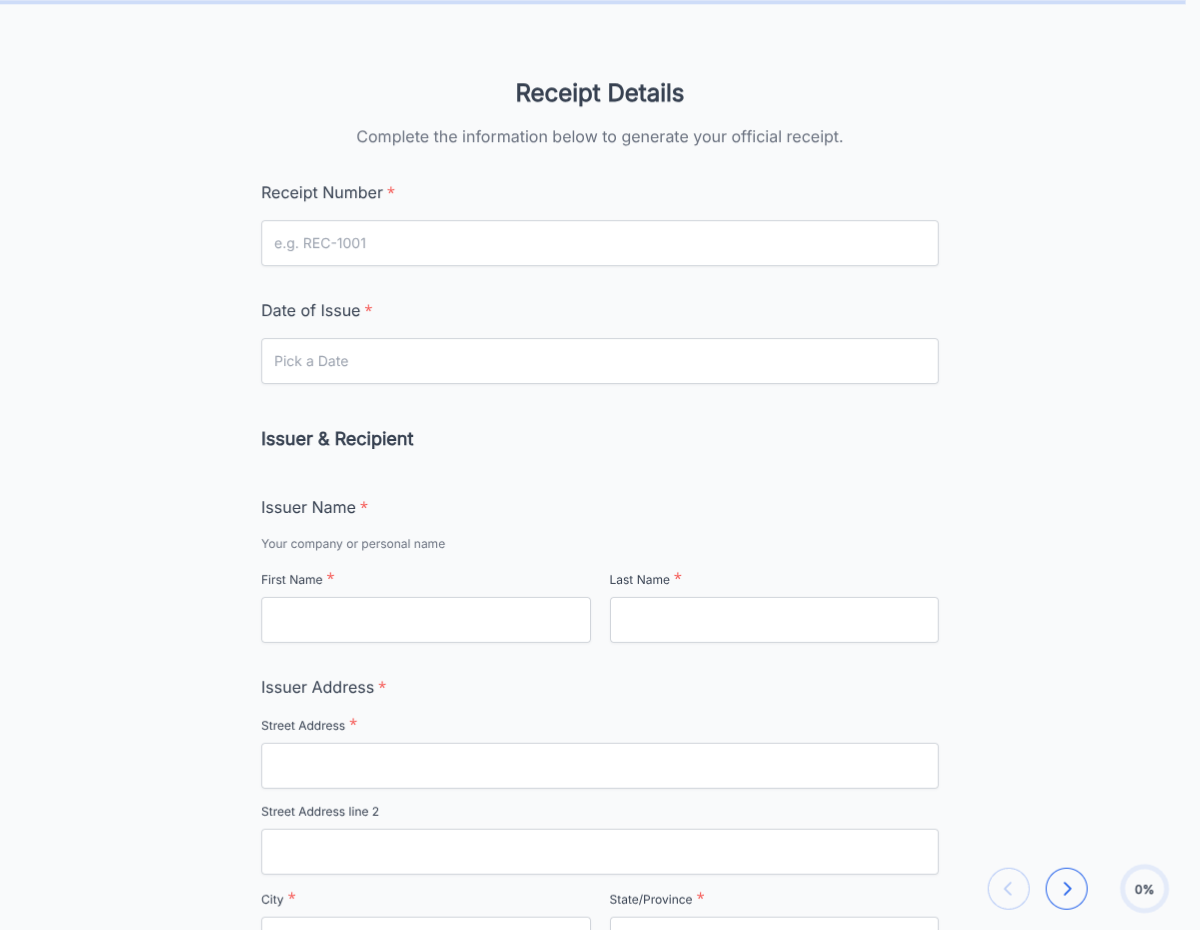
How to use this petty cash voucher form

Seven steps to a working petty cash workflow. Most finance teams finish in under 15 minutes.

Open the template

Click Use Template. Voucher fields, approval logic, and signature flow load into the Formester builder.

Brand the form

Drop in your company logo, address, and finance contact. The PDF reads as official documentation for the accounting file.

Configure expense categories

Edit the category dropdown: office supplies, postage, mileage, meals, vendor payment, miscellaneous. Each category routes to its own GL code in accounting.

Set approval thresholds

Use conditional logic to require manager approval above your threshold ($25, $50, $100). Below the threshold, the requester self-signs.

Add receipt upload

File-upload field captures the original receipt. Required field; voucher cannot submit without the receipt photo.

Configure mileage logic

For mileage reimbursements, the form captures miles times current IRS rate. Update the rate annually.

Sync to accounting

Push each voucher to QuickBooks, Xero, or your accounting system via Zapier so general ledger entries post automatically with the category-mapped GL code.

When to use this petty cash voucher form

Six petty cash scenarios this template handles out of the box.

Office supplies reimbursement

Employee buys office supplies on the way to a meeting. Voucher captures the amount, attaches the receipt, requester signs; under-threshold expenses post to accounting same-day.

Out-of-pocket employee expense

Employee pays for a small business expense out of pocket and requests reimbursement. Voucher captures the expense category, attaches the receipt, manager signs; petty cash issues.

Vendor cash payment

Petty cash pays a contractor or vendor directly. Conditional logic reveals vendor name, tax ID, and 1099 tracking fields on top of the standard voucher.

Mileage reimbursement

Employee submits mileage for a business trip. Form captures miles, multiplies by current IRS rate, and produces the reimbursement voucher without a calculator.

Event or project cash advance

Project manager requests cash advance for an event or off-site. Voucher captures the advance amount, expected spend categories, and post-event reconciliation.

Multi-location petty cash

Multi-site organization manages petty cash per location. Form captures the location, location-specific GL code, and location manager signature alongside the standard fields.

Fields included in this template

Every detail an audit-ready voucher needs. Drop the ones not applicable; the rest work on the free tier.

  • Voucher number Auto-generated

    Sequential ID for every voucher.

  • Date Date picker

    When the expense occurred or the voucher is issued.

  • Requester name and department Short text + dropdown

    Who is requesting reimbursement or cash.

  • Amount Currency

    Total voucher amount.

  • Expense category Dropdown

    Office supplies, postage, mileage, meals, vendor payment, miscellaneous.

  • GL code Auto-mapped

    From category. Routes to the right ledger account in accounting.

  • Purpose Long text

    What the expense is for. Specific enough that auditors do not have to guess.

  • Receipt upload File upload, required

    Original receipt photo or PDF. Voucher cannot submit without it.

  • Mileage details Conditional section

    Reveals for mileage category. Miles, IRS rate, calculated total.

  • Vendor details Conditional section

    Reveals for vendor-payment category. Vendor name, tax ID, 1099 tracking.

  • Requester signature E-signature + date

    Requester certifies expense is legitimate.

  • Manager signature Conditional e-signature

    Required above approval threshold; not required below.

  • Cash dispensed by Short text + signature

    Petty cash custodian signs when cash is issued.

Questions we get a lot

Finance team and employee questions about approval, receipts, and accounting sync.

Can I require manager approval above a threshold?
Yes. Conditional logic requires manager signature when the amount exceeds your threshold ($25, $50, $100). Below the threshold, the requester self-signs and the voucher posts.
Can I require the original receipt?
Yes. File-upload is a required field; the voucher cannot submit without the receipt photo or PDF.
Can I sync vouchers to my accounting software?
Yes. Push each voucher to QuickBooks, Xero, NetSuite, or your accounting system via Zapier or webhooks with the category-mapped GL code.
Can I handle mileage reimbursement?
Yes. The mileage path captures miles and multiplies by the current IRS rate to produce the reimbursement total. Update the rate annually.
Can I run petty cash for multiple locations?
Yes. Add a location dropdown and use conditional logic to map each location to its own GL code, custodian, and approver.
Where are vouchers stored?
Every submission saves to your dashboard with a PDF copy. Filter by date, requester, category, or amount, and export the archive for accounting and audit.