How we verified this: every figure on this page comes from the vendor's own pricing page or its public G2 profile. You can check every source here.
Which HIPAA form builder should you choose?
A form builder is only HIPAA-capable if the vendor will sign a Business Associate Agreement. Everything else, the encryption, the access logs, the security page, means nothing without that signature.
That single requirement removes most form software immediately, and it is why HIPAA-capable plans cost several times more than standard ones. The 14 tools below are compared on what the compliant tier actually costs and what you get on it.
The 60-second TL;DR
- Cheapest self-serve HIPAA: Jotform Gold, $129/mo with BAA
- Best for regulated enterprises: Formstack, from $99/mo with BAA
- Best for complex clinical intake: Cognito Forms Enterprise, $174/mo
- Best for clinical research: Alchemer, from $55/user/mo
- Best for large health systems: SurveyMonkey Enterprise, quoted
- Best for Salesforce-based healthcare: FormAssembly Atlas Enterprise, quoted
- Best bundled with your suite: Microsoft Forms, with a configured M365 tenant
- Best for WordPress clinics: WPForms Pro, from $199/year
How the 14 HIPAA form builders compare at a glance
The table shows the cheapest plan on which each vendor will sign a BAA, since that is the only price that matters for protected health information. Anything cheaper on their pricing page cannot legally carry PHI.
| Tool | BAA available on | Price of that plan | Signs a BAA | G2 rating |
|---|---|---|---|---|
| Jotform Gold | Gold plan | $129/mo ($99 billed yearly) | Yes | 4.7/5 (5,426 reviews) |
| Formstack | Forms and above | From $99/mo | Yes | 4.3/5 (471 reviews) |
| Cognito Forms Enterprise | Enterprise | $174/mo ($129 billed yearly) | Yes | 4.6/5 (133 reviews) |
| Alchemer | Business platform plans | From $55/user/mo | Yes, on higher tiers | 4.4/5 (956 reviews) |
| SurveyMonkey Enterprise | Enterprise | Custom pricing | Yes | 4.4/5 (23,901 reviews) |
| FormAssembly | Atlas Enterprise | Not published | Yes | 4.4/5 (425 reviews) |
| 123FormBuilder | Enterprise Compliance | Not published | Yes | 4.5/5 (175 reviews) |
| WPForms Pro | Pro licence | $399/year renewal | Self-hosted, no BAA needed | 4.7/5 (971 reviews) |
| Microsoft Forms | Configured M365 tenant | From $7/user/mo | Covered by Microsoft's BAA | 4.4/5 (476 reviews) |
| Google Forms | Configured Workspace | From $7/user/mo | Covered by Google's BAA | No standalone profile |
| Formester | Not available | n/a | No | 4.7/5 (14 reviews) |
| Paperform Business | Business | $129/mo ($99 billed yearly) | Not offered | 4.8/5 (86 reviews) |
| Zoho Forms Premium | Premium | $90/mo billed annually | Yes | 4.4/5 (129 reviews) |
| Typeform Enterprise | Enterprise | Custom pricing | Yes | 4.5/5 (1,017 reviews) |
How we picked and ranked these 14 tools
Everything here comes from the vendors' own pricing and compliance pages, read in full. The ranking question was simple: which plan will the vendor sign a BAA on, and what does that plan cost each month?
Several vendors publish no price for their compliant tier, and where that is the case this page says so. One tool in this list, our own, does not offer HIPAA at all, and it is included so the comparison is complete rather than convenient.
1. Jotform Gold, cheapest self-serve HIPAA

Jotform Gold is the least expensive way to get a signed BAA without a sales call. You upgrade, enable HIPAA features in the account settings, and the BAA is available through the dashboard.
The compliant account gets encrypted storage and access logs, plus the option to disable data retention entirely, alongside the same 20,000+ template library as every other Jotform tier.
Gold costs $129 a month on monthly billing, or $99 billed yearly. HIPAA is not available on Bronze or Silver at any price.
| Strengths | Weaknesses |
|---|---|
| Cheapest self-serve BAA in this list | HIPAA requires the $129 Gold plan |
| HIPAA enabled from the dashboard without a sales call | Submissions still metered at 10,000 a month |
| Healthcare templates ready to use | Dense interface takes time to learn |
| 40+ payment gateways for co-pays | Advertised prices are the annual rates |
| Mobile app collects intake offline |
| Plan | What you get |
|---|---|
| Starter (free) | $0. No HIPAA |
| Bronze | $39/mo. No HIPAA |
| Silver | $49/mo. No HIPAA |
| Gold | $129/mo ($99/mo billed yearly). HIPAA features and BAA available |
| Enterprise | Custom pricing. HIPAA included |
Best for: small practices that want compliance without a procurement process.
The catch: the jump from Silver at $49 to Gold at $129 is entirely about compliance, so you pay 2.6 times more for the same builder.
G2 rating: 4.7/5, from 5,426 reviews, the largest base of any tool here.
2. Formstack, best for regulated enterprises
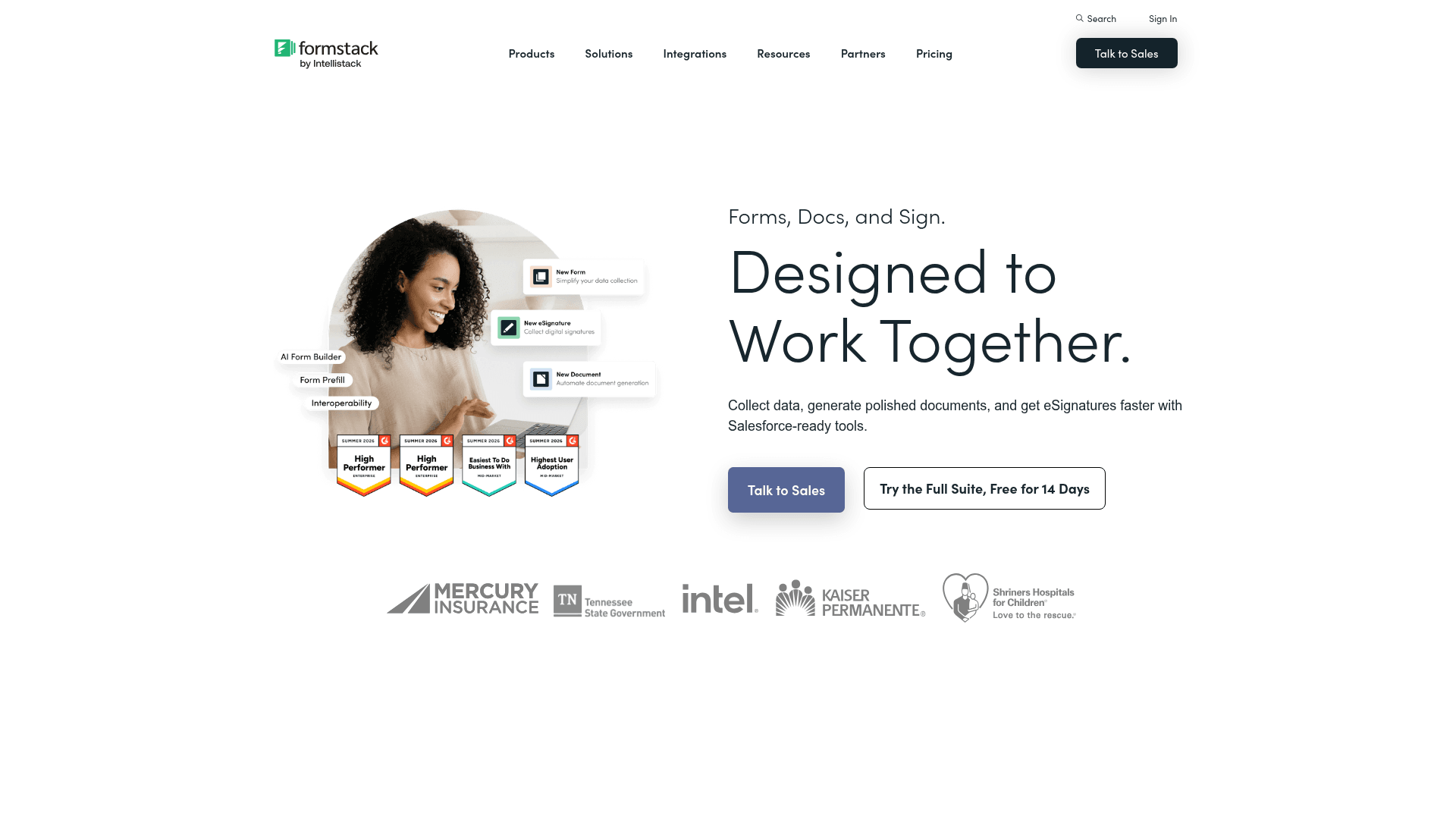
Formstack builds for regulated industries as its default posture rather than as an upgrade. HIPAA support, granular permissions and audit trails are standard concerns in its product design.
The Suite extends into document generation and signature, so a patient intake form can produce a consent document and route it for signing inside one platform.
Forms starts at $99 a month on monthly billing, and the Suite at $299, above the advertised annual rates of $83 and $250.
| Strengths | Weaknesses |
|---|---|
| Purpose-built for regulated data | Expensive relative to general form tools |
| BAA available with HIPAA support | Advertised prices are the annual rates |
| Documents and signature in one Suite | Interface feels dated in places |
| Granular permissions and audit trails | Setup takes real configuration effort |
| Deep Salesforce integration |
| Plan | What you get |
|---|---|
| Free | No free plan; a trial is offered |
| Forms | $99/mo ($83/mo billed yearly). HIPAA support available |
| Suite (Forms, Documents, Sign) | $299/mo ($250/mo billed yearly) |
| Enterprise | Custom pricing |
Best for: healthcare organisations that need forms, documents and signature under one BAA.
The catch: at $99 a month minimum it is a compliance purchase, not a form-builder purchase, and it prices accordingly.
G2 rating: 4.3/5, from 471 reviews. A large base, with cost the usual complaint.
3. Cognito Forms Enterprise, best for complex clinical intake
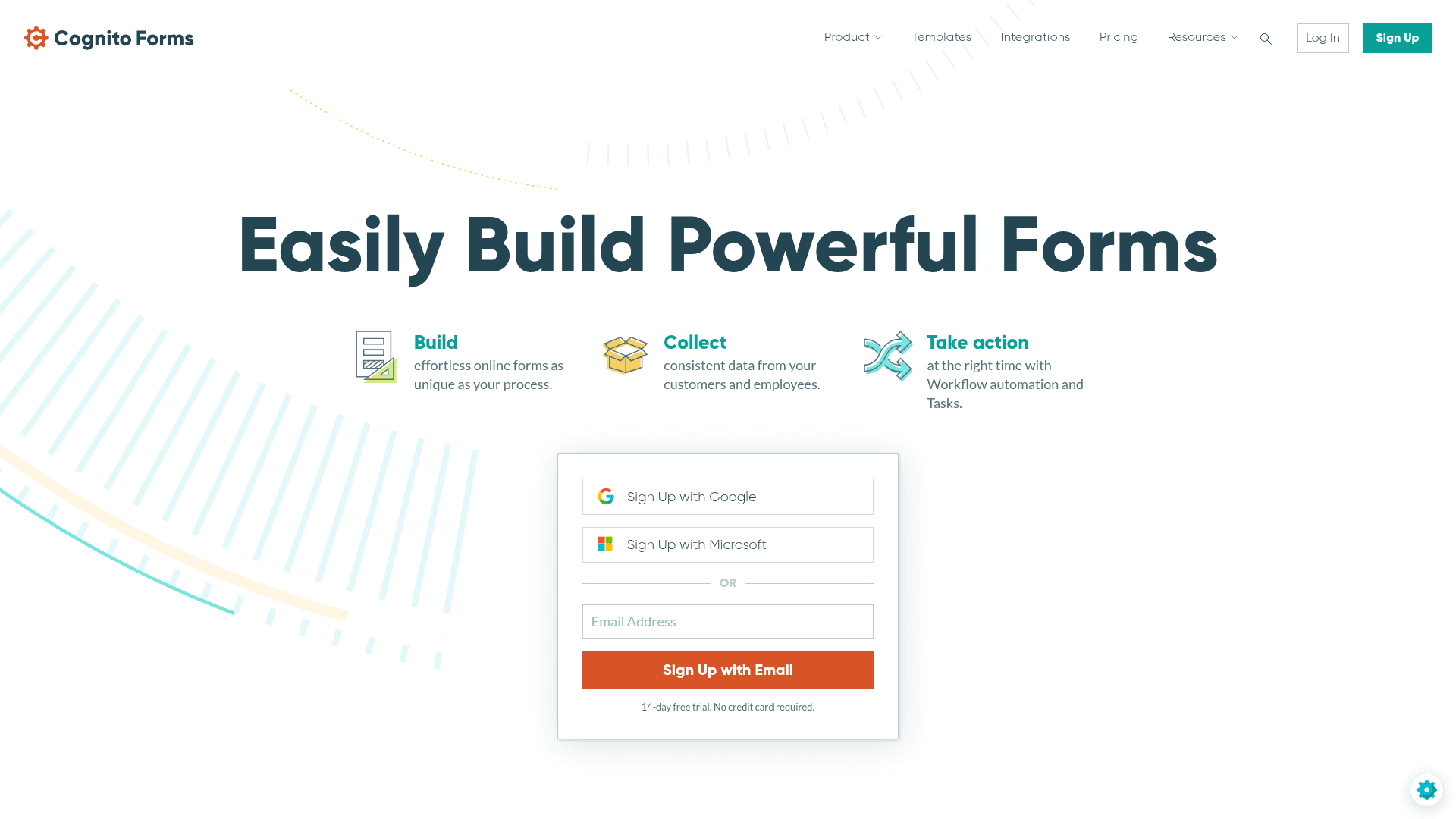
Clinical intake often needs repeating sections, one block per medication, per symptom, or per family member. Cognito Forms handles that natively where most builders need workarounds.
Calculations are built in too, which covers scoring instruments and risk assessments without exporting to a spreadsheet.
HIPAA arrives only on Enterprise at $174 a month, or $129 billed yearly. That tier also removes the entry metering that applies to every plan below it.
| Strengths | Weaknesses |
|---|---|
| Repeating sections for clinical intake | HIPAA only on the $174 Enterprise plan |
| Calculations for scoring instruments | Entries metered on every tier below it |
| Unlimited entries on Enterprise | Interface is functional rather than polished |
| Document generation from entries | Advertised prices are the annual rates |
| Conditional logic even on the free plan |
| Plan | What you get |
|---|---|
| Individual (free) | $0. 100 entries/mo. No HIPAA |
| Pro | $24/mo. 2,000 entries/mo. No HIPAA |
| Team | $49/mo. 10,000 entries/mo. No HIPAA |
| Enterprise | $174/mo ($129/mo billed yearly). Unlimited entries, HIPAA available |
Best for: practices whose intake forms involve repeating clinical data or scoring.
The catch: HIPAA sits on the $174 tier, so a small practice pays enterprise pricing for compliance it cannot avoid.
G2 rating: 4.6/5, from 133 reviews. A reasonable base with a consistently good score.
4. Alchemer, best for clinical research
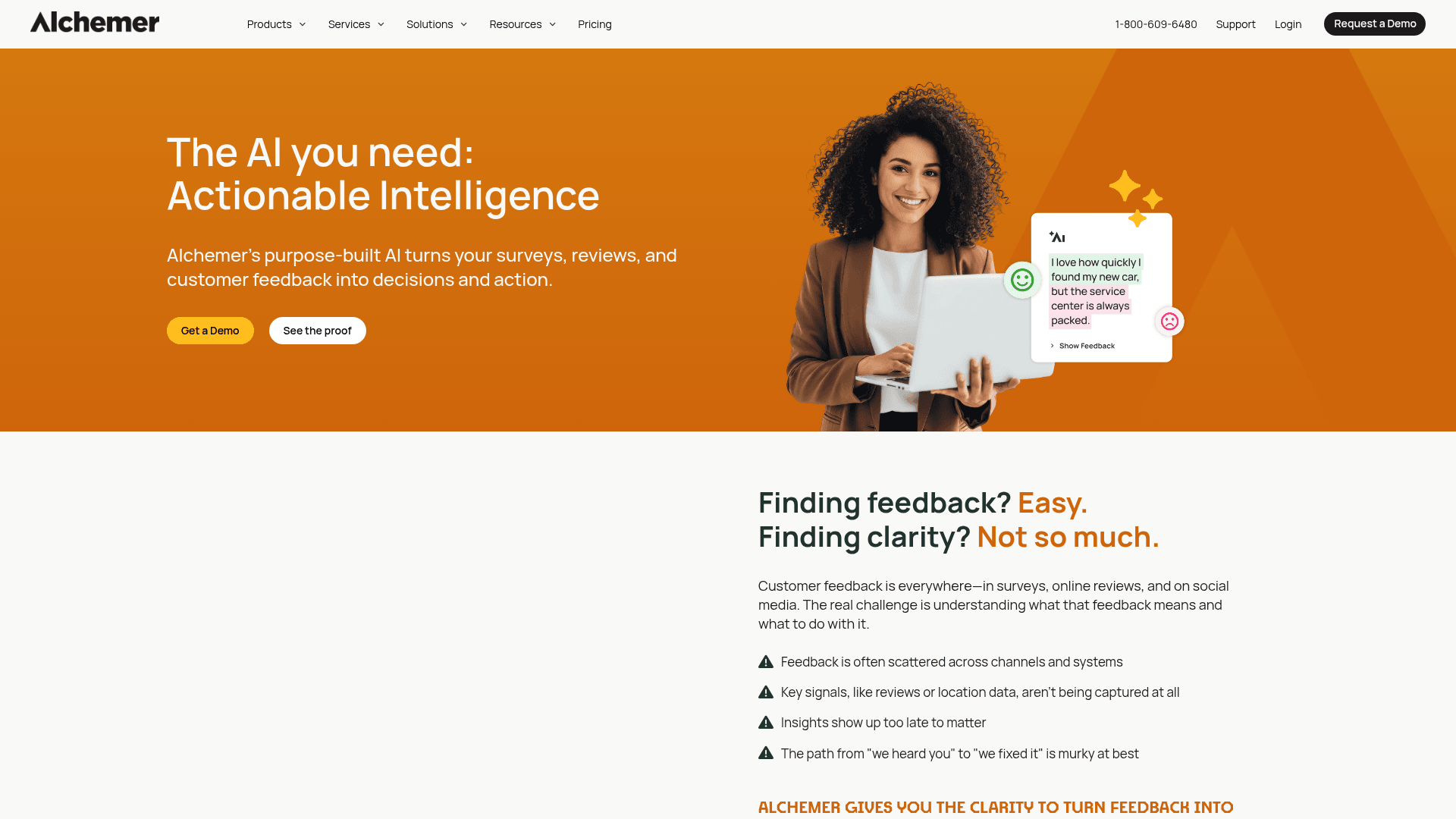
Alchemer is a research platform, and for clinical studies that distinction matters. Its logic, piping and reporting handle longitudinal instruments that a form builder would struggle to express.
HIPAA support is available on its business platform accounts, arranged through its sales team rather than enabled from a settings page.
Published pricing is per user per month: Collaborator at $55, Professional at $165, and Full Access at $275, with the upper two capped at three users.
| Strengths | Weaknesses |
|---|---|
| Research-grade logic and reporting | Per-user pricing gets expensive quickly |
| Handles longitudinal study instruments | Professional and Full Access cap at 3 users |
| HIPAA available on business platform accounts | HIPAA arranged through sales rather than self-serve |
| Established in academic and clinical research | Overkill for ordinary patient intake |
| Plan | What you get |
|---|---|
| Free | No free plan; a 7-day trial is offered |
| Collaborator | $55/user/mo |
| Professional | $165/user/mo, capped at 3 users |
| Full Access | $275/user/mo, capped at 3 users |
| Business platform | Custom pricing. HIPAA available |
Best for: clinical research teams running structured studies.
The catch: three people on Professional costs $495 a month, and HIPAA still needs a separate conversation on top.
G2 rating: 4.4/5, from 956 reviews. A large base, with cost the recurring theme.
5. SurveyMonkey Enterprise, best for large health systems
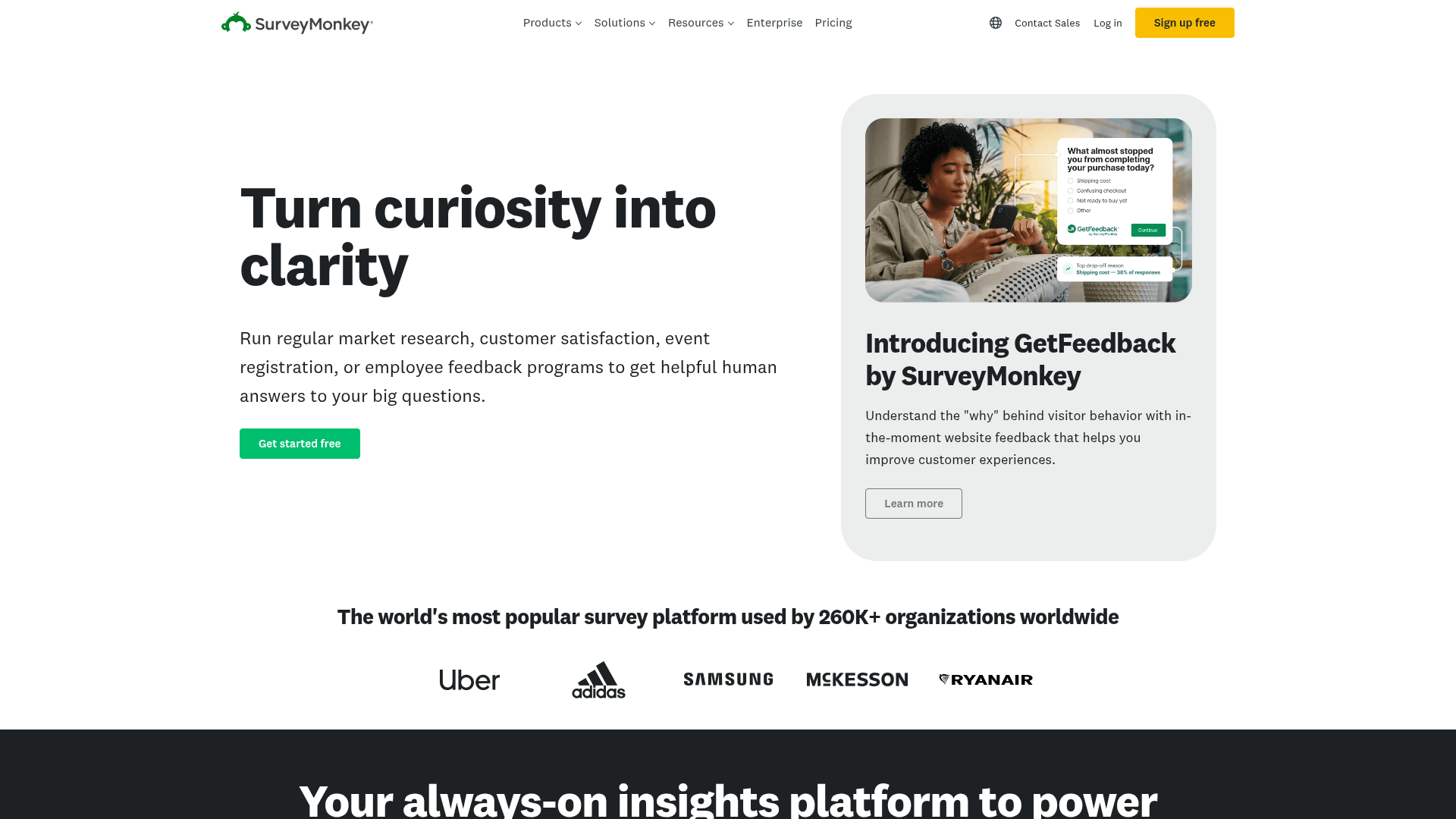
SurveyMonkey Enterprise is what large health systems buy when patient experience surveys need to run consistently across many departments under one agreement.
The governance layer is the purchase: shared question banks, controlled templates and reporting that rolls up across the organisation.
Enterprise pricing is quoted rather than published. The team plans below it are $30 and $92 per user a month, both with a three-seat minimum, and neither carries a BAA.
| Strengths | Weaknesses |
|---|---|
| Governance across many departments | Enterprise pricing is not published |
| Methodologist-reviewed question bank | Team plans below Enterprise carry no BAA |
| BAA available on Enterprise | Three-seat minimum on team plans |
| Recognised by health system procurement | Expensive relative to general form tools |
| Plan | What you get |
|---|---|
| Free | Limited free tier. No HIPAA |
| Team Advantage | $30/user/mo, three-seat minimum. No HIPAA |
| Team Premier | $92/user/mo, three-seat minimum. No HIPAA |
| Enterprise | Custom pricing. HIPAA and BAA available |
Best for: health systems standardising patient experience measurement.
The catch: you cannot budget for it from the pricing page, because only the non-compliant tiers are published.
G2 rating: 4.4/5, from 23,901 reviews. A very large base reflecting long familiarity.
6. FormAssembly, best for Salesforce-based healthcare
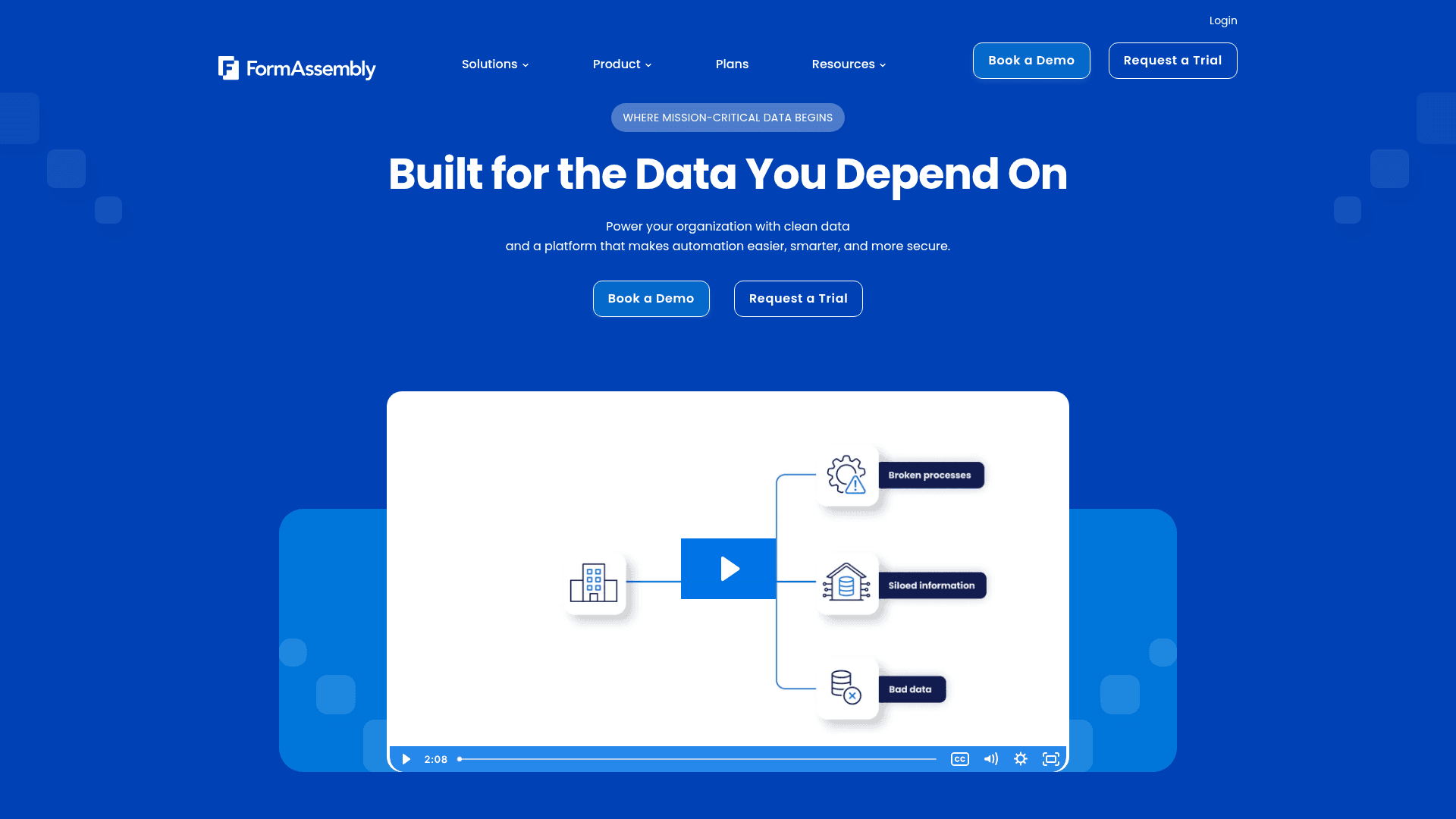
FormAssembly's reason to exist is Salesforce. Its forms write directly into Salesforce objects, which suits healthcare organisations running patient or donor records there.
HIPAA compliance with a BAA sits on the Atlas Enterprise plan, alongside advanced security controls and a dedicated success plan.
FormAssembly does not publish prices for any tier. Plan names are listed, and rates are arranged through their team, so this page does not quote figures.
| Strengths | Weaknesses |
|---|---|
| Deepest Salesforce integration in this list | No published pricing on any tier |
| HIPAA with BAA on Atlas Enterprise | HIPAA only on the Enterprise plan |
| Gov Cloud option for public sector | Only worth it if you run Salesforce |
| Strong security and compliance posture | Evaluation requires a sales conversation |
| Plan | What you get |
|---|---|
| Atlas Explorer | Entry plan. Not published. No HIPAA |
| Atlas Team | Mid-tier plan. Not published |
| Atlas Enterprise | Not published. HIPAA compliance with BAA |
| Gov Cloud | Not published. Dedicated environment for public sector |
Best for: healthcare and non-profit organisations running Salesforce.
The catch: no prices are published at any tier, so there is no way to compare cost before contacting them.
G2 rating: 4.4/5, from 425 reviews. A solid base for an enterprise-focused product.
7. 123FormBuilder, best for straightforward compliant forms
123FormBuilder offers HIPAA on its Enterprise Compliance tier, with a straightforward builder that does not demand the setup effort of the enterprise platforms.
For a practice that wants compliant forms without adopting a whole system, that simplicity is the appeal.
The company no longer publishes a pricing grid; its pricing URL now leads to a pricing FAQ. Rates for the compliance tier are arranged through their team, so none are quoted here.
| Strengths | Weaknesses |
|---|---|
| Simpler than the enterprise platforms | No published pricing grid any more |
| HIPAA on the Enterprise Compliance tier | Free plan is limited to 1 form and 10 fields |
| Straightforward form builder | HIPAA only on the top tier |
| Established product with 175 G2 reviews | Evaluation requires contacting them |
| Plan | What you get |
|---|---|
| Free | 1 form, 10 fields, no rules or payments. No HIPAA |
| Paid tiers | Not published. The pricing page now leads to a pricing FAQ |
| Enterprise Compliance | Not published. Certified HIPAA with a BAA |
Best for: practices wanting compliant forms without an enterprise rollout.
The catch: the pricing page no longer shows a plan grid, so you cannot compare it against anything without asking.
G2 rating: 4.5/5, from 175 reviews. A reasonable base for an established product.
8. WPForms Pro, best for WordPress clinics
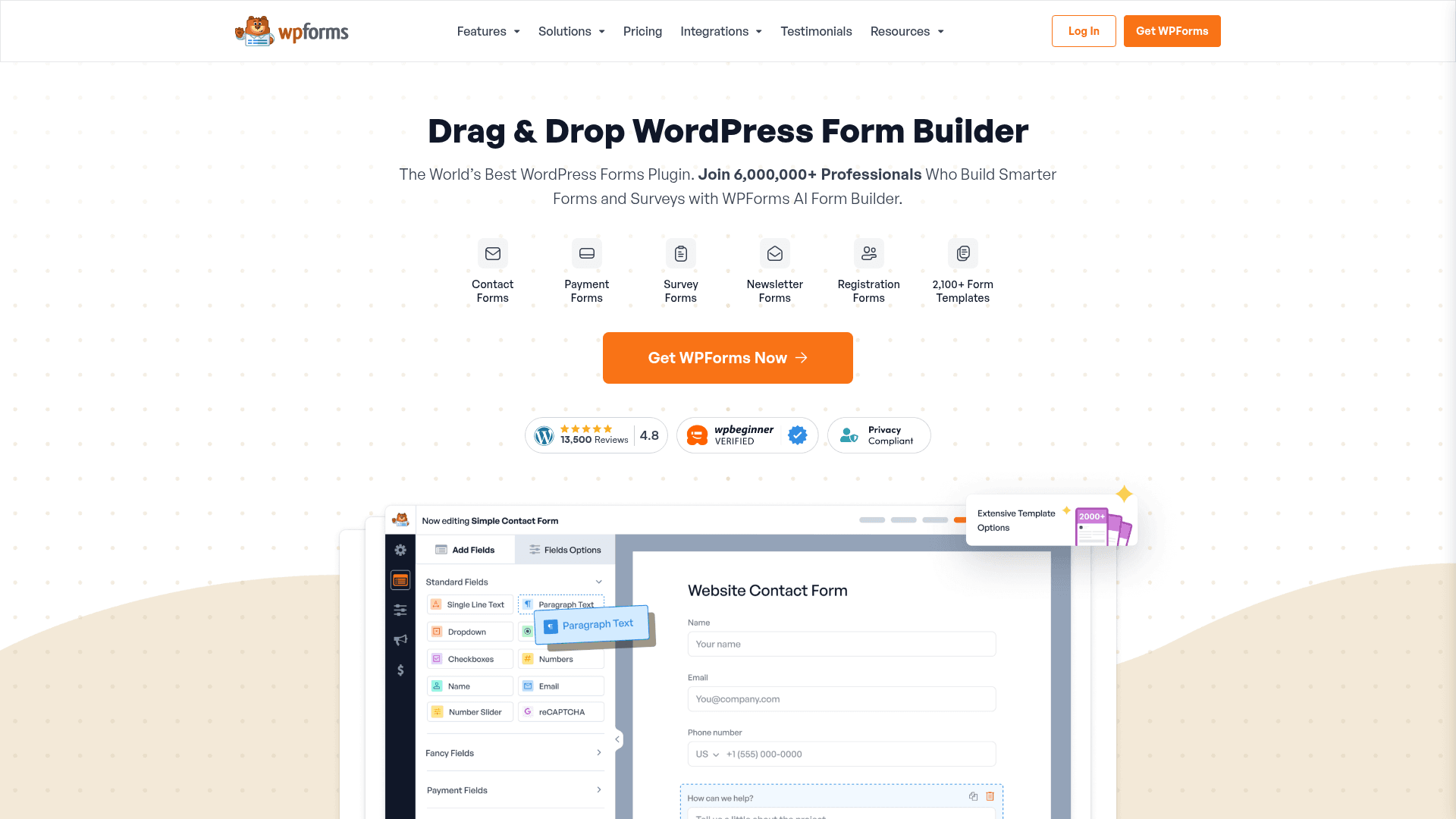
WPForms takes a different route to compliance. Because it runs inside your own WordPress site, submissions never touch a third-party server, so there is no business associate to sign an agreement with.
That shifts the burden onto you: your hosting, your encryption, your access controls and your risk assessment. Done properly it works; done casually it does not.
Pro costs $399 a year at renewal, with a lower first-year promotional rate. Elite is $599 at renewal.
| Strengths | Weaknesses |
|---|---|
| Data stays on your own infrastructure | Compliance responsibility sits entirely with you |
| No third-party BAA needed | Requires secure hosting and configuration |
| Deep WordPress integration | WordPress only |
| One annual licence covers unlimited submissions | Annual licensing with no monthly option |
| Plan | What you get |
|---|---|
| Lite | Free WordPress plugin. Not suitable for PHI |
| Basic | $99/year at renewal. 1 site |
| Plus | $199/year at renewal |
| Pro | $399/year at renewal. Recommended tier for compliant setups |
| Elite | $599/year at renewal |
Best for: clinics with WordPress sites and the technical capacity to secure them.
The catch: self-hosting means you own the compliance obligation entirely, including hosting, encryption and audit logging. That is a real responsibility, not a technicality.
G2 rating: 4.7/5, from 971 reviews. A large base among WordPress users.
9. Microsoft Forms, best bundled with your suite
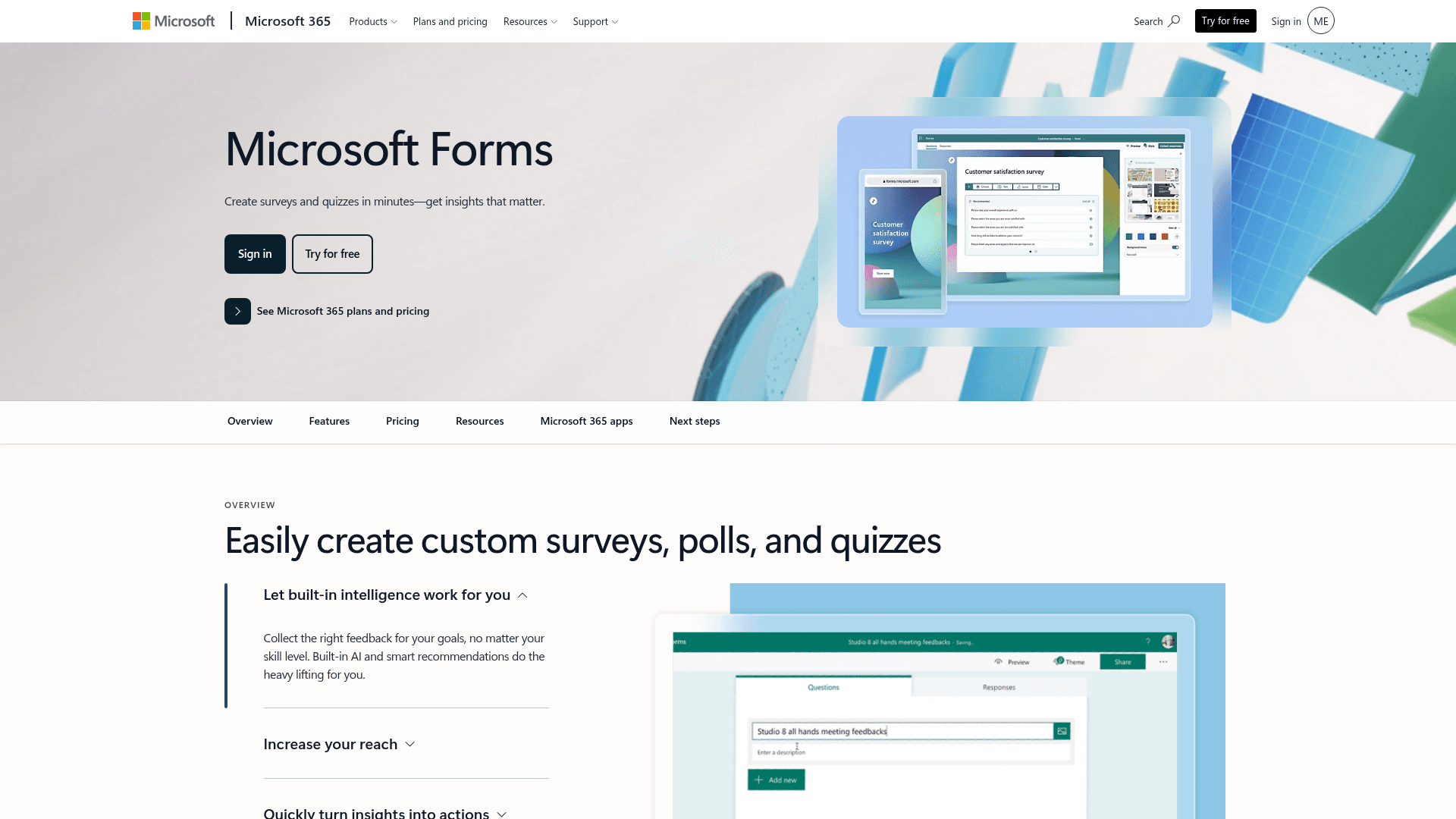
If your organisation already runs Microsoft 365, PHI handling may already be covered. Microsoft's BAA extends to Forms when the tenant is configured for it, at no additional cost.
For internal clinical surveys and staff forms, that removes both the purchase and the vendor review, which is often the fastest compliant path available.
Business Basic is $7 per user a month on annual billing, and Business Standard now bundles Copilot at $23.50. The BAA covers the tenant rather than the form tool specifically.
| Strengths | Weaknesses |
|---|---|
| Covered by Microsoft's existing BAA | Requires correct tenant configuration |
| No incremental cost inside Microsoft 365 | Basic form capability compared with the specialists |
| No new vendor review needed | Free consumer accounts are not covered |
| Inherits tenant security and retention policies | Little design control |
| Plan | What you get |
|---|---|
| Free | $0 with a personal Microsoft account. Not covered by a BAA |
| M365 Business Basic | $7/user/mo, annual basis. BAA applies to configured tenants |
| M365 Business Standard with Copilot | $23.50/user/mo, annual basis |
| M365 Business Premium with Copilot | $32/user/mo, annual basis |
Best for: organisations already on Microsoft 365 with a configured tenant.
The catch: coverage depends on your tenant being configured correctly, which is an IT task rather than a checkbox. Confirm it before collecting PHI.
G2 rating: 4.4/5, from 476 reviews, which fits its internal-tool scope.
10. Google Forms, best free compliant option
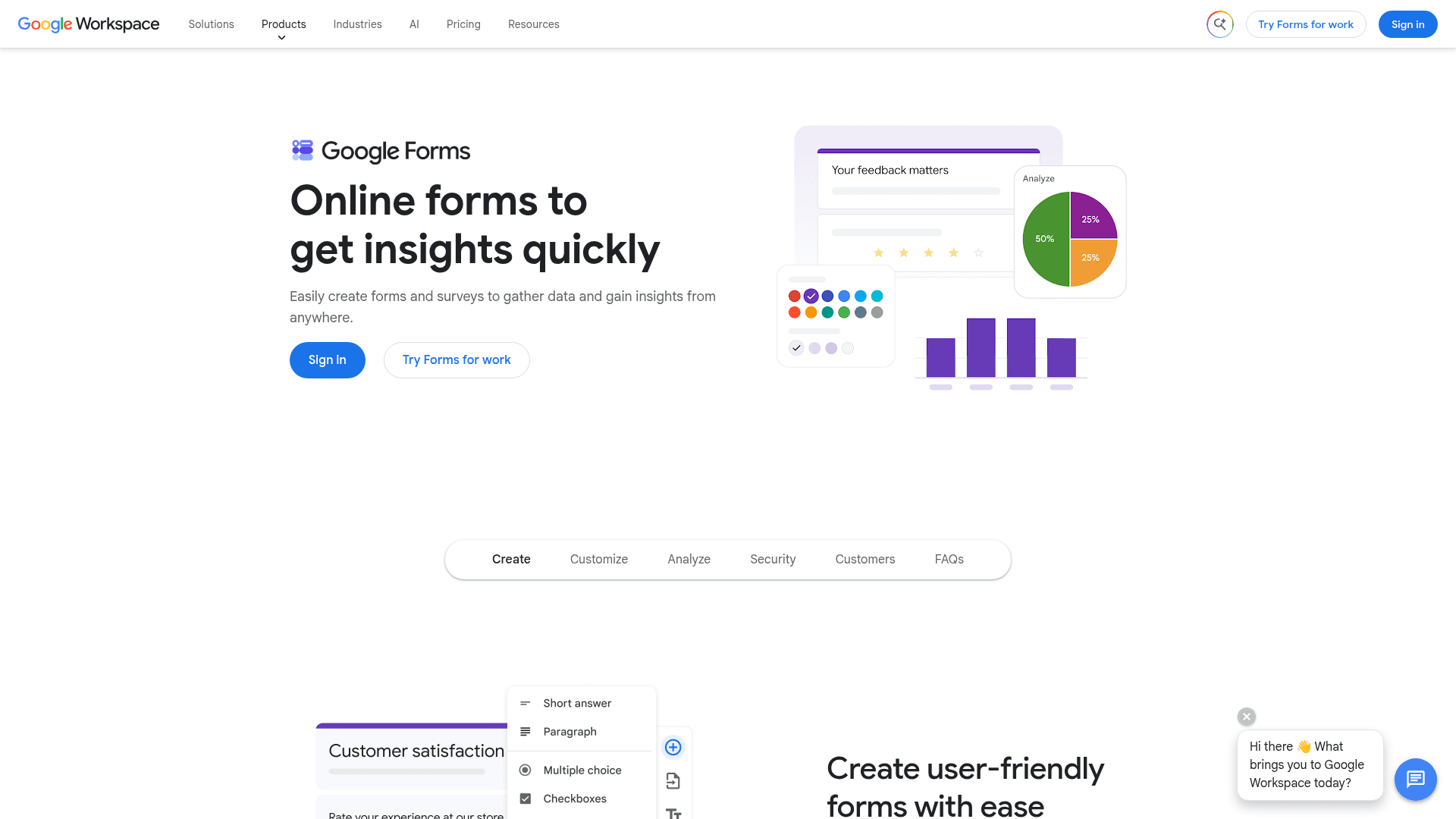
Google Workspace can be configured for HIPAA, and Forms is among the covered services when your administrator has accepted Google's BAA and enabled the right controls.
For a practice already paying for Workspace, that makes compliant internal forms free at the margin, which nothing else here can match.
Workspace Business Starter is $7 per user a month on an annual basis, Standard is $14, and Plus is $22. Consumer Google accounts are not covered.
| Strengths | Weaknesses |
|---|---|
| Covered under Google Workspace's BAA when configured | Requires administrator configuration and an accepted BAA |
| No extra cost for existing Workspace customers | Consumer accounts are not covered |
| Results flow into Sheets | Very limited design control |
| Familiar to every member of staff | Skip-to-section logic only |
| Plan | What you get |
|---|---|
| Free | $0 with a consumer Google account. Not covered by a BAA |
| Workspace Business Starter | $7/user/mo, annual basis. BAA available |
| Workspace Business Standard | $14/user/mo, annual basis |
| Workspace Business Plus | $22/user/mo, annual basis |
Best for: practices already on Workspace that need compliant internal forms.
The catch: a personal Google account is never covered, so the free version most people reach for cannot carry PHI.
G2 rating: Google Forms has no standalone G2 profile. The 4.6/5 from 48,175 reviews quoted elsewhere covers Google Workspace as a whole.
11. Formester, for the non-clinical forms in the same practice
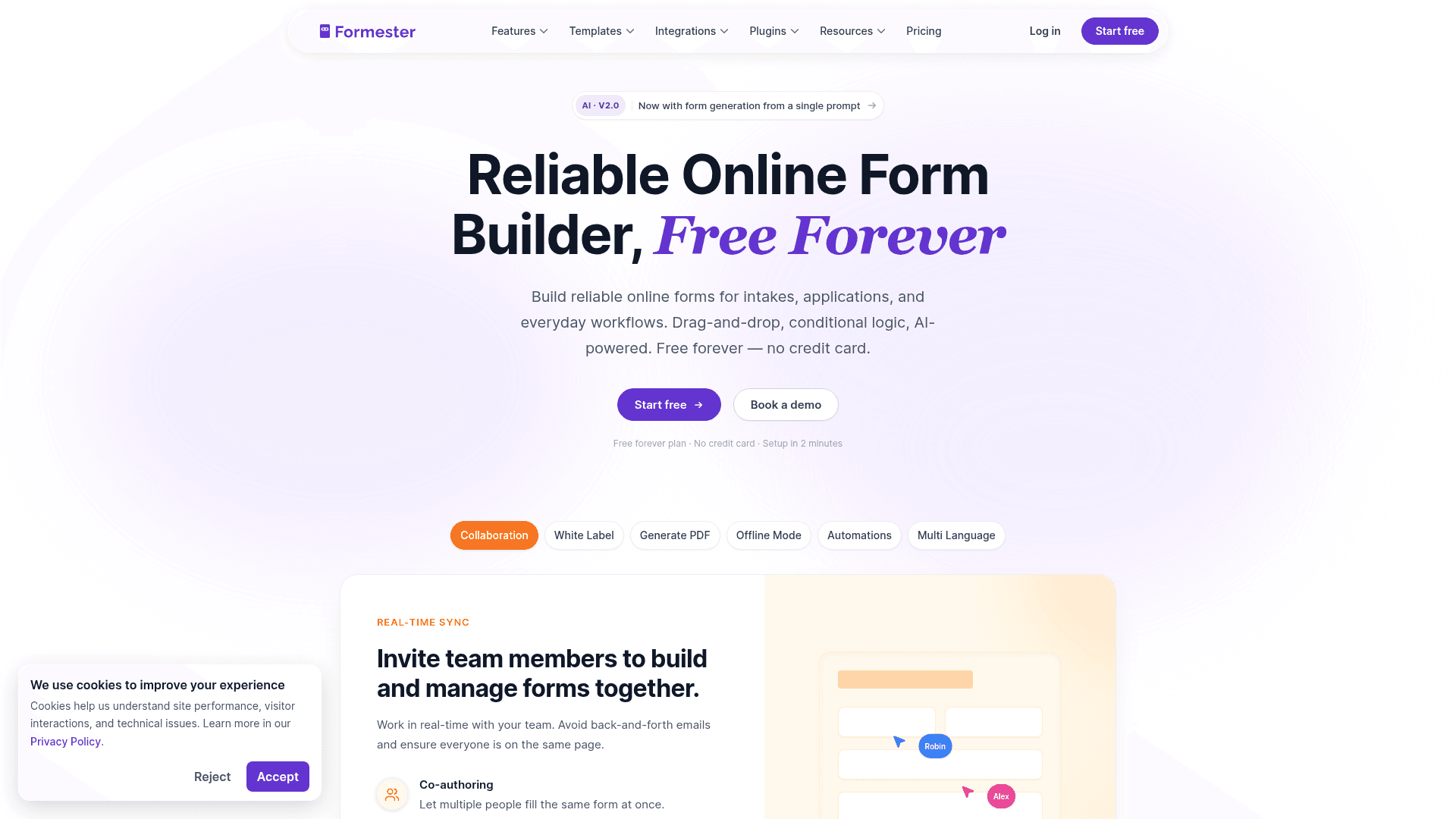
Formester does not offer HIPAA and does not sign BAAs. It cannot carry protected health information, and no configuration changes that.
It appears in this list because most practices run two kinds of forms. The clinical ones need a compliant tool from the tiers above. The other ones, event RSVPs, patient education sign-ups, staff feedback and donation pages, do not.
For those, paying $129 a month for a HIPAA tier is money spent on protection you are not using. Formester covers them free, with unlimited responses and payments included.
| Strengths | Weaknesses |
|---|---|
| Unlimited forms and responses on the free plan | No HIPAA and no BAA on any tier |
| Payments and e-signature included free | Cannot be used for protected health information |
| 25 seats on Business at $49/mo | No clinical templates |
| No cost for non-PHI forms alongside a compliant tool | 14 G2 reviews, a small sample |
| Plan | What you get |
|---|---|
| Free | $0. Unlimited forms and responses. Not for PHI |
| Personal | $13/mo ($12/mo billed yearly). Not for PHI |
| Business | $49/mo ($45/mo billed yearly). Not for PHI |
Best for: the non-clinical forms a practice runs alongside its compliant ones.
The catch: it is not a HIPAA form builder. If a form will ever touch patient health information, use one of the compliant tools above instead.
G2 rating: 4.7/5, from 14 reviews. High score, small sample; read it as an early signal.
12. Paperform Business, best-looking forms without HIPAA
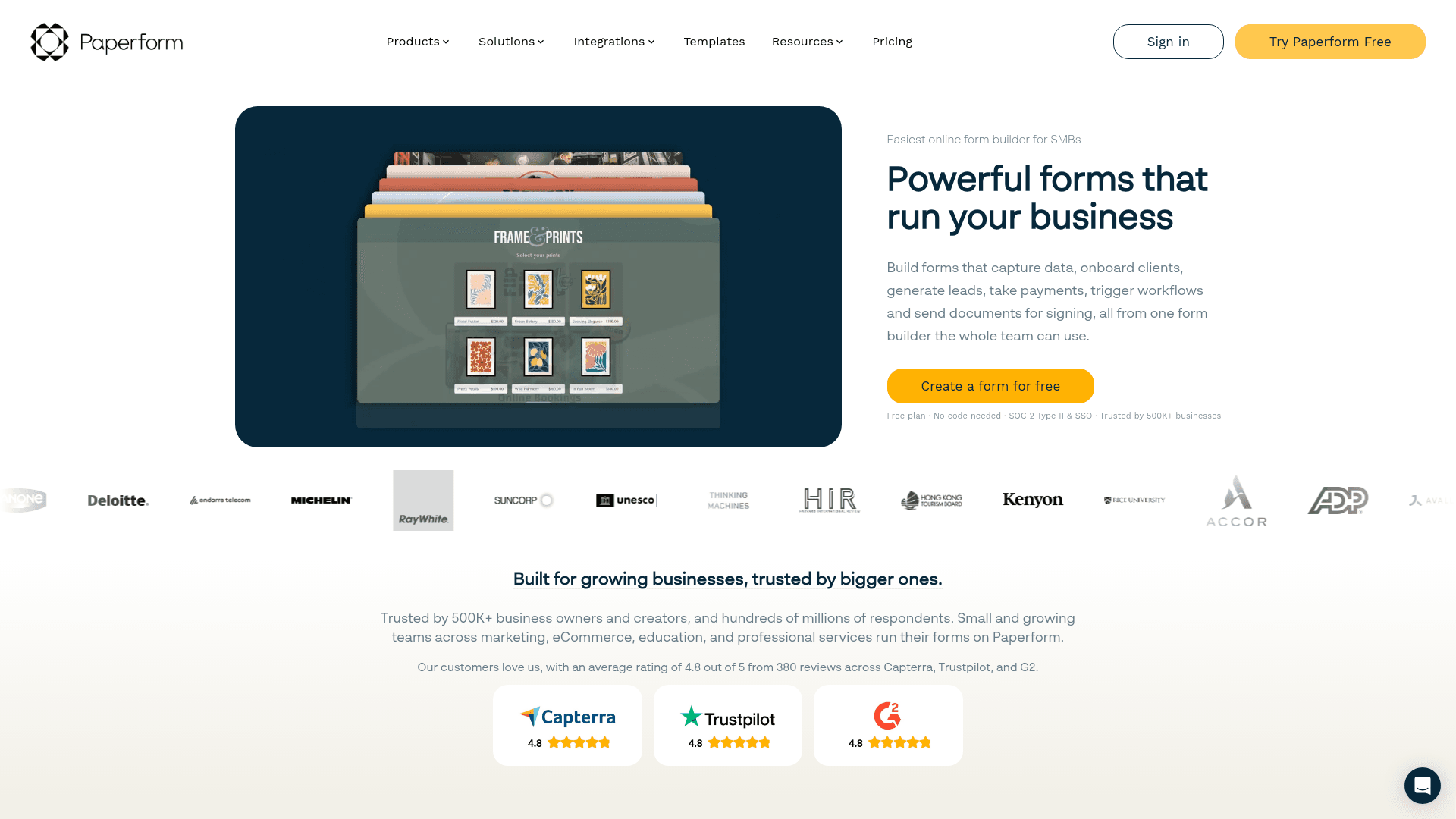
Paperform makes the most attractive forms in this comparison, and for patient-facing communication that is worth something.
It does not, however, offer HIPAA or sign BAAs, so it sits in the same category as Formester here: good for the forms around the clinical work rather than the clinical work itself.
Business costs $129 a month on monthly billing, or $99 billed yearly, which is the same headline as Jotform Gold without the compliance.
| Strengths | Weaknesses |
|---|---|
| Best-designed forms in this list | No HIPAA and no BAA |
| Payments and scheduling built in | Costs the same as compliant alternatives |
| Highest G2 score here at 4.8/5 | No permanent free plan |
| Custom domain from the Pro plan | Advertised prices are the annual rates |
| Plan | What you get |
|---|---|
| Free | No free plan; a 14-day trial is offered |
| Essentials | $29/mo ($24/mo billed yearly) |
| Pro | $59/mo ($49/mo billed yearly) |
| Business | $129/mo ($99/mo billed yearly). No HIPAA |
Best for: patient-facing non-clinical forms where design matters.
The catch: Business costs $129 a month, exactly what Jotform Gold costs with a BAA. If you need compliance, that comparison is decisive.
G2 rating: 4.8/5, from 86 reviews, the highest score in this comparison.
13. Zoho Forms Premium, cheapest compliant tier here
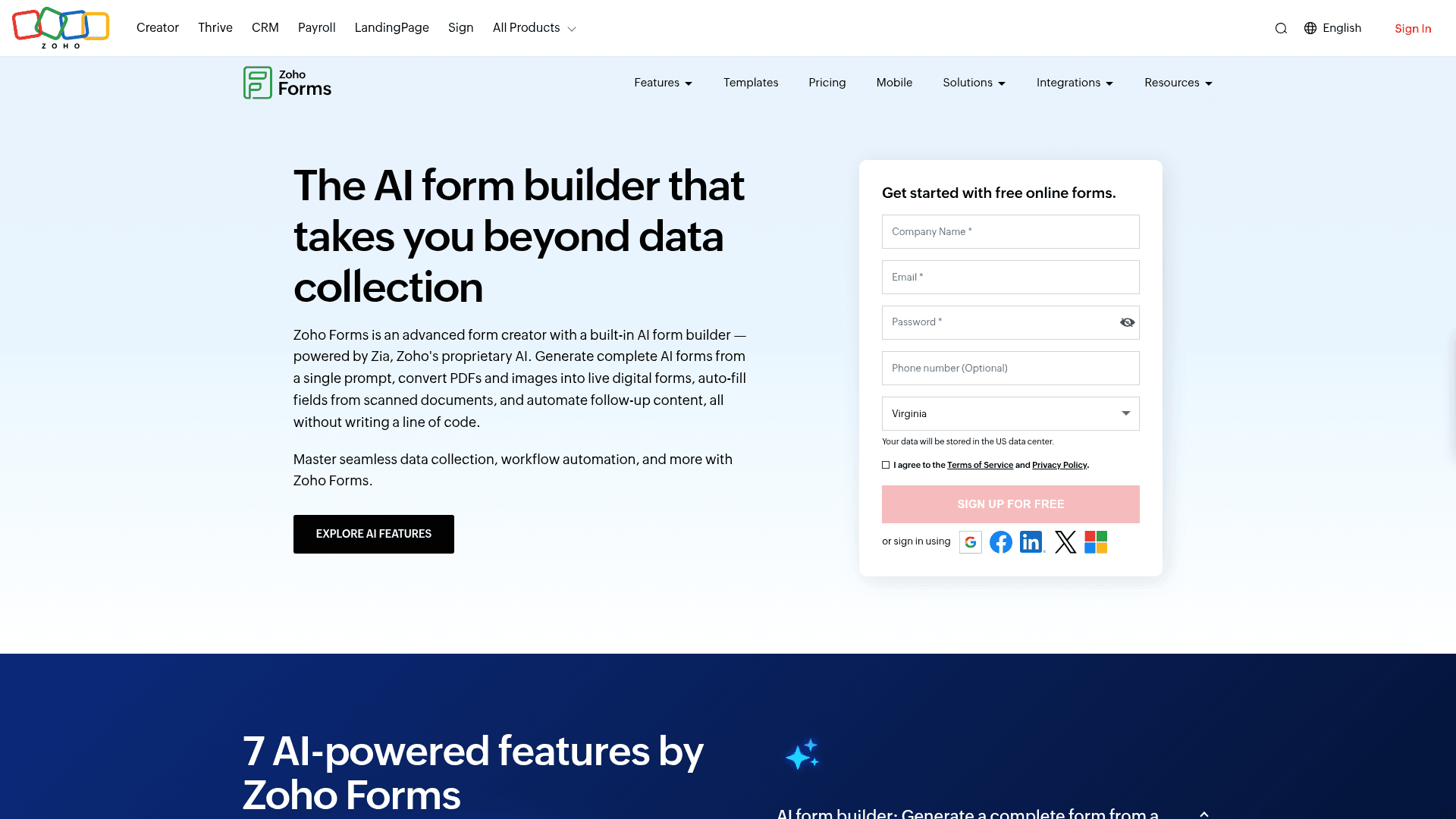
Zoho Forms offers HIPAA compliance on its Premium plan, which at $90 a month billed annually is the cheapest compliant tier in this comparison.
For practices already inside the Zoho suite, submissions also route into Zoho CRM and the rest of the stack without extra integration work.
The tiers below Premium do not carry HIPAA, so Basic at $10 and Standard at $25 are not options for PHI regardless of how the forms are configured.
| Strengths | Weaknesses |
|---|---|
| Cheapest HIPAA tier in this list at $90/mo | Only sensible inside the Zoho ecosystem |
| Routes into the Zoho suite natively | Interface feels dated |
| Offline mobile apps included | HIPAA only on the top Premium tier |
| Approval workflows on paid tiers | Prices are the annual-billed rates |
| Plan | What you get |
|---|---|
| Free | $0. 3 forms, 500 submissions/mo. No HIPAA |
| Basic | $10/mo billed annually. No HIPAA |
| Standard | $25/mo billed annually. No HIPAA |
| Professional | $50/mo billed annually. No HIPAA |
| Premium | $90/mo billed annually. HIPAA compliance available |
Best for: Zoho-based practices needing the lowest-cost compliant option.
The catch: the value depends on already using Zoho. Outside it, you are adopting a dated builder to save $39 a month against Jotform Gold.
G2 rating: 4.4/5, from 129 reviews, at the lower end of this list.
14. Typeform Enterprise, best patient experience

Typeform's one-question-at-a-time format genuinely helps with long patient questionnaires, where a wall of clinical questions causes abandonment.
HIPAA is available only on Enterprise, which is quoted rather than published, so the published tiers cannot carry PHI at any price.
Those published tiers run $39, $79, and $129 a month, and none of them includes a BAA.
| Strengths | Weaknesses |
|---|---|
| Best patient-facing experience here | HIPAA only on quoted Enterprise plans |
| Higher completion on long questionnaires | Published tiers carry no BAA |
| HIPAA available on Enterprise | Highest cost per response in this list |
| Strong drop-off analytics | Response caps on every published tier |
| Plan | What you get |
|---|---|
| Free | $0. 10 responses/mo. No HIPAA |
| Basic | $39/mo ($28/mo billed yearly). No HIPAA |
| Plus | $79/mo ($56/mo billed yearly). No HIPAA |
| Business | $129/mo ($91/mo billed yearly). No HIPAA |
| Enterprise | Custom pricing. HIPAA and BAA available |
Best for: organisations where patient completion rates justify enterprise pricing.
The catch: no published plan carries a BAA, so compliant use always means a quoted Enterprise contract.
G2 rating: 4.5/5, from 1,017 reviews. A large base, with cost the common complaint.
For the non-clinical forms in the same practice
Formester is not a HIPAA form builder and we do not sign BAAs. For patient education, event RSVPs, marketing surveys and non-PHI donation collection in the same shop, our free plan runs unlimited forms with GDPR + CCPA scope at a fraction of the HIPAA-tool cost.
Not for PHI intake • Non-clinical forms only • Free forever plan
How to pick the right HIPAA form builder
Start with the BAA, not the features. If a vendor will not sign one, the tool cannot carry protected health information no matter how secure its marketing sounds. That question alone eliminates most form software.
Among the tools that will sign, cost separates them sharply. Jotform Gold at $129 a month is the cheapest self-serve route, Zoho Forms Premium is $90 a month billed annually if you already use Zoho, and everything else either quotes or runs higher.
Then check whether you already own compliance. Organisations on Microsoft 365 or Google Workspace with correctly configured tenants may already be covered, which makes compliant internal forms free at the margin.