
Quotes Templates
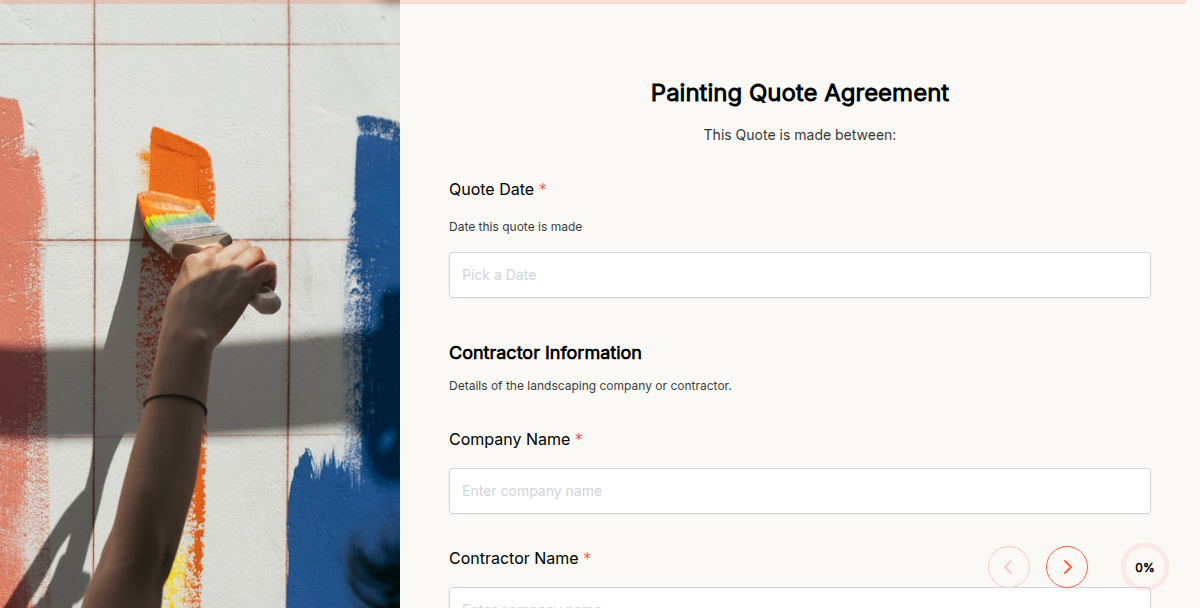
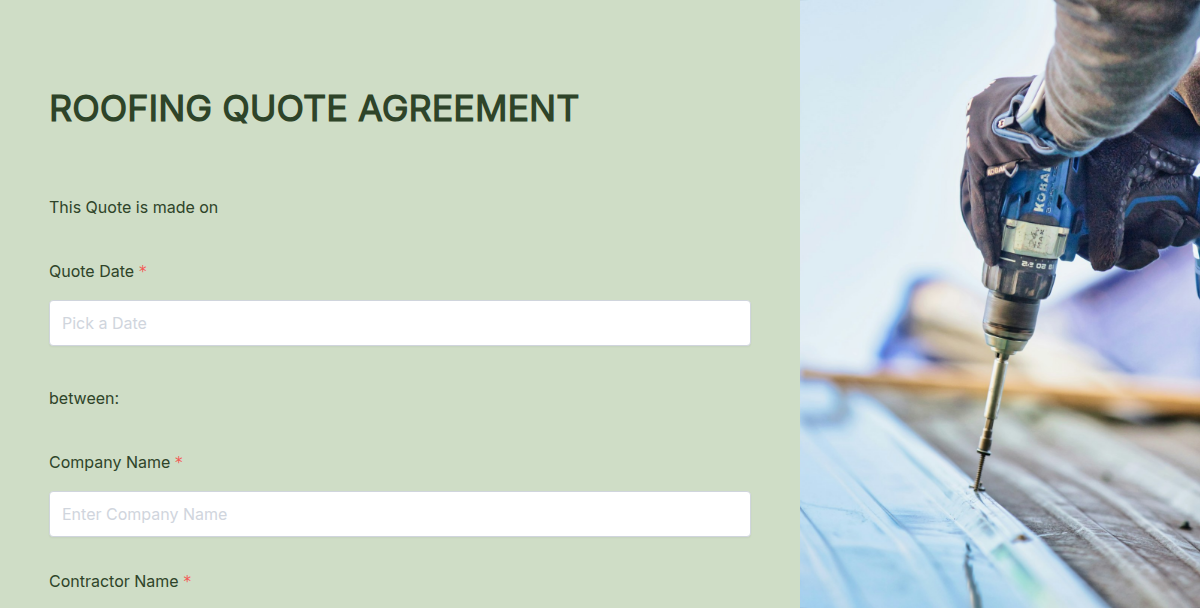
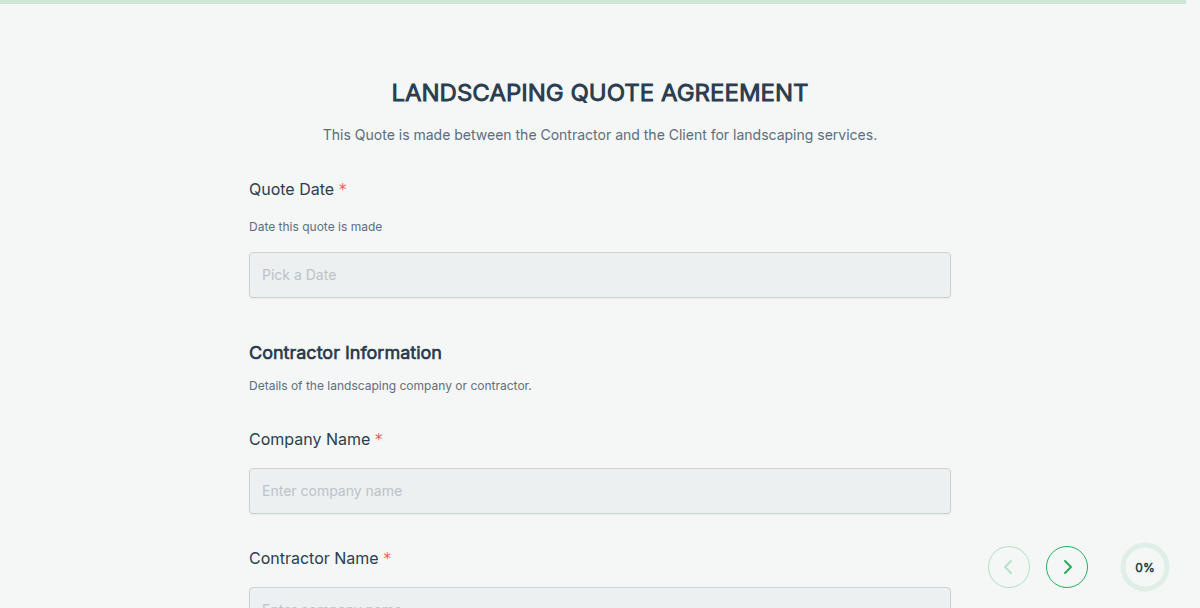
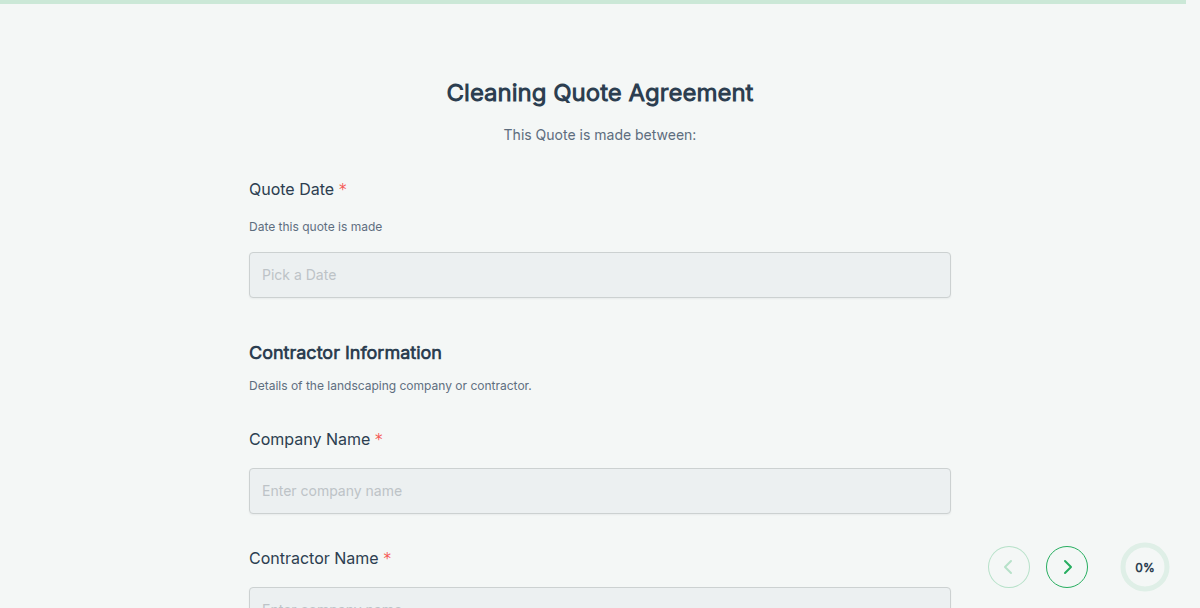
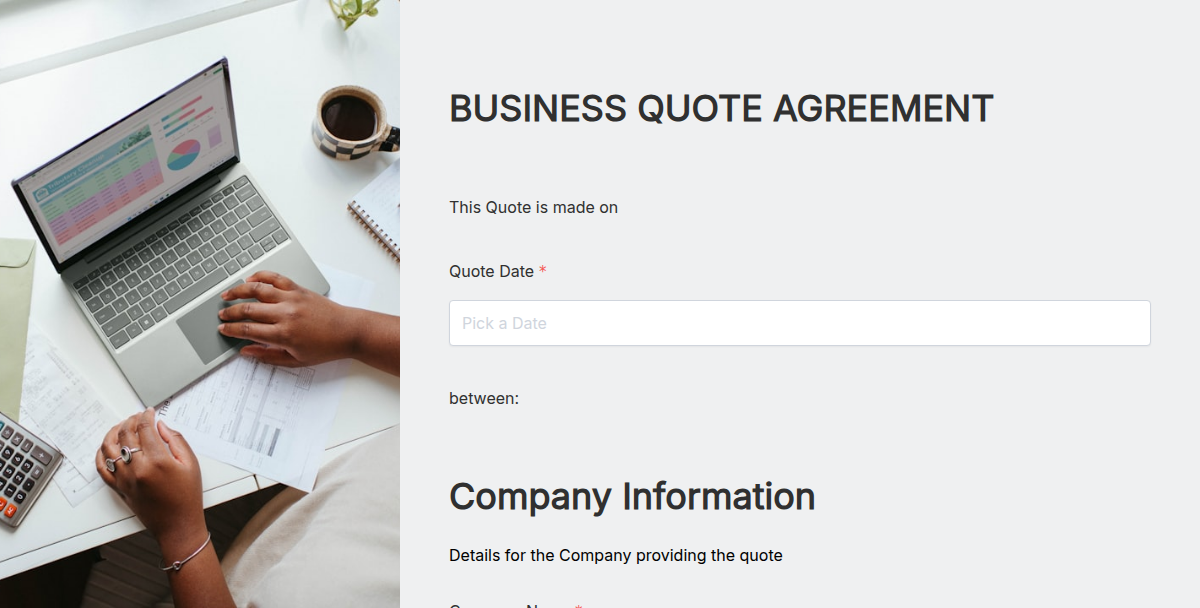
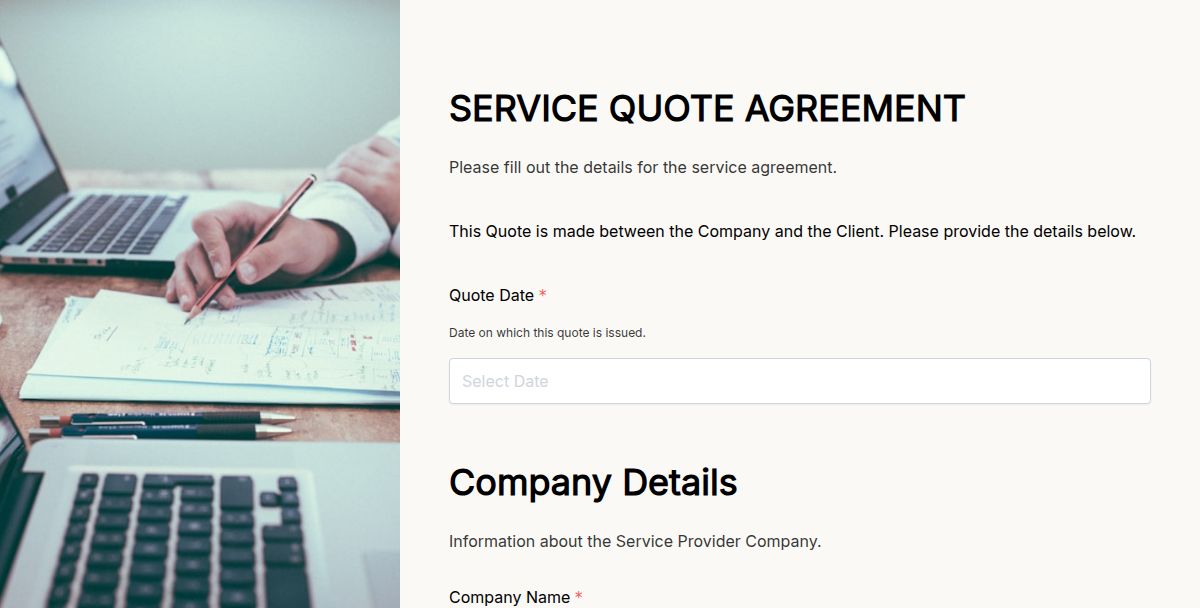
Turn client requests into professional, ready-to-share quote PDFs without any manual formatting.
Creating quotes manually takes time, especially when you do it again and again for different clients, projects, or services. You might forget to update details, miscalculate costs, or waste hours copying text and adjusting layouts.
Formester’s quote templates remove all that friction. Just set up your form once, share the link, and every response instantly generates a polished PDF quote. No more starting from scratch or struggling with messy spreadsheets.
These templates are perfect for contractors, freelancers, agencies, service providers, and small businesses that need to send quotes quickly and look professional every time.
What is a Quote Form Template?
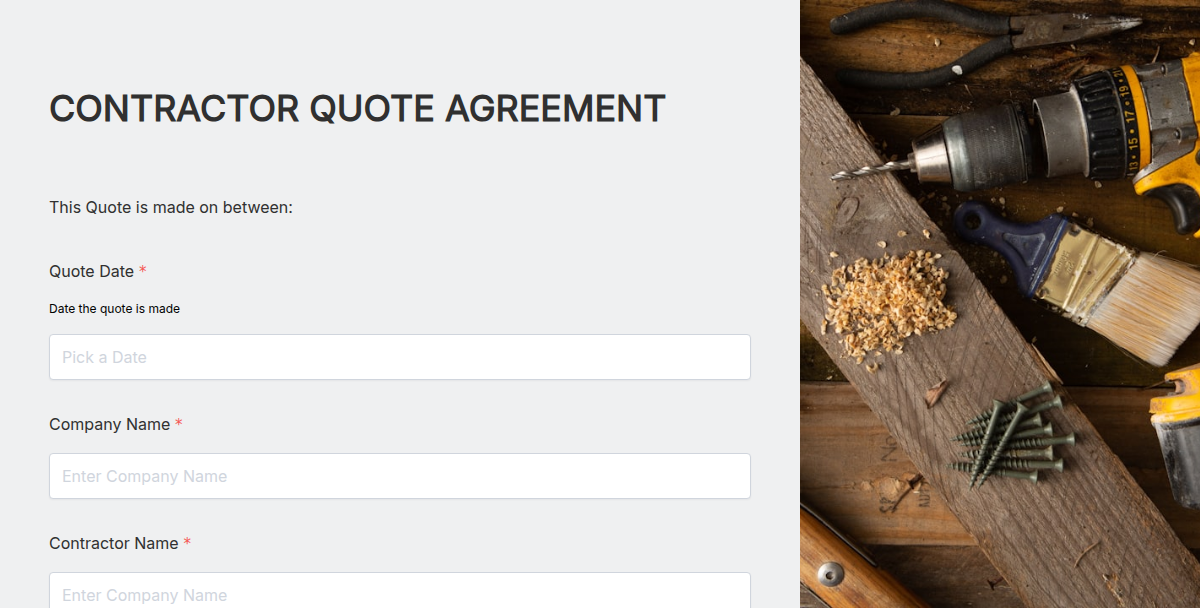
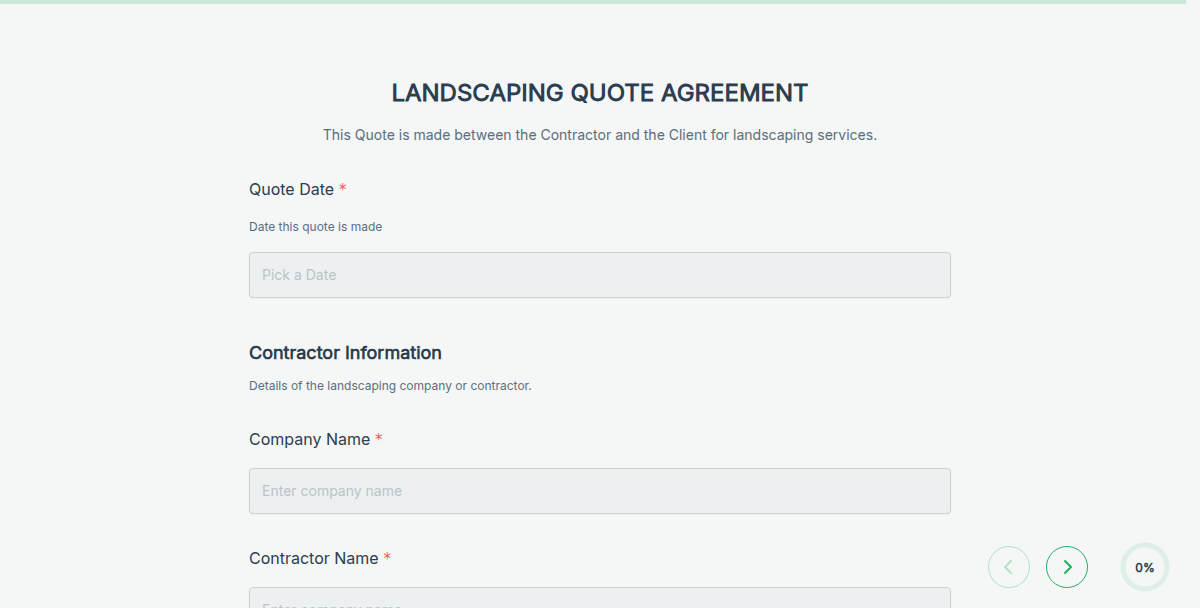
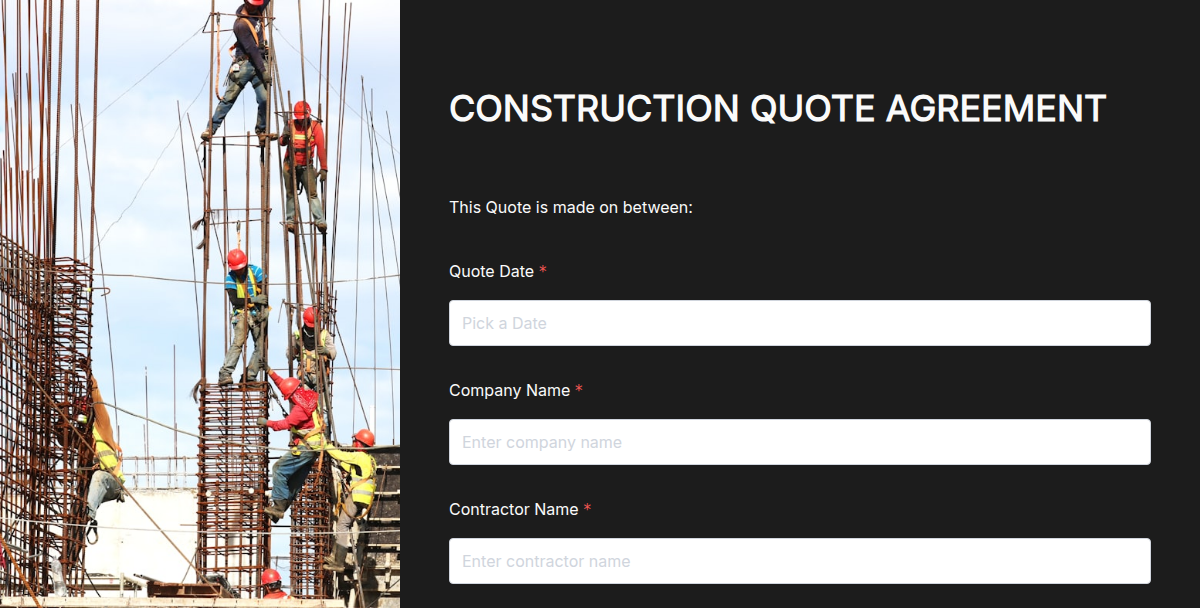
A quote form template is a fillable form connected to a custom PDF. It collects details from a client such as project scope, requirements, or timelines, and automatically produces a completed quote document.
Whether you are sending service quotes, construction estimates, or product pricing, this template handles the formatting for you. All you need to do is share the form and let Formester generate the final PDF.
Why Use Quote Form Templates?
Save hours preparing and formatting new quotes.
Avoid errors from manual copy-paste or outdated templates.
Generate consistent, branded PDFs every time.
Keep your process fast, professional, and organized.
Store all quotes in one place, ready to download.
If you send quotes for your business, these templates make the process faster, cleaner, and more reliable.
How to Use the Templates
Select a quote form template.
Click Use Template.
Customize it with your services, pricing, and default values.
Fill out your part of the quote in the form builder.
Publish and share the form link with your client.
Wait for them to respond.
Go to Results, click the three dots, and download the completed PDF quote.
Want to Upload Your Own PDF?
Prefer your own quote design? You can connect any PDF to your form.
Create your quote layout in a tool like Canva.
Build a form in Formester using the AI form generator to save time.
Go to the Advanced tab in the builder and enable Connect to PDF.
Open the PDF Editor and upload your file.
Click Add Elements.
Type in your labels or use @ to insert form fields into your PDF layout.
Key Features
Add e-signature options directly to the PDF.
Use auto calculations for totals, taxes, or discounts.
Place fields exactly where you want inside the PDF.
Trigger automatic email responses after submission.
FAQs
1. Can I use these for construction, catering, or service quotes?
Yes. You can adapt these templates for any type of business quote by customizing fields and text.
2. Will my client see my internal cost breakdowns?
Only if you include them in the visible form. You control what your client sees and fills out.
3. Can I add taxes or discounts automatically?
Yes. Use calculation fields to generate totals with tax and discounts applied.
4. Can I keep the look of my own branded quote design?
Yes. Upload your own PDF and map fields with our drag-and-drop editor.
5. Do I need to install anything to use this?
No. Everything runs online. Just log in, create your form, and download your quotes anytime.


Trending:
Lead Generation,
Event RSVP,
Product Research

All Templates
department

industry
All Industries
Apparel Forms
Art Forms
Automobile Forms
Banking And Finance Forms
Beauty And Wellness Forms
Educational Services Forms
Entertainment Forms
Environment Conservation Forms
Food And Beverage Forms
Healthcare Forms
Hospitality Forms
Information Technology Forms
Legal Forms
Logistics And Supply Chain Forms
Marketing And Advertising Forms
Publishing Forms
Real Estate Forms
Travel Forms
Ux Design Forms
purpose